Give Your SmartAPI Trading Bot a Static IP for SEBI Compliance

QuotaGuard Engineering
April 29, 2026
5 min read
Pattern

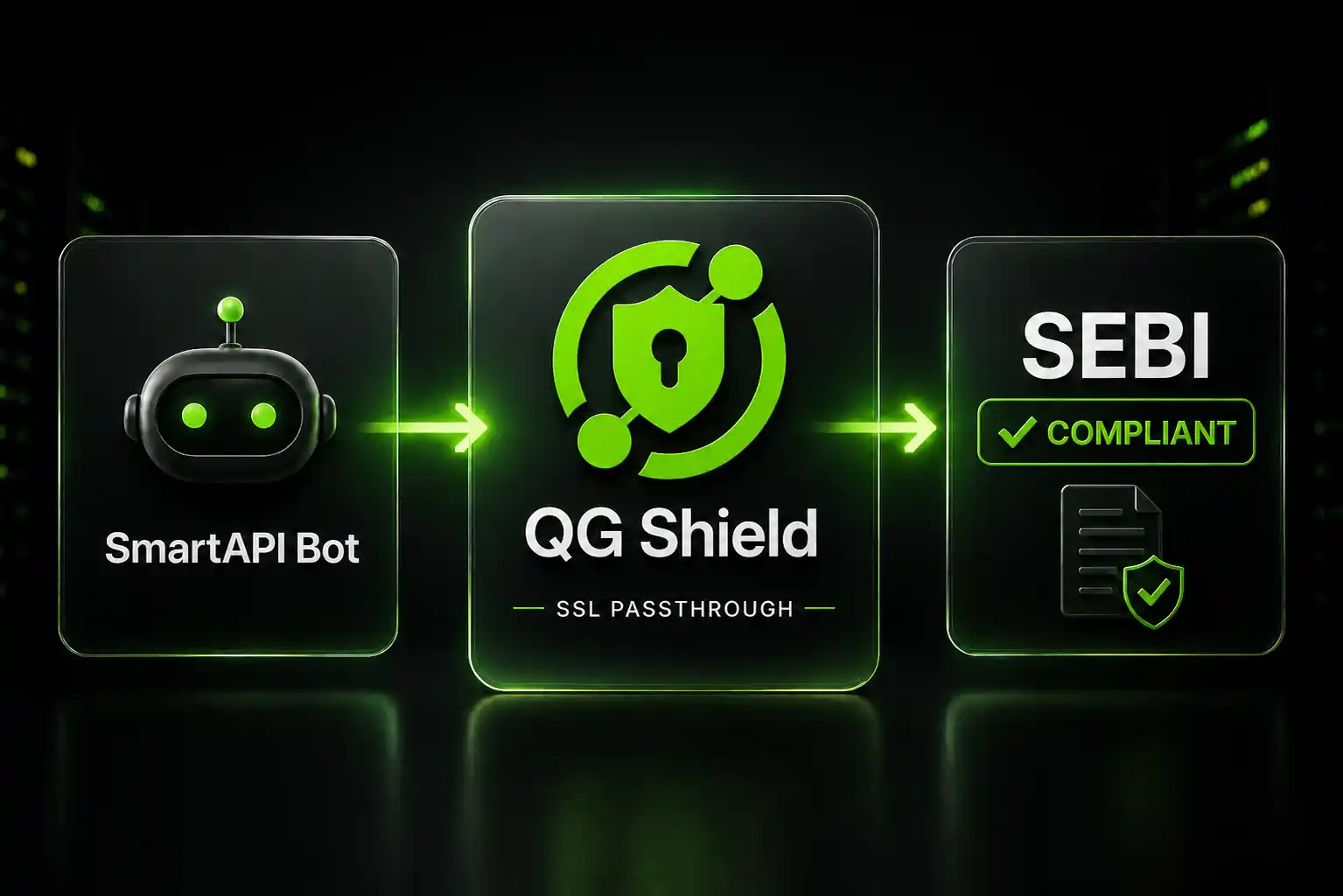
Point SmartAPI at QuotaGuard Shield, set QUOTAGUARDSHIELD_URL, and every outbound trade request leaves from the same registered static IP, anywhere you trade.

SEBI's updated algorithmic trading guidelines require developers using Angel Broking's SmartAPI to register a static IP address with the broker. The intent is audit traceability. The side effect is that retail developers and family-account traders suddenly need infrastructure that didn't matter before. A residential IP won't cut it. Your ISP changes it. Your mobile hotspot has a different one entirely. Switch networks mid-session and your registered IP no longer matches, and your API access gets blocked.

The discussion on the SmartAPI forum is full of developers hitting exactly this wall: locked to a single location, losing trades when a network blips, and staring down the cost of registering separate IPs for each family member's account.

A Static Egress Proxy Solves the Location Problem Permanently

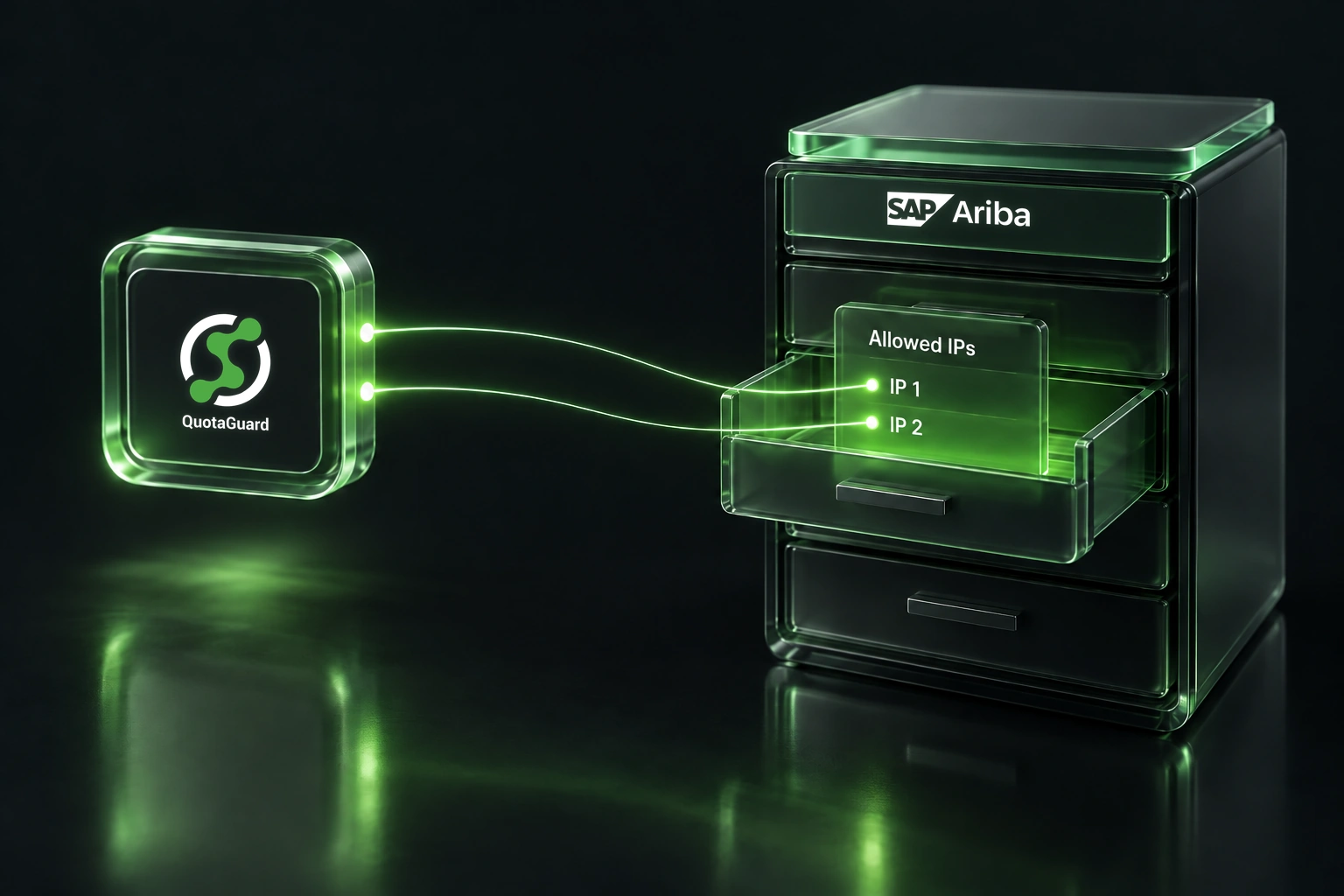
When you route your SmartAPI requests through a proxy, the IP that Angel Broking sees is the proxy's IP, not your device's IP. You register that proxy IP once. Then you can run your bot from your home network, your office, your phone's hotspot, or a cloud VM. The registered IP never changes because the proxy never changes.

That's the architecture. Your trading client talks to the proxy. The proxy makes the outbound request to SmartAPI's servers. SmartAPI sees one consistent IP. SEBI's audit trail stays clean.

QuotaGuard Shield Is the Right Product for Financial Data

SmartAPI transmits your credentials, your order parameters, and your portfolio data. That's financial data. It belongs in the Shield category, not the generic proxy category.

QuotaGuard Shield uses SSL passthrough. Your TLS connection runs end-to-end between your trading bot and Angel Broking's API. QuotaGuard routes the packets but never decrypts them. No third party sees your order flow or your account credentials. That matters for PCI-DSS and general data hygiene, and it matters even more when you're trading with family members' accounts where the data is not just yours.

QuotaGuard Static is the right product for most use cases, but for financial data and regulated trading infrastructure, Shield is the correct choice.

The Setup Takes 2 Minutes: One Environment Variable

QuotaGuard tip: set the proxy at the HTTP client level in your code, not at the OS level. It's faster to configure, easier to scope to just your SmartAPI calls, and it travels with your code if you ever deploy to a cloud VM.

Here's a Python example using the popular requests library, which most SmartAPI developers already use:

import os
import requests

# Set QUOTAGUARDSHIELD_URL in your environment before running
# Format: https://username:password@us-east-shield-01.quotaguard.com:9294

proxy_url = os.environ.get("QUOTAGUARDSHIELD_URL")

proxies = {
    "https": proxy_url,
}

# All SmartAPI calls go through the proxy
session = requests.Session()
session.proxies.update(proxies)

# Example: login to SmartAPI
response = session.post(
    "https://apiconnect.angelbroking.com/rest/auth/angelbroking/user/v1/loginByPassword",
    json={
        "clientcode": "YOUR_CLIENT_CODE",
        "password": "YOUR_PASSWORD",
    },
    headers={
        "Content-Type": "application/json",
        "Accept": "application/json",
        "X-UserType": "USER",
        "X-SourceID": "WEB",
        "X-ClientLocalIP": "CLIENT_LOCAL_IP",
        "X-ClientPublicIP": "CLIENT_PUBLIC_IP",
        "X-MACAddress": "MAC_ADDRESS",
        "X-PrivateKey": "YOUR_API_KEY",
    }
)

print(response.json())

Set your QUOTAGUARDSHIELD_URL environment variable to the URL from your QuotaGuard dashboard. It looks like https://username:password@us-east-shield-01.quotaguard.com:9294. Pick the region closest to Angel Broking's servers. Their infrastructure is India-based, so ap-south (Mumbai) is the right choice:

export QUOTAGUARDSHIELD_URL="https://username:password@ap-south-shield-01.quotaguard.com:9294"

Now log into your QuotaGuard dashboard, copy the static IP assigned to your account, and register that IP with Angel Broking. That's the IP that never changes. Every API call your bot makes, from any network or device, will arrive at SmartAPI's servers from that address.

Multiple Family Accounts Can Register the Same QuotaGuard IP

The forum discussion raises a specific concern: if you manage trading bots for multiple family members, do you need a separate static IP per account?

If all the bots run on the same QuotaGuard account, they all share the same static IP. You register that one IP with Angel Broking for each account that uses it. There's no per-IP charge beyond your QuotaGuard plan. The Production plan handles more than enough throughput for several simultaneous bots.

Since SEBI's framework is still being interpreted by brokers, check with Angel Broking support if you want confirmation that registering one shared IP across multiple family accounts satisfies their implementation. For most setups, one QuotaGuard Shield plan covers the whole family without additional cost.

QuotaGuard Shield Pricing Starts at $29/Month

QuotaGuard Shield direct plans:

  • Starter: $29/month. Shared IP, sufficient for a single bot or light multi-account use.
  • Production: $59/month. Higher throughput, suitable for multiple simultaneous bots across family accounts.
  • Business: $109/month. For teams running more complex trading infrastructure.
  • Enterprise: $259/month. Dedicated IP. The only plan where you get an IP no other QuotaGuard customer shares.

All plans include a 3-day trial (7 days for Enterprise). Credit card required.

See full pricing at quotaguard.com/products/pricing. Learn more about QuotaGuard Shield and its SSL passthrough architecture.

QuotaGuard Static IP Blog

Practical notes on routing cloud and AI traffic through Static IPs.

Reliability Engineered for the Modern Cloud

For over a decade, QuotaGuard has provided reliable, high-performance static IP and proxy solutions for cloud environments like Heroku, Kubernetes, and AWS.

Get the fixed identity and security your application needs today.