How Do I Get a Static IP for Fly.io Apps?
Fly.io's global edge network is great for performance. It's not great when you need to connect to a database or API that requires IP whitelisting.
The problem is simple. Your Fly.io app makes an outbound request. The destination checks the source IP against an allowlist. Your IP isn't on the list because Fly.io machines use dynamic, shared IP pools. Connection refused.
This happens constantly with MongoDB Atlas, Supabase, Neon, Amazon RDS, payment gateways, and any enterprise API behind a corporate firewall. The Fly.io community forums are full of developers hitting this wall.
The good news: you have options. Fly.io now offers native static egress IPs. Third-party proxy services like QuotaGuard fill the gaps where native support falls short. This guide covers both approaches and helps you decide which fits your situation.
Quick Answer: Which Should You Use?
Both work. The rest of this guide explains the tradeoffs.
Why Fly.io IPs Are Dynamic By Default
Fly.io uses an Anycast network designed for global distribution and horizontal scaling. Machines are ephemeral. They spin up, scale out, migrate between hosts, and shut down based on demand.
This architecture means outbound traffic originates from shared IP pools that change without notice. Fly.io's own documentation states they discourage using outbound IPs to bypass firewalls because a machine's outbound IP is liable to change.
For most applications, this is fine. For applications that need to connect to IP-restricted resources, it's a blocker.
Common scenarios where you need a static IP:
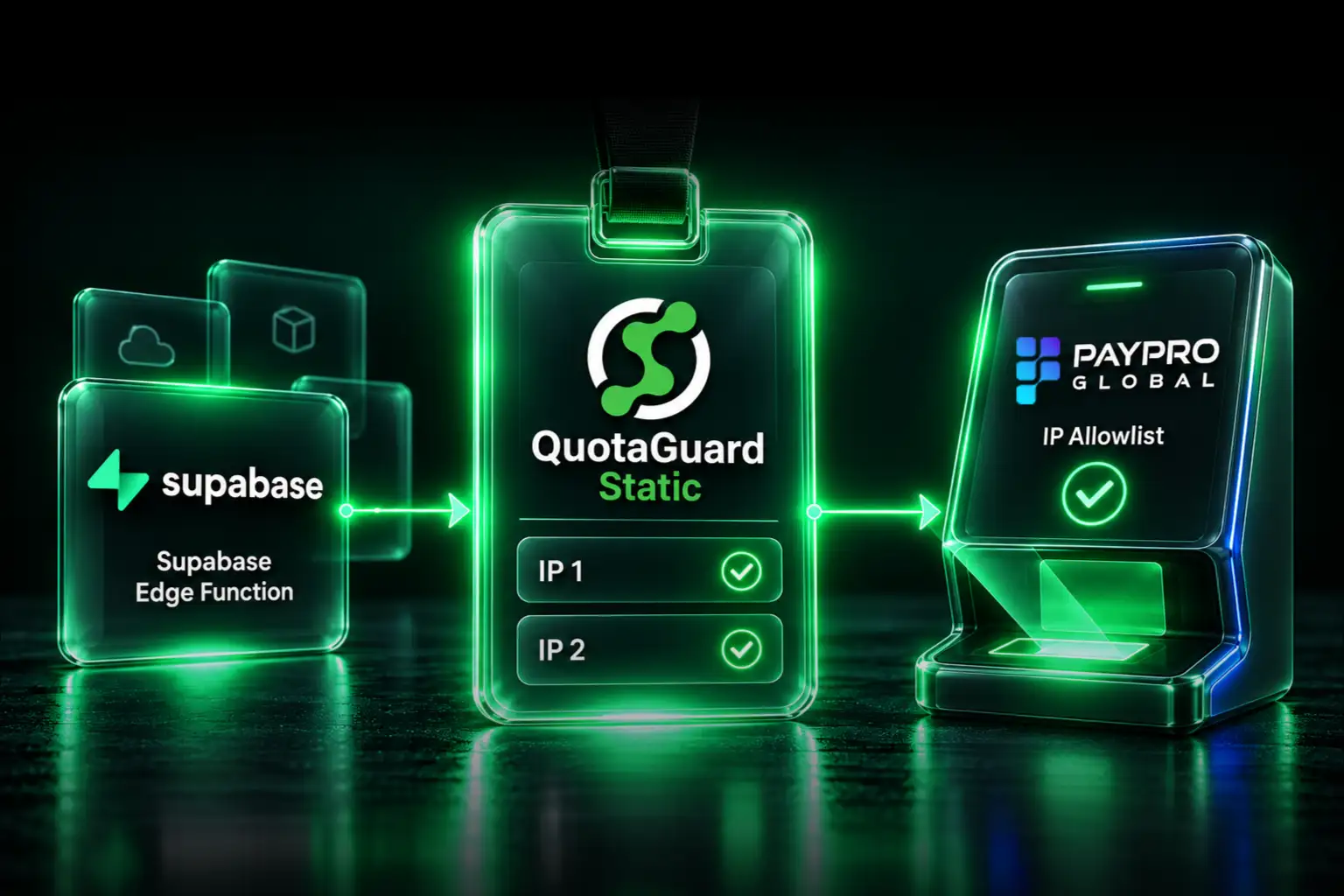
- MongoDB Atlas: Requires IP allowlisting in the Network Access settings
- Supabase/Neon: Database connection restrictions for enhanced security
- Amazon RDS: Security groups with IP-based rules
- Payment Gateways: Banking APIs that only accept requests from registered IPs
- Partner APIs: Corporate firewalls that require known source addresses
- Legacy Systems: On-premise databases and ERPs with strict firewall policies
Option 1: Fly.io Native Static Egress IPs
Fly.io launched app-scoped static egress IPs in late 2024. This is now the recommended native approach.
How It Works
Allocate a static egress IP for your app in a specific region:
This gives you a dedicated IPv4 and IPv6 pair for outbound traffic from machines in that region. The IPs persist across deployments and machine restarts.
Pricing
$3.60 per month per IPv4 address. IPv6 is included. You need one IP per region where you have machines.
View Your Egress IPs
Limitations
Native egress IPs work well for straightforward HTTP/HTTPS requests. But there are constraints you should know before committing:
Per-Region Requirement: You need a separate static IP for each region. If your app runs in iad, ams, and sin, that's three IPs at $10.80/month total. Machines can only use egress IPs allocated in their own region.
64 Machine Limit: Each static egress IP supports up to 64 machines. If you scale beyond that, you need additional IPs.
Connection Limits: 1,024 concurrent connections per destination IP address. Most apps won't hit this, but high-throughput integrations might.
Deployment Delays: There can be delays when egress IPs are applied to new machines. This is more noticeable during blue-green deployments or rapid scaling.
Primarily HTTP/HTTPS: The native egress works well for web requests. For raw TCP connections like database protocols, you may need additional configuration. Fly.io's documentation mentions that protocols like Postgres may be possible with extra work, such as using SOCKS5 proxies, haproxy in TCP mode, or socat.
Reliability Reports: Some developers have reported intermittent issues. One user noted their egress IP sometimes not working 100% with third-party APIs. Another found outbound traffic using IPv6 instead of their assigned static IPv4. These edge cases may be resolved as the feature matures.
When Native Egress Is Sufficient
Native static egress IPs work well if:
- Your app runs in a single region
- You're making HTTP/HTTPS requests to APIs
- You have fewer than 64 machines
- You don't have strict compliance requirements (HIPAA, PCI)
Option 2: Third-Party Static IP Proxy
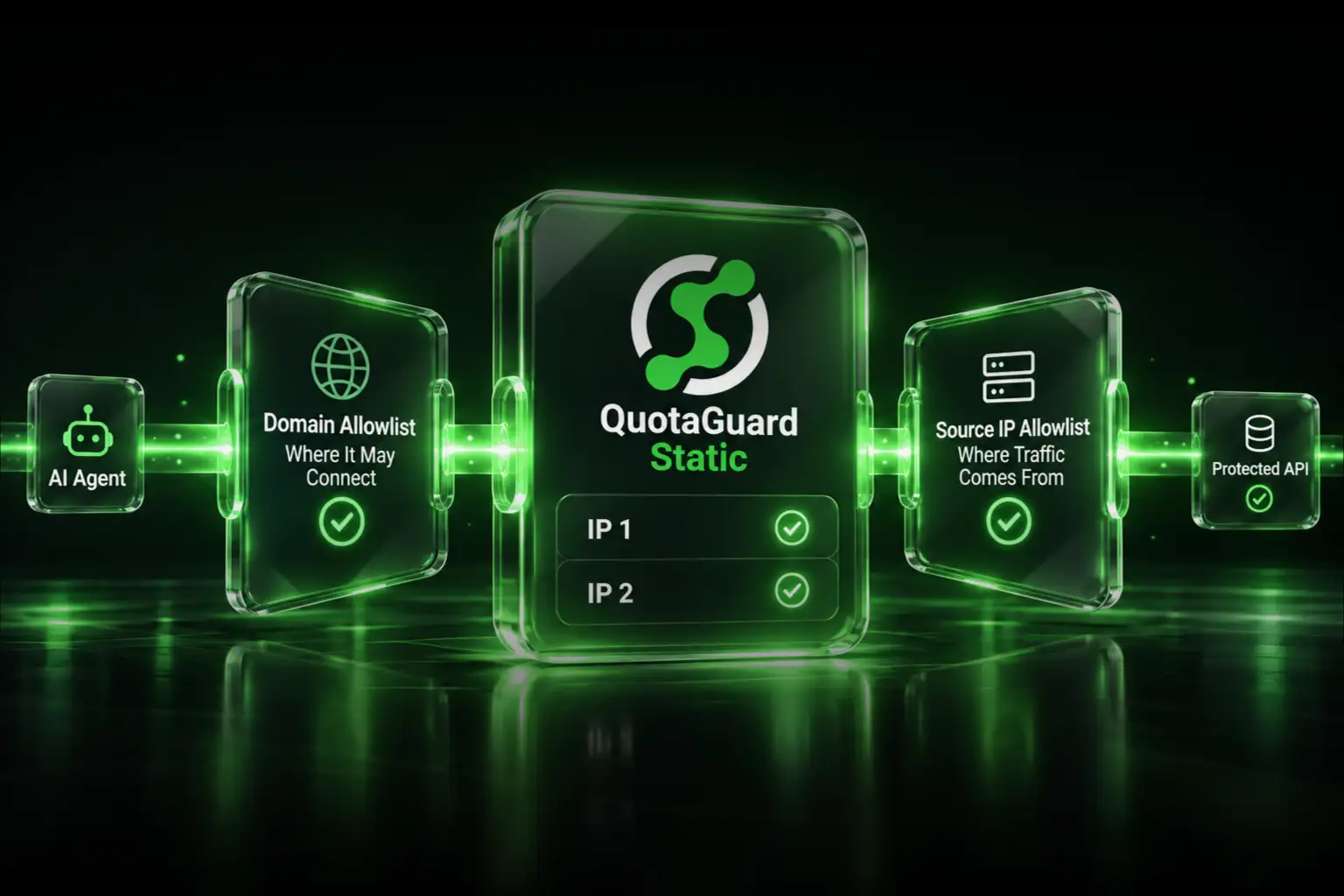
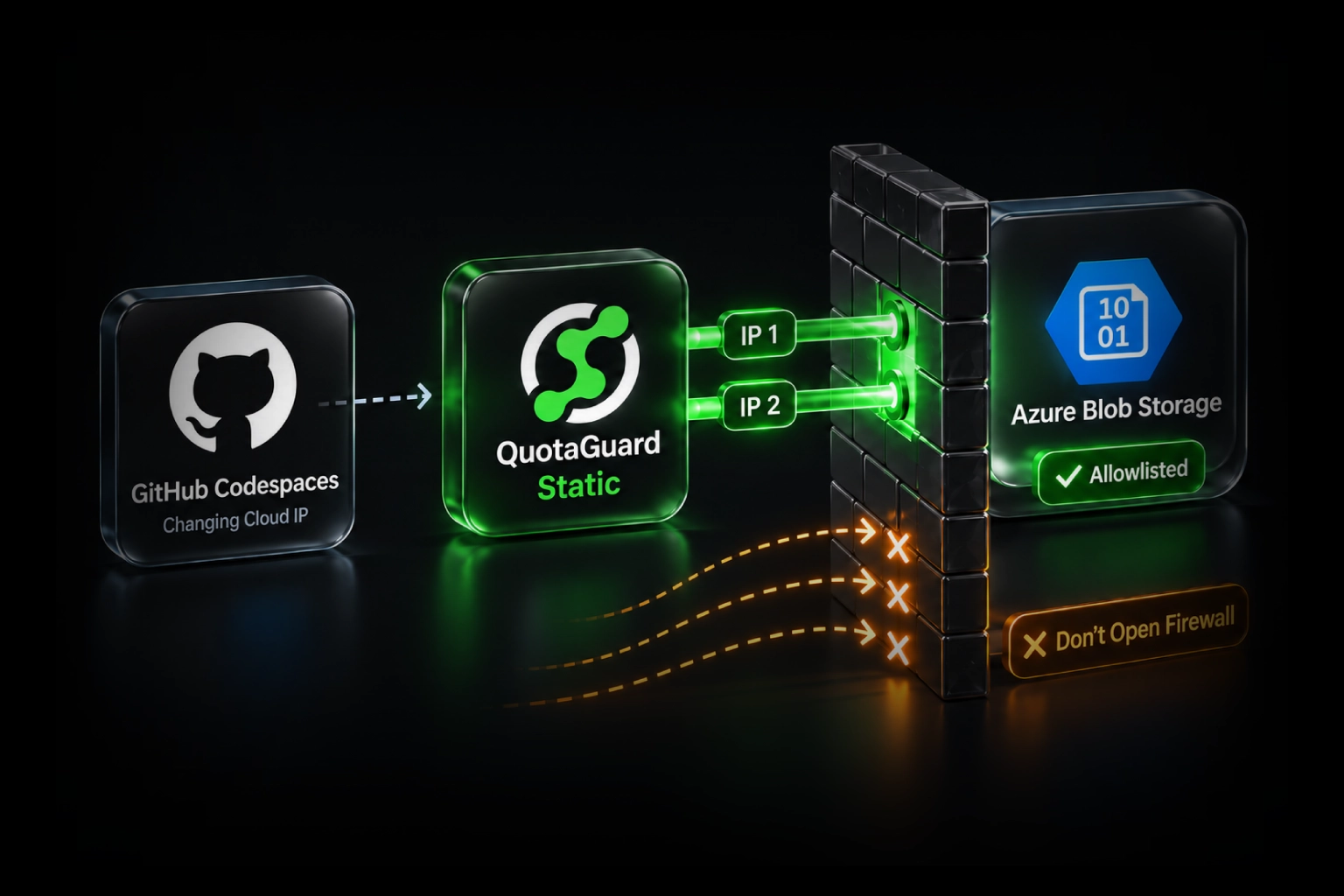
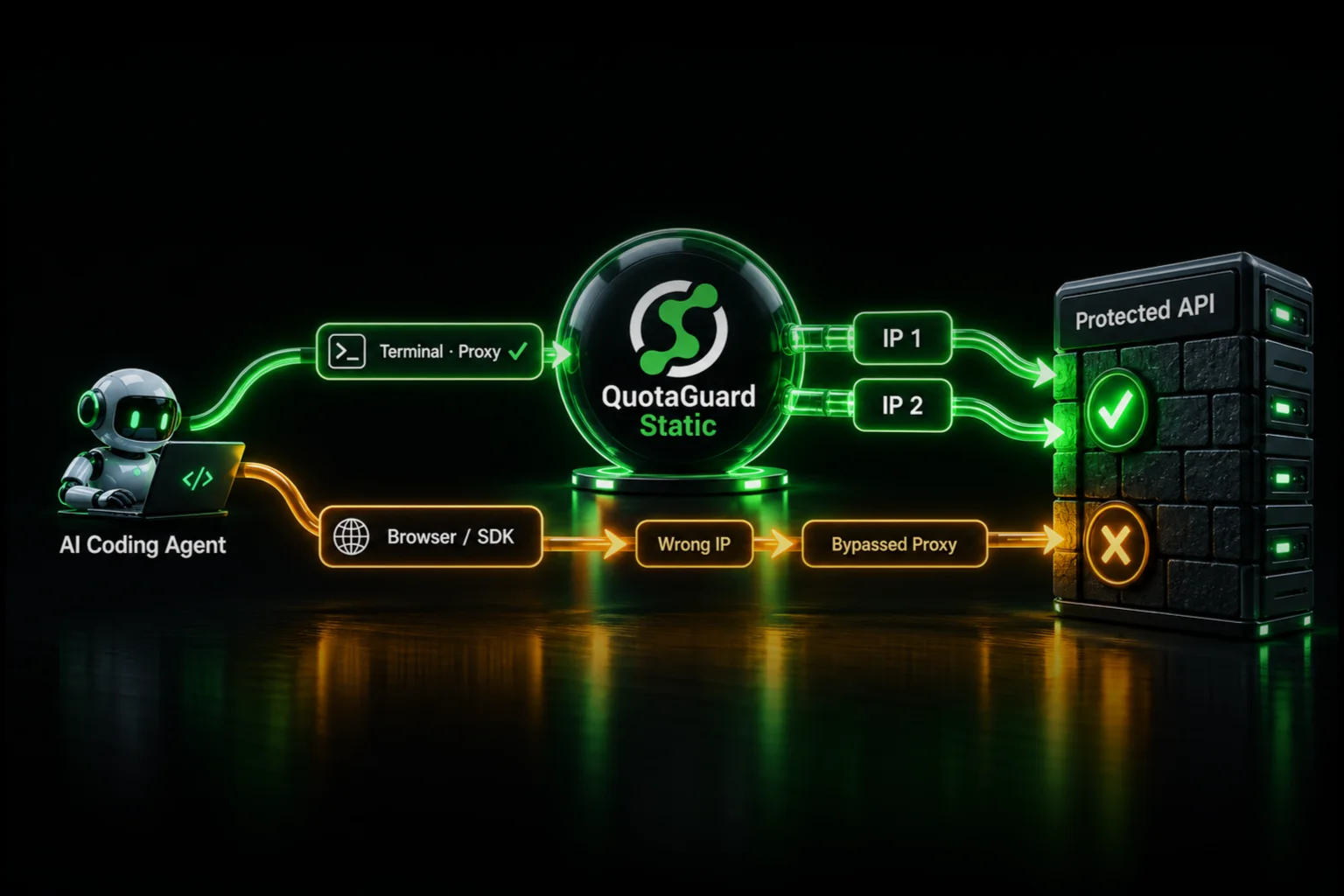
When native egress falls short, a third-party proxy service provides a more robust solution. You route outbound traffic through the proxy, and it exits from a static IP that you can whitelist anywhere.
When You Need a Third-Party Proxy
Database Connections: MongoDB, PostgreSQL, MySQL, and other databases use raw TCP protocols. Routing these through a SOCKS5 proxy is simpler than configuring Fly.io's native egress for non-HTTP traffic.
Multi-Region Apps with Single IP: If your app runs globally but you want partners to whitelist just one or two IPs (not one per region), a proxy consolidates your outbound identity.
Compliance Requirements: HIPAA, PCI, and SOC2 environments often require dedicated infrastructure and end-to-end encryption. Native shared egress may not satisfy auditors.
Production Reliability: Third-party proxies offer load-balanced failover, health monitoring, and guaranteed SLAs that native egress doesn't provide.
Soft Limits: Some proxy services (including QuotaGuard) use soft limits. If you exceed your plan's request count, traffic keeps flowing and you discuss an upgrade later. Your production app never goes dark because you hit a hard cap.
Setting Up QuotaGuard with Fly.io
QuotaGuard provides both HTTP and SOCKS5 proxies. For Fly.io apps, the setup is straightforward.
Step 1: Sign up and get your credentials
After creating a QuotaGuard account, you'll receive a proxy URL that looks like:
http://username:password@<your-quotaguard-proxy-host>:9293You'll also get your two static IPs. Both IPs are load-balanced, so whitelist both on your destination service.
Step 2: Add the credentials to Fly.io secrets
fly secrets set QUOTAGUARDSTATIC_URL="http://username:password@<your-quotaguard-proxy-host>:9293"For SOCKS5 connections (databases):
fly secrets set QUOTAGUARD_SOCKS="socks5://username:password@<your-quotaguard-proxy-host>:9293"Step 3: Configure your application
For HTTP/HTTPS requests, most libraries support proxy configuration via environment variables or explicit settings.
Code Examples
Node.js (HTTP/HTTPS requests with node-fetch)
Python (requests library)
Elixir (HTTPoison)
Go (net/http)
Database Connections via SOCKS5
For MongoDB, PostgreSQL, or other databases that require IP whitelisting, use the SOCKS5 proxy on port 1080.
Node.js with MongoDB
Python with psycopg2 (PostgreSQL)
For PostgreSQL connections through SOCKS5, you can use PySocks:
Verifying Your Static IP
Before updating firewall rules on your destination service, confirm your Fly.io app is using the static IP:
Then from inside the machine:
The response should show your QuotaGuard static IP, not the Fly.io machine's default IP.
Which Option Should You Choose?
Use Fly.io Native Egress If:
- Single region deployment
- HTTP/HTTPS requests only
- No strict compliance requirements
- Budget is the primary concern
- You're comfortable with the current limitations
Use a Third-Party Proxy If:
- Multi-region app needing consolidated IPs
- Database connections (MongoDB, PostgreSQL, MySQL)
- HIPAA, PCI, or SOC2 compliance requirements
- Production reliability is critical
- You want soft limits instead of hard request caps
- You need dedicated support for complex integrations
Use Both Together:
Some teams use native egress for simple API calls and a proxy service for database connections and compliance-sensitive traffic. This minimizes cost while ensuring reliability where it matters most.
MongoDB Atlas: A Common Use Case
MongoDB Atlas is probably the most common reason Fly.io developers need static IPs. Here's the complete setup:
- Get your QuotaGuard static IPs from your dashboard
- In MongoDB Atlas, go to Network Access and add both IPs
- Set your Fly.io secrets with the SOCKS proxy URL
- Configure your MongoDB driver to use the SOCKS5 proxy
- Test the connection from a running Fly.io machine
The same pattern applies to Supabase, Neon, PlanetScale, or any database service with IP restrictions.
Final Notes
Fly.io's native static egress is a solid option for straightforward HTTP/HTTPS requests in single-region deployments. The $3.60/month price point makes it accessible for most projects.
For database connections, multi-region apps, or compliance-driven environments, a third-party proxy like QuotaGuard provides the flexibility and reliability that native egress doesn't yet offer.
The key is matching the solution to your actual requirements. Don't over-engineer if native egress covers your needs. Don't under-engineer if you're connecting to production databases or handling regulated data.
------------------------------------------------------------------------------------
QuotaGuard provides static IP proxy services for cloud applications. Plans start at $19/month with a free trial. See the Fly.io integration page for more details, or start your free trial.
QuotaGuard Static IP Blog
Practical notes on routing cloud and AI traffic through Static IPs.