Make's infrastructure runs on shared AWS resources. When you find your zone (us1, us2, eu1, or eu2), you're looking at an IP pool that Make shares with every other customer in that zone. Three IPs per zone. Thousands of users per zone. Shared rotation.
When your API partner requires IP whitelisting, whitelisting a Make zone IP doesn't give you isolation. It gives you a shared address where every other Make user in your zone can send traffic from the same IP.
The Zone IPs
Here's what the zones look like:
- us1: 54.209.79.175, 54.80.47.193, 54.161.178.114
- us2: 44.209.150.16, 44.210.162.163, 35.170.163.230
- eu1: 54.75.157.176, 54.78.149.203, 52.18.144.195
- eu2: 34.254.1.9, 52.31.156.93, 52.50.32.186
Three IPs per zone. Shared across all customers. For compliance-heavy integrations, that's not real isolation.
Why Make Can't Fix This
This isn't a shortcoming. It's how cloud infrastructure works at scale. Offering dedicated IPs would mean significantly higher per-account costs, limited scalability, and architectural complexity Make has chosen not to build.
Make's documentation acknowledges the zones. They won't tell you how to get around the shared IP problem because they're not in the business of solving it.
The Fix: Static IP Proxy
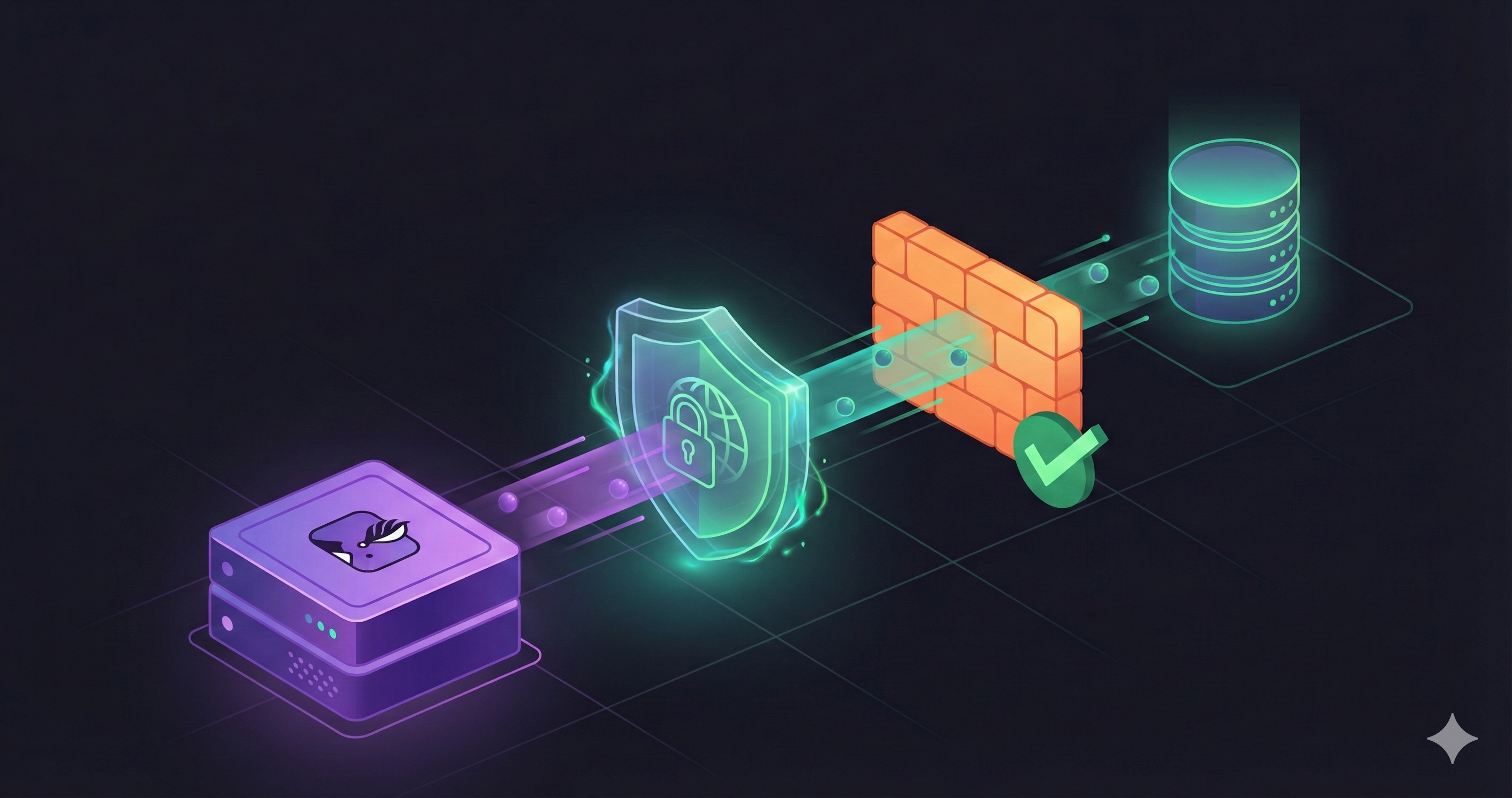
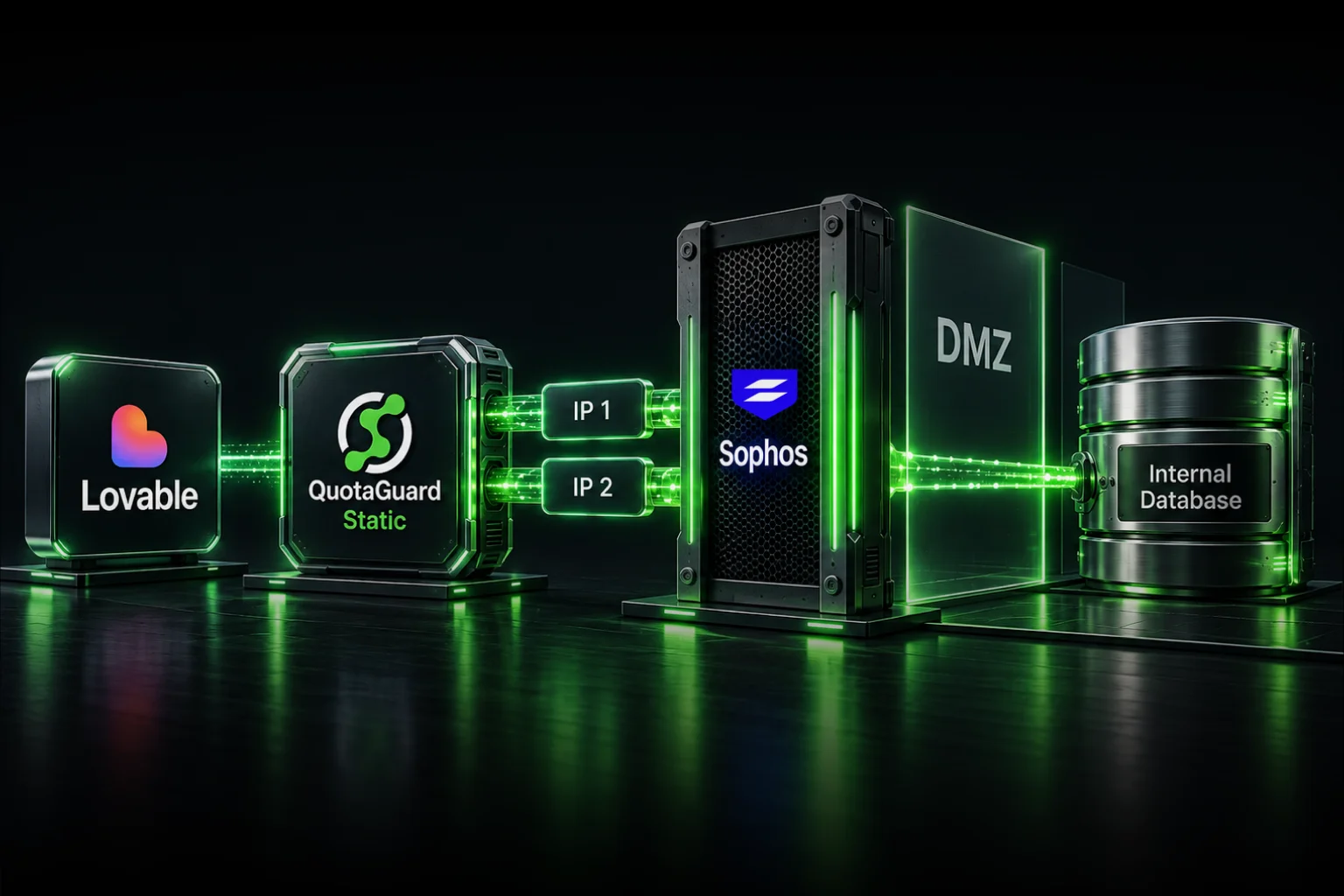
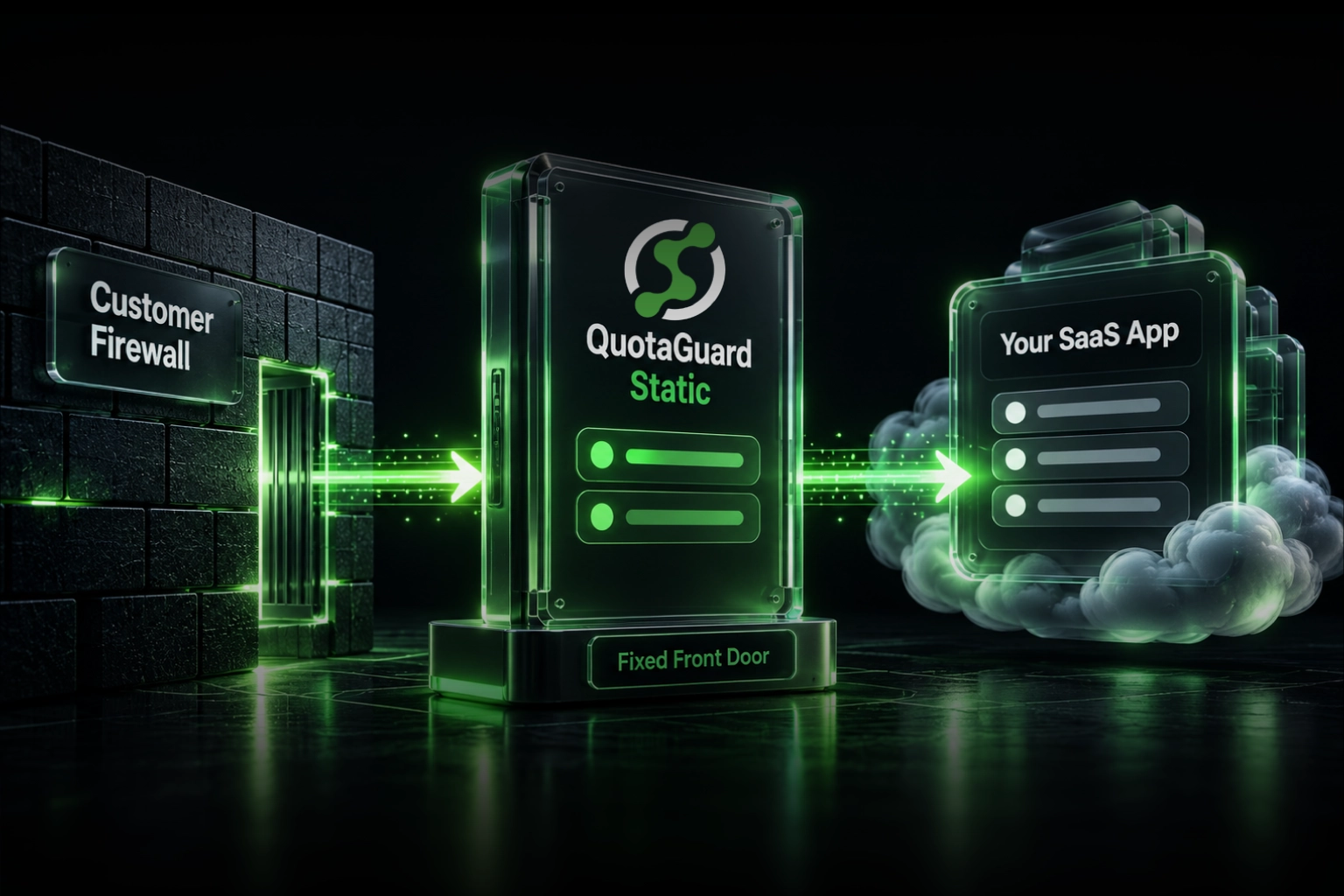
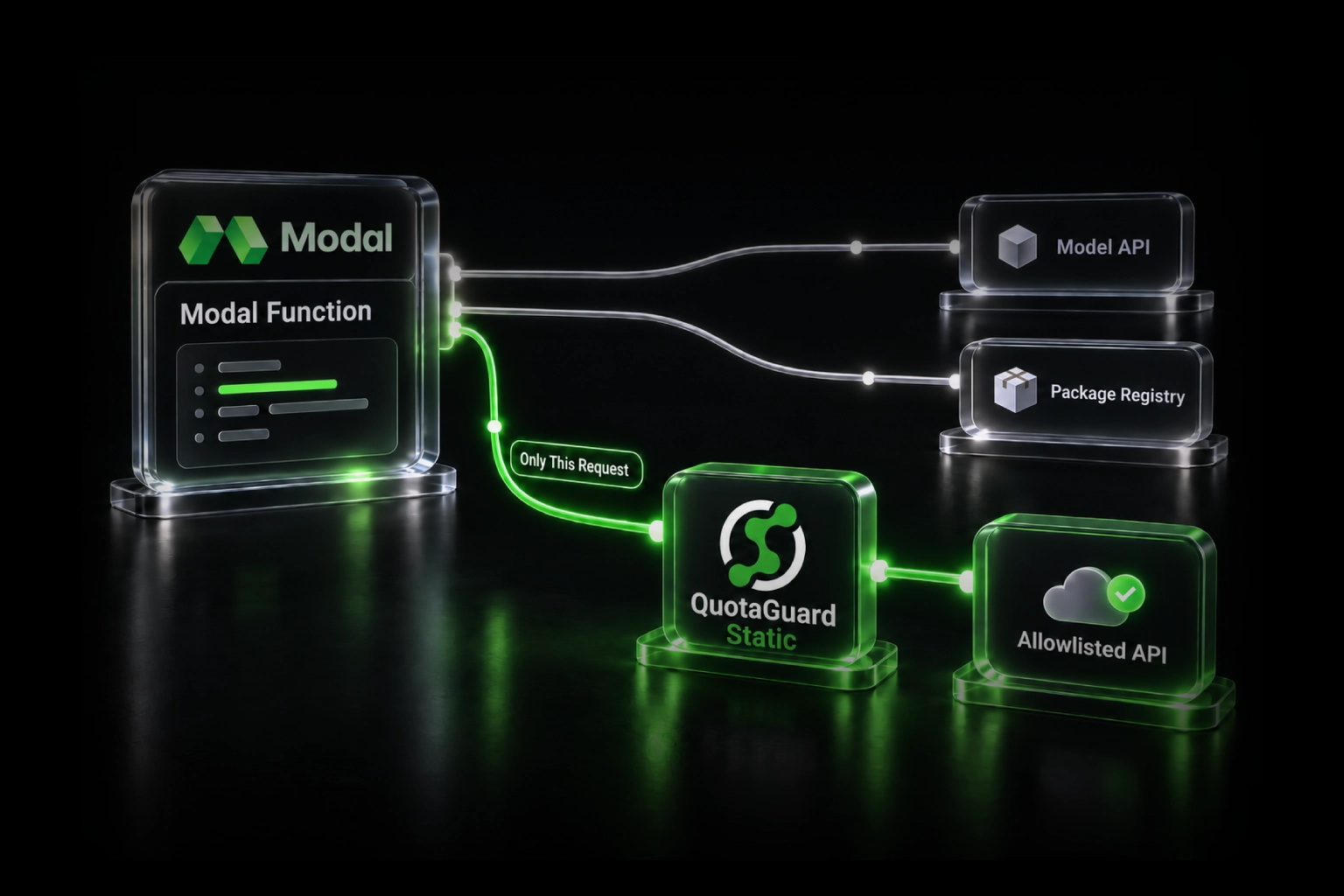
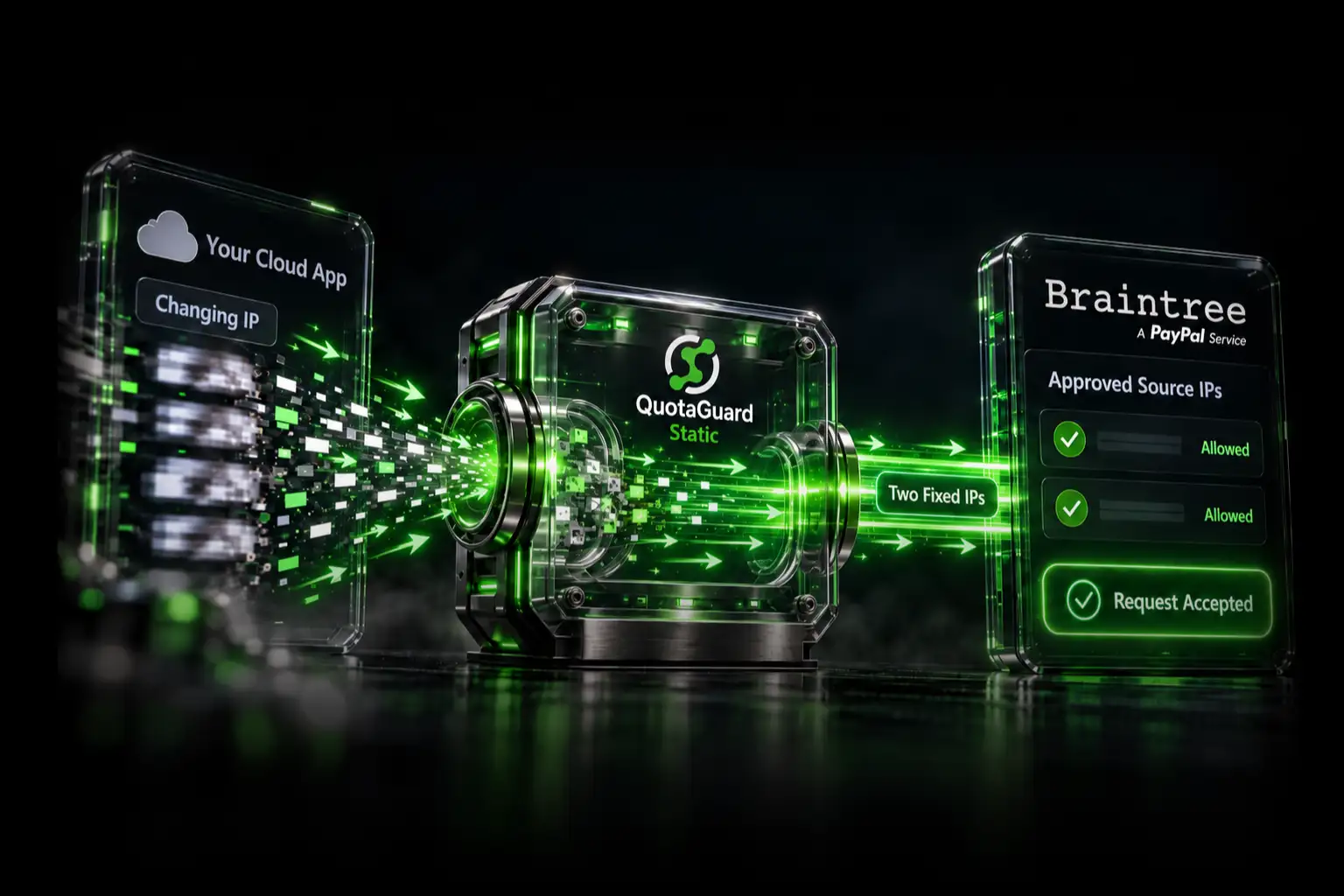
The solution is external. A static IP proxy sits between Make and your API or database. Make sends requests to the proxy. The proxy sends requests from a dedicated static IP to your endpoint.
This breaks the shared IP problem. Your whitelisted IP is no longer a zone pool. It's a dedicated address from the proxy provider.
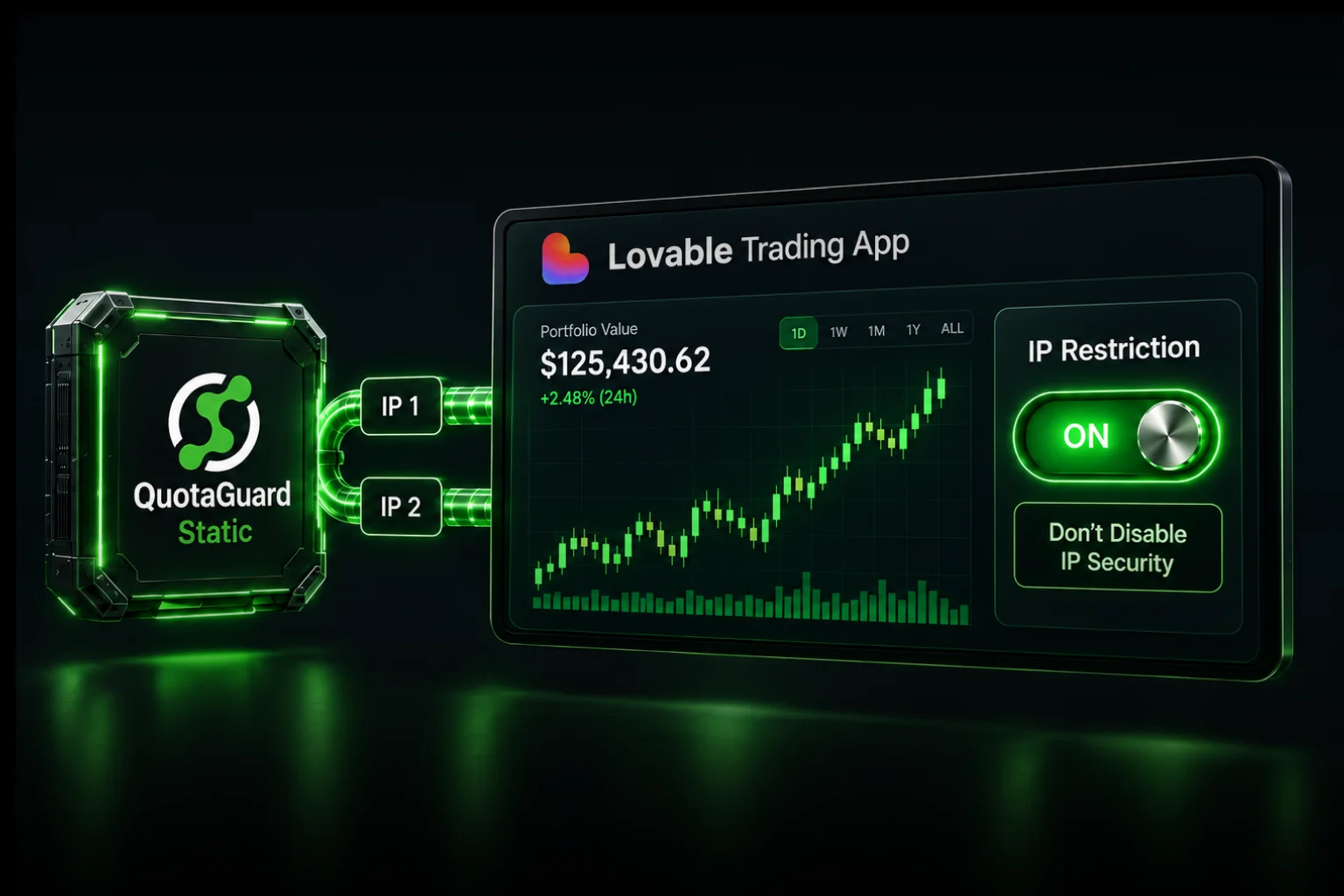
QuotaGuard provides two load-balanced static IPs for this use case. $19/month.
Setting Up QuotaGuard with Make
You configure this through the HTTP module.
Step 1: Get Your Credentials
Sign up for QuotaGuard. Your dashboard shows your static IP address, regional proxy endpoints, and authentication credentials.
For US zones (us1/us2), use: us-east-static-01.quotaguard.com:9293
For EU zones (eu1/eu2), use: eu-ireland-static-01.quotaguard.com:9293
Step 2: Create a Keychain in Make
In your scenario, go to HTTP module > Advanced Settings > Proxy field.
Click the keychain icon. Create a new one with:
- Host:
us-east-static-01.quotaguard.com(or EU equivalent) - Port:
9293 - Username: Your QuotaGuard username
- Password: Your QuotaGuard password
Save it. Use this same keychain across all your HTTP modules and scenarios.
Step 3: Verify It Works
Call https://ip.quotaguard.com from your HTTP module. The response should show the static IP from your QuotaGuard dashboard.
Latency is minimal. Same-region proxy adds 10-30ms. Cross-region adds 50-150ms.
Limitations
Not everything in Make supports proxy configuration.
App-specific modules (Slack, Gmail, Salesforce, etc.) don't expose proxy settings. Workaround: use the HTTP module with raw API calls instead.
Database modules (MySQL, PostgreSQL, MongoDB) don't support proxy routing. You'll need to either whitelist the shared zone IPs (accepting the risk) or run a VPN tunnel to those databases.
SFTP and FTP modules have the same limitation. No proxy support.
Understanding your architecture matters here. If your integration is primarily HTTP-based APIs, proxy routing is clean. If you're heavy on databases or SFTP, it's a partial solution.
Common Questions
My partner requires a static IP for firewall security. Does Make offer a static IP?
No. Make uses shared AWS pools by zone. You need an external proxy.
The API I need to connect to only allows 1 whitelisted IP but Make rotates through 3. How do I use a proxy?
Configure QuotaGuard. Route through the HTTP module with proxy keychain. One static IP.
How do I whitelist Make.com IPs for my FTP server access?
Make's FTP module doesn't support proxies. You'll need to whitelist the zone IPs (accepting that they're shared) or set up a VPN tunnel.
My custom API only allows 3 IP addresses per account but Make sends from several.
Use QuotaGuard. Route all Make requests through one static IP. One whitelist entry.
How do I identify which Make.com zone I'm in so I can whitelist the right IPs for SFTP?
Check your Make account settings or contact Make support. But SFTP modules don't support proxies. Whitelisting zone IPs means accepting shared risk.
I connected Make to SQL Server but it fails when I lock down the firewall to Make's documented IPs.
Database modules don't support proxies. Either accept the rotation (wider whitelist) or use a VPN tunnel.
What ports do I open alongside Make.com's IP addresses when whitelisting for SQL Server?
SQL Server typically uses port 1433. Make's database modules don't support proxy routing, so you're limited to whitelisting the zone IPs.
When You Need Shield
If you're in a regulated industry (healthcare, financial services, government), zone IP whitelisting isn't ideal. QuotaGuard Shield at $29/month adds SSL passthrough and compliance documentation for scenarios where shared IPs create risk.
The Real Problem Isn't Make
Make's decision to use shared IP pools is rational. The real problem is that IP whitelisting is a crude security mechanism that assumes one-to-one IP relationships.
Secure APIs should support OAuth and token-based auth, VPCs and private endpoints, certificate pinning, and rate-limiting per account rather than per IP.
Until your API provider supports those, static IP proxies are the bridge.
Next Steps
If you're running Make with IP-whitelisted databases or APIs:
- Map your integration: HTTP-based? Databases? SFTP? Know which you're using.
- Check your zone: Find which Make zone you're in.
- Assess your risk: Is shared IP whitelisting acceptable for your compliance level?
- Get a proxy if needed: Sign up for QuotaGuard. Set up the keychain. Test it.
- Document it: Your team needs to know this is part of your security model.
QuotaGuard Static IP Blog
Practical notes on routing cloud and AI traffic through Static IPs.