How to Add Static IPs to Apps Built with Emergent AI

QuotaGuard Engineering
February 18, 2026
5 min read
Pattern

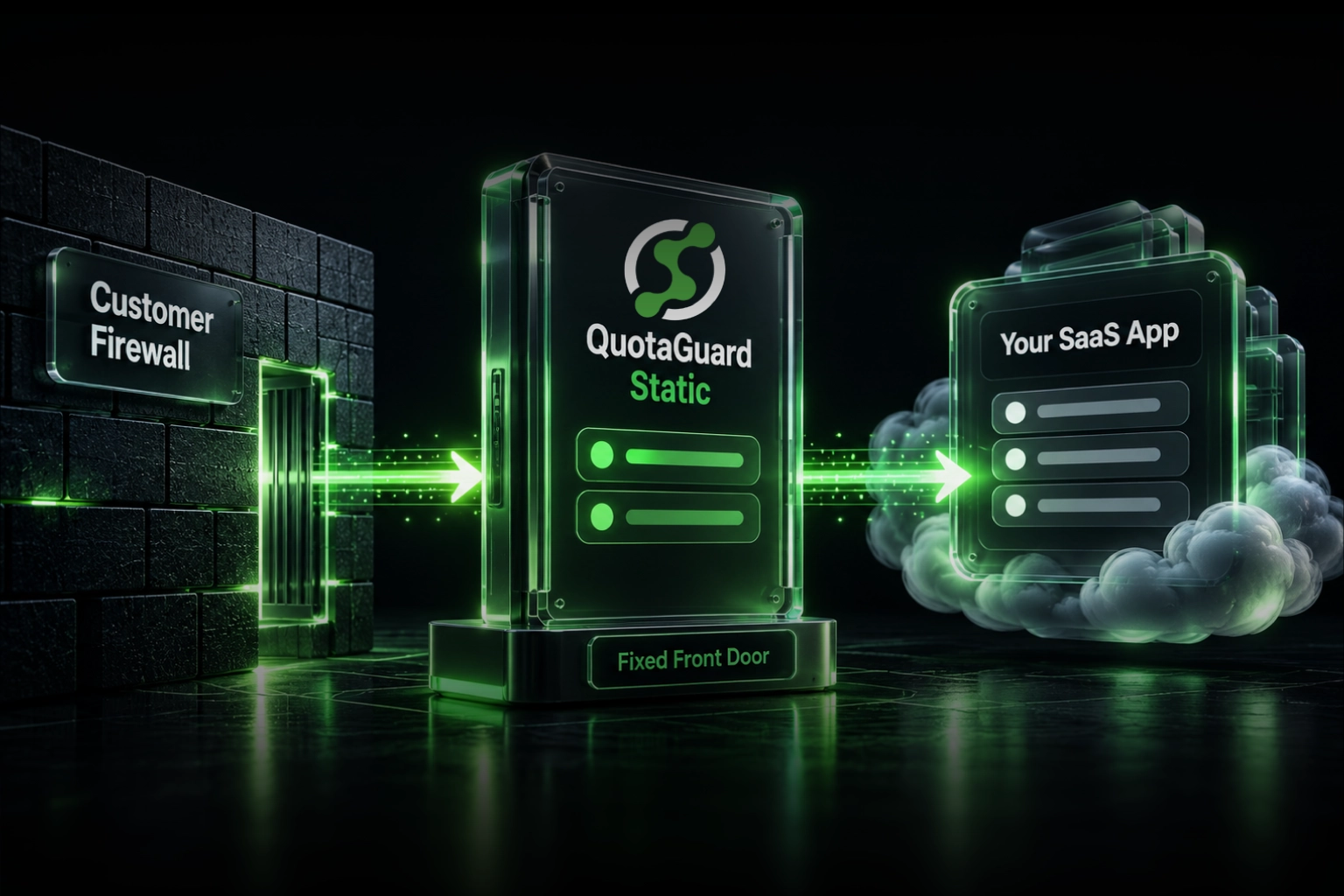
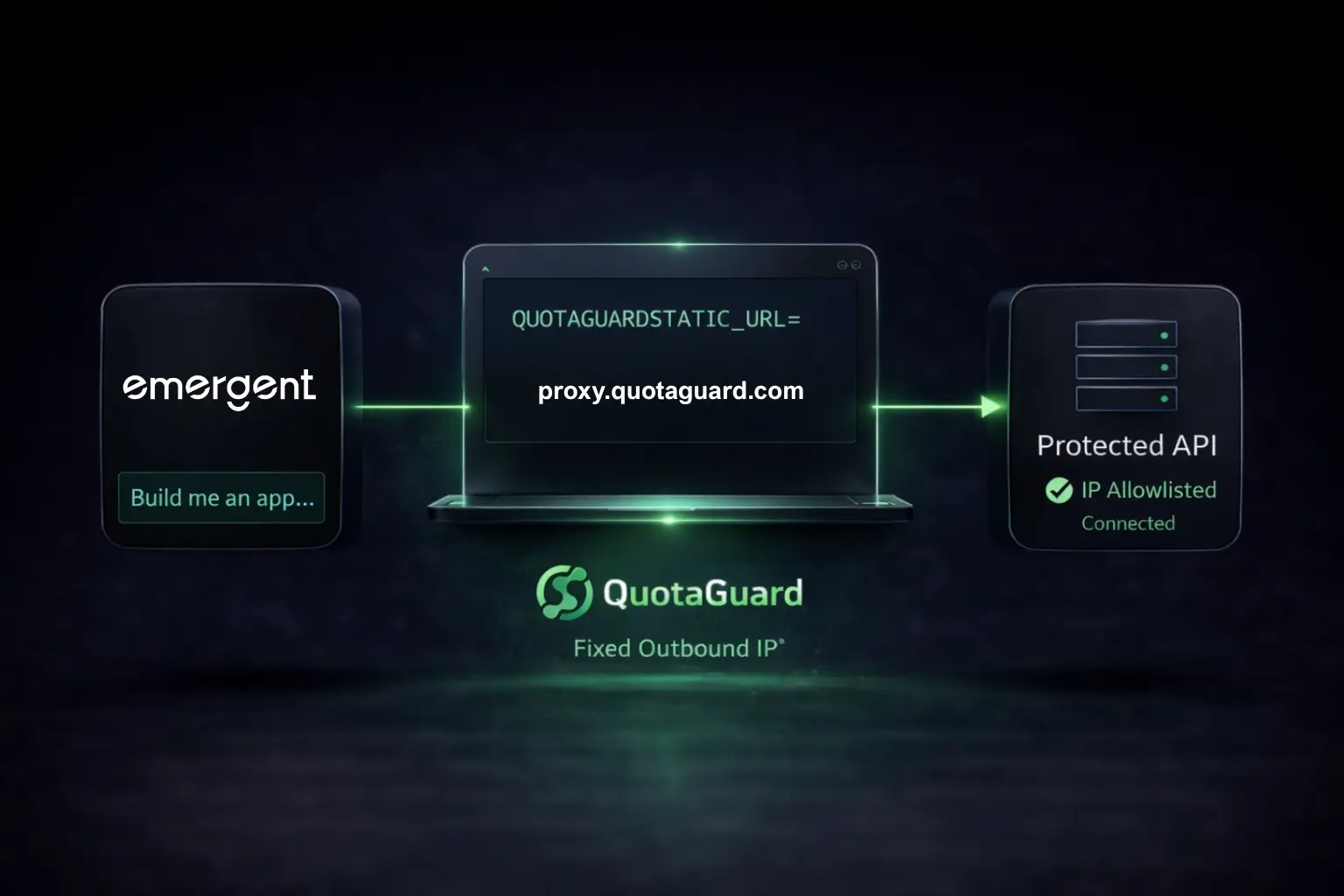
Emergent apps run on dynamic IPs. External APIs and databases that require IP allowlisting will block your requests. QuotaGuard gives you two static IPs you can whitelist once and forget.

Here's how to set it up.

Quick Setup

1. Get your proxy URL from QuotaGuard:

http://username:password@us-east-static-01.quotaguard.com:9293

2. Add the environment variable to your app:

QUOTAGUARDSTATIC_URL=http://username:password@us-east-static-01.quotaguard.com:9293

3. Route protected requests through the proxy (examples for all major languages below).

4. Whitelist your two static IPs (shown in QuotaGuard dashboard) on the external service.

Done. Your Emergent app now has a fixed network identity.


Why This Happens

Emergent.sh turns natural language prompts into production-ready applications, but those apps inherit the dynamic IP behavior of cloud infrastructure. Whether hosted on Emergent's managed platform or exported to Vercel, Render, or AWS, your AI-built app's outbound traffic originates from shared, rotating IP pools.

Services that use IP allowlisting (payment APIs, corporate databases, partner systems, MongoDB Atlas) see an unknown IP and block the request.

Your code is fine. Your credentials are valid. The external service is rejecting based on network identity.

Both Deployment Paths Work

Emergent-hosted apps: Configure the proxy in your application code as shown below.

Exported apps (Vercel, Render, Fly.io, AWS): Same code changes, plus set the environment variable in your deployment platform.


Node.js

Install the proxy agent:

npm install https-proxy-agent

With Axios

const axios = require('axios');
const { HttpsProxyAgent } = require('https-proxy-agent');

const proxyUrl = process.env.QUOTAGUARDSTATIC_URL;
const agent = new HttpsProxyAgent(proxyUrl);

async function callProtectedAPI(url, data) {
    const response = await axios.post(url, data, {
        httpsAgent: agent
    });
    return response.data;
}

// Example: payment API that requires IP whitelisting
async function processPayment(paymentDetails) {
    return await callProtectedAPI(
        'https://api.paymentprovider.com/v1/charge',
        paymentDetails
    );
}

With Native Fetch (Undici)

import { ProxyAgent, fetch } from 'undici';

const proxyUrl = process.env.QUOTAGUARDSTATIC_URL;
const dispatcher = new ProxyAgent(proxyUrl);

async function callProtectedAPI(url, options = {}) {
    const response = await fetch(url, {
        ...options,
        dispatcher
    });
    return response.json();
}

Install undici:

npm install undici

With Node-Fetch

const fetch = require('node-fetch');
const { HttpsProxyAgent } = require('https-proxy-agent');

const proxyUrl = process.env.QUOTAGUARDSTATIC_URL;
const agent = new HttpsProxyAgent(proxyUrl);

async function callProtectedAPI(url) {
    const response = await fetch(url, { agent });
    return response.json();
}

With Got

const got = require('got');
const { HttpsProxyAgent } = require('https-proxy-agent');

const proxyUrl = process.env.QUOTAGUARDSTATIC_URL;
const agent = new HttpsProxyAgent(proxyUrl);

async function callProtectedAPI(url) {
    const response = await got(url, {
        agent: { https: agent }
    });
    return JSON.parse(response.body);
}

Python

With Requests

import os
import requests

proxy_url = os.environ.get('QUOTAGUARDSTATIC_URL')

proxies = {
    'http': proxy_url,
    'https': proxy_url
}

def call_protected_api(url, data):
    response = requests.post(url, json=data, proxies=proxies)
    return response.json()

# Example: partner API behind corporate firewall
def sync_inventory(inventory_data):
    return call_protected_api(
        'https://api.partner.com/v2/inventory',
        inventory_data
    )

With HTTPX

import os
import httpx

proxy_url = os.environ.get('QUOTAGUARDSTATIC_URL')

def call_protected_api(url, data):
    with httpx.Client(proxy=proxy_url) as client:
        response = client.post(url, json=data)
        return response.json()

With aiohttp (Async)

import os
import aiohttp

proxy_url = os.environ.get('QUOTAGUARDSTATIC_URL')

async def call_protected_api(url, data):
    async with aiohttp.ClientSession() as session:
        async with session.post(url, json=data, proxy=proxy_url) as response:
            return await response.json()

Ruby

With Net::HTTP

require 'net/http'
require 'uri'
require 'json'

def call_protected_api(url, data)
  uri = URI.parse(url)
  proxy_uri = URI.parse(ENV['QUOTAGUARDSTATIC_URL'])

  http = Net::HTTP.new(
    uri.host,
    uri.port,
    proxy_uri.host,
    proxy_uri.port,
    proxy_uri.user,
    proxy_uri.password
  )
  http.use_ssl = true

  request = Net::HTTP::Post.new(uri.path)
  request['Content-Type'] = 'application/json'
  request.body = data.to_json

  response = http.request(request)
  JSON.parse(response.body)
end

With Faraday

require 'faraday'

proxy_url = ENV['QUOTAGUARDSTATIC_URL']

conn = Faraday.new(proxy: proxy_url) do |f|
  f.request :json
  f.response :json
end

response = conn.post('https://api.partner.com/v2/data') do |req|
  req.body = { key: 'value' }
end

puts response.body

PHP

With cURL

<?php

function callProtectedAPI($url, $data) {
    $proxyUrl = getenv('QUOTAGUARDSTATIC_URL');
    $proxy = parse_url($proxyUrl);
    
    $ch = curl_init();
    
    curl_setopt($ch, CURLOPT_URL, $url);
    curl_setopt($ch, CURLOPT_RETURNTRANSFER, true);
    curl_setopt($ch, CURLOPT_POST, true);
    curl_setopt($ch, CURLOPT_POSTFIELDS, json_encode($data));
    curl_setopt($ch, CURLOPT_HTTPHEADER, ['Content-Type: application/json']);
    curl_setopt($ch, CURLOPT_PROXY, $proxy['host'] . ':' . $proxy['port']);
    curl_setopt($ch, CURLOPT_PROXYUSERPWD, $proxy['user'] . ':' . $proxy['pass']);
    
    $response = curl_exec($ch);
    
    if (curl_errno($ch)) {
        throw new Exception('cURL error: ' . curl_error($ch));
    }
    
    curl_close($ch);
    return json_decode($response, true);
}

// Example usage
$result = callProtectedAPI('https://api.partner.com/v2/data', ['key' => 'value']);
print_r($result);

With Guzzle

<?php

require 'vendor/autoload.php';

use GuzzleHttp\Client;

$proxyUrl = getenv('QUOTAGUARDSTATIC_URL');

$client = new Client([
    'proxy' => $proxyUrl
]);

$response = $client->post('https://api.partner.com/v2/data', [
    'json' => ['key' => 'value']
]);

$data = json_decode($response->getBody(), true);
print_r($data);

Go

package main

import (
    "bytes"
    "encoding/json"
    "fmt"
    "io"
    "net/http"
    "net/url"
    "os"
)

func callProtectedAPI(targetURL string, data map[string]interface{}) (map[string]interface{}, error) {
    proxyURL, err := url.Parse(os.Getenv("QUOTAGUARDSTATIC_URL"))
    if err != nil {
        return nil, err
    }

    client := &http.Client{
        Transport: &http.Transport{
            Proxy: http.ProxyURL(proxyURL),
        },
    }

    jsonData, err := json.Marshal(data)
    if err != nil {
        return nil, err
    }

    resp, err := client.Post(targetURL, "application/json", bytes.NewBuffer(jsonData))
    if err != nil {
        return nil, err
    }
    defer resp.Body.Close()

    body, err := io.ReadAll(resp.Body)
    if err != nil {
        return nil, err
    }

    var result map[string]interface{}
    json.Unmarshal(body, &result)
    return result, nil
}

func main() {
    data := map[string]interface{}{"key": "value"}
    result, err := callProtectedAPI("https://api.partner.com/v2/data", data)
    if err != nil {
        panic(err)
    }
    fmt.Println(result)
}

C# / .NET

using System;
using System.Net;
using System.Net.Http;
using System.Text;
using System.Text.Json;
using System.Threading.Tasks;

public class ProxiedHttpClient
{
    private static HttpClient CreateProxiedClient()
    {
        var proxyUrl = Environment.GetEnvironmentVariable("QUOTAGUARDSTATIC_URL");
        var proxyUri = new Uri(proxyUrl);
        
        var proxy = new WebProxy(proxyUri.GetLeftPart(UriPartial.Authority))
        {
            Credentials = new NetworkCredential(
                Uri.UnescapeDataString(proxyUri.UserInfo.Split(':')[0]),
                Uri.UnescapeDataString(proxyUri.UserInfo.Split(':')[1])
            )
        };

        var handler = new HttpClientHandler
        {
            Proxy = proxy,
            UseProxy = true
        };

        return new HttpClient(handler);
    }

    public static async Task<T> CallProtectedAPI<T>(string url, object data)
    {
        using var client = CreateProxiedClient();
        var json = JsonSerializer.Serialize(data);
        var content = new StringContent(json, Encoding.UTF8, "application/json");
        
        var response = await client.PostAsync(url, content);
        var responseJson = await response.Content.ReadAsStringAsync();
        return JsonSerializer.Deserialize<T>(responseJson);
    }
}

Rust

use reqwest::Proxy;
use std::env;

#[tokio::main]
async fn main() -> Result<(), Box<dyn std::error::Error>> {
    let proxy_url = env::var("QUOTAGUARDSTATIC_URL")?;
    
    let proxy = Proxy::all(&proxy_url)?;
    
    let client = reqwest::Client::builder()
        .proxy(proxy)
        .build()?;
    
    let response = client
        .post("https://api.partner.com/v2/data")
        .json(&serde_json::json!({"key": "value"}))
        .send()
        .await?;
    
    let data: serde_json::Value = response.json().await?;
    println!("{:?}", data);
    
    Ok(())
}

Add to Cargo.toml:

[dependencies]
reqwest = { version = "0.11", features = ["json", "socks"] }
tokio = { version = "1", features = ["full"] }
serde_json = "1.0"

Elixir

With Req

defmodule ProxiedClient do
  def call_protected_api(url, data) do
    proxy_url = System.get_env("QUOTAGUARDSTATIC_URL")
    
    Req.post!(url,
      json: data,
      connect_options: [proxy: proxy_url]
    ).body
  end
end

Test Your Setup

Verify your static IP is working:

// Node.js
const response = await axios.get('https://ip.quotaguard.com', { httpsAgent: agent });
console.log('Your static IP:', response.data);
# Python
response = requests.get('https://ip.quotaguard.com', proxies=proxies)
print('Your static IP:', response.json())

The returned IP should match one of the two IPs in your QuotaGuard dashboard.


Selective Proxying

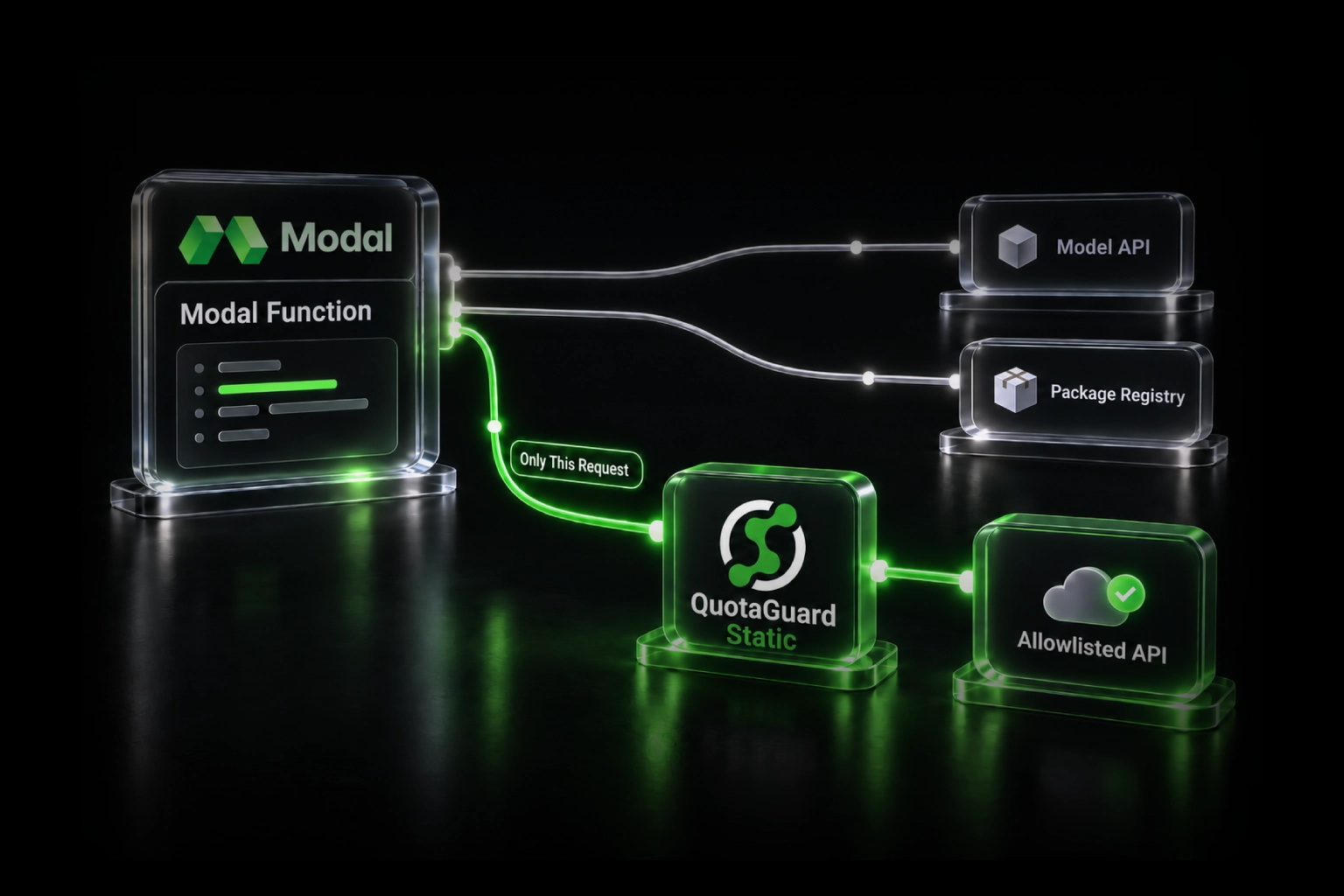
Only route requests that need static IPs through the proxy:

const PROTECTED_DOMAINS = ['api.paymentprovider.com', 'api.partner.com'];

function needsStaticIP(url) {
    const hostname = new URL(url).hostname;
    return PROTECTED_DOMAINS.some(domain => hostname.includes(domain));
}

async function smartRequest(url, options = {}) {
    if (needsStaticIP(url)) {
        options.httpsAgent = agent;
    }
    return axios(url, options);
}

Database Connections (SOCKS5)

For PostgreSQL, MySQL, MongoDB, or SFTP, use QuotaGuard's SOCKS5 proxy on port 1080.

socks5://username:password@us-east-static-01.quotaguard.com:1080

Most database client libraries support SOCKS5 configuration. For complex multi-protocol setups, QGTunnel creates local port mappings that route traffic transparently.


Troubleshooting

407 Proxy Authentication Required: Check your QUOTAGUARDSTATIC_URL credentials. URL-encode special characters in the password.

Connection timeouts: HTTP proxy uses port 9293. SOCKS5 uses port 1080. Verify your deployment allows outbound connections.

Wrong IP returned: Make sure you're passing the agent to the specific request, not just creating it.


Pricing

Micro plan: $19/month, 40K requests. Works for most apps during development and early growth.

Get Started

QuotaGuard Static IP Blog

Practical notes on routing cloud and AI traffic through Static IPs.

Reliability Engineered for the Modern Cloud

For over a decade, QuotaGuard has provided reliable, high-performance static IP and proxy solutions for cloud environments like Heroku, Kubernetes, and AWS.

Get the fixed identity and security your application needs today.