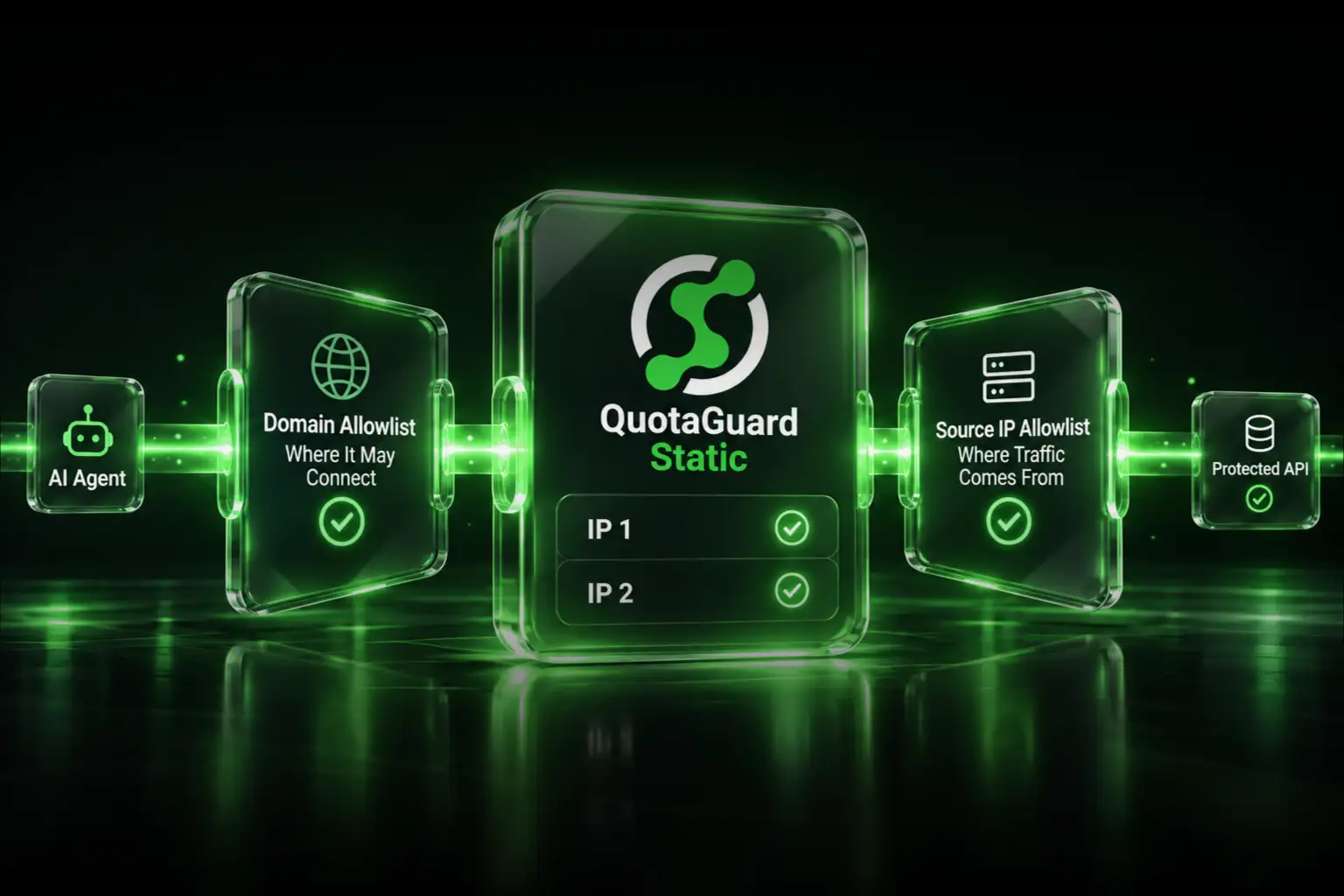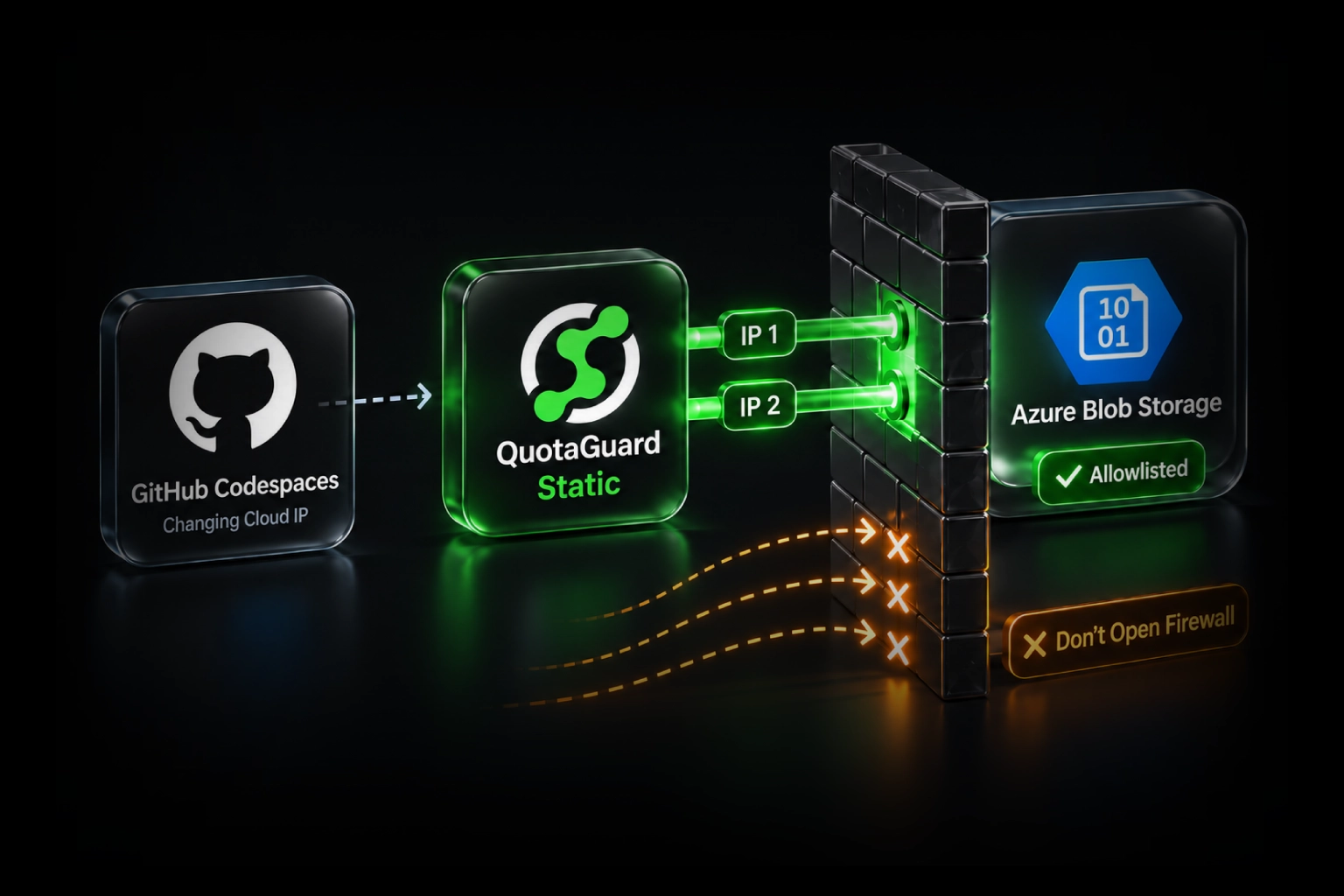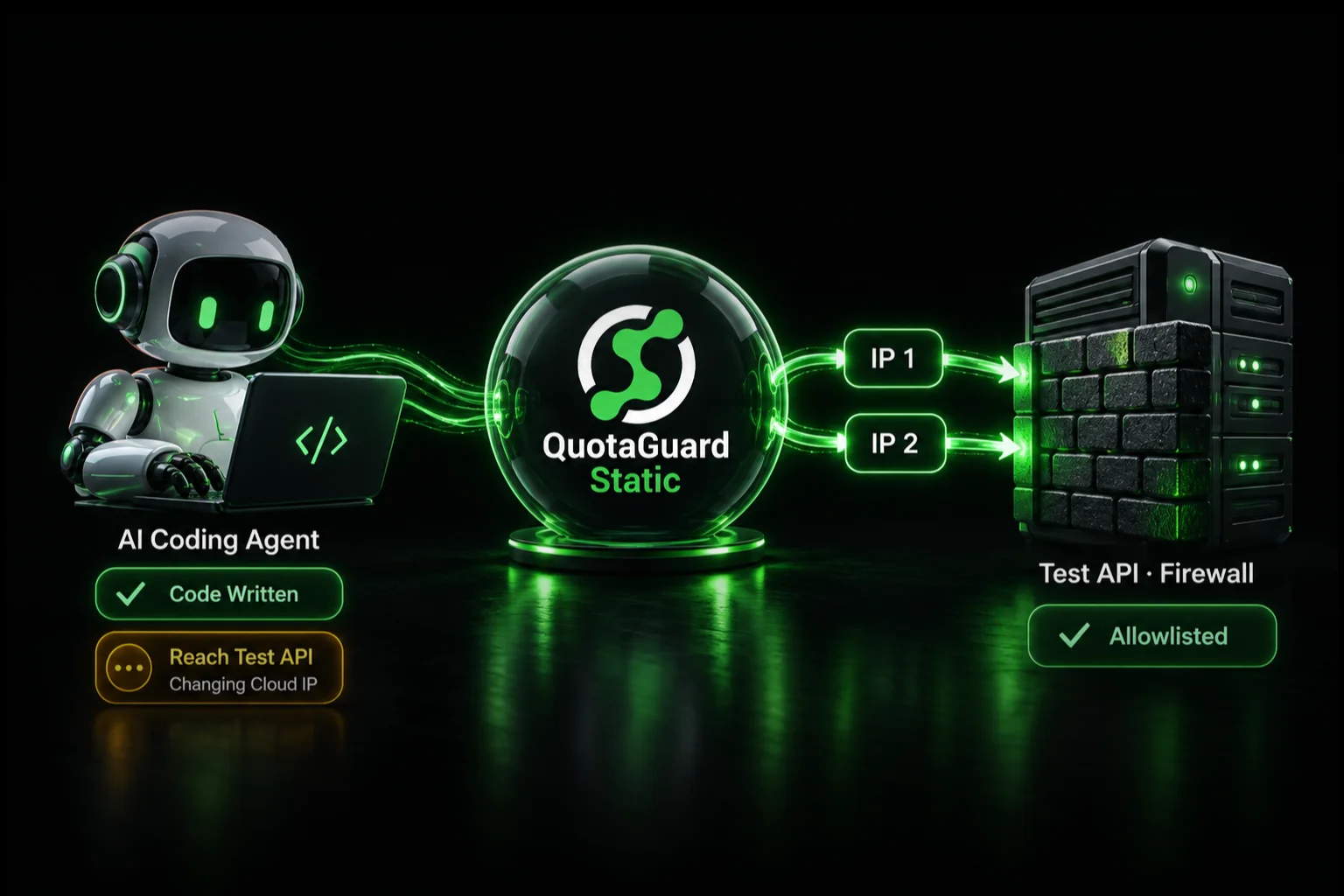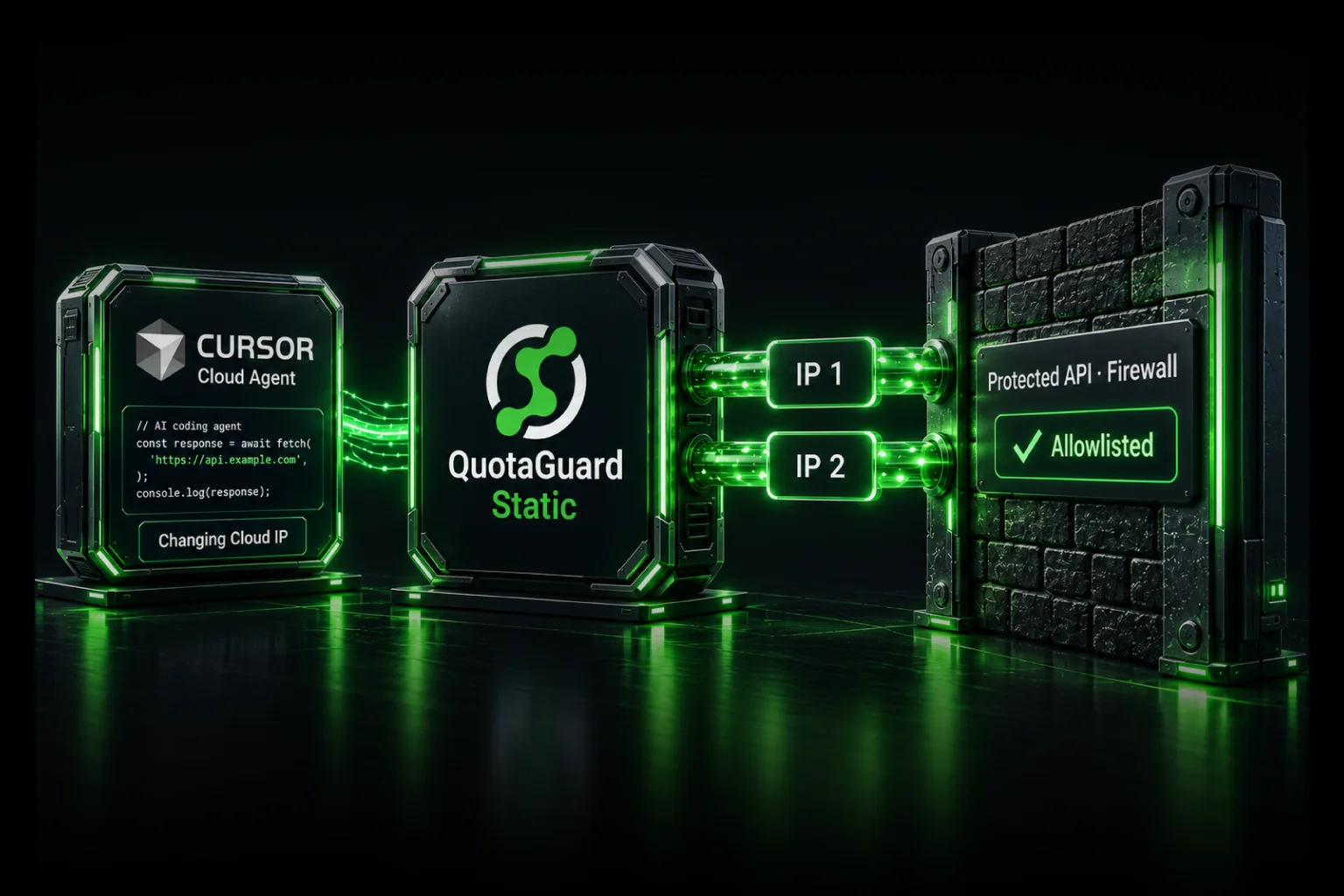
When a client, API, database, payment provider, or trading partner will not accept Render's shared outbound ranges, use QuotaGuard to give the connection two stable addresses. Render maintains first-party documentation for the QuotaGuard integration, so this is a supported Render configuration rather than an improvised workaround.
The destination allowlists the two IPs displayed in your QuotaGuard subscription. Your Render application routes only the protected connection through QuotaGuard, while unrelated traffic can continue using Render normally.
That selective path is usually the right fit when the actual requirement is small and specific: one downstream system wants one or two stable source addresses. QuotaGuard operates the proxy infrastructure, load balancing, health checks, failover, capacity, monitoring, and incident response, so your team does not inherit another production network service to maintain.
Why a Shared Render Range Can Be Too Broad
Render's standard outbound traffic uses shared regional address ranges. Those ranges can work when the destination accepts CIDR entries and is comfortable authorizing the complete current list.
They become a blocker when the destination:
- Accepts only individual IP addresses.
- Limits the number of addresses in an allowlist.
- Requires a stable source identity for one integration.
- Requires a security ticket or client approval for every firewall change.
- Will not authorize a source pool shared across a hosting platform.
The exact size and notation of Render's current ranges can vary. Check the service's Connect → Outbound tab for the current list. The important problem is not whether one historical range contained exactly 256 addresses. It is that the downstream system wants a much smaller, stable allowlist.
Why QuotaGuard Fits That Requirement
Render application → QuotaGuard → allowlisted destination
- Small stable allowlist: the destination approves the two IPs displayed in the QuotaGuard dashboard.
- Selective routing: only the clients and destinations configured for QuotaGuard use the route.
- Managed availability: QuotaGuard operates the load-balanced proxy service, health checks, failover, monitoring, and capacity.
- Less operational work: your team does not build a proxy fleet, NAT layer, alerting, or recovery process.
- Portable identity: the same egress route can remain in place if the workload later moves away from Render.
- Direct support: QuotaGuard engineers can help map the destination protocol and application client to the correct route.
QuotaGuard Static starts at $19 per month. That is lower than building many cloud networking arrangements, but the main value is not a small monthly price difference. It is having the egress infrastructure operated for you.
Configure the QuotaGuard Route
- Create a QuotaGuard subscription in the region nearest your Render workload.
- Copy the authenticated proxy URL and both static outbound IPs from the QuotaGuard dashboard.
- Store the URL as the secret environment variable
QUOTAGUARDSTATIC_URLon the Render service or in a Render environment group. - Configure the exact application client that connects to the protected destination.
- Give the destination both QuotaGuard IPs.
- Test the configured route before removing any previous firewall entries.
Do not commit the proxy URL to source control or a public Blueprint. For an initial Blueprint deployment, define the variable with sync: false and enter the secret through Render.
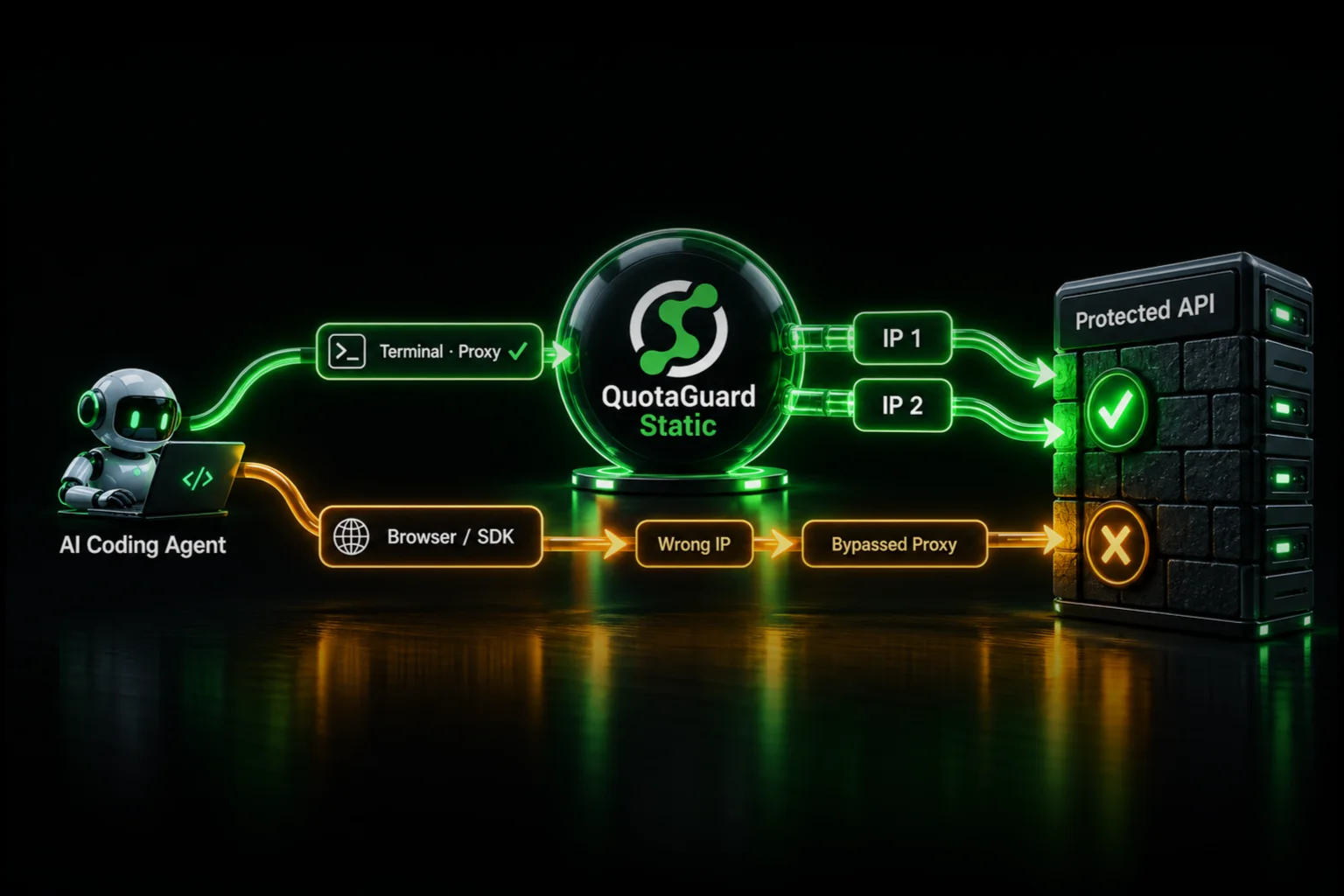
Adding the environment variable alone does not redirect traffic. The application client must use it. The complete Node.js, Python, Blueprint, database, SFTP, and TCP instructions are in How to Get a Static IP for Render Apps.
Verify the Address the Destination Will See
Make a request through the configured client to:
https://ip.quotaguard.com
The response should match one of the two IPs displayed in the QuotaGuard dashboard. A short test may show only one because of connection reuse and load balancing. The destination should still allowlist both so the managed failover path remains approved.
This test proves only that the test client used QuotaGuard. Confirm that the actual API, database, or partner connection uses the same configured route.
HTTP, Databases, SFTP, and Other Protocols
HTTP and HTTPS clients can use the authenticated QuotaGuard proxy URL when the library supports an explicit proxy or compatible dispatcher.
PostgreSQL, MySQL, MongoDB, SFTP, Redis, and other raw TCP protocols do not automatically inherit an HTTP proxy setting. Use a compatible SOCKS5 client or QGTunnel. Contact QuotaGuard support if you need help identifying the correct path for a specific driver or runtime.
A Short Disclosure About Render Dedicated IPs
Render also sells native dedicated outbound IP sets. The feature requires a Pro workspace or higher, costs $100 per regional set each month, provides three exclusive IPv4 addresses, and applies to an entire workspace or selected environments in one Render region. The identity remains tied to Render.
That is relevant when a policy specifically requires customer-exclusive addresses and transparent platform-level routing for all supported traffic in scope. When the actual requirement is a small stable allowlist for one or several integrations, QuotaGuard provides the more targeted managed route. QuotaGuard Enterprise is available when the QuotaGuard deployment itself must use exclusive IPs and proxy resources.
Address ownership: QuotaGuard Starter, Production, and Business plans provide a stable pair on managed shared proxy infrastructure. The addresses are stable for allowlisting but are not customer-exclusive. Do not describe a standard QuotaGuard subscription as dedicated.
Make the Allowlist Smaller Without Owning the Egress Infrastructure
A destination that rejects Render's shared ranges does not need a larger firewall rule. It needs a stable source identity it can approve. QuotaGuard gives the Render application that identity while operating the infrastructure that keeps the route available.
Render's own documentation covers the QuotaGuard integration. Create the subscription, store the connection URL as a secret, configure the protected client, and give the destination both assigned addresses.
View QuotaGuard plans or talk directly to a QuotaGuard engineer.