FMCSA Mobile API Integration: Static IP Setup for IP Allowlisting

QuotaGuard Engineering
May 26, 2026
5 min read
Pattern

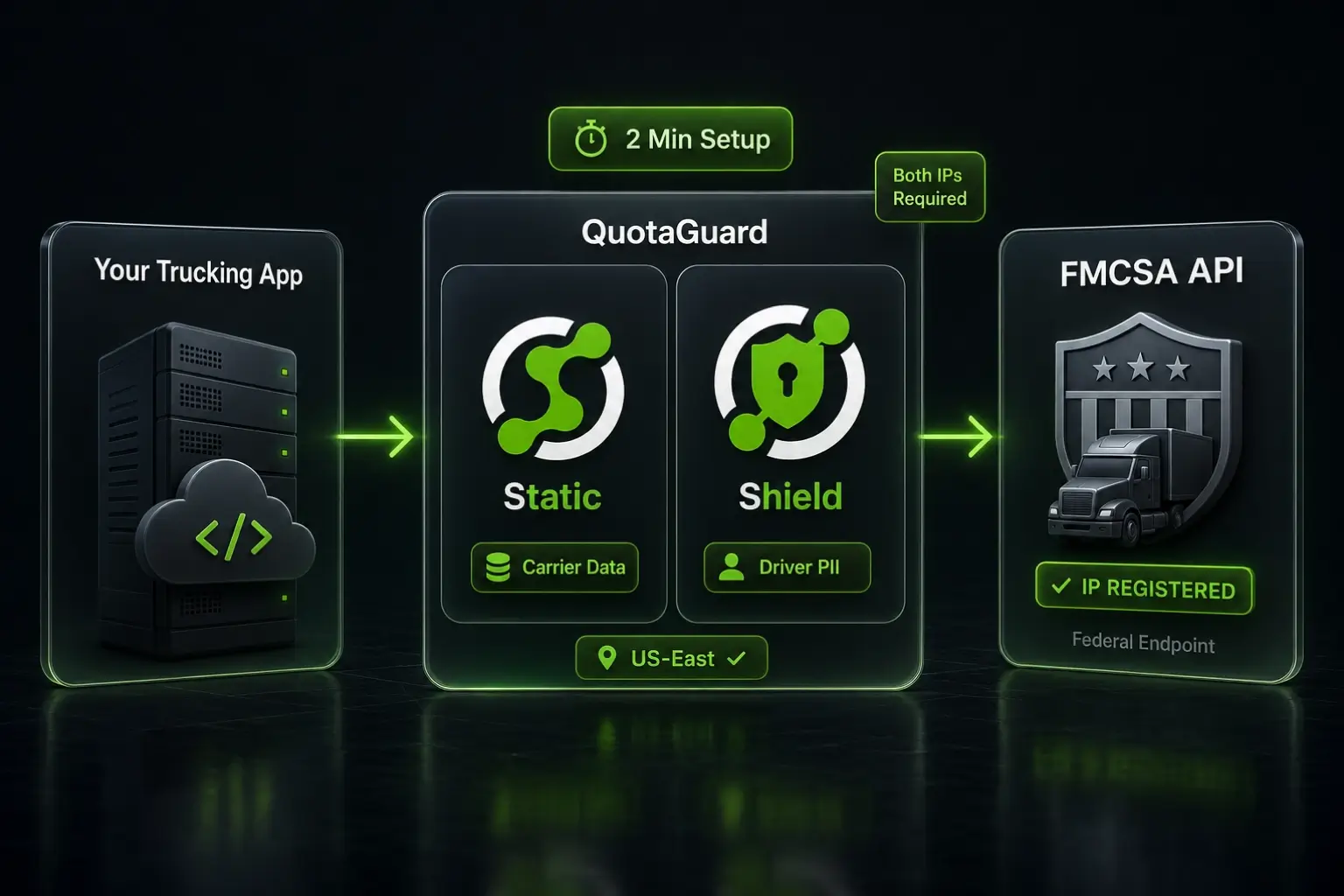
QuotaGuard Static gives your trucking app two static outbound IPs that FMCSA will accept on its mobile API allowlist. Setup takes 2 minutes.

The FMCSA mobile API is the backbone of compliance for trucking and transportation apps. HOS records, driver credentials, carrier safety data. It all flows through a federal endpoint that requires your server's IP address to be on an approved allowlist before it'll talk to you. Cloud platforms don't give you a fixed outbound IP by default. That's the problem. This post solves it.

FMCSA Requires Pre-Registered Static IPs for Every API Caller

The Federal Motor Carrier Safety Administration's API isn't a public endpoint. To access it, your application server must make requests from a static, pre-registered IP address. FMCSA's system drops requests from unregistered IPs before they reach your handler. You don't get a helpful error message. You get nothing, or a generic 403.

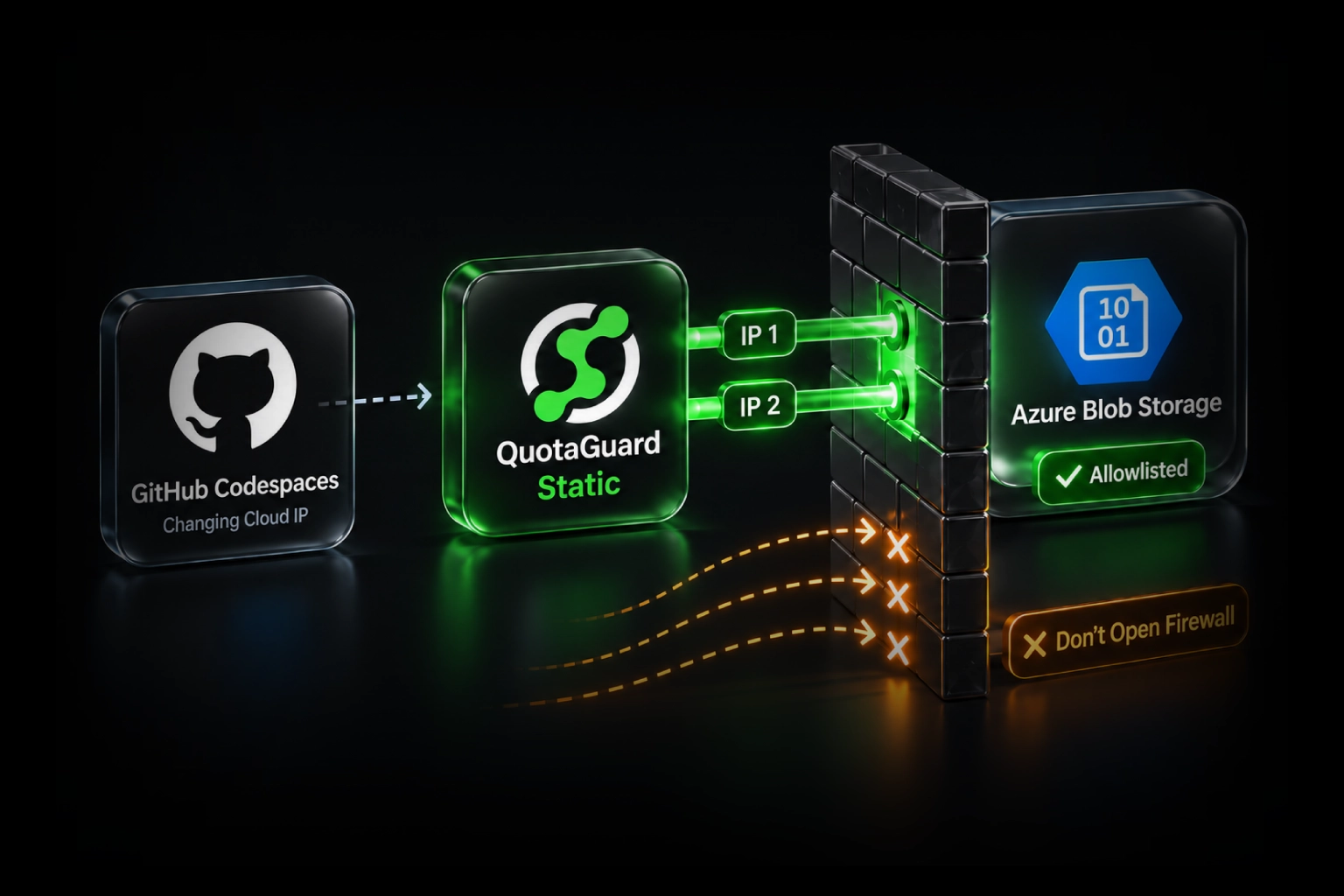
This creates a real problem for apps built on cloud platforms like AWS, Render, Railway, Fly.io, Heroku, or any managed runtime. Those platforms route your outbound traffic through dynamic IPs that rotate without notice. The IP your app used this morning won't be the same one it uses tonight. You can't register a range of hundreds of IPs with a federal API. You need a fixed set of addresses.

A Static Outbound Proxy Gives You a Fixed IP on Any Cloud Platform

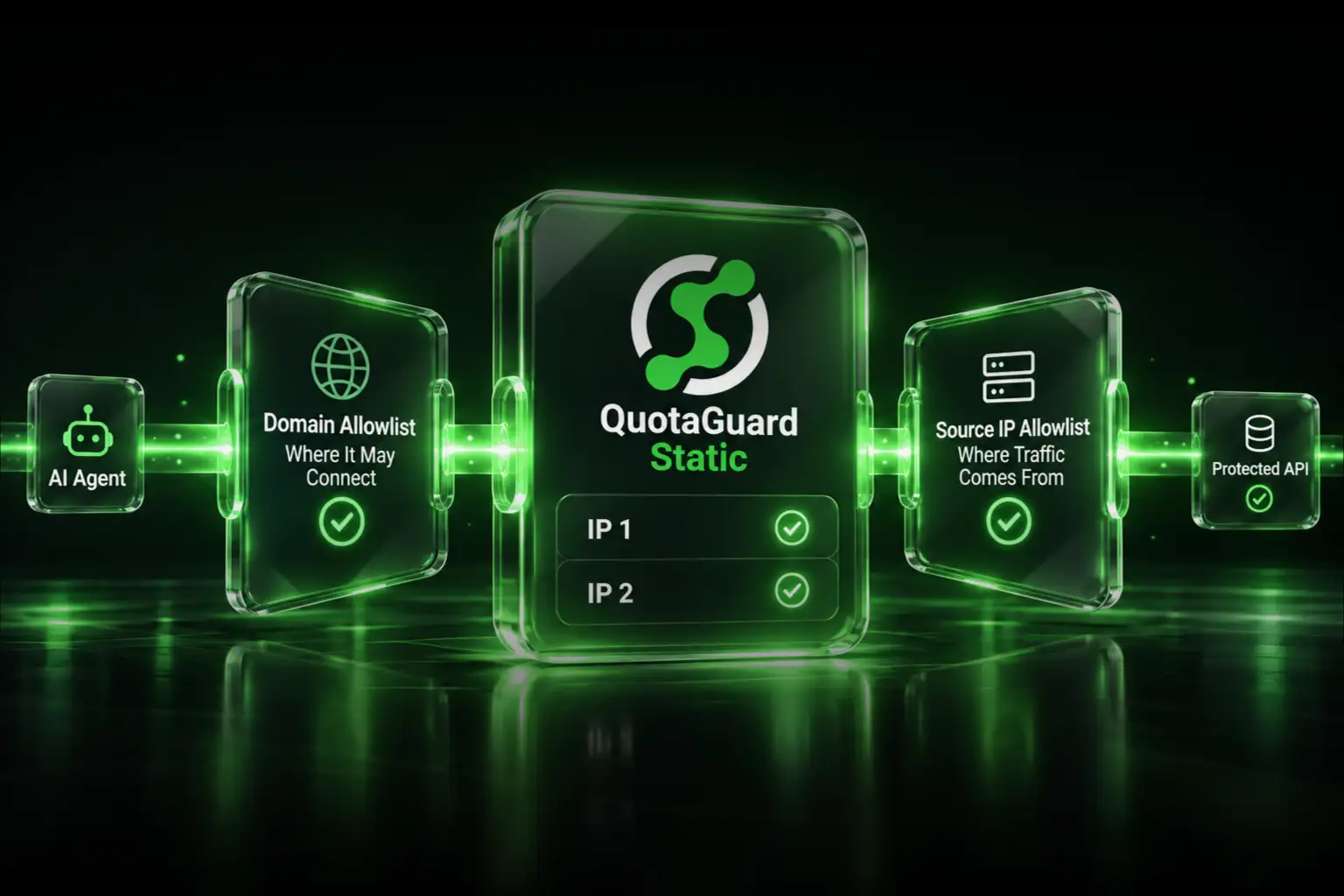
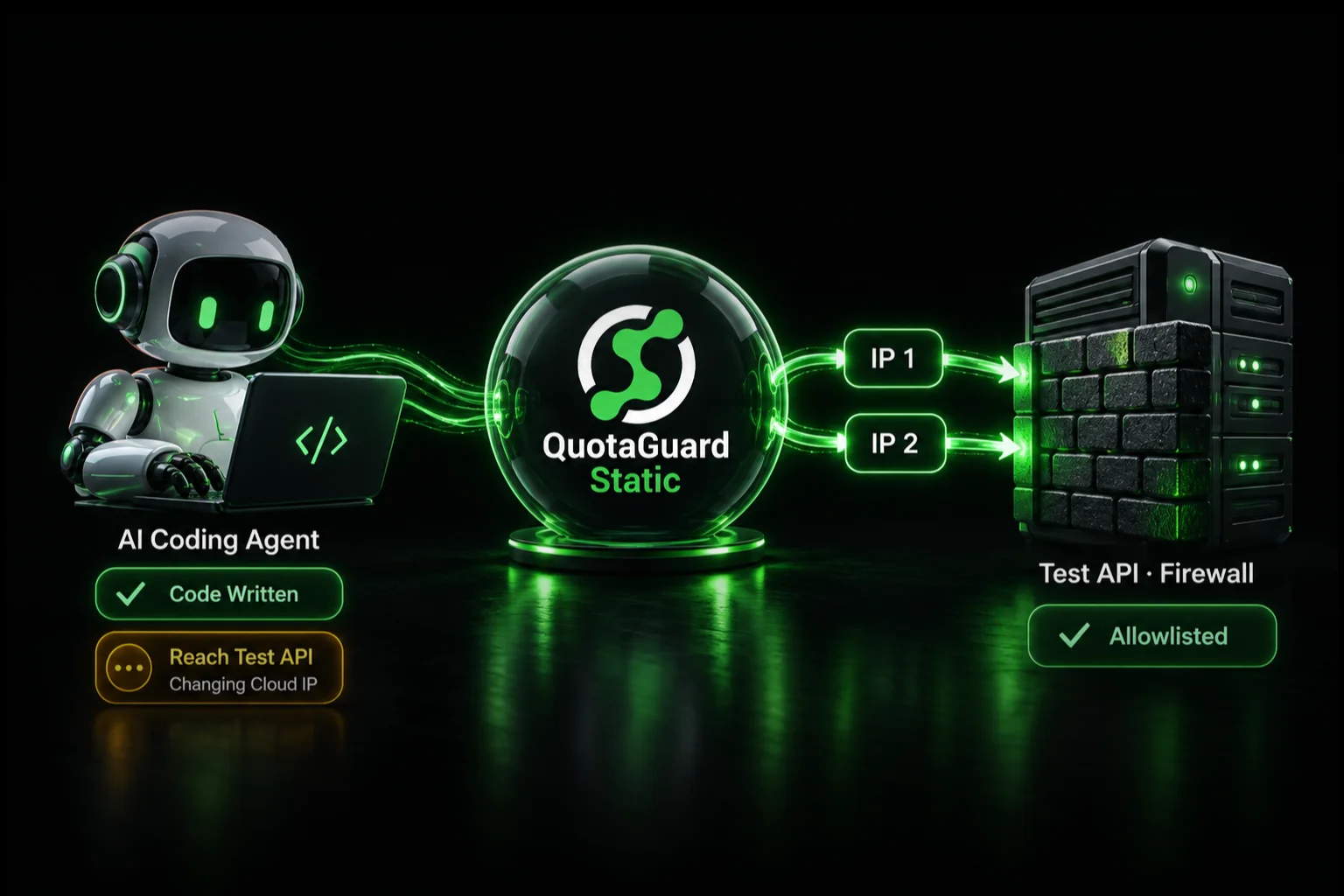
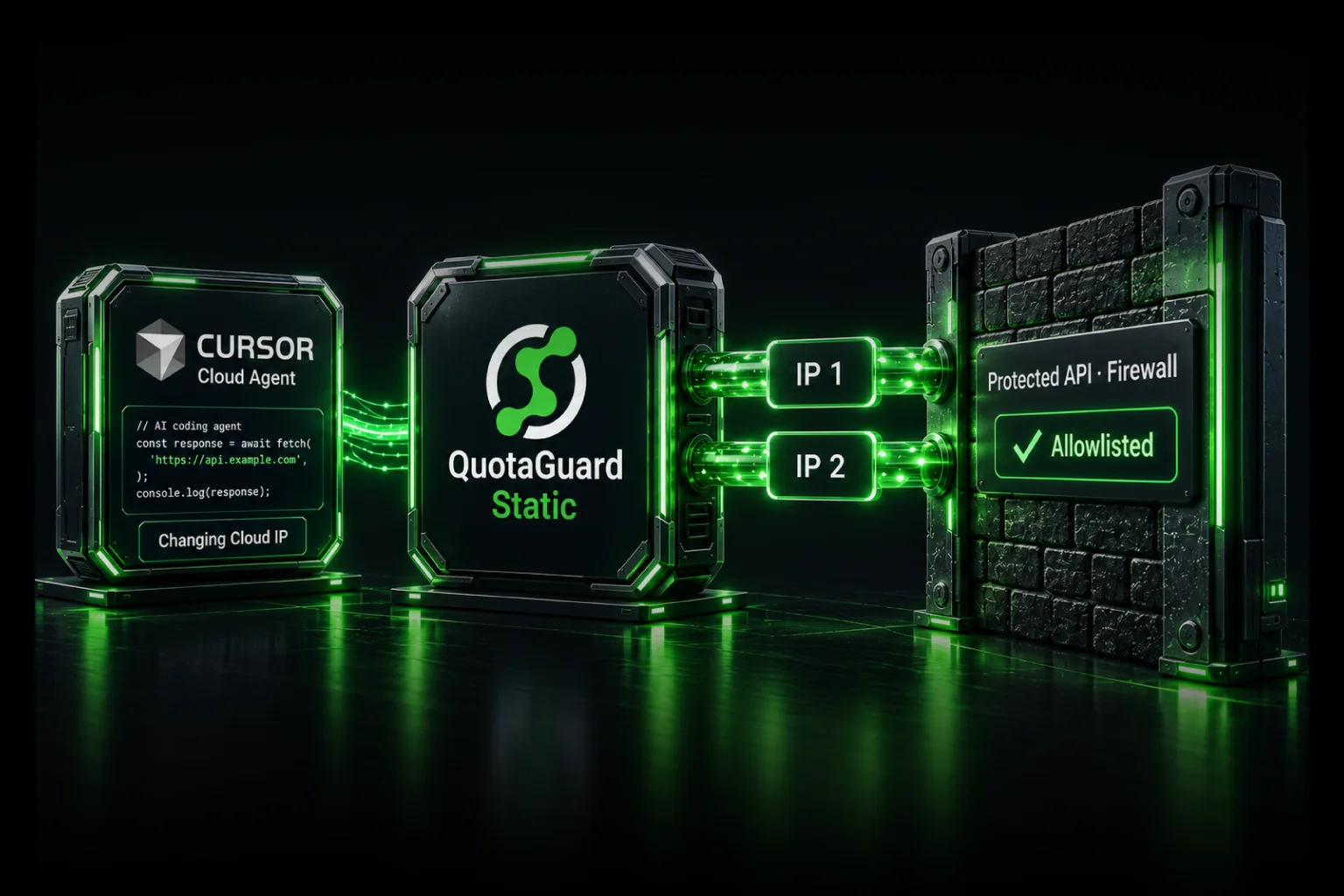
An outbound proxy sits between your app and the FMCSA endpoint. Your app sends every API request through the proxy. The proxy forwards it from one of two fixed IPs behind a load balancer. FMCSA sees one of those two IPs, both of which never change. You register both once. Done.

QuotaGuard Static is that proxy. It runs on AWS infrastructure across 10 regions. Your app gets two static IPs you can register with FMCSA. The setup is one environment variable.

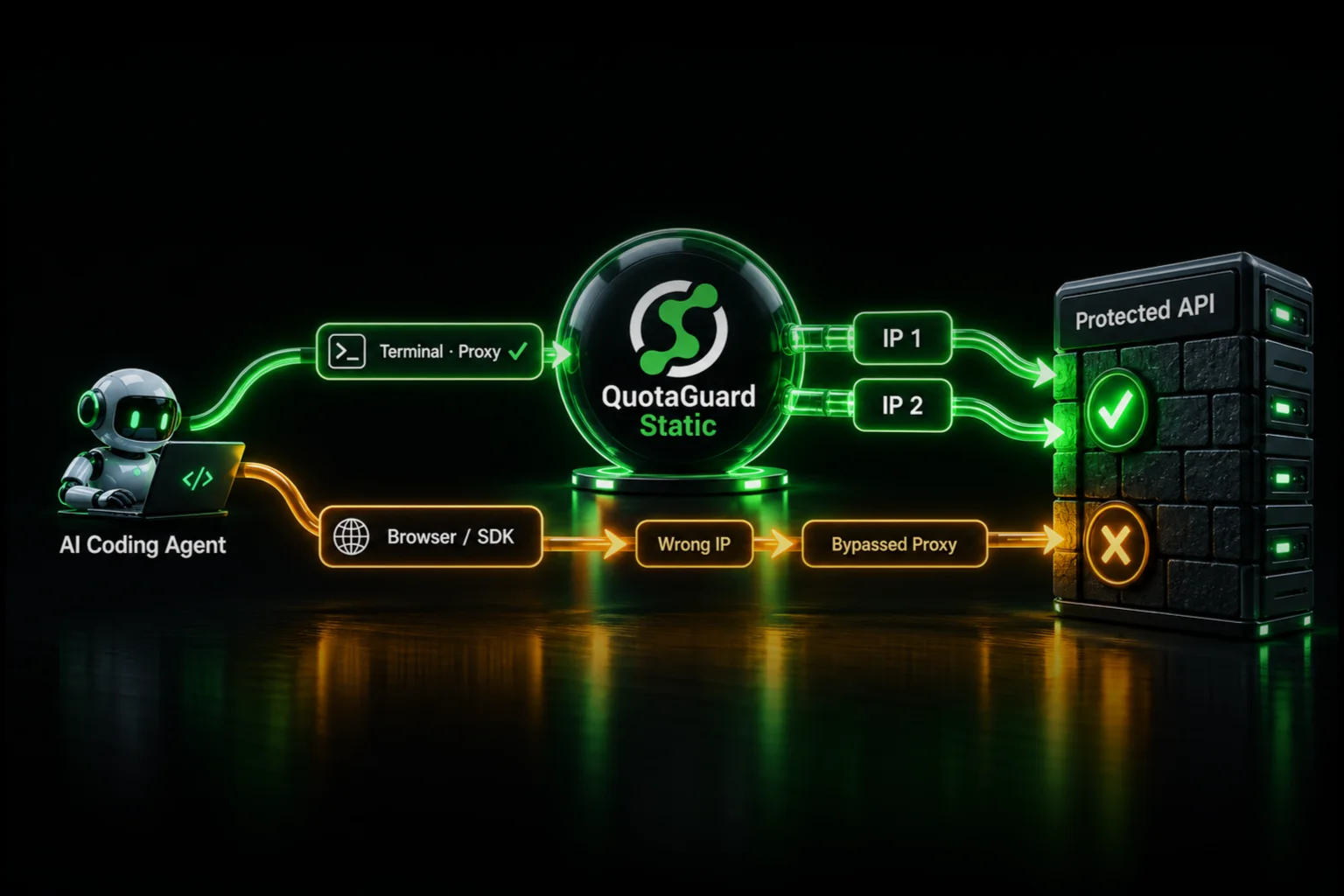
QuotaGuard tip: only route your FMCSA API calls through the proxy. Don't funnel all outbound traffic through it. Selective proxying is faster, cheaper, and significantly easier to debug when something goes wrong.

QuotaGuard Static Setup Takes 2 Minutes

Sign up at quotaguard.com/products/quotaguard-static. You'll get a proxy URL in this format:

QUOTAGUARDSTATIC_URL=http://username:password@proxy.quotaguard.com:9293

Set that as an environment variable in your app. Then configure your HTTP client to use it only for FMCSA requests. The examples below use the FMCSA carrier-lookup endpoint pattern; substitute whichever FMCSA endpoint your integration calls. See FMCSA's QCMobile developer site for the full endpoint catalog and required query parameters.

Node.js (axios + https-proxy-agent)

const axios = require('axios');
const { HttpsProxyAgent } = require('https-proxy-agent');

const proxyUrl = process.env.QUOTAGUARDSTATIC_URL;
const agent = new HttpsProxyAgent(proxyUrl);

const dotNumber = '123456';
const response = await axios.get(
  `https://mobile.fmcsa.dot.gov/qc/services/carriers/${dotNumber}?webKey=${process.env.FMCSA_WEB_KEY}`,
  { httpsAgent: agent }
);

Python (requests)

import os
import requests

proxy_url = os.environ['QUOTAGUARDSTATIC_URL']
proxies = {
    'http': proxy_url,
    'https': proxy_url
}

dot_number = '123456'
response = requests.get(
    f'https://mobile.fmcsa.dot.gov/qc/services/carriers/{dot_number}',
    proxies=proxies,
    params={'webKey': os.environ['FMCSA_WEB_KEY']}
)

Ruby (net/http)

require 'uri'
require 'net/http'

proxy_uri = URI.parse(ENV['QUOTAGUARDSTATIC_URL'])
dot_number = '123456'
fmcsa_uri = URI.parse(
  "https://mobile.fmcsa.dot.gov/qc/services/carriers/#{dot_number}?webKey=#{ENV['FMCSA_WEB_KEY']}"
)

Net::HTTP.start(
  fmcsa_uri.host,
  fmcsa_uri.port,
  proxy_uri.host,
  proxy_uri.port,
  proxy_uri.user,
  proxy_uri.password,
  use_ssl: true
) do |http|
  request = Net::HTTP::Get.new(fmcsa_uri)
  response = http.request(request)
end

Once you have your two static IPs from the QuotaGuard dashboard, submit both to FMCSA during your API registration or through your existing API account management portal. FMCSA documentation specifies the registration process for your specific access tier. Your IPs don't change unless you request a change through QuotaGuard support.

Apps Handling Driver PII or ELD Data Should Use QuotaGuard Shield

QuotaGuard Static handles the proxying. For most FMCSA integrations like carrier lookups, safety ratings, and registration queries, it's the right tool.

But trucking apps frequently handle regulated data. Electronic logging device records, Hours of Service logs, driver medical certificates, and drug and alcohol clearinghouse queries all touch driver PII and may trigger compliance obligations under federal transportation regulations. If your app falls into that category, you want QuotaGuard Shield.

Shield uses SSL passthrough. The TLS connection runs end-to-end between your app and the FMCSA endpoint. QuotaGuard routes the packets but never decrypts the payload. Your driver data never touches QuotaGuard's infrastructure in plaintext. This matters for apps that need to demonstrate data handling controls to enterprise motor carrier customers, safety management consultants, or DOT auditors.

The setup is the same pattern. Swap the environment variable:

QUOTAGUARDSHIELD_URL=https://username:password@us-east-shield-01.quotaguard.com:9294

When using a regional Shield hostname like the example above, the region is set at sign-up. Pick the AWS region closest to FMCSA's API infrastructure (US-East is the right default for most FMCSA integrations). If you need to change regions after sign-up, contact QuotaGuard support. Don't try to swap the hostname in your connection string. It won't work.

Update your proxy agent initialization to use the Shield URL. The rest of the integration code is identical.

Platform-Specific Notes for Common Trucking App Stacks

Heroku

Add the QuotaGuard Static or Shield add-on from the Heroku marketplace. The add-on sets QUOTAGUARDSTATIC_URL or QUOTAGUARDSHIELD_URL automatically. Your dyno picks it up on next restart. No manual env var configuration needed.

AWS Lambda

Set QUOTAGUARDSTATIC_URL in your Lambda function's environment variables via the AWS console or your IaC configuration (CloudFormation, Terraform, CDK). Lambda functions don't have persistent IPs, so the proxy is the only practical way to get a static egress IP for FMCSA allowlisting.

Render, Railway, Fly.io

Set the environment variable in your service's environment configuration. These platforms all support HTTP proxy environment variables. Your HTTP client picks it up automatically if you're using the proxy agent pattern shown above, or you can configure it explicitly.

Docker / Kubernetes

Pass QUOTAGUARDSTATIC_URL as an environment variable to your container. Use Kubernetes Secrets for the credential value. Don't hardcode the proxy URL in your image.

QuotaGuard Static Pricing Starts at $19/Month

Most FMCSA integrations run on low request volumes with small payloads. The Starter plan covers the majority of trucking app use cases.

QuotaGuard Static direct plans:

PlanPrice/monthBandwidth included
Starter$1910 GB
Production$4950 GB
Business$89200 GB
Enterprise$2191 TB

Bandwidth is bundled. No per-GB overage charges.

QuotaGuard Shield direct plans (for apps handling driver PII or regulated transportation data):

PlanPrice/monthBandwidth included
Starter$2910 GB
Production$5950 GB
Business$109200 GB
Enterprise$2691 TB

Dedicated IPs are available on Enterprise plans. QuotaGuard Static Enterprise is $219/month direct. QuotaGuard Shield Enterprise is $269/month direct. On lower tiers, your two assigned IPs are still static and dedicated to your account.

All plans include a 3-day trial. Enterprise includes a 7-day trial. A credit card is required to start either trial.

See the full plan lineup at quotaguard.com/products/pricing.

Your FMCSA Static IPs Are Ready in 2 Minutes

Sign up for QuotaGuard Static, set QUOTAGUARDSTATIC_URL in your environment, point your FMCSA HTTP client at the proxy, and register both IPs with FMCSA. That's the whole process.

If your app handles ELD data, HOS records, driver medical information, or anything that touches driver PII under federal compliance obligations, use QuotaGuard Shield instead. Same setup. SSL passthrough. QuotaGuard never sees your data.

See plans and start a trial.

QuotaGuard Static IP Blog

Practical notes on routing cloud and AI traffic through Static IPs.

Reliability Engineered for the Modern Cloud

For over a decade, QuotaGuard has provided reliable, high-performance static IP and proxy solutions for cloud environments like Heroku, Kubernetes, and AWS.

Get the fixed identity and security your application needs today.