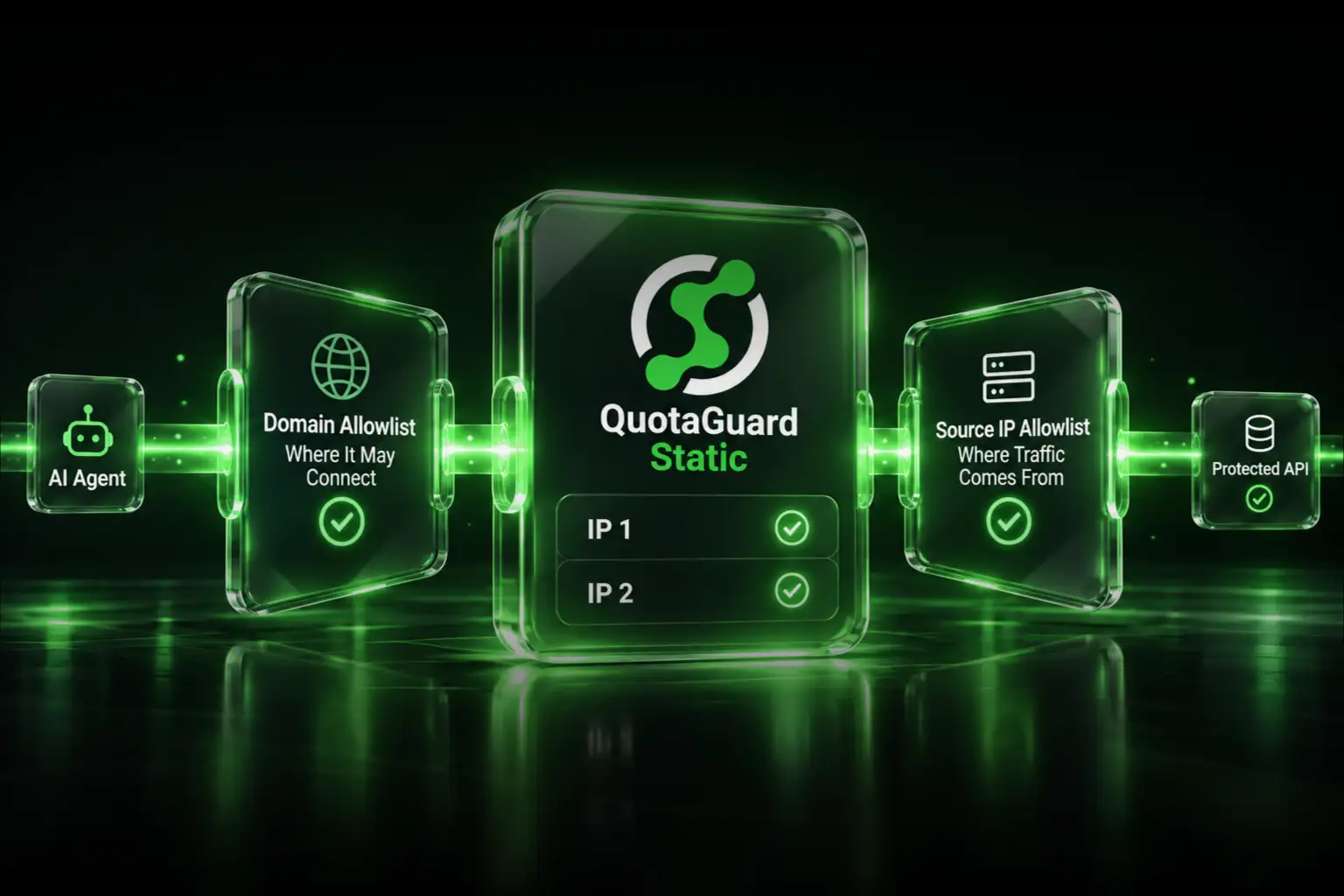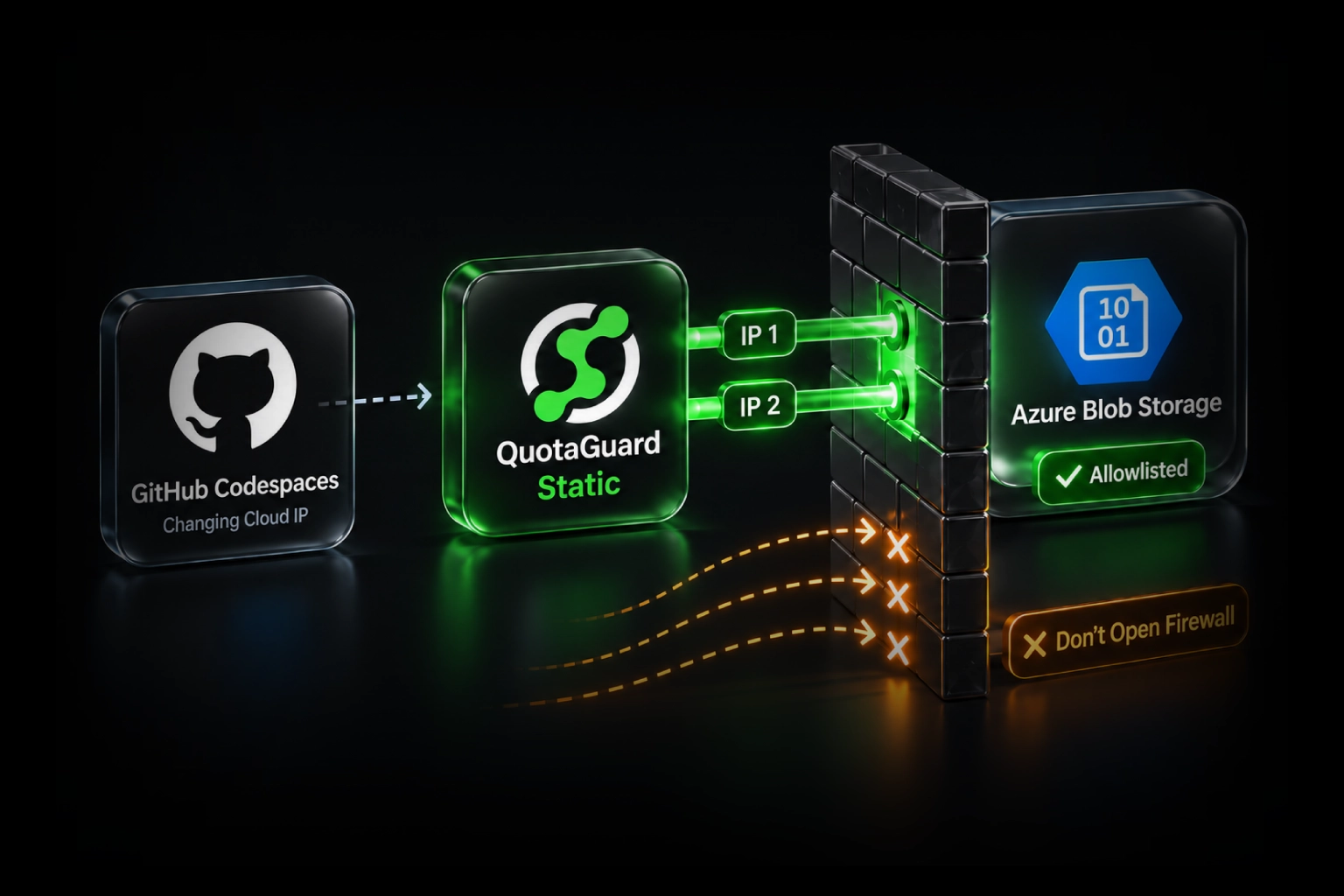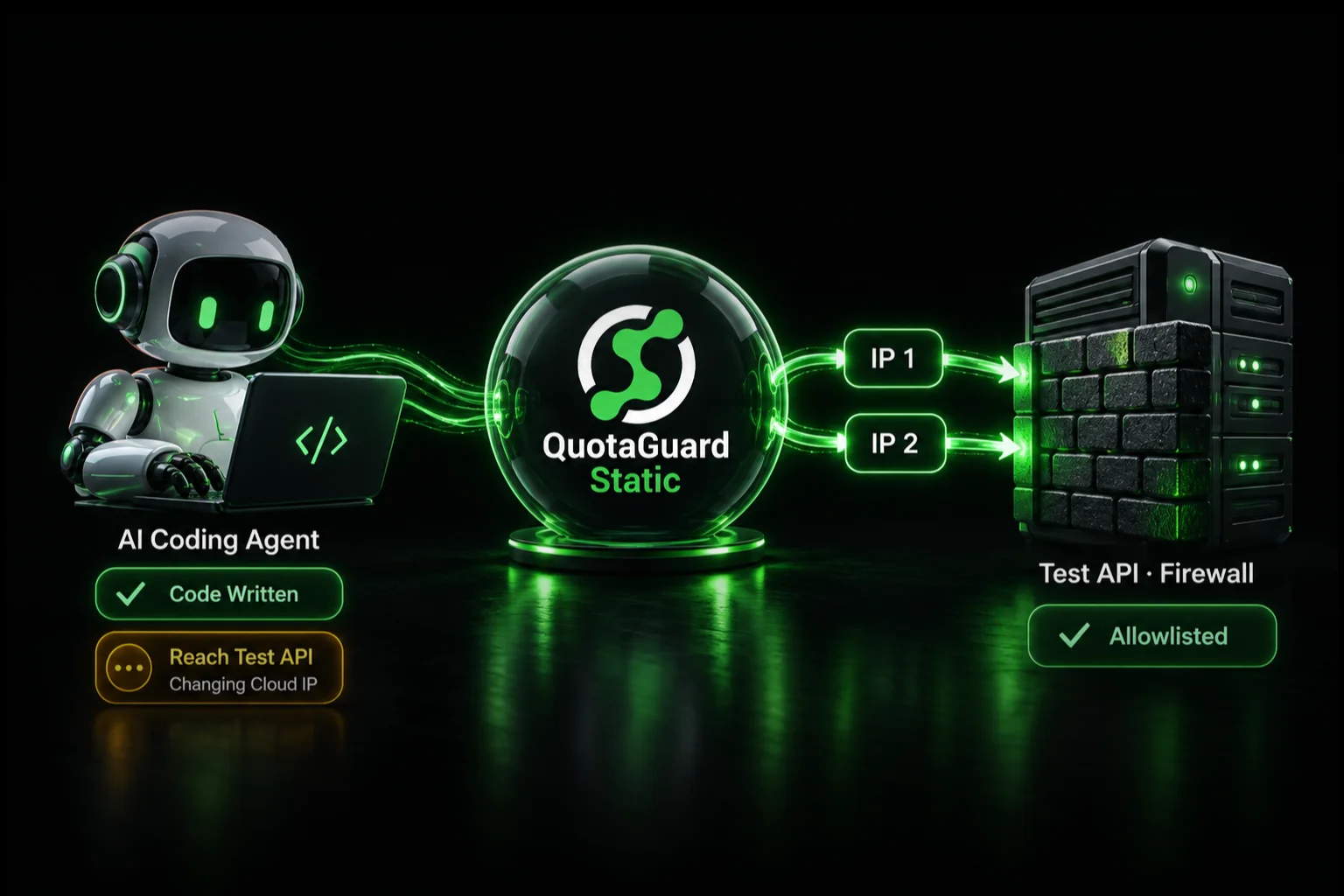
Give a Replit backend two stable outbound IP addresses by routing only the API or database connections that need allowlisting through QuotaGuard. Save the QuotaGuard URL as a Replit Secret, then explicitly configure the relevant HTTP client or use QGTunnel for raw TCP. QuotaGuard operates the proxy infrastructure, availability, monitoring, and failover, so the identity stays stable when the Replit deployment changes.
Replit Enterprise Has a Native Option
Replit advertises static outbound IPs on its custom-priced Enterprise plan. Its public documentation does not define deployment coverage, IP count, exclusivity, or routing behavior. That may be the right option for an organization that specifically wants platform-level networking bundled into Replit Enterprise.
QuotaGuard is the normal self-service route when a team needs two stable addresses without moving the organization to a custom Enterprise contract, wants to proxy only selected destinations, or wants an outbound identity it can carry to another hosting platform. The goal is not merely a lower bill: QuotaGuard owns the proxy infrastructure, availability, failover, monitoring, and engineer support.
Why a Stable Outbound Identity Matters
On Replit plans without a documented static-egress feature, do not treat an observed outbound address as permanent. Dynamic cloud infrastructure can use a different source address after a deployment or infrastructure change. That becomes a blocker when a destination admits callers by source IP.
- External databases such as MongoDB Atlas, PostgreSQL, and SQL Server
- Client and partner APIs protected by firewall allowlists
- Payment, banking, and financial-data APIs that require registered IPs
- Internal services whose administrators permit only a small set of trusted sources
A source-IP failure can look like a timeout, 403, or generic authentication error. Routing the connection through QuotaGuard gives the destination a stable pair to allowlist.
Step 1. Add the QuotaGuard URL as a Replit Secret
Create a QuotaGuard subscription, copy the proxy URL and both static IP addresses from the dashboard, then add the URL in Replit's Secrets tool:
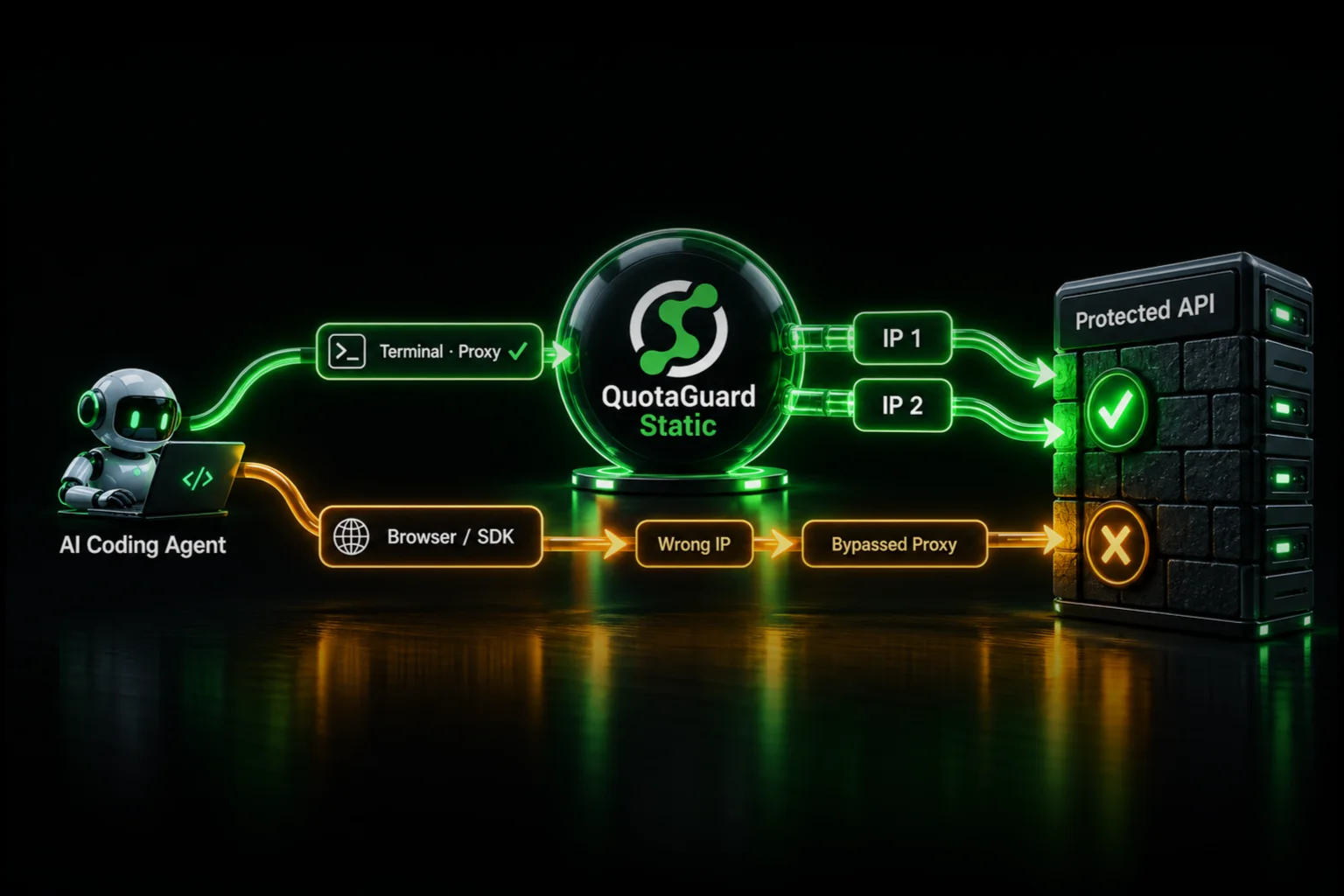
QUOTAGUARDSTATIC_URL=http://username:password@<your-quotaguard-proxy-host>:9293A Secret protects the credential from source control. It does not automatically proxy every request. Configure each client that needs the route.
Step 2. Route the Required HTTP or HTTPS Requests
Selective routing keeps unrelated OAuth, telemetry, database, and third-party calls on their normal paths.
Python requests
import os
import requests

proxy_url = os.environ["QUOTAGUARDSTATIC_URL"]
proxies = {"http": proxy_url, "https": proxy_url}

response = requests.get(
    "https://api.example.com/data",
    proxies=proxies,
    timeout=30
)
response.raise_for_status()
Axios
const axios = require("axios");
const { HttpsProxyAgent } = require("https-proxy-agent");

const agent = new HttpsProxyAgent(process.env.QUOTAGUARDSTATIC_URL);

const response = await axios.get("https://api.example.com/data", {
  httpsAgent: agent,
  proxy: false
});
Node native fetch
Node's native fetch uses Undici. Configure an Undici ProxyAgent as the request dispatcher; https-proxy-agent with an agent option is not the native-fetch API.
import { ProxyAgent } from "undici";

const dispatcher = new ProxyAgent(process.env.QUOTAGUARDSTATIC_URL);

const response = await fetch("https://api.example.com/data", {
  dispatcher
});
Step 3. Use QGTunnel for Databases and Other Raw TCP Connections
PostgreSQL, MySQL, MongoDB, SQL Server, SFTP, and other non-HTTP protocols do not use an HTTP client's proxy setting. Route a supported raw TCP connection through QuotaGuard SOCKS5 with QGTunnel, then keep the application pointed at its ordinary database hostname and port. Allowlist both QuotaGuard IPs at the destination.
Do not assume that adding HTTP_PROXY or saving the URL as a Secret affects a native database driver. The tunnel or driver must be configured for that connection.
Step 4. Verify the Configured Route
Send a temporary request to QuotaGuard's IP-check endpoint through the same client configuration:
print(requests.get(
    "https://ip.quotaguard.com",
    proxies=proxies,
    timeout=30
).json())
The result must match one of the two addresses in the QuotaGuard dashboard. Add both addresses to the destination allowlist. A short test can return the same address repeatedly because of load balancing and connection reuse; it does not have to display both to prove the route works.
Which Replit Deployments Does This Apply To?
The runtime setup applies to backend workloads such as Autoscale, Reserved VM, and Scheduled deployments. Static deployments host frontend files and have no backend runtime. They can expose secrets to a build command, but browser traffic after publication does not gain a server-side outbound identity. Replit Agent's full-stack applications use Autoscale or Reserved VM deployments.
QuotaGuard Static or Shield?
QuotaGuard Static starts at $19 per month and is the normal starting point for API and database allowlisting. HTTPS payloads remain encrypted through Static's blind CONNECT tunnel and are not decrypted by the proxy; the HTTP proxy protocol on the Replit-to-proxy hop is not itself TLS-wrapped.
QuotaGuard Shield starts at $29 per month and adds TLS to that customer-to-proxy hop. Choose it when a security policy or approved compliance architecture requires that protection. Regulated data alone does not automatically make Shield mandatory; use the product and architecture approved for the workload.
Choose the closest of QuotaGuard's 12 AWS regions when signing up. Region changes for an existing subscription go through support.
Get Started
Choose a QuotaGuard plan, or contact an engineer if you want help mapping a particular Replit client or protocol to the correct route.
QuotaGuard Static IP Blog
Practical notes on routing cloud and AI traffic through Static IPs.