Static IP for Freqtrade Trading Bots on Cloud Platforms

QuotaGuard Engineering
May 19, 2026
5 min read
Pattern

A static IP proxy gives your Freqtrade deployment a fixed outbound identity that satisfies exchange IP allowlist requirements without rebuilding your hosting infrastructure.

Freqtrade users running on Heroku, Railway, Render, AWS, or Fly.io face the same problem: the bot calls Binance, Coinbase, or Kraken from a different IP every time the container restarts. Exchanges that require IP allowlisting reject the calls. Fix the proxy layer, leave the rest of the deployment alone.

Freqtrade has explicit proxy configuration support in config.json via the ccxt_config block. The configuration is small, documented, actively tested in Freqtrade's CI pipeline, and works identically across every major exchange Freqtrade supports.

Static IPs Solve Exchange Allowlisting Without Migrating Your Hosting

Binance enforces IP allowlisting on any API key with withdrawal permissions, and recommends it as a security best practice on trade-only keys. Coinbase Prime, Kraken, and OKX offer optional IP allowlists with similar mechanics. Bybit's API Broker Program requires IP whitelisting on keys with withdrawal permissions.

When your Freqtrade bot runs on cloud infrastructure, your outbound IP changes constantly. Heroku rotates IPs across its dyno fleet. Railway and Render assign new IPs on every deploy. AWS Lambda functions egress from a NAT Gateway IP pool that shifts based on region availability zones. Fly.io machines get fresh IPs when they restart. None of these are durable enough to add to an exchange allowlist and walk away.

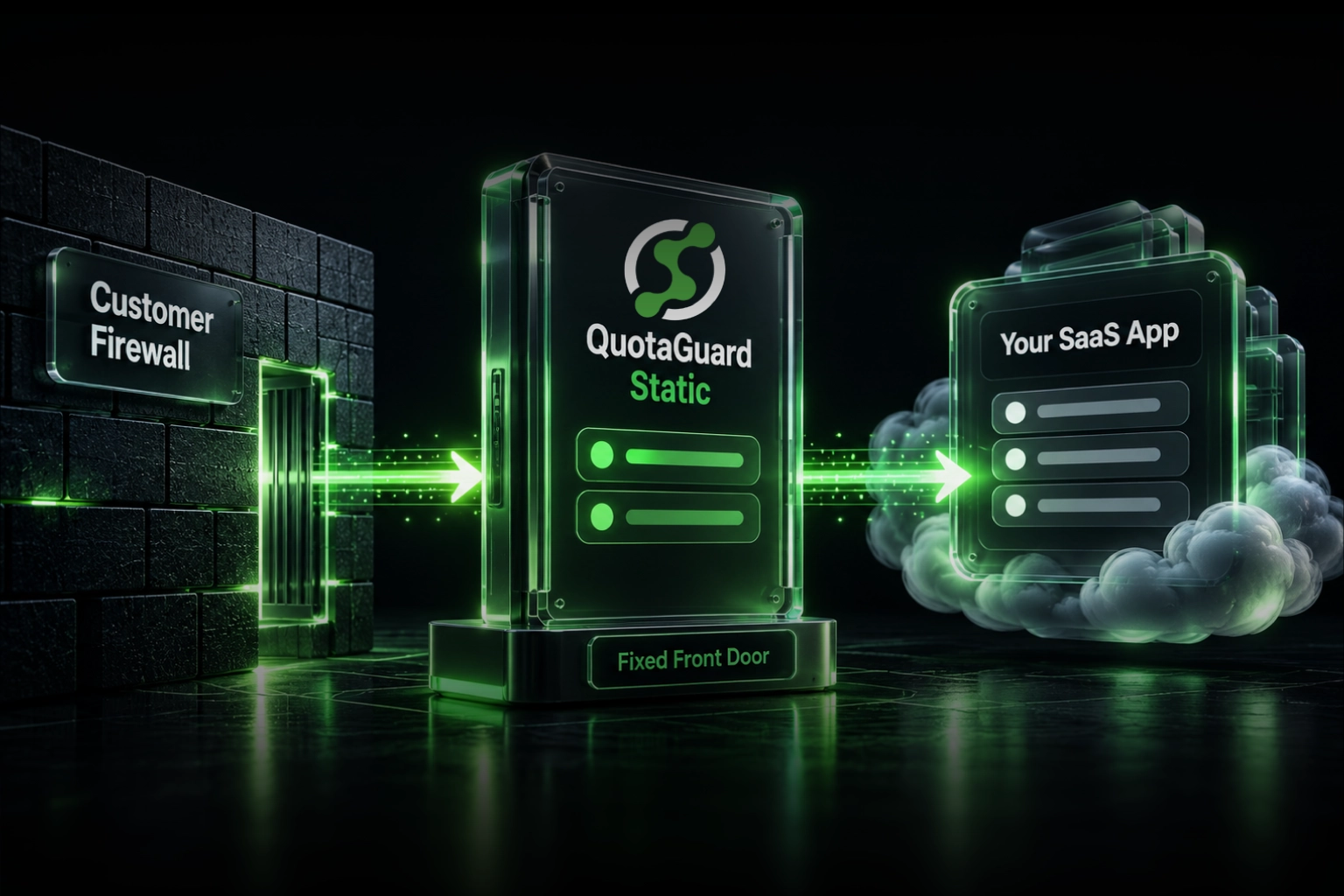
A static IP proxy solves this at the network layer. Your Freqtrade container keeps running on whatever platform you've already configured. The proxy intercepts your outbound HTTPS calls to api.binance.com, fapi.binance.com, api.coinbase.com, or whichever exchanges your strategy uses, and routes them through a fixed IP. You add that IP to your exchange's allowlist once. The allowlist stays valid through every deploy, restart, and infrastructure change.

Configure Proxy in Three Lines of config.json

Freqtrade reads proxy settings from the exchange.ccxt_config block. Two keys matter: httpsProxy for REST API calls and wsProxy for WebSocket connections. Both take a full URL string as their value, including authentication credentials and port.

{
  "exchange": {
    "name": "binance",
    "ccxt_config": {
      "httpsProxy": "http://username:password@us-east-static-01.quotaguard.com:9293",
      "wsProxy": "http://username:password@us-east-static-01.quotaguard.com:9293"
    },
    "pair_whitelist": ["BTC/USDT", "ETH/USDT"]
  }
}

The connection URL comes from your QuotaGuard dashboard. The hostname reflects the AWS region you selected at sign-up. The same URL goes in both httpsProxy and wsProxy, since QuotaGuard's proxy handles both HTTP and WebSocket traffic.

WebSocket configuration matters more than it looks. Freqtrade uses WebSocket connections for live order book streaming and order status updates. If you only configure httpsProxy and skip wsProxy, your bot's REST calls route through the static IP but the WebSocket traffic egresses from your platform's rotating IPs. That breaks the allowlist exactly when you don't expect it.

Docker Deployments Pass Proxy Settings Through Environment Variables

For users running Freqtrade on Heroku, Railway, Render, Fly.io, or any platform that uses the official Docker image, the env-var approach is cleaner than mounting a custom config.json. Freqtrade's configuration system reads dotted environment variable paths and merges them into the config tree at startup.

services:
  freqtrade:
    image: freqtradeorg/freqtrade:stable
    container_name: freqtrade
    environment:
      - FREQTRADE__EXCHANGE__CCXT_CONFIG__httpsProxy=http://username:password@us-east-static-01.quotaguard.com:9293
      - FREQTRADE__EXCHANGE__CCXT_CONFIG__wsProxy=http://username:password@us-east-static-01.quotaguard.com:9293
    volumes:
      - ./config.json:/freqtrade/user_data/config.json

The env var path uses double-underscore separators (__) between config levels, and the leaf keys preserve camelCase from Freqtrade's config schema. On Heroku, set these via heroku config:set FREQTRADE__EXCHANGE__CCXT_CONFIG__httpsProxy=<your-url>. On Railway and Render, add them through the platform's environment variables UI.

Docker propagation is reliable. The official freqtradeorg/freqtrade image doesn't filter environment variables, and Freqtrade's config-merging code reads the entire process environment at startup.

The Same Proxy Configuration Works Across Every Exchange Freqtrade Supports

Freqtrade's exchange connector layer uses a single _init_ccxt() method that applies the ccxt_config block to every supported exchange identically. There are no exchange-specific overrides for proxy handling in Freqtrade's connector layer.

Verified working across:

  • ccxt.binance — Binance Spot (api.binance.com)
  • ccxt.binanceusdm — Binance USD-M Futures (fapi.binance.com)
  • ccxt.binancecoinm — Binance COIN-M Futures (dapi.binance.com)
  • ccxt.coinbase — Coinbase Advanced Trade and Coinbase Prime
  • ccxt.kraken — Kraken Spot
  • ccxt.bybit — Bybit Spot and Perpetuals
  • ccxt.okx — OKX Spot, Margin, and Perpetuals

Exchange-specific configuration like Bybit's defaultType: "spot" or Binance's defaultType: "future" stays in the ccxt_config block alongside the proxy keys. They're independent settings that don't override each other.

QuotaGuard tip: Across our customer base running Freqtrade on cloud platforms, the most common configuration mistake is setting httpsProxy but forgetting wsProxy. The bot looks healthy because REST calls succeed and trades execute, but the WebSocket layer leaks the platform's rotating IPs. The leak shows up as occasional "API not authorized" errors during live order updates that aren't reproducible in backtests. Always configure both keys with the same proxy URL.

QuotaGuard Static Gives You Two IPs for a Production Failover Pattern

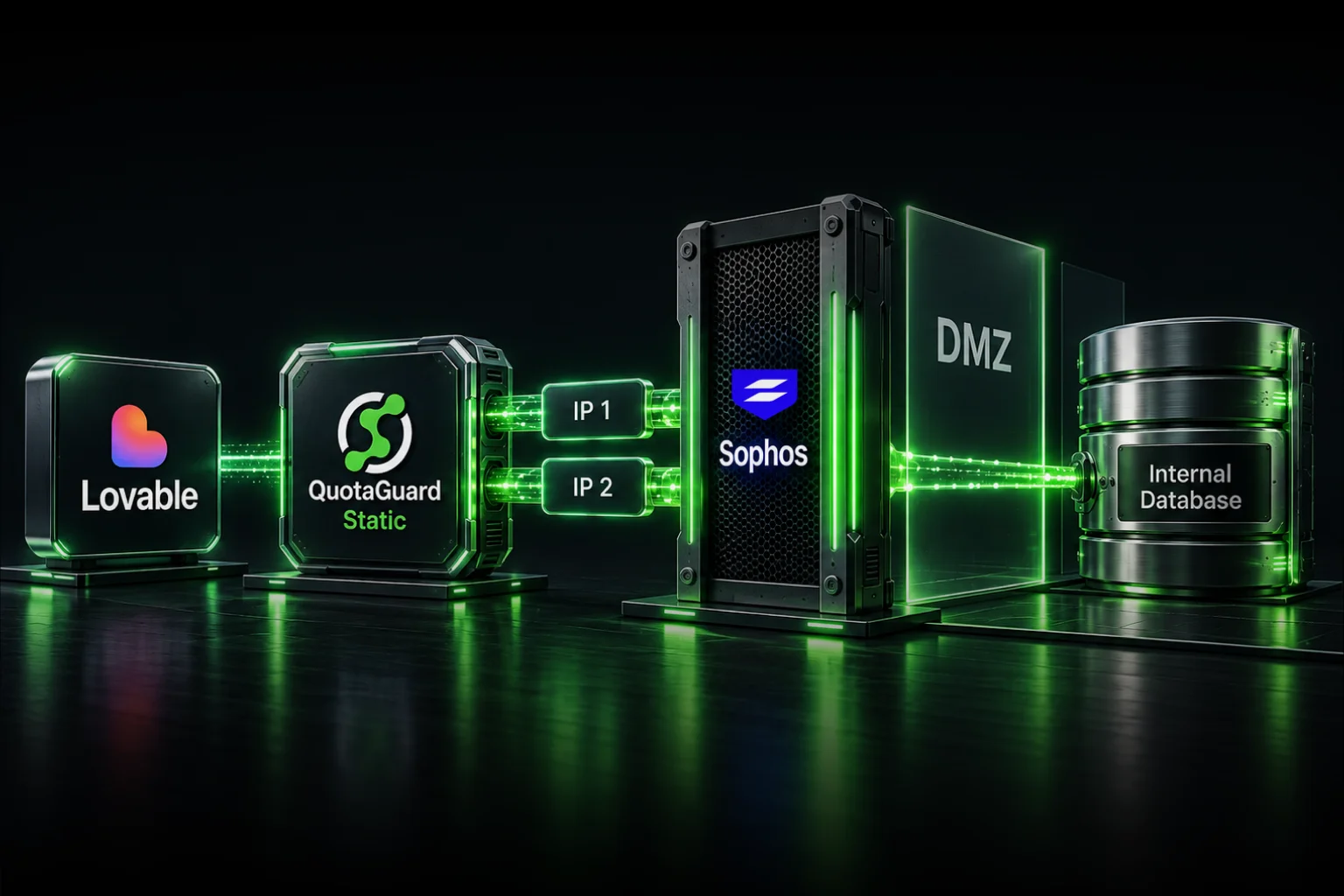
QuotaGuard Static provisions a load-balanced pair of static IPs on every plan. Both IPs route through the same proxy hostname in your ccxt_config, and QuotaGuard's load balancer health-checks both and routes traffic through whichever responds first.

For exchange allowlists, add both QuotaGuard IPs. Binance's allowlist supports up to 128 IP ranges with a maximum of 256 total IPs, so adding both is well within capacity. The same applies to Coinbase Prime, Kraken, and OKX. Bybit's allowlist is smaller but still has room for two IPs.

If you only allowlist one of the two IPs, your bot works most of the time but fails intermittently when the load balancer routes traffic through the un-allowlisted IP. That's an authentication error that won't reproduce in development and won't appear in your trading logs as anything obvious. Add both, every time.

QuotaGuard Static or QuotaGuard Shield: Choosing for Your Strategy

QuotaGuard Static is the default choice for Freqtrade users. It handles standard HTTPS and WebSocket traffic to exchange APIs, which covers what almost every Freqtrade strategy does.

QuotaGuard Shield uses SSL passthrough, meaning QuotaGuard's infrastructure never decrypts your traffic. Shield is the right choice when your Freqtrade deployment handles regulated data, sits inside a HIPAA-compliant environment, or you have an internal security policy that requires end-to-end encryption from your application to the exchange. For pure retail trading or algorithmic strategies that don't touch regulated data, Static is sufficient and is what most Freqtrade users choose.

Get Started With QuotaGuard Static for Freqtrade

QuotaGuard Static plans start at $19 per month for the Starter tier with 10 GB of bandwidth. The Production tier at $49 per month covers 50 GB, which fits most Freqtrade deployments running across multiple pairs with WebSocket order book streaming. Bandwidth is bundled with no per-GB overage fees.

For users running multiple Freqtrade instances (multiple strategies, paper-trade plus live, or separate accounts for different exchanges), the same QuotaGuard account works across all of them. Set the FREQTRADE__EXCHANGE__CCXT_CONFIG__httpsProxy env var on each instance and they all egress from the same load-balanced IP pair.

If you're running Binance Futures specifically, see Static IP for Binance Futures API for Futures-specific configuration notes. For Binance Spot, see Static IP for Binance API. For multi-exchange strategies, see Static IP for Crypto Trading Bots. Plans and pricing are at quotaguard.com/products/pricing. Setup takes 2 minutes once you've signed up.

QuotaGuard Static IP Blog

Practical notes on routing cloud and AI traffic through Static IPs.

Reliability Engineered for the Modern Cloud

For over a decade, QuotaGuard has provided reliable, high-performance static IP and proxy solutions for cloud environments like Heroku, Kubernetes, and AWS.

Get the fixed identity and security your application needs today.