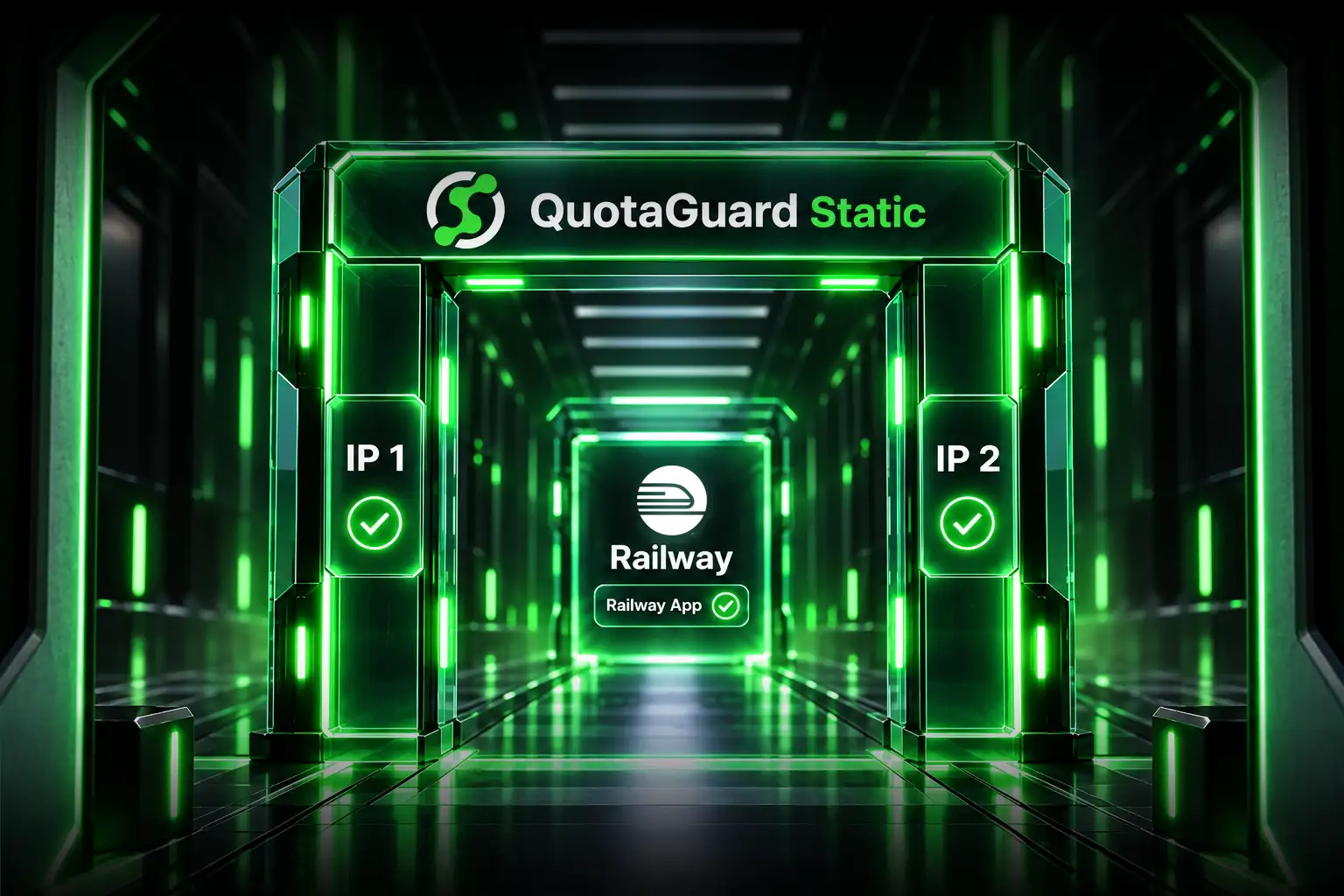
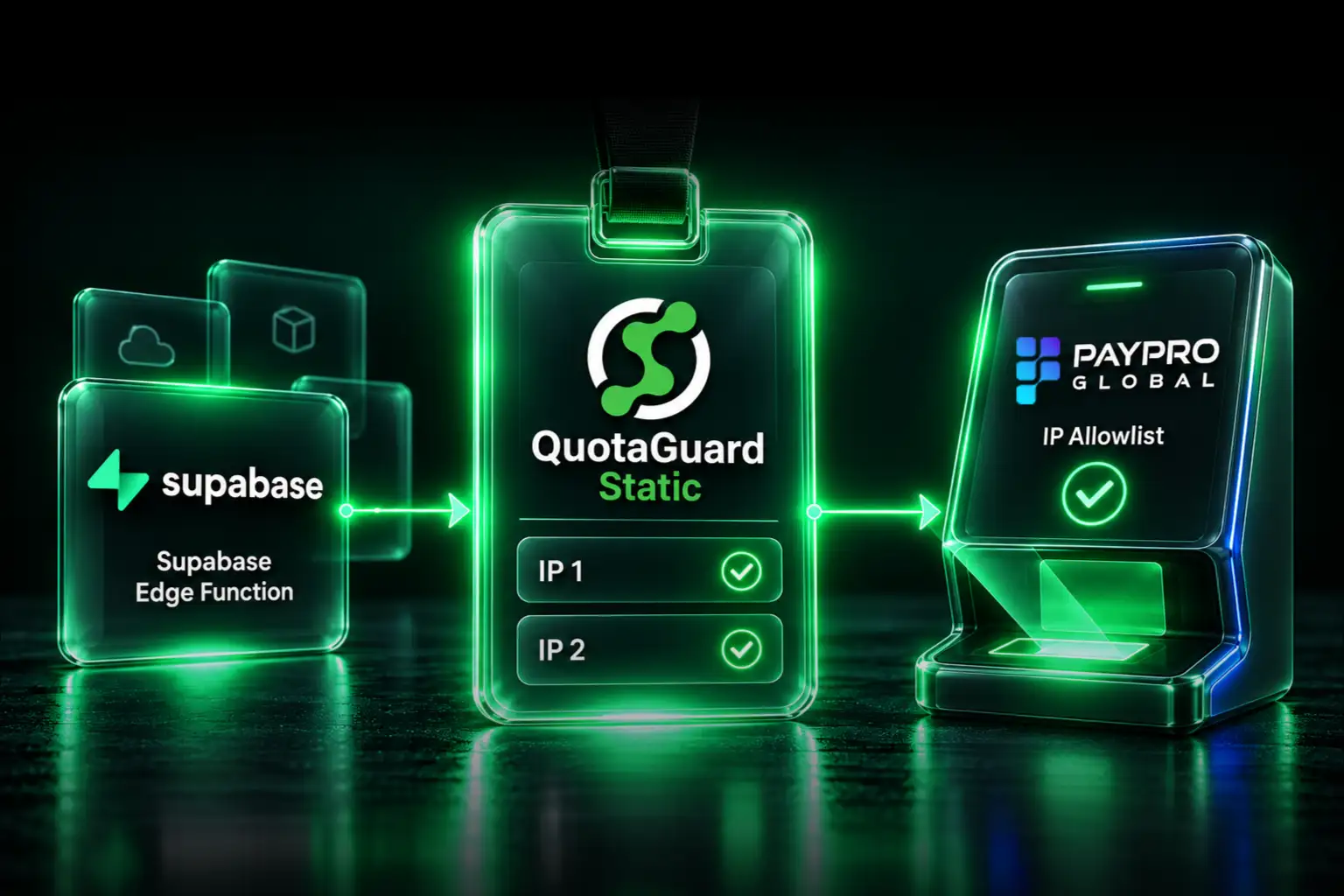
Give a Railway service two stable outbound IP addresses by routing only the protected API, database, or partner connection through QuotaGuard. The destination allowlists the two addresses once, while unrelated Railway traffic can keep its normal route.
QuotaGuard is the normal fit when you want a small, managed allowlist without building and operating NAT or proxy infrastructure. QuotaGuard operates the egress service, load-balanced pair, monitoring, capacity, and incident response. Your application keeps the same allowlisted identity through Railway deploys and can keep it if you later change Railway regions or move the workload elsewhere.
When a Railway App Needs a Static Outbound IP
The problem appears when the system receiving the connection evaluates its source address. Common examples include a payment API that requires registered server IPs, MongoDB Atlas or another firewalled database, a client's private API, and an SFTP or enterprise partner that accepts only known senders.
Railway private networking does not solve that external path. Use *.railway.internal for communication between services in the same Railway project and environment. Use a stable egress route when a Railway service opens a connection to an external destination that controls an IP allowlist.
QuotaGuard's application-level route can be selective. Put the partner API client through QuotaGuard while leaving internal Railway requests, public APIs, OAuth, telemetry, and unrelated traffic alone. That is different from changing the network identity of every connection made by the service.
Railway's Native Static IP Feature
Railway Pro includes Static Outbound IPs. Railway currently assigns three permanent IPv4 addresses to a service and balances outbound replica traffic across them. Railway says the addresses are not guaranteed to be dedicated and may be shared with other customers. They also change when the service moves to another Railway region.
That native feature is useful when you already need Railway Pro and want service-wide platform routing. QuotaGuard is designed for the common alternative: two stable addresses, selective per-client routing, portability beyond Railway, and managed egress infrastructure with an established support path.
Step 1: Add the QuotaGuard Connection to Railway
- Create a QuotaGuard subscription.
- Choose the closest practical one of QuotaGuard's 12 AWS regions during signup.
- Copy the complete connection URL and both static IP addresses from the dashboard.
- In Railway, open the service's Variables tab and add the connection URL as
QUOTAGUARDSTATIC_URL. - Redeploy the service so the new variable is present at runtime.
QUOTAGUARDSTATIC_URL=http://username:password@<your-quotaguard-proxy-host>:9293Use the exact value shown in the QuotaGuard dashboard. Do not assemble the hostname yourself, place the credentials in source code, or expose the value in logs.
Step 2: Route the Protected HTTP Client
Node.js With Undici
Node's built-in fetch uses Undici. An agent option from https-proxy-agent is not the correct interface for that client. Use Undici's ProxyAgent as the request dispatcher:
import { ProxyAgent, fetch } from 'undici';

const dispatcher = new ProxyAgent(process.env.QUOTAGUARDSTATIC_URL);

const response = await fetch('https://api.your-partner.com/endpoint', {
  dispatcher,
  method: 'POST',
  headers: { 'content-type': 'application/json' },
  body: JSON.stringify(payload)
});

if (!response.ok) {
  throw new Error(`Partner request failed: ${response.status}`);
}
Reuse the dispatcher instead of creating a new one for every request. Only calls made with that dispatcher use QuotaGuard.
Python With Requests
Create a session for the protected destination:
import os
import requests

partner = requests.Session()
partner.proxies.update({
    "http": os.environ["QUOTAGUARDSTATIC_URL"],
    "https": os.environ["QUOTAGUARDSTATIC_URL"],
})

response = partner.post(
    "https://api.your-partner.com/endpoint",
    json=payload,
    timeout=30,
)
response.raise_for_status()
The session makes the routing decision explicit. Other requests clients in the service do not automatically inherit it.
Optional: Global Proxy Environment Variables
If every compatible HTTP client in the service should use QuotaGuard, set the standard variables and redeploy:
HTTP_PROXY=http://username:password@<your-quotaguard-proxy-host>:9293
HTTPS_PROXY=http://username:password@<your-quotaguard-proxy-host>:9293
NO_PROXY=localhost,127.0.0.1,.railway.internal
The bypass entry keeps Railway private-network traffic off the public proxy path. These variables affect only libraries that honor them. They do not route every protocol and do not prove that the production client is using QuotaGuard.
Step 3: Verify the Address
From inside the deployed Railway service, make an explicit proxy request:
curl -x "$QUOTAGUARDSTATIC_URL" https://ip.quotaguard.comThe response should contain one of the two IP addresses shown in the QuotaGuard dashboard. A short test may repeatedly show the same address because connection reuse and load balancing do not guarantee that both appear. The destination must still allowlist both addresses so the managed failover path remains approved.
This test proves only that this request used QuotaGuard. Verify that the actual payment, API, database, or partner client follows the same route and confirm the source address in the destination's logs.
Railway to MongoDB Atlas and Other Raw TCP Databases
PostgreSQL, MySQL, native MongoDB drivers, Redis, SFTP, and other raw TCP protocols do not use an HTTP proxy merely because HTTP_PROXY or HTTPS_PROXY exists. On Railway, use a compatible SOCKS5 client or run QGTunnel with the application process.
Add QGTunnel to the deployed image:
RUN curl https://s3.amazonaws.com/quotaguard/qgtunnel-latest.tar.gz | tar xz -C /appIn the QuotaGuard dashboard, open Setup, select Tunnel, and create a tunnel for the actual database hostname and port. Enable transparent mode when the documented setup for your client requires it. Then prefix the normal Railway start command:
bin/qgtunnel node server.jsReplace node server.js with the service's real start command. Confirm the deployed image contains bin/qgtunnel and the files used by transparent mode. QGTunnel reads QUOTAGUARDSTATIC_URL, starts the configured route, and then starts the application.
Add both QuotaGuard addresses to the database firewall or Atlas IP Access List. Confirm the database sees one of them before removing any prior rule. Do not open the database to 0.0.0.0/0 merely because Railway's default identity is dynamic.
The complete, maintained setup is also available in the QuotaGuard and Railway integration guide.
What QuotaGuard Manages
The decision is not just a $19 subscription compared with Railway's $20 Pro minimum. An existing Pro customer may have no incremental native-feature charge. The operational difference is what the team wants to own.
With QuotaGuard, the service operates the proxy infrastructure, the load-balanced pair, monitoring, capacity, and incident response. QuotaGuard support can help identify whether the application is bypassing the route. The customer still owns application configuration, secrets, destination credentials, firewall changes, and validation with the external partner.
QuotaGuard also keeps the allowlisted identity independent of Railway. The same two addresses can serve selected clients across multiple Railway services or other hosting platforms, subject to the subscription's plan and usage limits.
QuotaGuard Static or Shield?
QuotaGuard Static starts at $19 per month and is the normal choice for API and database allowlisting. For HTTPS, the client creates a blind CONNECT tunnel and TLS continues to the destination. QuotaGuard does not decrypt the HTTPS payload. The customer-to-proxy connection uses the standard HTTP proxy protocol.
QuotaGuard Shield starts at $29 per month and adds TLS protection to the customer-to-proxy hop through its secure connection methods. Choose Shield when that protected first hop is required by the approved security or regulated-data architecture. Shield is not an inbound-IP product.
Standard plans provide a stable pair on shared managed proxy infrastructure. If a partner requires addresses used exclusively by your organization, contact QuotaGuard about an Enterprise dedicated deployment.
Troubleshooting
The destination still sees a Railway address. The actual client is bypassing the proxy. Configure that library explicitly and test the production call path.
Internal Railway service calls fail. If global proxy variables are enabled, confirm NO_PROXY includes localhost,127.0.0.1,.railway.internal. Selective client configuration avoids changing internal traffic in the first place.
The proxy returns 407. Copy the complete connection URL from the QuotaGuard dashboard again. Check Railway's stored value and redeploy after correcting it.
The database still refuses the connection. Confirm QGTunnel starts before the application, the configured hostname and port match the application's destination, and both QuotaGuard addresses are allowlisted. Inspect destination logs for the source actually received.
The IP check shows only one assigned address. That is normal. Do not wait for a short test to display both. Keep both on the allowlist for the managed pair.
Start With the Connection That Is Being Blocked
Route one protected client, verify the observed source address, and then add other destinations intentionally. Start a QuotaGuard trial, or contact support with the Railway runtime, client library, destination, and protocol if you need help choosing the correct route.
Official References
QuotaGuard Static IP Blog
Practical notes on routing cloud and AI traffic through Static IPs.