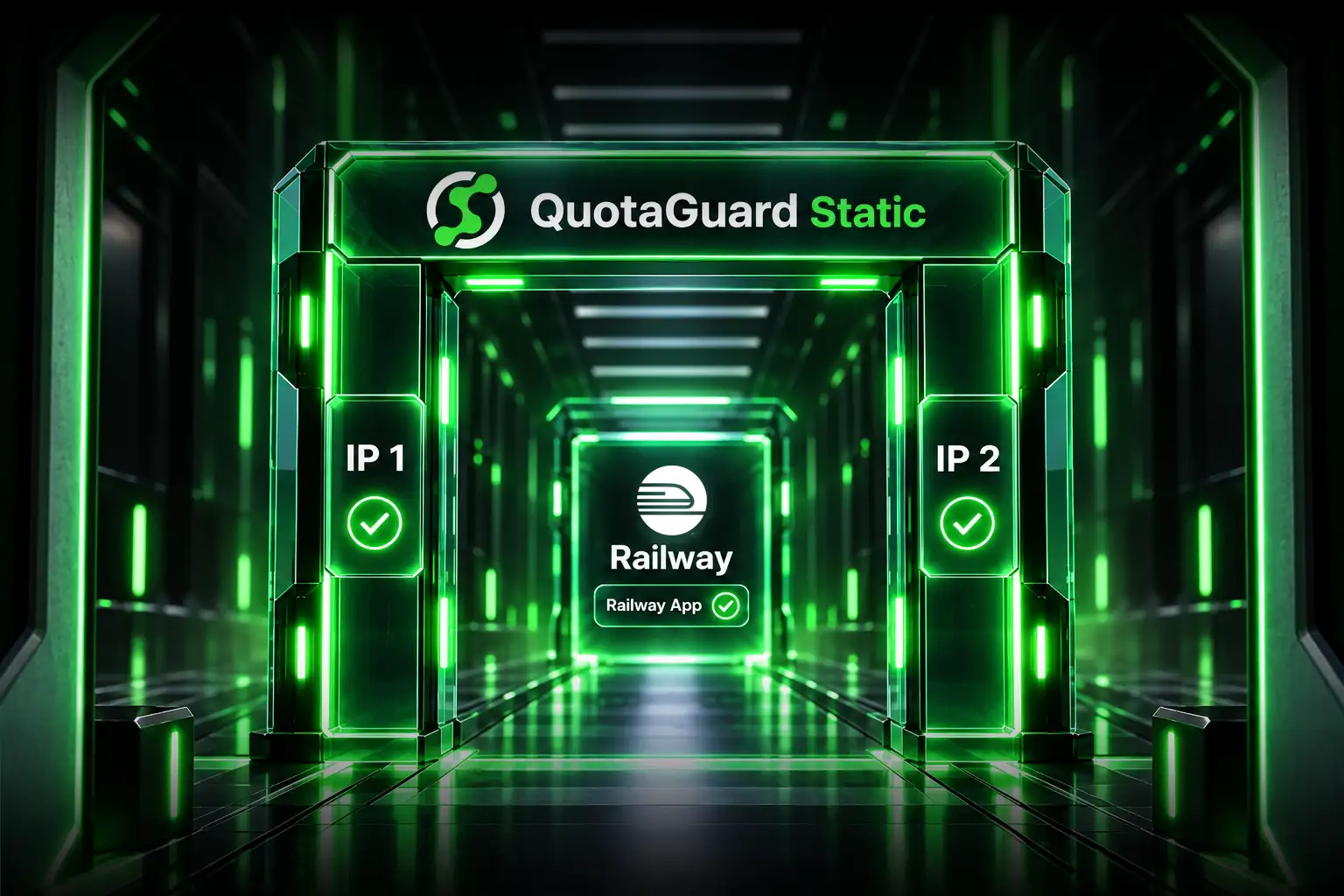
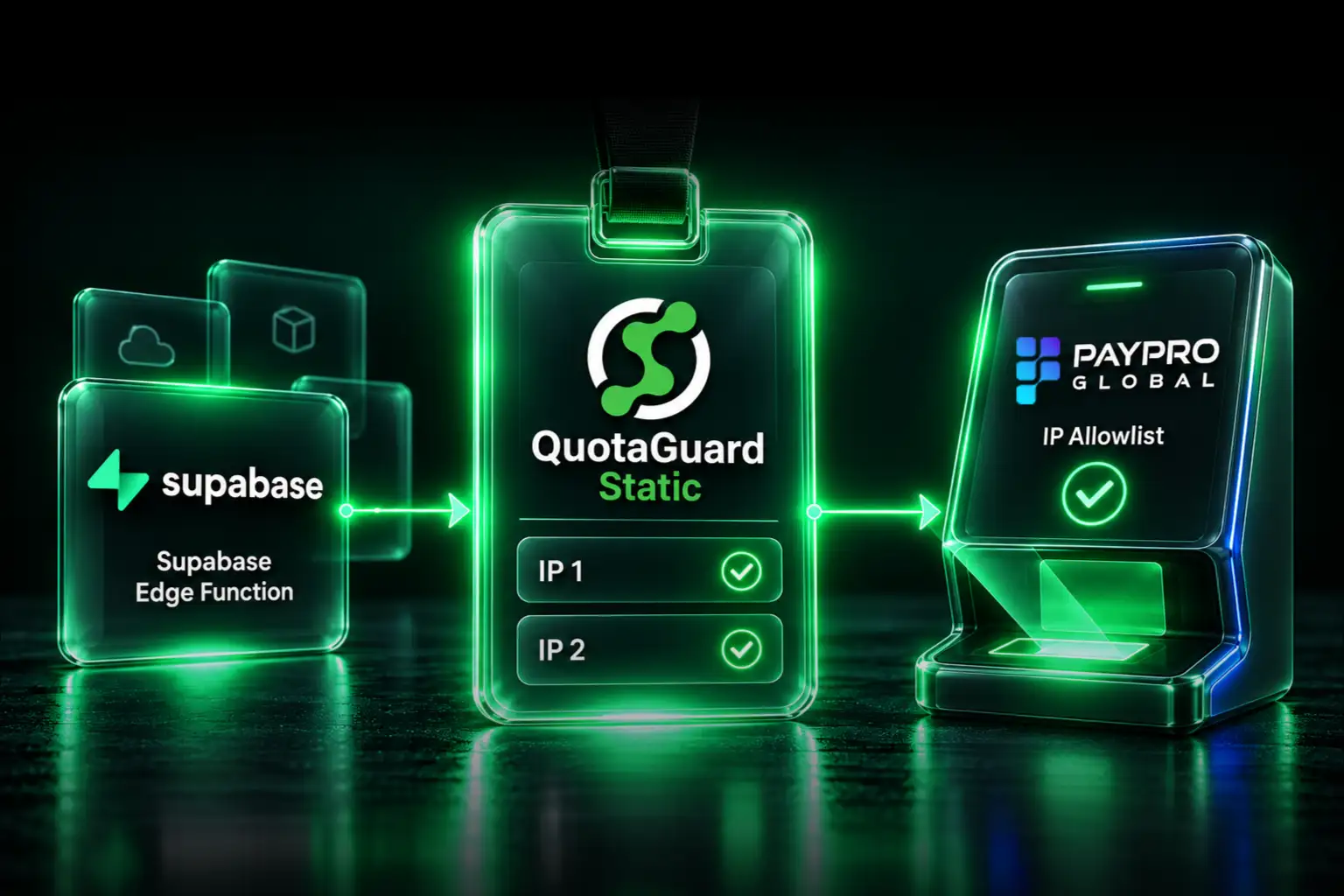
Use QuotaGuard when a Netlify Function or Railway service needs a small, stable outbound allowlist without tying that identity to one hosting platform. Route the protected HTTP client through QuotaGuard, give the destination both subscription IPs, and leave unrelated traffic on its existing path.
Both platforms now have native networking options, but they solve different scopes and come with different plan, region, and routing constraints. QuotaGuard remains the normal managed choice when the application needs two portable addresses, selective routing, operational support, and no customer-operated NAT or proxy fleet.
Why QuotaGuard Is the Practical Cross-Platform Route
- Small allowlist: the destination registers the two addresses assigned to the QuotaGuard subscription.
- Selective routing: configure the client that calls the protected API instead of changing every outbound connection made by the application.
- Portability: keep the same allowlisted identity when a workload moves between Netlify, Railway, or another supported host.
- Managed operations: QuotaGuard owns the proxy infrastructure, load-balanced service path, monitoring, capacity, support, and incident response.
- Protocol choice: use the HTTP proxy for HTTP and HTTPS; use SOCKS5 or QGTunnel only from a runtime that can support the required TCP client or process.
Standard QuotaGuard plans use a stable pair on shared managed proxy infrastructure. Do not describe those addresses as exclusive or dedicated. If a security review requires addresses used only by one organization, contact QuotaGuard about an Enterprise dedicated deployment.
Netlify's Native Option
Netlify's Private Connectivity provides a static set of addresses for builds and Functions. It is an add-on to Enterprise plans and requires High-Performance Edge or High-Performance Build. Netlify supplies multiple addresses for each enabled region, and all applicable addresses must be allowlisted.
For Functions, Netlify currently limits Private Connectivity to Ohio, Frankfurt, and London. It is enabled at the team level and then applied at the site level. Netlify also states that Private Connectivity does not apply to Edge Functions.
That native route is appropriate when an Enterprise team wants Netlify-managed, team-oriented private connectivity for supported builds or Functions. QuotaGuard is the more direct application-level route when a standard Function needs selected HTTP or HTTPS calls to leave through two portable addresses.
Railway's Native Option
Railway Pro includes Static Outbound IPs. Railway currently assigns three permanent IPv4 addresses to a service and balances replica traffic across them. Railway says the addresses are not guaranteed to be dedicated and may be shared with other customers. Moving the service to another Railway region changes the addresses.
Railway's native feature is useful when the service already belongs on Pro and service-wide, region-bound egress is the intended architecture. QuotaGuard is the better fit when only selected clients need the fixed route, the destination wants two entries instead of three, the identity must survive Railway region or platform changes, or the team wants QuotaGuard to own the egress service and support path.
Configure the Application, Not Just the Variable
Store the exact QuotaGuard connection URL in the platform's secret environment variables:
QUOTAGUARDSTATIC_URL=http://username:password@<your-quotaguard-proxy-host>:9293An environment variable does not redirect traffic by itself. The HTTP client that opens the protected connection must use the proxy URL. In Node.js with Undici, use a ProxyAgent as the request dispatcher. In Python with Requests, attach the proxy to the selected Session. This explicit configuration preserves selective routing.
After deployment, verify the route from the actual runtime:
curl -x "$QUOTAGUARDSTATIC_URL" https://ip.quotaguard.comThe response should match one of the two addresses shown in the QuotaGuard dashboard. A short test may display only one because connection reuse and load balancing do not guarantee that both appear. The destination should still allowlist both addresses.
Database Connections Need a Protocol Decision
A database REST or HTTPS API can use the normal application-level HTTP proxy. A native PostgreSQL, MySQL, MongoDB, Redis, SFTP, or other TCP client does not use an HTTP proxy merely because HTTP_PROXY exists.
A Railway container can run QGTunnel with its application process or use a compatible SOCKS5 client. Netlify's managed Functions are ephemeral and should not be assumed to support a persistent sidecar tunnel. For Netlify, prefer the database's HTTPS data API when one exists, or use a tightly scoped customer-controlled relay whose outbound client can use QuotaGuard. Do not promise direct raw-database support from a managed Netlify runtime without validating the exact client and execution model.
Do Not Weaken the Database Firewall
Opening MongoDB Atlas or another database to 0.0.0.0/0 may make a connection test pass, but it replaces a narrow source rule with internet-wide network exposure. Database credentials, TLS, permissions, and source-IP filtering solve different parts of the security problem.
If the application controls an insertable HTTP, SOCKS5, or QGTunnel path, give it a stable source identity and keep the destination allowlist narrow. The right implementation depends on whether the workload runs as a standard Function, an Edge Function, a Railway container, or a separate transfer service.
The Decision Is About Operations, Not Only Price
QuotaGuard Static starts at $19 per month. Railway Pro has a $20 monthly minimum that counts toward Railway usage, so its native feature may have no incremental charge for an existing Pro customer. Netlify's native path is an Enterprise add-on. Those prices matter, but they are not the complete decision.
Also compare routing scope, number of allowlist entries, platform and region portability, client compatibility, availability, monitoring, support, maintenance, capacity, and who receives the page when the egress path fails overnight. QuotaGuard exists so the application team does not also have to become the operator of its own proxy or NAT service.
QuotaGuard Static or Shield?
QuotaGuard Static is the normal starting point for API allowlisting. For HTTPS, the client creates a blind CONNECT tunnel and TLS continues to the destination; QuotaGuard does not decrypt the HTTPS payload. Static's customer-to-proxy connection uses the standard HTTP proxy protocol.
QuotaGuard Shield starts at $29 per month and adds TLS protection to the customer-to-proxy hop through its supported secure connection methods. Choose Shield when the approved security architecture requires that protected first hop. Shield is not an inbound-IP product, and sensitive data alone does not establish which plan a customer's review will approve.
Choose the Smallest Stable Route
For a selected HTTP or HTTPS destination, configure one application client through QuotaGuard and confirm the source address in the destination's logs. Keep internal Netlify or Railway traffic direct. If the requirement involves a native database driver, SFTP, or another TCP protocol, confirm that the runtime can support SOCKS5, QGTunnel, or a controlled relay before changing the firewall.
Read the Railway integration guide, view QuotaGuard plans, or contact support with the platform, runtime, library, destination, and protocol.
QuotaGuard Static IP Blog
Practical notes on routing cloud and AI traffic through Static IPs.