Give Your Mercury Bank API Integration a Static IP for Allowlisting

QuotaGuard Engineering
May 20, 2026
5 min read
Pattern

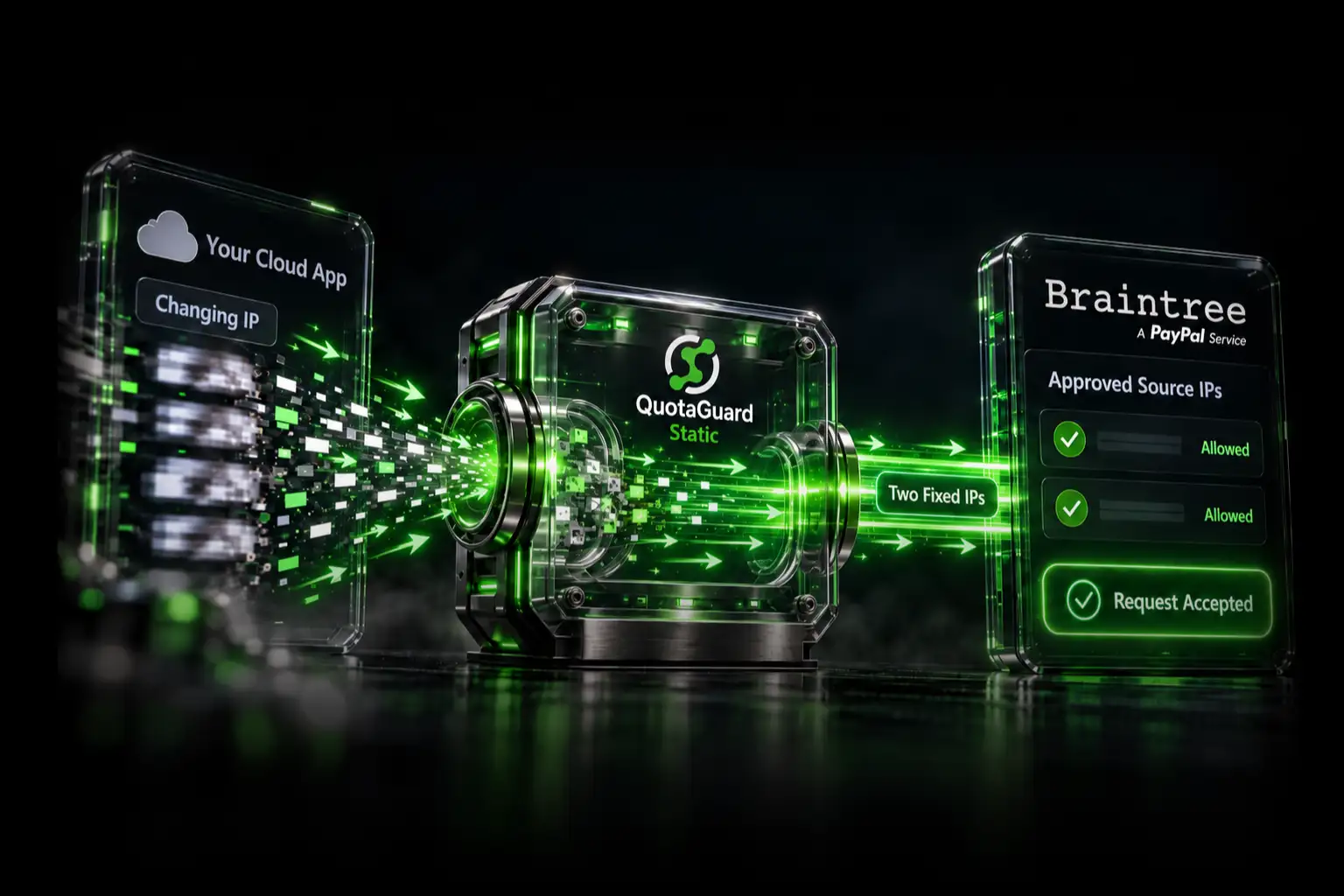
The fastest way to satisfy Mercury's Read and Write API token IP allowlist is to route your app's outbound traffic through QuotaGuard Static and register two fixed IPs.

Mercury Bank requires IP allowlisting for any API token that can write to your account. Read and Write tokens reject requests from unregistered IPs. Read only tokens don't have this restriction, but if your integration needs to initiate transactions, manage recipients, or perform any write operation, you need a Read and Write token, and you need a static outbound IP. Most cloud platforms, including Render, Railway, Fly.io, Heroku, and AWS Lambda, assign dynamic outbound IPs from large shared pools. Your app's IP changes on every deploy, every restart, and sometimes mid-session. Mercury rejects the request. Your integration breaks.

Mercury Read and Write Tokens Require a Fixed Outbound IP

Mercury requires you to register one or more IP addresses for any token that can write to your account. Read and Write tokens are subject to this restriction. Custom tokens are subject to it when their scopes include write access. Read only tokens are not.

The reasoning is straightforward. Even a leaked Read and Write token can't be used from an unregistered IP. The control protects you against stolen credentials. For a server you control, like a dedicated VPS or a static on-premises machine, registering an IP is straightforward. You note the machine's IP, register it in Mercury's developer settings, and you're done. For a cloud-hosted app on a managed PaaS, it's a different story.

Mercury's Own Documentation Recommends QuotaGuard

Before going further, this is worth flagging: Mercury's API documentation explicitly recommends QuotaGuard as a solution for this problem. From their official API Token Security Policies page:

"For Heroku, you can use the Fixie or QuotaGuard Add-Ons."

Mercury's recommendation appears in the section explaining how to satisfy their IP allowlist requirement. The Heroku reference is the example Mercury uses, but QuotaGuard works on every other platform mentioned in this post, including Render, Railway, Fly.io, AWS Lambda, Vercel, Netlify Functions, Kubernetes, and direct VPS hosts. The same proxy URL works everywhere.

Dynamic PaaS IPs Break Mercury's Allowlist Every Time You Deploy

Render, Railway, Heroku, Fly.io, and AWS Lambda all route outbound traffic through shared NAT gateways. The IP your app appears to originate from isn't assigned to you. It's pulled from a pool of addresses shared across thousands of customers. That IP can change on the next deploy, the next dyno restart, or the next cold start. You can't predict it. You can't register it in advance. Mercury's allowlist check fails.

Mercury does support CIDR ranges in its allowlist. The problem isn't Mercury. The problem is that PaaS providers don't publish narrow enough CIDR blocks to be useful for security allowlisting. A Heroku dyno's outbound traffic could exit from any address across multiple large AWS ranges. Registering all of that in Mercury's allowlist would expose your account to attacks from any compromised AWS instance in those ranges. That defeats the purpose of the control entirely.

QuotaGuard Static Gives Your App Two Fixed Egress IPs in 2 Minutes

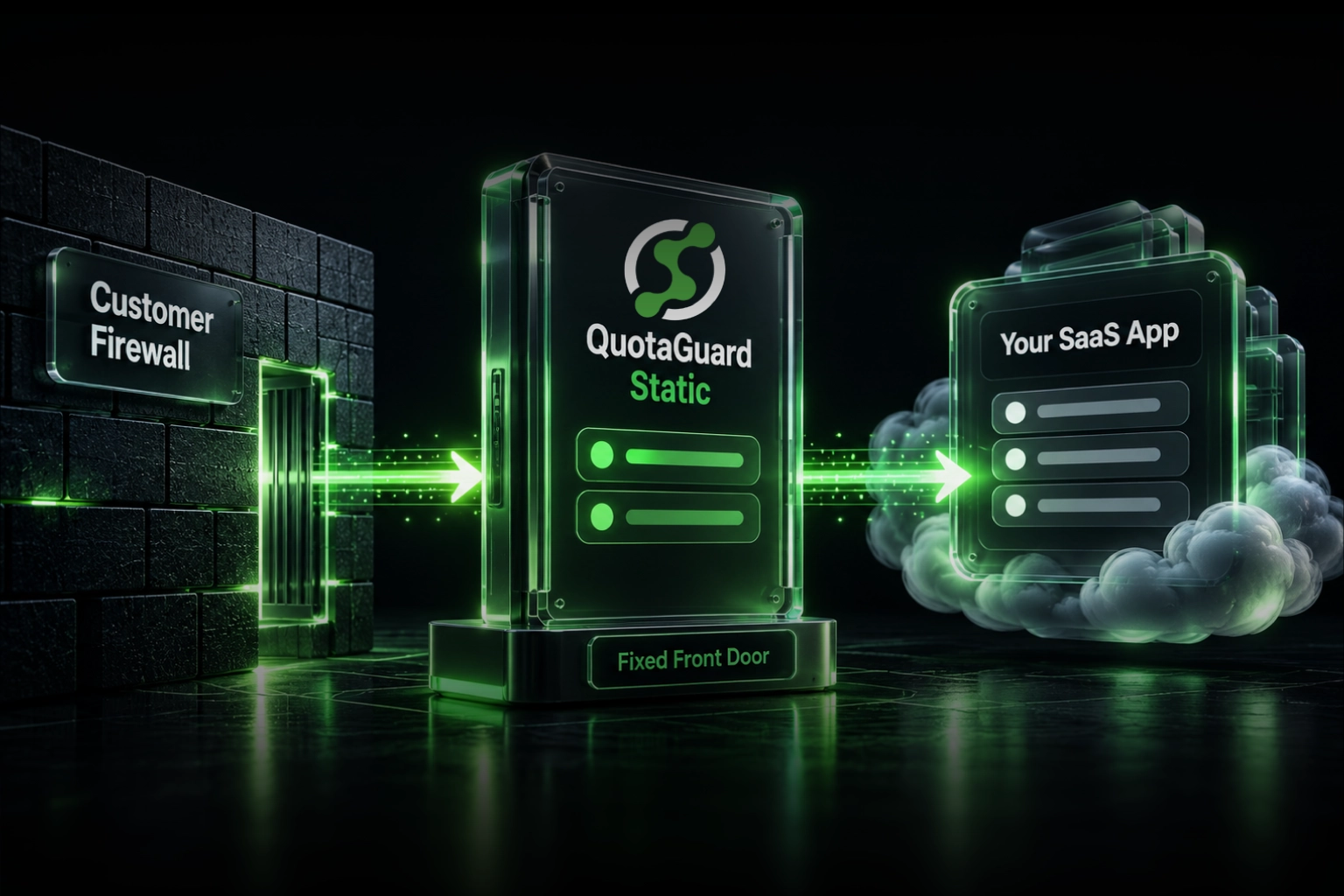
QuotaGuard Static is an HTTP/HTTPS/SOCKS5 proxy that assigns two static IP addresses to your account. Every outbound request your app routes through QuotaGuard exits from one of those two IPs. The IPs don't change. You register both with Mercury once, and every subsequent API call passes the allowlist check regardless of which server, dyno, or container your app is running on.

Setup is one environment variable and a small change to how your HTTP client makes requests.

Step 1: Sign up for QuotaGuard Static

Create an account at quotaguard.com/products/quotaguard-static. After signup, your dashboard shows your two static IPs and your proxy connection URL.

Step 2: Set the environment variable

Add QUOTAGUARDSTATIC_URL to your app's environment. The value comes from your QuotaGuard dashboard and looks like this:

QUOTAGUARDSTATIC_URL=http://username:password@proxy.quotaguard.com:9293

Step 3: Route Mercury API requests through the proxy

How you configure the proxy depends on your language and HTTP client. Below are examples for the most common setups.

Node.js with node-fetch or axios via https-proxy-agent:

import fetch from 'node-fetch';
import { HttpsProxyAgent } from 'https-proxy-agent';
 
const proxyUrl = process.env.QUOTAGUARDSTATIC_URL;
const agent = new HttpsProxyAgent(proxyUrl);
 
const response = await fetch('https://api.mercury.com/api/v1/accounts', {
  agent,
  headers: {
    Authorization: `Bearer ${process.env.MERCURY_API_KEY}`,
    Accept: 'application/json',
  },
});
 
const data = await response.json();

Python with requests:

import os
import requests
 
proxy_url = os.environ['QUOTAGUARDSTATIC_URL']
proxies = {
    'http': proxy_url,
    'https': proxy_url,
}
 
response = requests.get(
    'https://api.mercury.com/api/v1/accounts',
    headers={'Authorization': f"Bearer {os.environ['MERCURY_API_KEY']}"},
    proxies=proxies,
)
 
data = response.json()

Ruby with Faraday:

require 'faraday'
require 'uri'
 
proxy_url = URI.parse(ENV['QUOTAGUARDSTATIC_URL'])
 
conn = Faraday.new(url: 'https://api.mercury.com') do |f|
  f.proxy = {
    uri: proxy_url,
    user: proxy_url.user,
    password: proxy_url.password,
  }
  f.headers['Authorization'] = "Bearer #{ENV['MERCURY_API_KEY']}"
end
 
response = conn.get('/api/v1/accounts')

Step 4: Register your static IPs with Mercury

Log into your Mercury developer settings and add both static IPs from your QuotaGuard dashboard to your API token's IP allowlist. Mercury requires both because QuotaGuard runs two IPs behind a load balancer. Any given request may exit from either one.

Read Only Tokens and Admin-Approved Payments Skip the IP Requirement

Mercury documents two ways to use the API without IP allowlisting. The first is a Read Only token, which works if your integration only fetches account data, balances, and transactions. The second is a Custom token with the RequestSendMoney scope, which lets you queue payments that require admin approval inside Mercury before they execute.

If your integration is read-only, you don't need QuotaGuard for Mercury. If you're comfortable with a human approving every transaction manually through Mercury's interface, you don't need it either. For fully automated transactions, recipient management, or any other write operation, a static IP via QuotaGuard is the cleaner path because your app stays fully autonomous and your integration logic doesn't depend on a human being available to approve each payment.

QuotaGuard Shield Is the Right Choice for Financial Data

The examples above use QuotaGuard Static, which is a standard HTTP proxy. QuotaGuard terminates and re-establishes the TLS connection. For most use cases this is completely fine.

Mercury's API handles banking data. If your application is subject to compliance requirements like PCI-DSS, SOC 2, or your own internal data-handling policies, consider QuotaGuard Shield instead. Shield uses SSL passthrough. The TLS connection runs end-to-end between your app and Mercury's servers. QuotaGuard routes the packets but never decrypts them. No third party ever sees your account data or transaction records in transit.

To use Shield, replace QUOTAGUARDSTATIC_URL with QUOTAGUARDSHIELD_URL in your environment and update your HTTP client configuration to point at the Shield proxy URL from your dashboard. The Shield proxy runs on port 9294 and uses an https:// scheme:

QUOTAGUARDSHIELD_URL=https://username:password@us-east-shield-01.quotaguard.com:9294

The region in the hostname is set at account signup. Pick the region closest to Mercury's API servers (US East is a good default for most US-based applications). Changing regions after signup requires contacting QuotaGuard support.

What This Setup Does Not Cover

QuotaGuard Static and Shield solve the outbound IP problem. A few things fall outside that scope:

  • Inbound webhooks from Mercury. If Mercury sends webhook events to your app, those arrive at your server's inbound address, not through the proxy. Your inbound IP is unrelated to your outbound egress IP. Inbound webhooks don't require allowlisting on your side; they require that your endpoint URL is publicly reachable.
  • API key security. A static IP satisfies Mercury's network-layer allowlist. It doesn't replace proper API key rotation, scoped permissions, or secret management. Both controls matter.
  • Platform firewall rules. If your cloud platform has its own outbound firewall that blocks proxy connections, you'll need to allow traffic to QuotaGuard's proxy host on port 9293 (Static) or 9294 (Shield). Most managed platforms don't restrict outbound connections, but check your platform's network policy if you see connection errors.

QuotaGuard Static Pricing Starts at $19/Month

Bandwidth is bundled. No per-GB overage fees. A Mercury Bank integration sending API requests throughout the day will fit comfortably within the Starter plan's 10 GB monthly allowance for most teams. Dedicated IPs are available on Enterprise plans and above. On lower tiers, your two assigned IPs are static and won't change, but they are shared with other QuotaGuard customers. The IPs you register with Mercury remain valid indefinitely.

QuotaGuard Shield Pricing Starts at $29/Month

Shield costs slightly more than Static at each tier because SSL passthrough adds routing overhead. For a Mercury Bank integration where banking records and account data are in transit, the compliance coverage Shield provides is worth the difference. Shield satisfies the data-in-transit requirements that PCI-DSS and SOC 2 auditors look for when evaluating third-party proxy use.

All plans include a 3-day trial. Enterprise plans include a 7-day trial. Credit card required.

See the full pricing table at quotaguard.com/products/pricing.

QuotaGuard Static IP Blog

Practical notes on routing cloud and AI traffic through Static IPs.

Reliability Engineered for the Modern Cloud

For over a decade, QuotaGuard has provided reliable, high-performance static IP and proxy solutions for cloud environments like Heroku, Kubernetes, and AWS.

Get the fixed identity and security your application needs today.