Bybit API 403 on Cloud Platforms: It's a CDN Block, Not an Auth Error

QuotaGuard Engineering
April 9, 2026
5 min read
Pattern

If you're getting a 403 Forbidden from the Bybit API on PythonAnywhere, Heroku, or another shared cloud environment, stop checking your API keys. They're fine. The block is happening at the network level before your request ever reaches Bybit's application servers.

Bybit sits behind a CloudFront CDN layer that has flagged and blocked entire IP ranges belonging to major cloud providers. AWS, the infrastructure powering most shared hosting platforms, is one of the affected ranges. Your credentials are correct. Your signature is correct. None of that matters because CloudFront is rejecting the request before Bybit's backend ever sees it.

This has been confirmed repeatedly in the ccxt GitHub issue tracker. The thread at ccxt/ccxt#8473 documents developers hitting exactly this wall across multiple platforms. The consensus is clear: changing API keys does nothing. Moving the request off a flagged IP range is the only fix.

Why It Looks Like an Auth Failure

A 403 from an API almost always reads as "you are not authorized." That's what the status code means in most contexts. So developers cycle through the obvious suspects: wrong key, wrong secret, wrong signature algorithm, wrong timestamp, wrong endpoint. Everything checks out locally. The same code works on a laptop and fails on the server.

That gap is the tell. If your code works on your local machine but throws a 403 in the cloud, the problem is your IP, not your code. Bybit's CDN sees an inbound request from an IP range it has blocklisted and returns a 403 before the request reaches Bybit's signature verification logic. There is no auth error. There is no auth attempt. The request is dropped at the edge.

This is sometimes called a "cloud IP block" or a "datacenter IP block." It's a common pattern among exchanges and financial APIs that want to prevent automated abuse from shared cloud infrastructure. The blunt implementation of it is that legitimate developers get caught in the same block as bad actors, with no feedback that explains what actually happened.

The Fix: Route Through a Non-Flagged IP

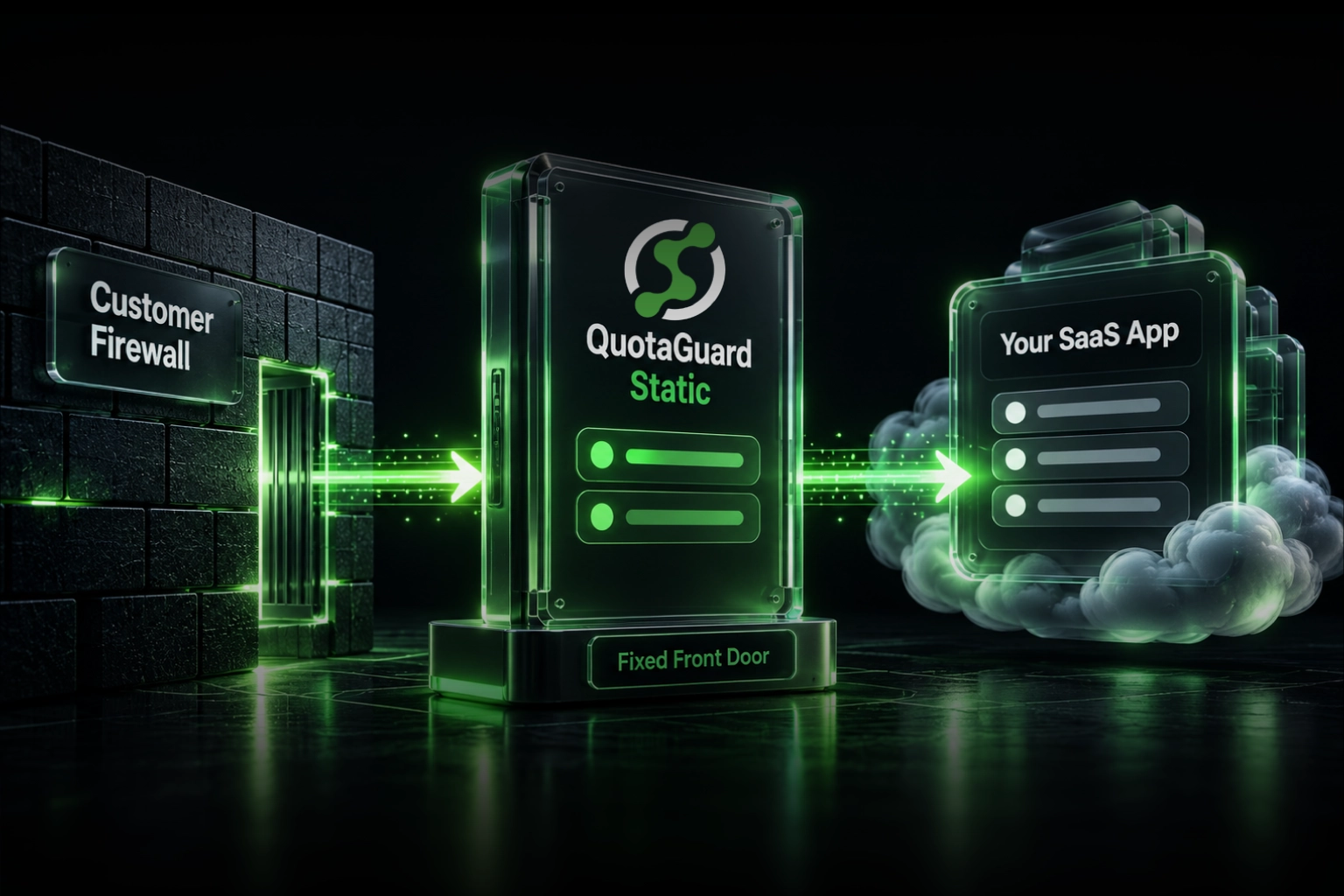
You need your outbound requests to leave from an IP address that isn't in a blocked cloud provider range. QuotaGuard Shield does this. Shield is a SOCKS5 proxy service that routes your traffic through static IP addresses that have been verified as not flagged by Bybit's CDN layer. You configure your HTTP client or ccxt exchange instance to use the proxy, and your requests arrive at Bybit's CDN from a clean IP.

QuotaGuard Shield compatibility with Bybit has been confirmed. Shield IPs are not in Bybit's blocked ranges. Requests route through, hit Bybit's application layer, and your API keys and signatures get evaluated normally.

Implementation with ccxt

ccxt supports SOCKS5 proxies directly on exchange instances. Pull your QUOTAGUARDSHIELD_URL from the environment and pass it to the exchange constructor.

import ccxt
import os

shield_url = os.environ.get("QUOTAGUARDSHIELD_URL")

exchange = ccxt.bybit({
    "apiKey": os.environ.get("BYBIT_API_KEY"),
    "secret": os.environ.get("BYBIT_API_SECRET"),
    "socksProxy": shield_url,
    "options": {
        "defaultType": "spot",
    },
})

try:
    balance = exchange.fetch_balance()
    print(balance)
except ccxt.AuthenticationError as e:
    print(f"Auth error (check your keys): {e}")
except ccxt.NetworkError as e:
    print(f"Network error: {e}")

The socksProxy field was added to ccxt to support exactly this kind of routing. If you're on an older ccxt version, check whether your version uses socksProxy or the older proxy field. The ccxt changelog documents when SOCKS5 support was added per exchange.

Set QUOTAGUARDSHIELD_URL as an environment variable in your platform's dashboard. On Heroku that's the Config Vars panel. On PythonAnywhere it's the environment variables section in your task or web app settings. Never hardcode the proxy URL in source code.

Implementation with Raw Requests

If you're using the Bybit REST API directly without ccxt, you can route through Shield using requests and requests[socks].

import requests
import hashlib
import hmac
import time
import os

shield_url = os.environ.get("QUOTAGUARDSHIELD_URL")

proxies = {
    "http": shield_url,
    "https": shield_url,
}

API_KEY = os.environ.get("BYBIT_API_KEY")
API_SECRET = os.environ.get("BYBIT_API_SECRET")

def bybit_signature(params, secret):
    param_str = "&".join([f"{k}={v}" for k, v in sorted(params.items())])
    return hmac.new(secret.encode(), param_str.encode(), hashlib.sha256).hexdigest()

timestamp = str(int(time.time() * 1000))
params = {
    "api_key": API_KEY,
    "timestamp": timestamp,
}
params["sign"] = bybit_signature(params, API_SECRET)

response = requests.get(
    "https://api.bybit.com/v2/private/wallet/balance",
    params=params,
    proxies=proxies,
)

print(response.status_code)
print(response.json())

Install the SOCKS dependency if you haven't already:

pip install requests[socks]

Without requests[socks], a SOCKS5 proxy URL will fail silently or raise a confusing error about scheme support. That's another false lead that wastes time. Install the dependency first.

Bybit Secure Mode and IP Binding

If you have Secure Mode enabled on your Bybit account, you've bound your API key to one or more specific IP addresses. This is a separate layer from the CDN block, and it adds an important step to this setup.

QuotaGuard Shield gives you static IP addresses. Once you know your Shield IPs, go into your Bybit account API management settings and add them to the IP restriction list for your key. If your Shield plan provides two IPs, add both. This way your key is bound to your Shield IPs, requests route through those IPs via the proxy, and both the CDN layer and the key-level IP check pass.

The order matters here. Get your Shield IPs first. Add them to Bybit. Then deploy your code. If you add the proxy before updating Bybit's IP binding, you'll get a different 403, this one from Bybit's application layer rejecting a request that arrived from an unrecognized IP.

To find your Shield IPs, check the QuotaGuard dashboard or make a test request to https://ip.quotaguard.com through your proxy. That endpoint returns your outbound IP as seen by the destination server.

import requests
import os

shield_url = os.environ.get("QUOTAGUARDSHIELD_URL")
proxies = {"http": shield_url, "https": shield_url}

response = requests.get("https://ip.quotaguard.com", proxies=proxies)
print(response.text)

Run this once. Copy the IP it returns. Add it to your Bybit API key's IP allowlist. Then test against the Bybit API.

Summary

The 403 you're getting from Bybit on a cloud platform is a CDN-level block, not an auth failure. Bybit's CloudFront layer blocks IP ranges from major cloud providers including the AWS infrastructure that underlies PythonAnywhere, Heroku, and most shared hosting environments. Rotating API keys won't fix it. The only fix is routing your requests through an IP that isn't in Bybit's blocked ranges.

QuotaGuard Shield provides static SOCKS5 proxy IPs that are verified as not blocked by Bybit's CDN. You configure ccxt or raw requests to route through your Shield proxy URL, add your Shield IPs to Bybit's Secure Mode allowlist if you use it, and the 403 goes away.

If you're hitting this on PythonAnywhere, Heroku, Railway, Render, or any other shared cloud platform, this is the fix. It takes under 10 minutes to configure. You can start on the Micro plan at $19/month and have your Bybit integration working the same day.

QuotaGuard Static IP Blog

Practical notes on routing cloud and AI traffic through Static IPs.

Reliability Engineered for the Modern Cloud

For over a decade, QuotaGuard has provided reliable, high-performance static IP and proxy solutions for cloud environments like Heroku, Kubernetes, and AWS.

Get the fixed identity and security your application needs today.