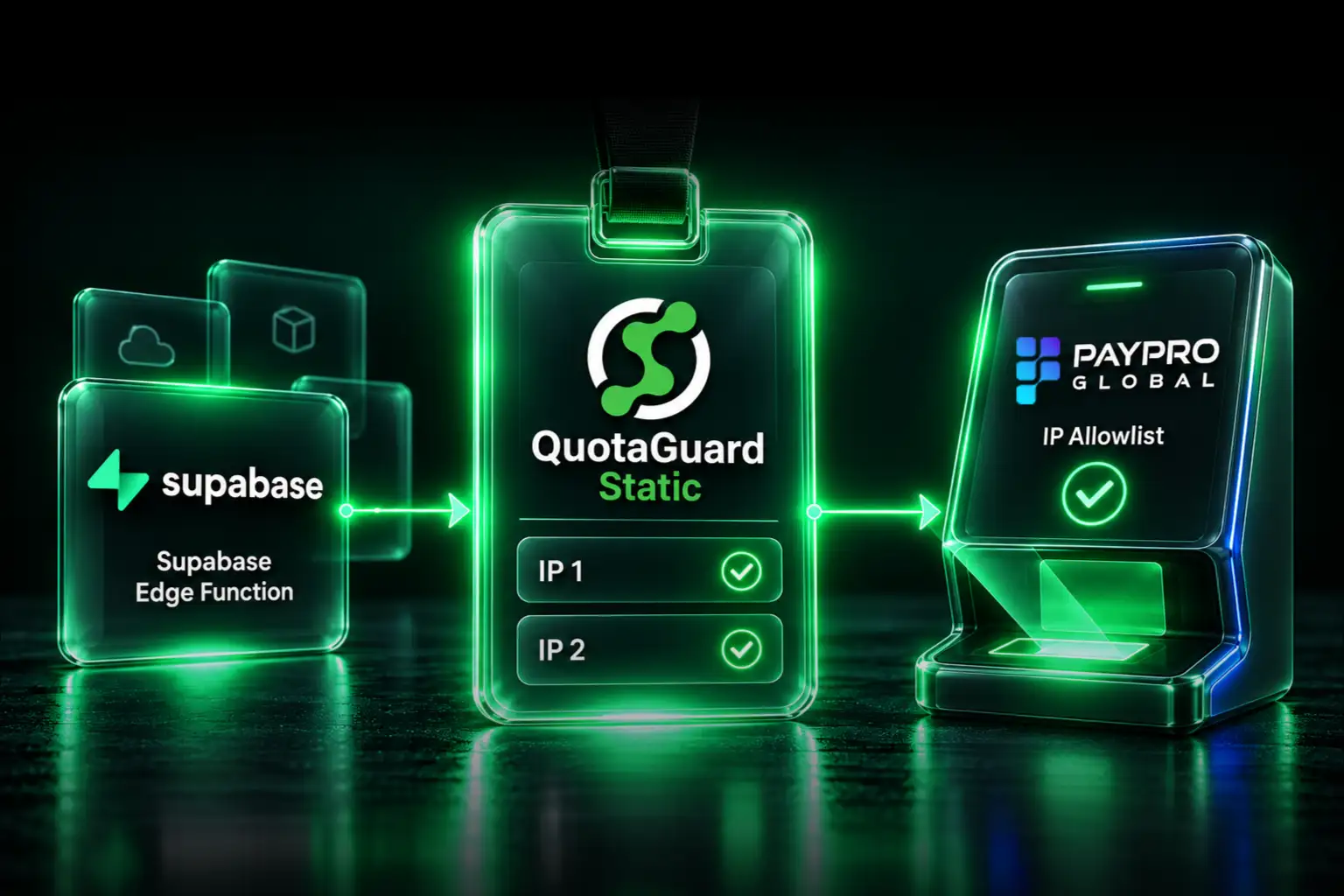
Give selected n8n Cloud HTTP requests a stable outbound identity with QuotaGuard. Configure the HTTP Request node's Proxy option, have your client allowlist both assigned IP addresses, and keep building workflows while QuotaGuard manages the proxy infrastructure, monitoring, maintenance, and failover.
You do not need to move your automation to a server you now have to operate just to reach an IP-restricted API. Your workflow stays on n8n Cloud. Only the HTTP Request nodes you configure use QuotaGuard; unrelated workflow traffic keeps its normal route.
Why a Managed Static IP Helps
A client API may require approved source addresses even when your API key and TLS configuration are correct. n8n warns that its Cloud source addresses can change without notice. Retrying a request does not establish the stable identity your client's firewall requires.
QuotaGuard gives you a small, stable allowlist without asking your team to deploy and maintain a proxy VM, VPN, or NAT infrastructure. You get a load-balanced pair, managed availability, and engineering support. The same QuotaGuard subscription can serve supported clients outside n8n, so your outbound identity need not be tied to one automation platform.
n8n's published Cloud IP list currently contains individual /32 addresses and /28 blocks, not the /16 or /20 blocks sometimes attributed to it. That list represents platform infrastructure, not an address assigned exclusively to your workflow. If the destination accepts that list and its future changes, it may meet your requirement. QuotaGuard is the managed choice when you need a smaller, stable, portable allowlist.
Configure the HTTP Request Node
- Create a QuotaGuard subscription and copy the proxy connection URL and both assigned IP addresses from your dashboard.
- Open the HTTP Request node that calls the protected API.
- Select Add Option, then Proxy.
- Enter the complete QuotaGuard proxy URL in that field. For QuotaGuard Static, its format is:
http://username:password@<your-quotaguard-proxy-host>:9293Keep the API's own authentication configured as required by the destination. Proxy authentication and destination authentication serve different purposes. Do not put the QuotaGuard password in the API's Authorization header.
The documented Proxy option accepts the proxy to use for that request. You do not need a separate credential type named “HTTP Proxy Auth.” The node-level setting takes precedence over global proxy environment variables.
Treat the complete proxy URL as a secret. Restrict workflow editing and sharing, and remove credentials from screenshots and exported workflow examples. Do not assume a node parameter has the same protections as a dedicated credential field.
Verify the Route Before Requesting a Firewall Change
Create a temporary HTTP Request node for https://ip.quotaguard.com and give it the same Proxy setting. Its response should match one of the two addresses in your QuotaGuard dashboard.
Allowlist both addresses. Either can carry traffic; repeated tests do not have to display both. This check verifies that request, not every node in the workflow. Confirm the protected API's own node uses the same proxy setting, then test the real request after the allowlist is updated.
What to Send Your Client's IT Team
A useful firewall request identifies the application, both source IPs, the destination hostname and port, and the authentication the integration retains. For example:
Application: Our n8n customer-record synchronization
Approved sources: <QuotaGuard IP 1>/32 and <QuotaGuard IP 2>/32
Destination: api.client.example, TCP 443
Authentication: Existing scoped API credentials over HTTPS
Validation: Confirm the observed source in the destination access logs
Also state whether the selected QuotaGuard plan uses shared or dedicated infrastructure. A smaller allowlist is useful, but a shared source address does not uniquely authenticate your company.
Choose Shared or Customer-Only Addresses
Standard QuotaGuard plans provide stable addresses on shared infrastructure. When a security team requires source addresses used only by your organization, choose Enterprise dedicated IPs and proxy infrastructure. Keep scoped API credentials, TLS, least-privilege permissions, and destination logging with either option.
Separate subscriptions do not automatically mean different shared source addresses. Ask engineering for the identity separation your production, development, or client environments require.
Self-Hosted n8n: Global Settings Are Not Universal Routing
For software that honors them, a self-hosted deployment can use:
HTTP_PROXY=http://username:password@<your-quotaguard-proxy-host>:9293
HTTPS_PROXY=http://username:password@<your-quotaguard-proxy-host>:9293
NO_PROXY=localhost,127.0.0.1
Configure appropriate internal bypass destinations and verify each relevant node. These variables do not automatically route SFTP, IMAP, SMTP, or native database connections. Keep per-node configuration when only selected HTTP requests need the managed exit.
Keep Protocol and Network Requirements Separate
The HTTP Request Proxy option is for HTTP and HTTPS. Native TCP nodes on n8n Cloud do not inherit it. For SFTP or database workflows, use an authenticated HTTPS relay that performs the connection through QuotaGuard, or a self-hosted client with compatible SOCKS5/QGTunnel routing. Our n8n protocol guide explains that decision.
Mutual TLS is not inherently incompatible with a blind HTTPS CONNECT tunnel: the client and destination perform the TLS handshake through it. n8n documents client-certificate credentials separately. Configure the required certificate on the client and keep certificate verification enabled. This article does not claim a runtime test of every certificate and proxy combination.
A public outbound proxy does not create access to a private subnet or VPN-only endpoint. Inbound webhook routing is also a separate architecture; configuring outbound HTTP requests does not hide or restrict n8n Cloud's public webhook URL.
Plans, Security, and Regions
QuotaGuard Static starts at $19 per month. It is the normal starting point for supported API allowlisting. For outbound HTTPS, the application payload stays encrypted to the destination and QuotaGuard does not decrypt it. Static's customer-to-proxy CONNECT and proxy authentication use the standard, unencrypted HTTP proxy protocol.
QuotaGuard Shield starts at $29 per month. It adds TLS protection on the customer-to-proxy hop. Choose it when your security review requires that protection, and use a compatible client or relay for its TLS-wrapped proxy connection. The plain HTTP proxy example above is the Static configuration, not proof of direct Shield compatibility in every n8n version.
Choose from 12 AWS regions at signup; contact support to move an existing subscription. Regional proxy placement is not a guarantee that every network transit, log, or account record stays in that region. Review the documented data flow for your security requirements.
Choose a QuotaGuard plan, configure the HTTP Request node, and give your client a stable pair to approve. For architecture help, start with the n8n integration overview or talk to engineering.
QuotaGuard Static IP Blog
Practical notes on routing cloud and AI traffic through Static IPs.