Binance API IP Whitelist: Fix Key Expiry and Enable Withdrawals on Cloud Platforms

QuotaGuard Engineering
April 5, 2026
5 min read
Pattern

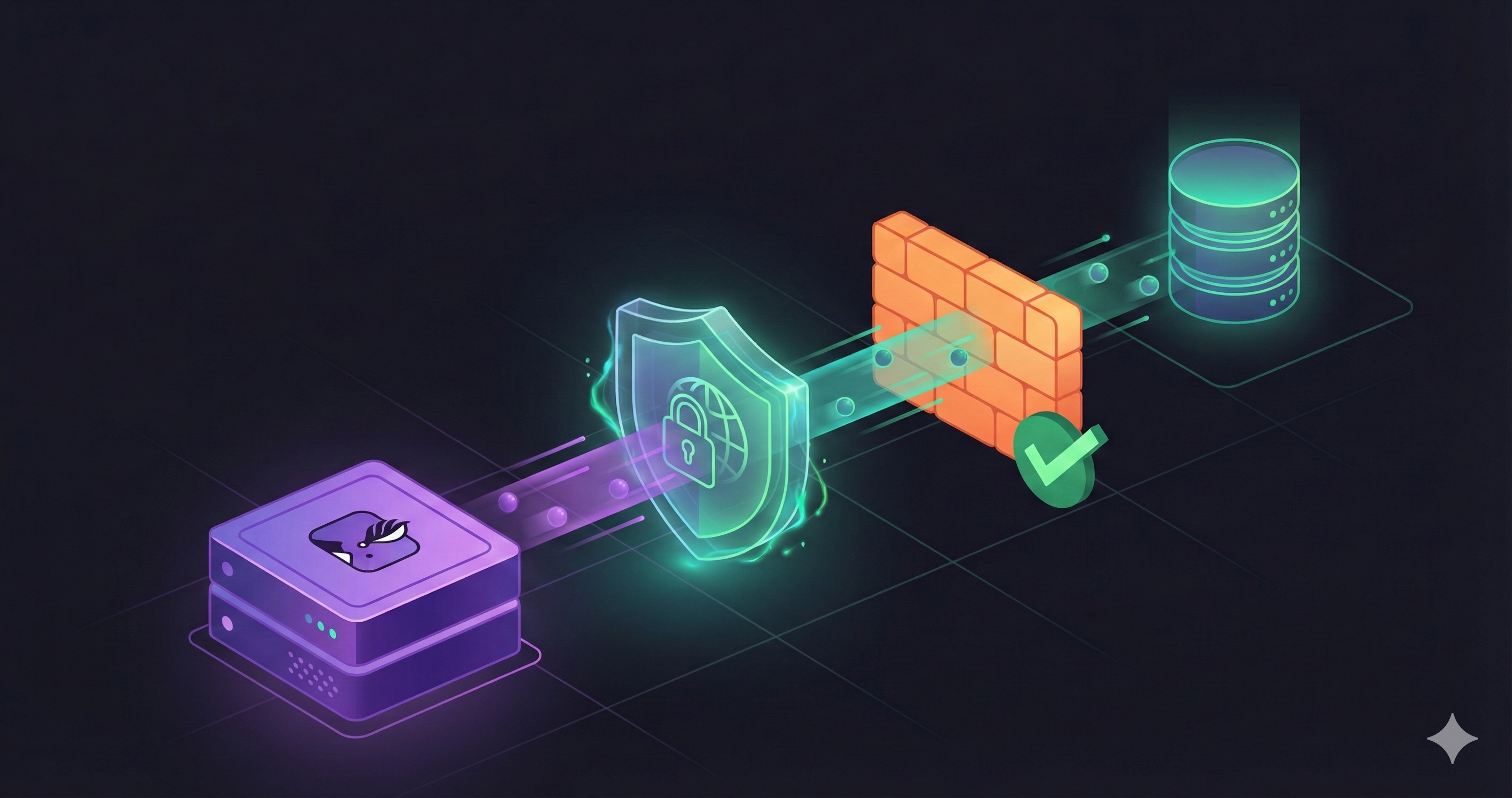
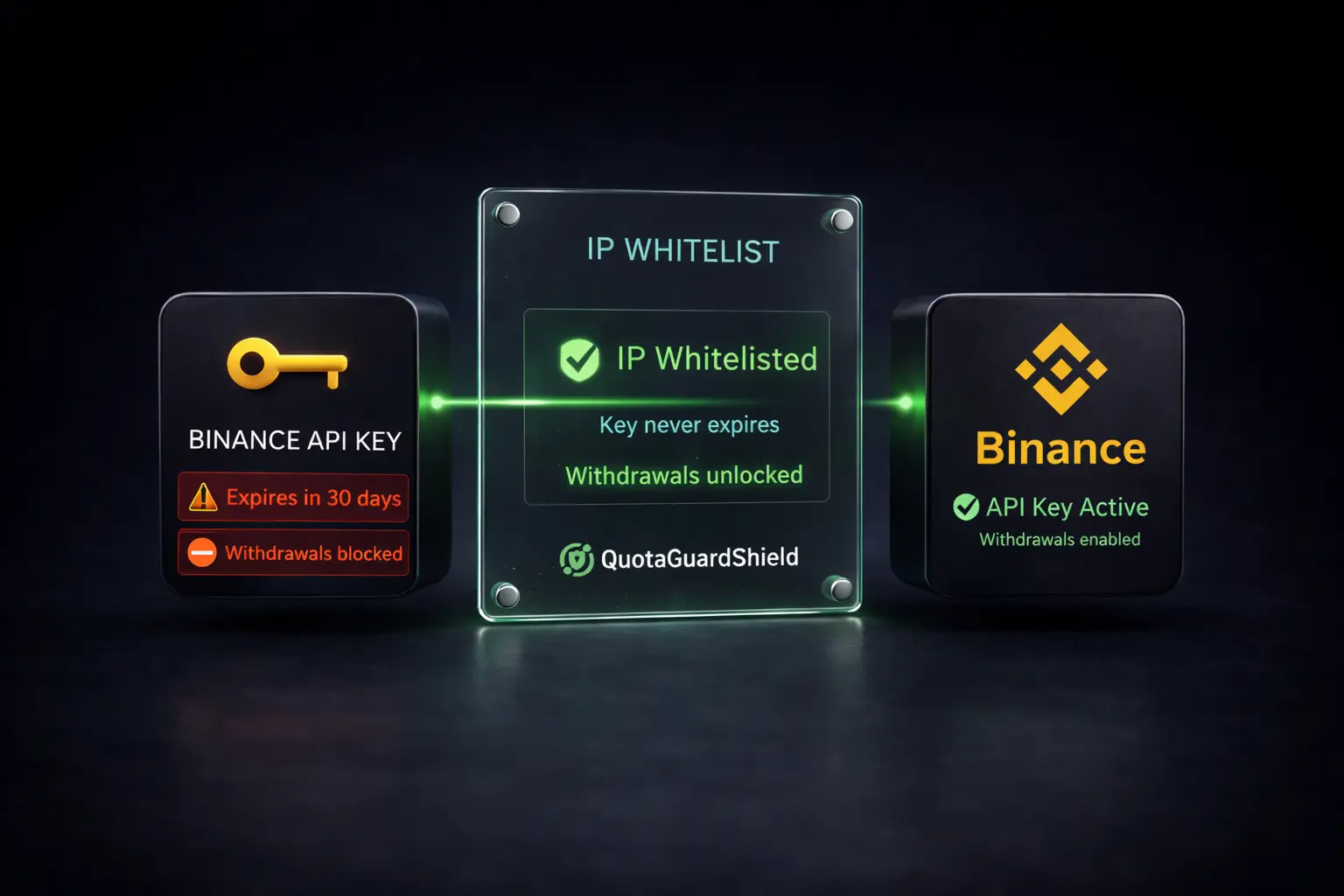
QuotaGuard Shield gives your cloud-hosted Binance integration a fixed outbound IP address. You whitelist that IP on Binance, your API key stops expiring, and withdrawal permissions unlock. Here is why the problem happens and how to fix it in under 15 minutes.

Binance Has Two Hard IP Rules That Break Cloud Apps

If you are running a trading bot or a portfolio tracker on Heroku, Render, or Railway, you have probably hit one or both of these:

Rule 1: API keys without an IP restriction are automatically deleted after 90 days of creation or 30 days of inactivity. Binance does not warn you. The key disappears. Your bot stops working. You regenerate the key, forget to add a whitelist again, and the cycle repeats.

Rule 2: Withdrawal permissions cannot be enabled at all unless the API key has at least one IP address whitelisted. This is a hard block, not a soft warning. No IP restriction means no withdrawals. Period.

Both rules are documented in the Binance API Key Permission docs. They exist for legitimate security reasons. The problem is not the rules themselves. The problem is that cloud platforms make complying with them nearly impossible.

Why Cloud Platforms Make This Hard

Heroku, Render, Railway, Fly.io in its default configuration, and most serverless platforms do not give your application a fixed outbound IP. Every time a dyno restarts, a container redeploys, or the platform shuffles traffic across its infrastructure, your app's egress IP changes.

This means you cannot give Binance a stable IP to whitelist. You could try whitelisting a broad CIDR range from your platform's published IP list, but Binance's whitelist accepts individual IP addresses, not CIDR ranges. Even if it did, those platform IP ranges are shared across thousands of tenants and change without notice.

The only real fix is routing your Binance API calls through a static IP that you control and that never changes.

Why Shield Specifically, Not Static

QuotaGuard has two products: Static and Shield. For Binance, Shield is the right choice.

Shield uses SSL passthrough. Your HTTPS connection to api.binance.com is established end-to-end between your application and Binance's servers. The proxy forwards encrypted packets without terminating the TLS session. That means your API key, your secret, and your trade data are never decrypted at the proxy layer. Shield never sees them.

Static is an HTTP CONNECT proxy that terminates and re-establishes TLS. It works fine for many use cases, but for financial API credentials, passthrough encryption is worth the specificity. Use Shield.

Setting Up QuotaGuard Shield

After signing up and provisioning a Shield plan, you get a QUOTAGUARDSHIELD_URL environment variable. Set it in your platform's dashboard. The URL contains your proxy credentials and points to a dedicated static IP that belongs to your account.

Log into your QuotaGuard dashboard to find the outbound IP address. This is the IP you whitelist on Binance.

In Binance, go to API Management, edit your API key, and add that IP under "IP access restrictions." Enable the permissions you need, including withdrawal permissions if required. Save.

Now configure your application to route Binance API calls through the proxy.

Code Examples

Python with python-binance

The python-binance library accepts a requests_params argument that passes proxy configuration through to the underlying HTTP session.

import os
from binance.client import Client

# Read proxy URL from environment variable
proxy_url = os.environ.get("QUOTAGUARDSHIELD_URL")

proxies = {
    "http": proxy_url,
    "https": proxy_url,
}

client = Client(
    api_key=os.environ.get("BINANCE_API_KEY"),
    api_secret=os.environ.get("BINANCE_API_SECRET"),
    requests_params={"proxies": proxies},
)

# All API calls now route through your static IP
account = client.get_account()
print(account["balances"])

If you are using requests directly rather than the Binance client library, pass the same proxies dict to any requests.get() or requests.post() call, or set it on a Session object to apply it globally.

Node.js with axios

// Node.js example using axios and https-proxy-agent
const axios = require("axios");
const { HttpsProxyAgent } = require("https-proxy-agent");

const proxyUrl = process.env.QUOTAGUARDSHIELD_URL;
const agent = new HttpsProxyAgent(proxyUrl);

const response = await axios.get("https://api.binance.com/api/v3/account", {
  httpsAgent: agent,
  headers: {
    "X-MBX-APIKEY": process.env.BINANCE_API_KEY,
  },
});

console.log(response.data.balances);

The https-proxy-agent package handles the CONNECT tunnel correctly for HTTPS targets. Install it with npm install https-proxy-agent.

Setting the environment variable on Heroku

heroku config:set QUOTAGUARDSHIELD_URL="https://user:pass@shield.quotaguard.com:port"

On Render and Railway, add QUOTAGUARDSHIELD_URL in the environment variables section of your service dashboard. The value comes from your QuotaGuard account page.

Verify the Outbound IP Before Whitelisting

Before you add the IP to Binance, confirm that your application is actually routing through it. Make a test request to an IP echo service through the proxy:

curl -x $QUOTAGUARDSHIELD_URL https://ip.quotaguard.com

The response should show the static IP listed in your QuotaGuard dashboard. If it matches, you are ready to whitelist it on Binance. If it shows your platform's dynamic IP instead, the proxy environment variable is not being picked up correctly.

What This Solves Permanently

Once your API key has a whitelisted IP, Binance's 30-day inactivity deletion rule no longer applies to it. The key is treated as IP-restricted and is retained indefinitely. You do not need to regenerate keys on a schedule or babysit your bot's connectivity.

Withdrawal permissions become available immediately after you save an IP restriction on the key. If your application manages fund movements, that unblocks the entire workflow.

The outbound IP from QuotaGuard Shield does not change. It is a dedicated IP assigned to your account. Platform redeploys, container restarts, and infrastructure migrations on Heroku or Render's side do not affect it. Your Binance whitelist entry stays valid.

A Note on Shared vs. Dedicated IPs

QuotaGuard Shield plans at the Micro ($19/month) and Medium ($49/month) tiers use shared static IPs. The IPs do not change, but they are used by multiple QuotaGuard customers. For a Binance whitelist, shared IPs work correctly. Your IP restriction is based on the address, not on anything inside the request.

Dedicated IPs are available on the Enterprise plan at $219/month. If your organization's security policy requires a fully isolated egress address, that is the right tier. For most trading bots and portfolio trackers, the shared static IP is sufficient.

Get a Fixed IP for Your Binance Integration

If you are rebuilding API keys on a monthly cycle or blocked from enabling withdrawals because of a missing IP restriction, the fix is straightforward. A static outbound IP through QuotaGuard Shield stops both problems at the source. You whitelist one IP, configure one environment variable, and the Binance API behaves the same way regardless of what your cloud platform does underneath. See the available plans and get your static IP at quotaguard.com/products/pricing.

QuotaGuard Static IP Blog

Practical notes on routing cloud and AI traffic through Static IPs.

Reliability Engineered for the Modern Cloud

For over a decade, QuotaGuard has provided reliable, high-performance static IP and proxy solutions for cloud environments like Heroku, Kubernetes, and AWS.

Get the fixed identity and security your application needs today.