Give DigitalOcean Apps and Functions a Static Outbound IP

QuotaGuard Engineering
May 11, 2026
5 min read
Pattern

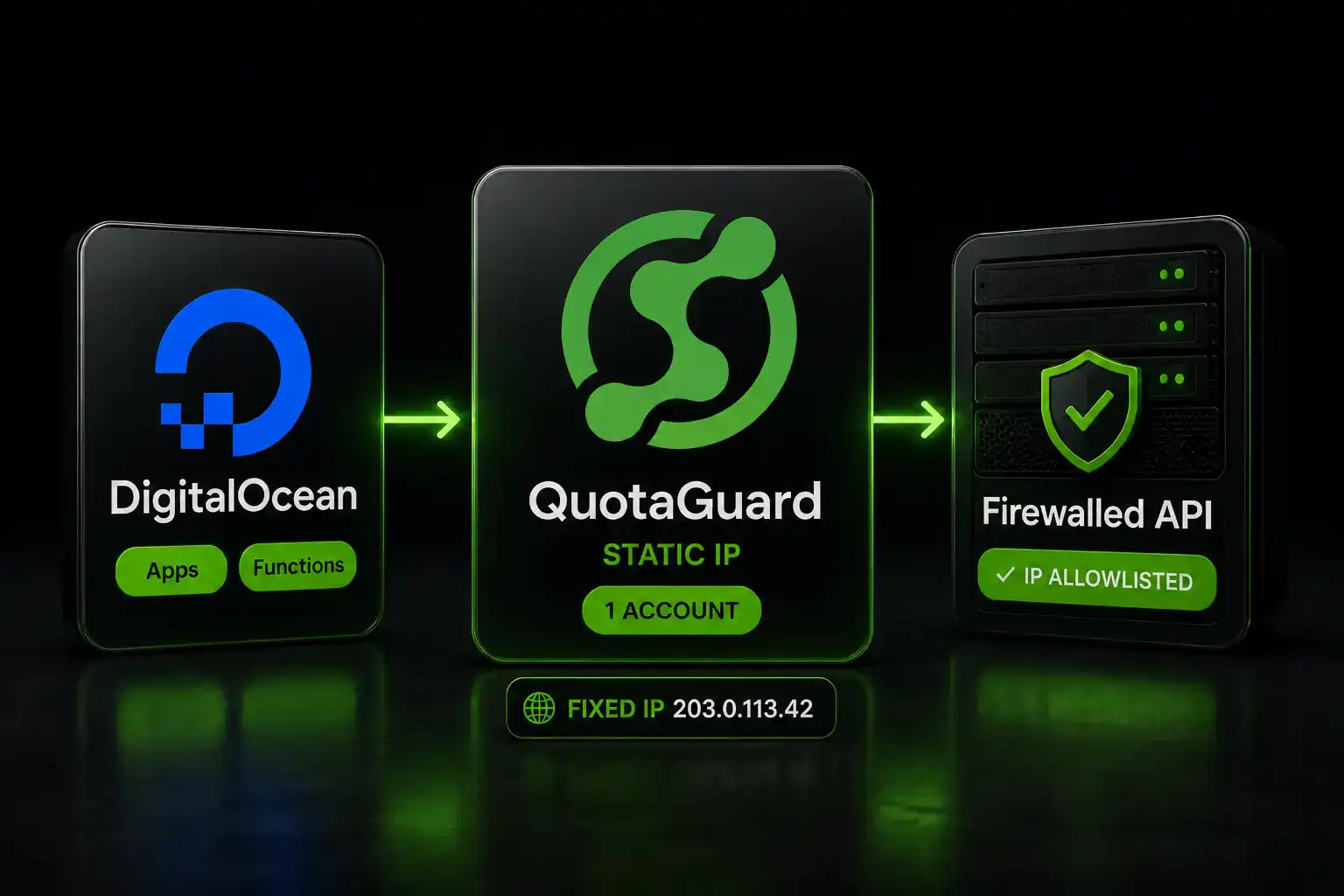
Set QUOTAGUARDSTATIC_URL in your DO environment, route blocked requests through https-proxy-agent, and every call exits from a fixed IP in 2 minutes.

DigitalOcean has a native static egress option for App Platform. It costs $25/month per app and it doesn't cover Functions at all. Here's where that matters and where a proxy is the better call.

DigitalOcean Functions Have No Static Egress IP. QuotaGuard Fixes That.

DigitalOcean's own documentation explicitly excludes Functions from the Dedicated Egress IPs feature. If your serverless functions call IP-restricted APIs, internal databases, or any service behind a corporate firewall, there's no native path to a fixed outbound IP on DigitalOcean's platform. The feature simply doesn't exist for Functions, and no roadmap announcement changes that as of 2026.

A proxy works where the platform feature doesn't. Functions run Node.js. https-proxy-agent works in Node.js. One environment variable, one code change, and your function's outbound requests exit from a fixed IP every time.

One QuotaGuard Account Covers Every App. DO Charges $25 Per App.

DigitalOcean's Dedicated Egress IPs add-on is priced per application. Every app that needs a fixed outbound IP adds $25/month to your bill. That's manageable for one app. It compounds fast.

Apps needing a fixed IP DO Dedicated Egress add-on QuotaGuard Static
1 app $25/month $19/month
2 apps $50/month $19/month
3 apps $75/month $19/month
5 apps $125/month $19/month

One QuotaGuard account covers every app, every function, every environment. Staging and production use the same IP. New apps inherit it automatically. You hand one IP to your IT team and it never changes no matter how many services you add.

QuotaGuard tip: scope the proxy to the specific outbound calls that need a fixed IP. Don't route all traffic through it. It's faster to debug and easier to audit when the proxy scope matches your allowlisting requirements exactly.

A Droplet Proxy Trades $4/Month for 4+ Hours of Your Time

Spinning up a $4 Droplet and configuring it as a SOCKS5 relay is a real option. The sticker price is genuinely cheap: $4–$6/month with 500–1,000 GB transfer included. Engineers do this. It works.

The cost that doesn't show up on the invoice: initial setup takes 2–4 hours minimum. You're installing a proxy daemon, hardening the firewall, configuring OS-level policy routing to force outbound traffic through a Reserved IP (which doesn't happen automatically), and setting up uptime monitoring. Then you own it. OS patches. Daemon restarts. Incident response when it goes down at 2am before a customer demo.

A manually configured SOCKS5 proxy on a single Droplet has no redundancy and no SLA on the proxy service layer. The Droplet compute has a DO uptime SLA. The proxy process running on it doesn't. If it crashes, your allowlisted API calls fail silently until someone notices.

If you're comfortable with that tradeoff and have low bandwidth needs, the Droplet path is viable. If your time is worth more than a few hours of setup and ongoing maintenance, it isn't.

DO's Native Add-On Is the Right Call for One App Under 100 GB

Be honest about the numbers. DO's App Platform Dedicated Egress add-on includes 100 GB of transfer with the smallest instance. The $0.02/GB overage only kicks in beyond that. For a single app using 10–100 GB of egress traffic per month, DO's $25 flat charge is competitive. Setup is a UI toggle. No code change required.

QuotaGuard is the better call when:

You're running multiple apps. One QuotaGuard account covers all of them. DO's per-app pricing doesn't.

You use Functions. DO's feature explicitly excludes them. A proxy doesn't.

You run services outside DigitalOcean. A Railway deployment, a GitHub Action, an AWS Lambda function: they all share the same QuotaGuard proxy URL and the same fixed IP. DO's static egress is tied to DO infrastructure. When you add a platform, you're back to a rotating IP unless you add another solution.

You need surgical control. DO's add-on applies to all outbound traffic from the app. A proxy lets you route only the specific calls that need a fixed IP, leaving everything else on the default path.

Setup: One Environment Variable and One Code Change

In your DigitalOcean App Platform or Functions environment settings, add:

QUOTAGUARDSTATIC_URL=http://username:password@proxy.quotaguard.com:9293

Pick the QuotaGuard region closest to the API or database you're calling. Available regions: US-East, US-West, EU-West, EU-Central, AP-Northeast (Tokyo), AP-Southeast (Singapore), AP-Southeast-2 (Sydney), AP-South (Mumbai), CA-Central, and SA-East (São Paulo). Use a regional hostname to minimize latency: http://username:password@eu-west-static-01.quotaguard.com:9293.

In the code making the blocked outbound request:

import { HttpsProxyAgent } from 'https-proxy-agent';

const proxyUrl = process.env.QUOTAGUARDSTATIC_URL;
const agent = new HttpsProxyAgent(proxyUrl);

const response = await fetch('https://your-restricted-api.example.com/endpoint', {
  agent,
});

const data = await response.json();

To confirm setup: make a GET request to https://api.ipify.org through the proxy. The response returns your QuotaGuard static IP. That's the IP your IT team adds to the allowlist.

The IP stays fixed across every redeployment, every scaling event, every DigitalOcean infrastructure change.

QuotaGuard Shield Encrypts Regulated Data End-to-End

If your DigitalOcean apps handle healthcare records, payment data, PII, or any compliance-sensitive workload, use QuotaGuard Shield instead of Static. Shield uses SSL passthrough. The TLS connection runs end-to-end between your app and the destination. QuotaGuard routes the packets but never decrypts them. That satisfies HIPAA, PCI-DSS, and SOC 2 data-in-transit requirements.

For Shield, use QUOTAGUARDSHIELD_URL as the environment variable, port 9294, and https:// in the proxy URL. Shield plans start at $29/month.

One Fixed IP, Every App, Every Platform

The proxy approach scales across your entire stack. Functions, App Platform apps, services on other clouds: one QuotaGuard account, one IP, one entry on every allowlist you'll ever need to manage. When your infrastructure changes, the IP doesn't.

Review plans at quotaguard.com/products/pricing and start a free trial to confirm the proxy URL works with your specific workload before committing.

QuotaGuard Static IP Blog

Practical notes on routing cloud and AI traffic through Static IPs.

Reliability Engineered for the Modern Cloud

For over a decade, QuotaGuard has provided reliable, high-performance static IP and proxy solutions for cloud environments like Heroku, Kubernetes, and AWS.

Get the fixed identity and security your application needs today.