Fix Gemini API "Blocked IP Address" Errors With a Static Outbound IP

QuotaGuard Engineering
April 15, 2026
5 min read
Pattern

Set an IP restriction on your Gemini API key, then route your app's requests through a static outbound proxy. Your IP stays fixed. The "blocked IP address" error stops.

Google's Gemini API lets you restrict an API key to a specific list of IP addresses. That's a solid security control. The problem is that most cloud platforms give your app a different outbound IP every time it restarts, scales, or deploys. The IPs don't match the allowlist. The request gets blocked.

Why Gemini API Throws "Blocked IP Address"

When you create an API key in Google AI Studio or Google Cloud, you can add IP restrictions under "API restrictions." Google documents this as an optional security feature. It's optional right up until someone on your team enables it, or until a security review requires it.

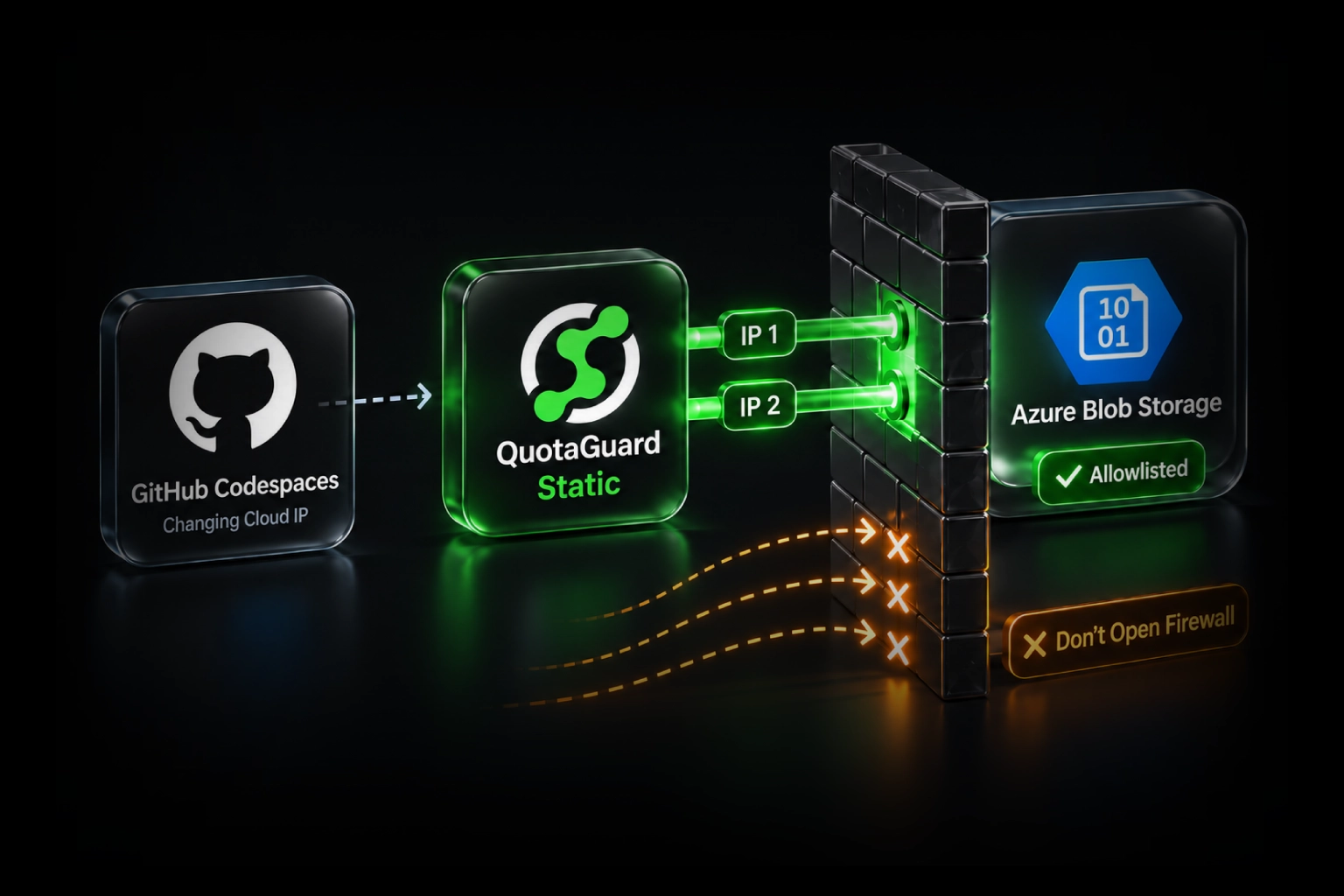
Once IP restrictions are active, every request to the Gemini API is checked against the allowlist. The request carries the originating IP of whatever server made the call. If your app runs on Heroku, Render, Railway, Fly.io, or a Lambda function, that originating IP rotates. It changes on redeploy. It changes when the platform shifts your container to a different host. It changes when you scale up. None of those IPs match the ones you put in the allowlist.

The result is a 403 with a body that says something like "API key not valid. Please pass a valid API key." or a more specific "blocked IP address" message, depending on which surface you're calling from. The key isn't invalid. The IP is wrong.

This comes up constantly in the Google AI Developer Forum. The thread at discuss.ai.google.dev is full of developers who turned on IP restrictions for security reasons and then couldn't figure out why their perfectly valid key stopped working in production.

The Real Fix: A Static Outbound IP

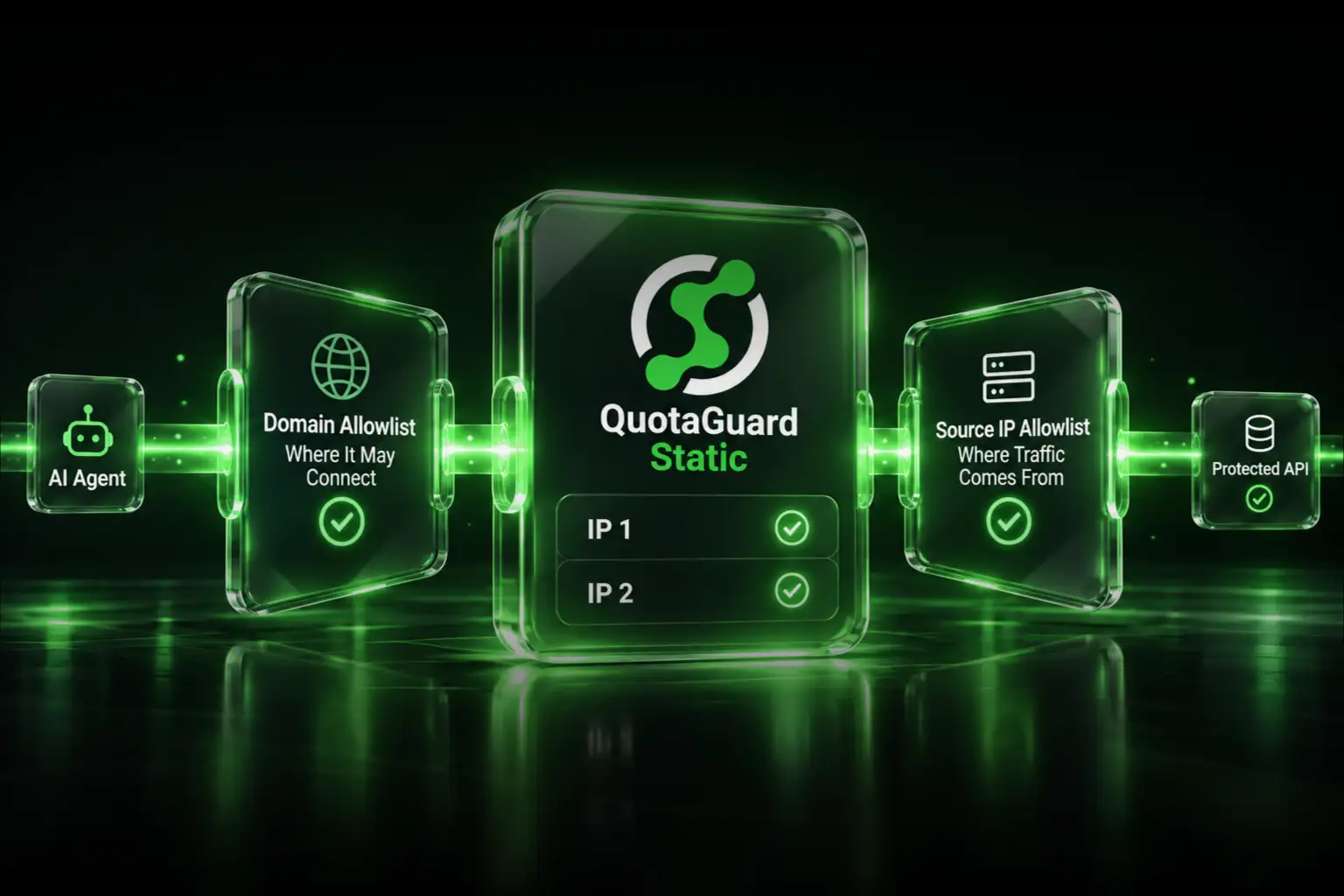
You need one fixed IP address that all your Gemini API calls leave from. You add that IP to your Gemini API key's allowlist. Done. The error never comes back.

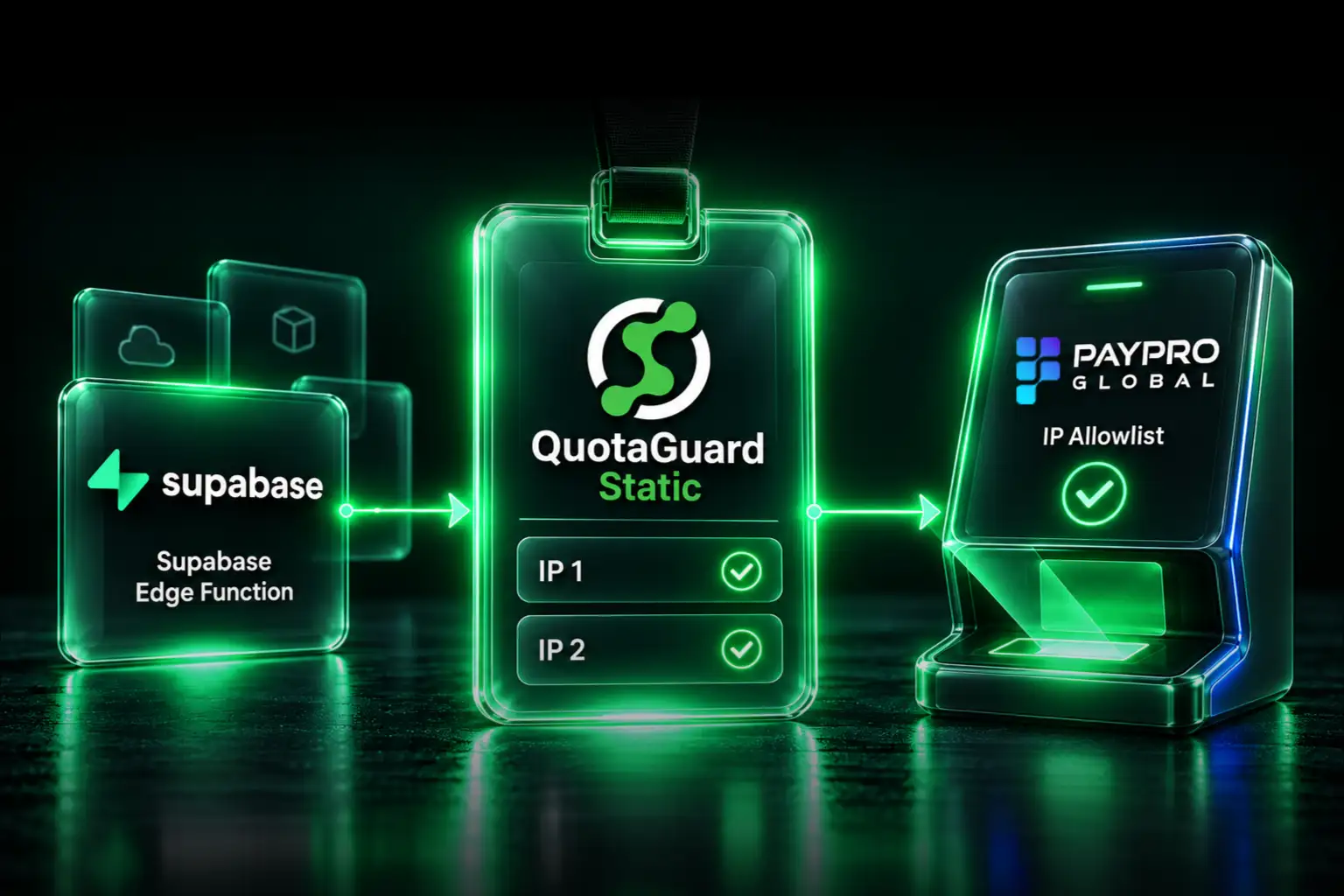
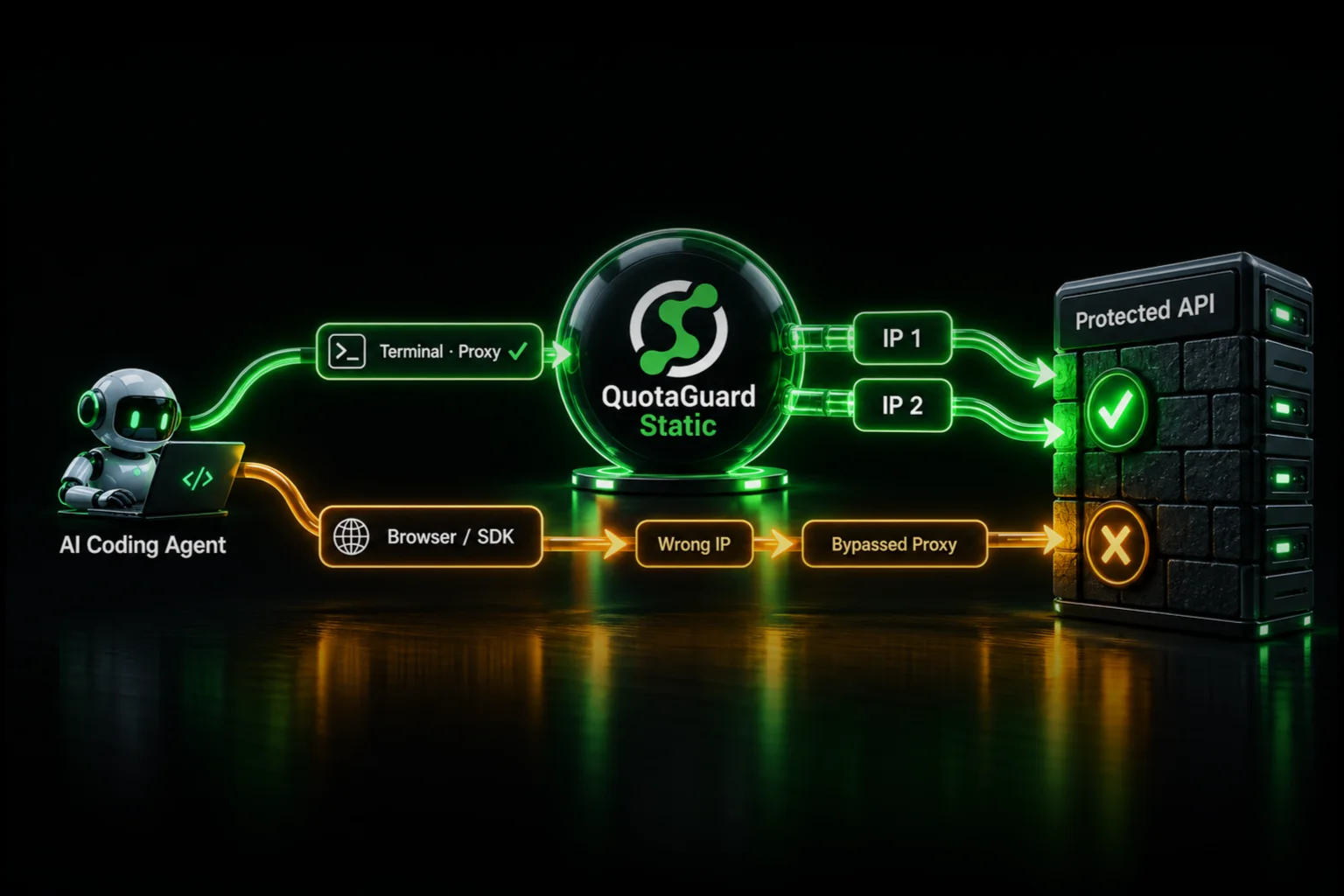
The cleanest way to do this without migrating infrastructure is an outbound HTTP proxy with a static IP. QuotaGuard Static gives you a fixed egress IP. You route your Gemini API requests through it. Every request hits Google from the same IP. Your allowlist stays valid across deploys, restarts, and scaling events.

QuotaGuard tip: route only your Gemini API calls through the proxy. Not all traffic. Scoping the proxy to specific outbound requests keeps latency down and makes debugging easier. If something breaks, you know exactly which traffic is affected.

Set Up QuotaGuard Static in About 5 Minutes

Add QuotaGuard to your app. You get an environment variable called QUOTAGUARDSTATIC_URL that contains your proxy endpoint. Your static IP is listed in your QuotaGuard dashboard. Add that IP to your Gemini API key's IP restrictions in Google AI Studio. Then update your HTTP client to use the proxy.

Here's what that looks like in Python using raw requests, which is the most direct approach for Gemini API calls:

import os
import requests

proxy_url = os.environ.get("QUOTAGUARDSTATIC_URL")

proxies = {
    "http": proxy_url,
    "https": proxy_url,
}

GEMINI_API_KEY = os.environ.get("GEMINI_API_KEY")
GEMINI_ENDPOINT = "https://generativelanguage.googleapis.com/v1beta/models/gemini-2.0-flash:generateContent"

payload = {
    "contents": [
        {
            "parts": [{"text": "Explain what a static IP proxy does in one sentence."}]
        }
    ]
}

response = requests.post(
    f"{GEMINI_ENDPOINT}?key={GEMINI_API_KEY}",
    json=payload,
    proxies=proxies,
)

print(response.json())

If you're using the official google-genai Python SDK (the current SDK as of 2025), you can configure proxy support directly via HttpOptions. Install the SDK first:

pip install google-genai
import os
from google import genai
from google.genai import types

proxy_url = os.environ.get("QUOTAGUARDSTATIC_URL")

client = genai.Client(
    api_key=os.environ.get("GEMINI_API_KEY"),
    http_options=types.HttpOptions(
        client_args={"proxy": proxy_url},
        async_client_args={"proxy": proxy_url},
    )
)

response = client.models.generate_content(
    model="gemini-2.0-flash",
    contents="Hello from a static IP."
)

print(response.text)

Both patterns route your Gemini API requests through your static IP. The requests approach works with any REST call. The SDK approach is cleaner if you're already using google-genai throughout your codebase.

If you're calling Gemini from Node.js, use https-proxy-agent with axios:

npm install https-proxy-agent axios
const axios = require("axios");
const { HttpsProxyAgent } = require("https-proxy-agent");

const proxyUrl = process.env.QUOTAGUARDSTATIC_URL;
const agent = new HttpsProxyAgent(proxyUrl);

const response = await axios.post(
  `https://generativelanguage.googleapis.com/v1beta/models/gemini-2.0-flash:generateContent?key=${process.env.GEMINI_API_KEY}`,
  {
    contents: [{ parts: [{ text: "Hello from a static IP." }] }],
  },
  {
    httpsAgent: agent,
  }
);

console.log(response.data);

Update Your Gemini API Key Allowlist

Once QuotaGuard is provisioned, find your static IP in the QuotaGuard dashboard. Then:

  1. Open Google AI Studio or the Google Cloud Console.
  2. Navigate to your API key settings.
  3. Under "API restrictions" or "Application restrictions," find the IP allowlist.
  4. Add your QuotaGuard static IP. Save.

From that point on, every request your app sends through QuotaGuard arrives at Google from that fixed address. Redeploys don't change it. Scaling doesn't change it. The allowlist stays valid indefinitely.

What This Doesn't Solve

A static proxy fixes IP restriction errors. It doesn't fix quota errors, invalid key errors, or model access errors. If you're hitting rate limits, that's a separate Gemini API issue. If your key was revoked, regenerate it. The "blocked IP address" error is specifically the IP restriction mismatch — and a static outbound IP solves exactly that.

Also worth noting: if you're working in an environment where you control the host networking (your own VPS or a self-managed server), you could assign a static Elastic IP directly. But if you're on a managed platform like Heroku, Render, Railway, or running Lambda functions, you don't control that layer. A proxy is the practical solution.

If You Handle Sensitive Data: Use QuotaGuard Shield Instead

QuotaGuard Static works by terminating and re-establishing the SSL connection at the proxy. For most Gemini API use cases, that's completely fine.

If your prompts or responses contain healthcare records, financial data, PII, or anything regulated under HIPAA or PCI-DSS, use QuotaGuard Shield instead. Shield uses SSL passthrough. The TLS connection runs end-to-end between your app and Google's servers. QuotaGuard routes the packets but never decrypts them. That distinction matters for compliance. The setup is identical — swap QUOTAGUARDSTATIC_URL for QUOTAGUARDSHIELD_URL in your code.

Stop the Blocked IP Error for Good

IP restriction errors on the Gemini API come down to one thing: your cloud app's outbound IP doesn't match the allowlist on your API key. A static proxy fixes that in one environment variable and a few lines of updated HTTP client code.

QuotaGuard Static starts at $19/month on a direct plan. The Starter plan covers most low-to-medium traffic applications. If you're on Heroku, there's a free tier available through the marketplace. Check the full plan details and start a trial at quotaguard.com/products/pricing.

QuotaGuard Static IP Blog

Practical notes on routing cloud and AI traffic through Static IPs.

Reliability Engineered for the Modern Cloud

For over a decade, QuotaGuard has provided reliable, high-performance static IP and proxy solutions for cloud environments like Heroku, Kubernetes, and AWS.

Get the fixed identity and security your application needs today.