Static IPs for Google Cloud Functions and Cloud Run

QuotaGuard Engineering
April 10, 2026
5 min read
Pattern

Google Cloud Functions and Cloud Run share the same outbound IP problem as every other serverless platform: your traffic exits from a pool of shared, rotating IP addresses. If a partner API, database, or firewall needs a whitelisted IP, you don't have one to give them.

How GCP Handles Outbound IPs

Cloud Functions (both 1st and 2nd gen) egress from a shared pool of Google-owned IPs. The specific IP used for any given request is unpredictable. Google doesn't publish per-project outbound ranges.

Cloud Run is the same story. Containers run on shared infrastructure, and outbound traffic exits from Google's general pool. You can't predict or control which IP your request comes from.

This is fine for calling public APIs that authenticate with API keys. It's a problem when the service on the other end needs to know your IP address.

The GCP-Native Fix (And What It Costs)

Google's recommended approach for static outbound IPs involves three components:

Serverless VPC Access Connector. This connects your Cloud Function or Cloud Run service to a VPC network. You create a connector, attach it to your function/service, and outbound traffic routes through the VPC. The connector requires dedicated compute instances (minimum e2-micro), starting around $7/month for the smallest config. But most production setups use larger instances or multiple connectors for reliability.

Cloud NAT Gateway. Once traffic is in the VPC, you route it through a Cloud NAT gateway to get a static outbound IP. Cloud NAT charges $0.044/hour (~$32/month) per gateway plus $0.045/GB of data processed.

Static IP reservation. You reserve a static external IP and assign it to the NAT gateway. The IP reservation itself is free while in use.

Total cost: roughly $40-50/month at minimum for a simple setup, and realistically $100-200/month once you factor in production-grade connector sizing, redundancy, and data processing charges.

For teams already running a VPC with other GCP services, adding Cloud NAT to the existing infrastructure is reasonable. For a team on Cloud Functions that just needs one API call to go through a known IP, it's a lot of infrastructure.

The Proxy Approach

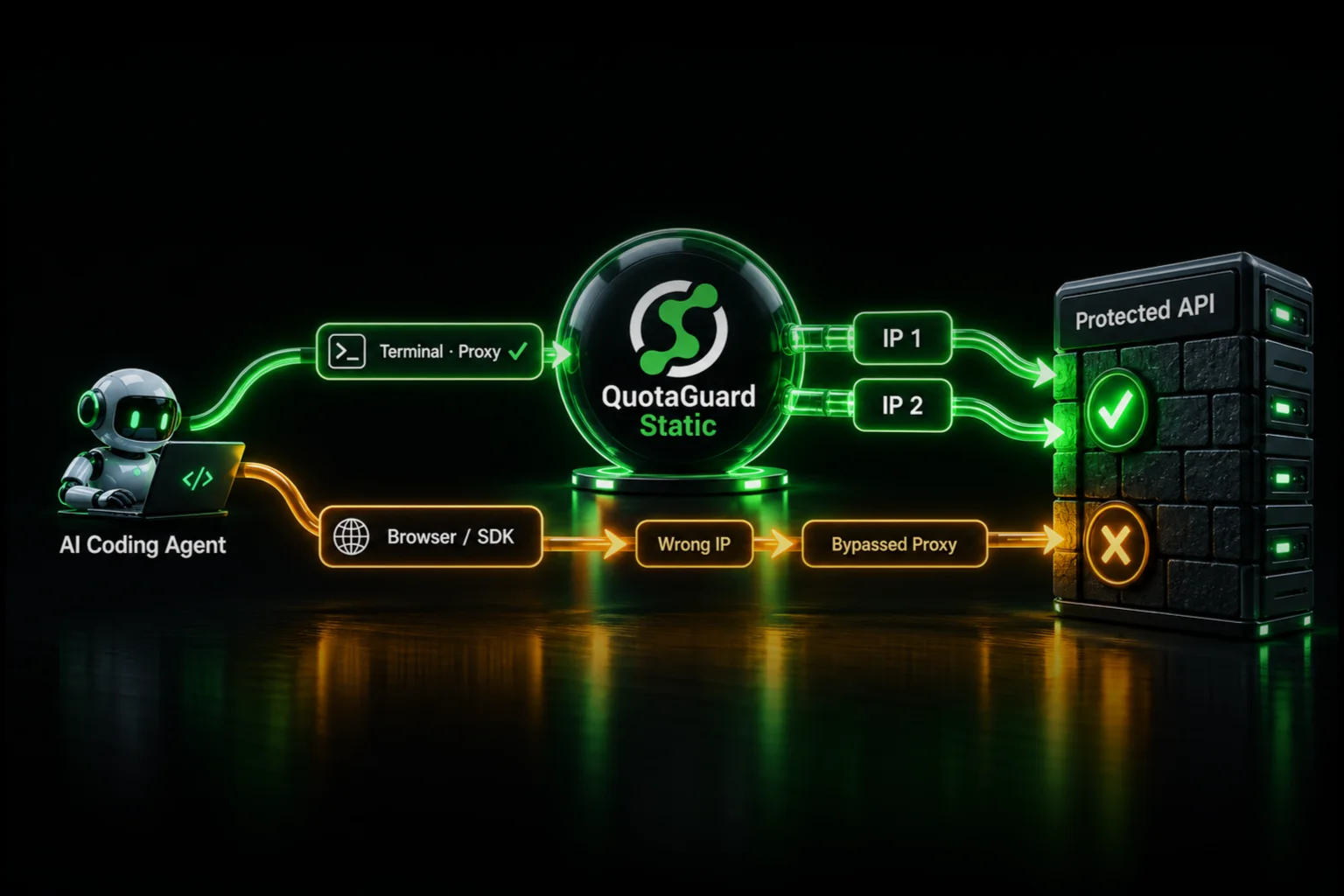
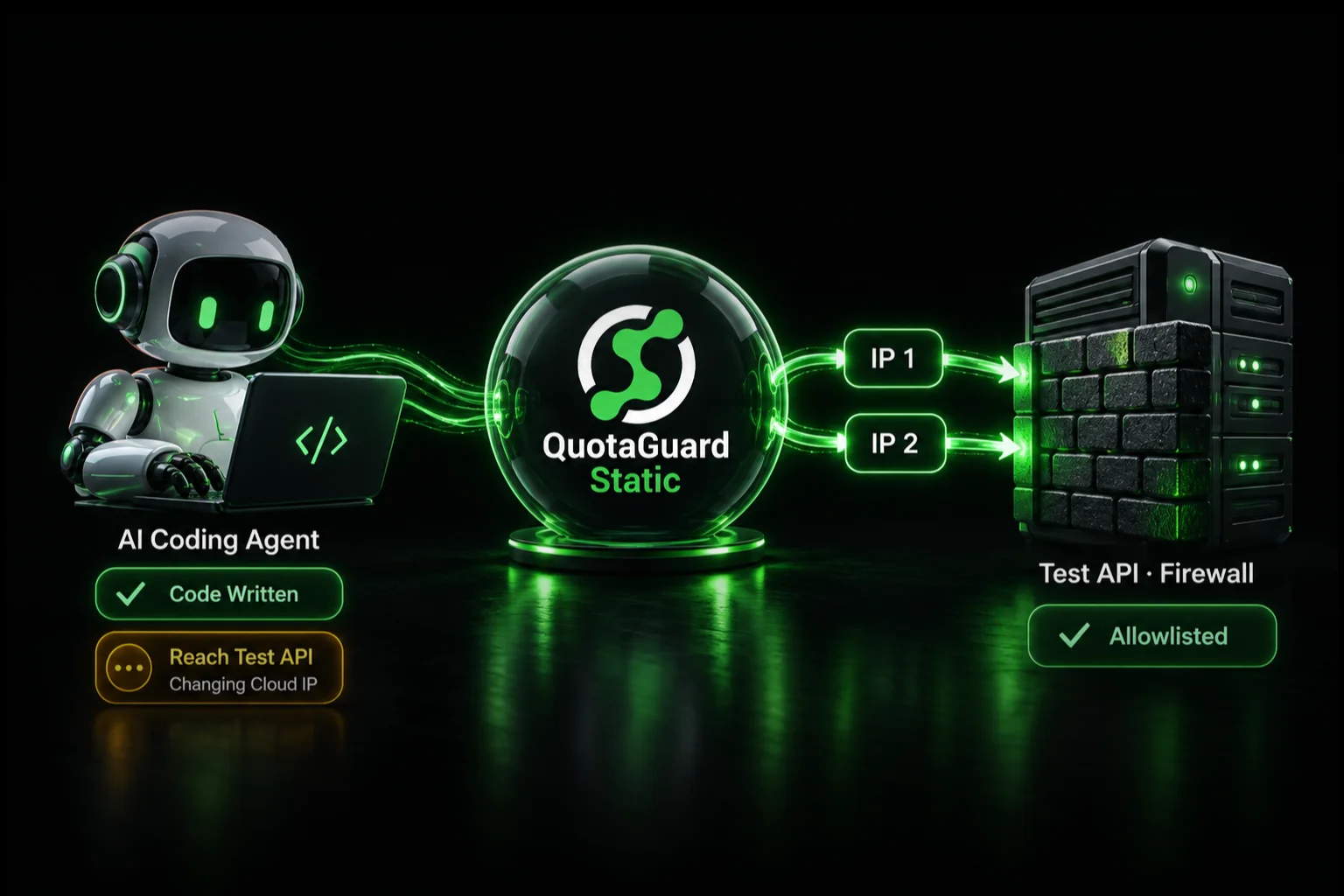
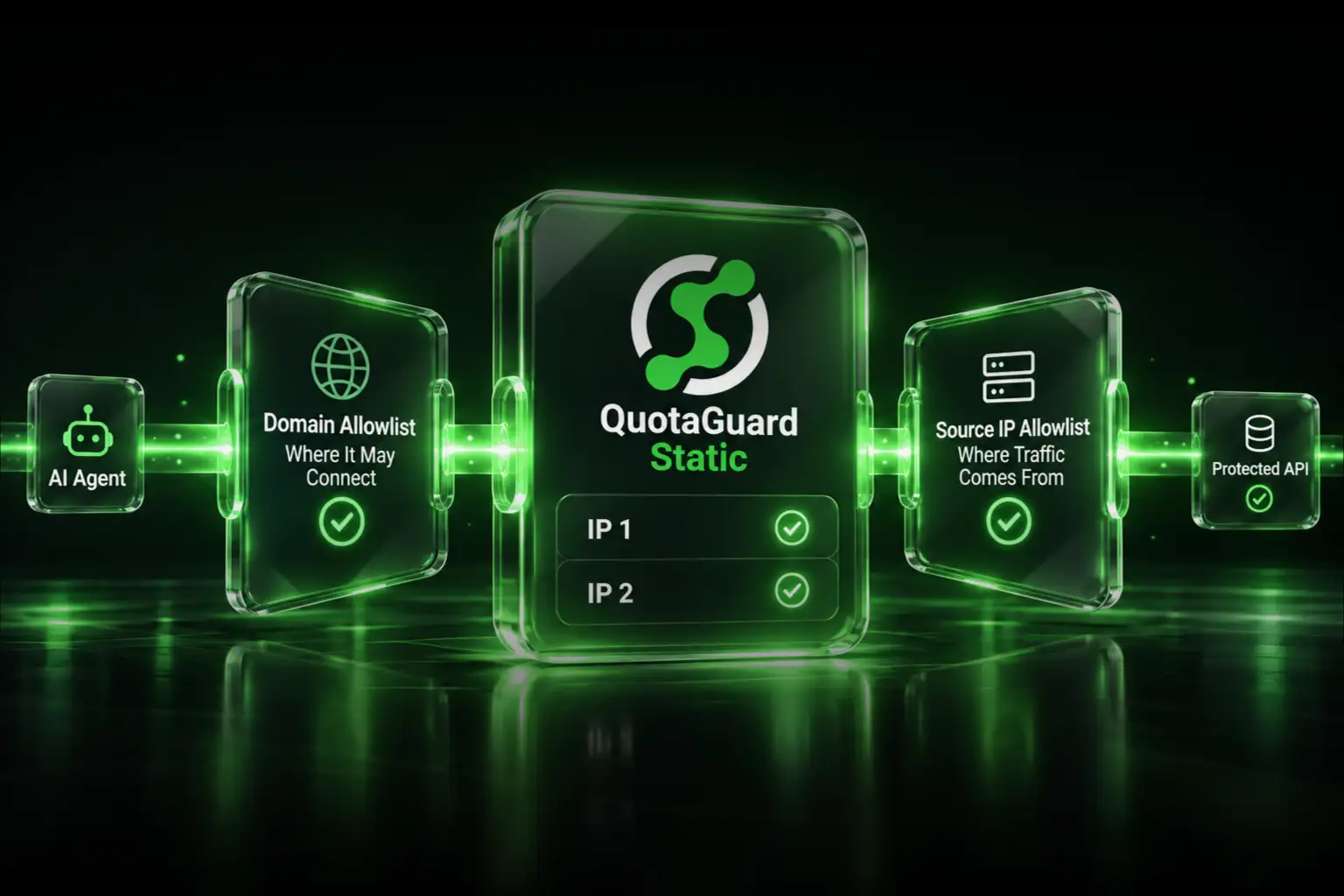
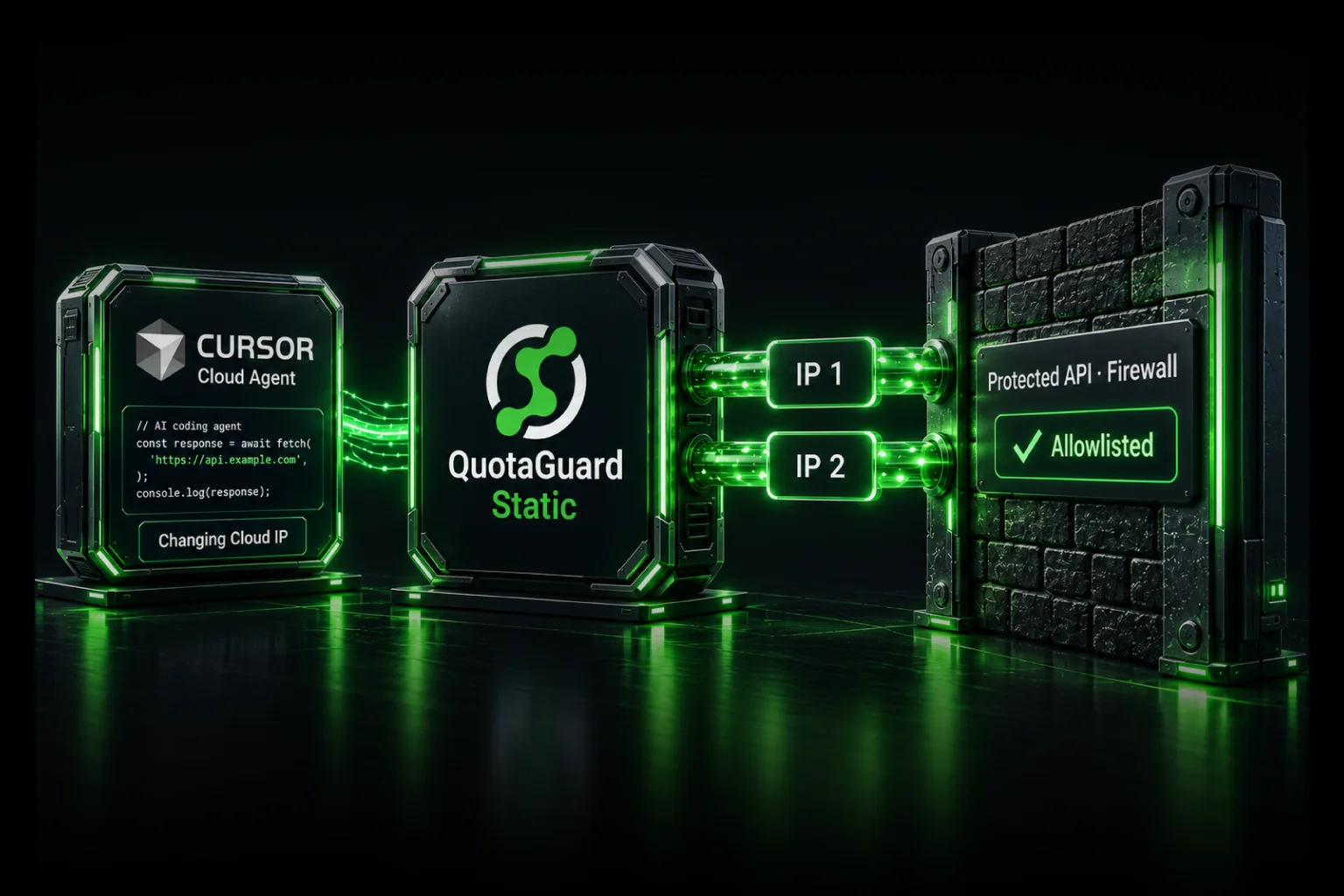
QuotaGuard gives you two dedicated static IPs. You route outbound traffic through the proxy. No VPC connector, no NAT gateway, no infrastructure to manage.

Cloud Functions (Python)

import os
import requests
import functions_framework

proxy_url = os.environ.get('QUOTAGUARD_URL')

@functions_framework.http
def my_function(request):
    proxies = {
        'http': proxy_url,
        'https': proxy_url
    }

    response = requests.get(
        'https://api.partner.com/data',
        proxies=proxies
    )

    return response.json()

Set QUOTAGUARD_URL as an environment variable in your Cloud Function configuration. Deploy. Partner API calls now come from your two static IPs.

Cloud Functions (Node.js)

const functions = require('@google-cloud/functions-framework');
const { HttpsProxyAgent } = require('https-proxy-agent');

const agent = new HttpsProxyAgent(process.env.QUOTAGUARD_URL);

functions.http('myFunction', async (req, res) => {
  const response = await fetch('https://api.partner.com/data', { agent });
  const data = await response.json();
  res.json(data);
});

Cloud Run

Cloud Run works the same way. Set the environment variable in your container configuration and use it in your HTTP client. Since Cloud Run runs containers, you have full control over your runtime and dependencies.

import os
import requests
from flask import Flask

app = Flask(__name__)
proxy_url = os.environ.get('QUOTAGUARD_URL')

@app.route('/process')
def process():
    proxies = {'http': proxy_url, 'https': proxy_url}
    response = requests.get('https://api.partner.com/data', proxies=proxies)
    return response.json()

TCP Connections from Cloud Run

Cloud Run can also use QGTunnel for non-HTTP connections (databases, SFTP). Add the QGTunnel binary to your container image and wrap your application startup command in your Dockerfile:

# Add QGTunnel to the container
RUN curl https://s3.amazonaws.com/quotaguard/qgtunnel-latest.tar.gz | tar xz

# Wrap the application with QGTunnel
CMD ["bin/qgtunnel", "python", "app.py"]

Set QUOTAGUARDSTATIC_URL in your Cloud Run environment variables. QGTunnel opens local sockets that route TCP traffic through static IPs. Your database connection strings don't change if you use transparent mode.

Cloud Functions doesn't support QGTunnel directly (you can't modify the process wrapper), so for TCP connections from Cloud Functions, use the SOCKS5 proxy with a compatible client library.

Selective Proxying

Not all outbound calls need a static IP. Calls to Google's own APIs, public SaaS APIs, and any service that authenticates with API keys rather than IP whitelisting can go directly.

Route only the calls that hit firewalled endpoints through the proxy:

import os
import requests

proxy_url = os.environ.get('QUOTAGUARD_URL')

def call_api(url, needs_static_ip=False):
    proxies = {'http': proxy_url, 'https': proxy_url} if needs_static_ip else None
    return requests.get(url, proxies=proxies)

# Direct - no IP restriction
google_response = call_api('https://storage.googleapis.com/my-bucket/data.json')

# Through proxy - partner requires whitelisted IP
partner_response = call_api('https://api.partner.com/data', needs_static_ip=True)

Cost Comparison

GCP Serverless VPC Connector + Cloud NAT: $40-200/month depending on connector size and data volume. Requires VPC configuration, IAM permissions, and ongoing infrastructure management.

QuotaGuard Static: $19/month. Two static IPs, managed failover, no infrastructure to configure. Set an environment variable and update your HTTP client.

For teams that need a VPC for other reasons (connecting to Cloud SQL, Memorystore, or other VPC-networked resources), the native approach makes sense. For teams that just need outbound static IPs, the proxy is simpler and cheaper.

Getting Started

Sign up for QuotaGuard Static. Add the proxy URL as an environment variable in your Cloud Function or Cloud Run service. Test at https://ip.quotaguard.com to confirm your traffic exits from the static IPs.

If you need compliance-level encryption (HIPAA, PCI-DSS), QuotaGuard Shield starts at $29/month with SSL passthrough.

QuotaGuard Static starts at $19/month.

QuotaGuard Static IP Blog

Practical notes on routing cloud and AI traffic through Static IPs.

Reliability Engineered for the Modern Cloud

For over a decade, QuotaGuard has provided reliable, high-performance static IP and proxy solutions for cloud environments like Heroku, Kubernetes, and AWS.

Get the fixed identity and security your application needs today.