Give Your GPT Actions a Static Outbound IP to Survive OpenAI's IP Changes

QuotaGuard Engineering
April 30, 2026
5 min read
Pattern

Put a static IP proxy in front of your API, allowlist that IP, and OpenAI's IP rotations stop mattering. Setup takes 2 minutes.

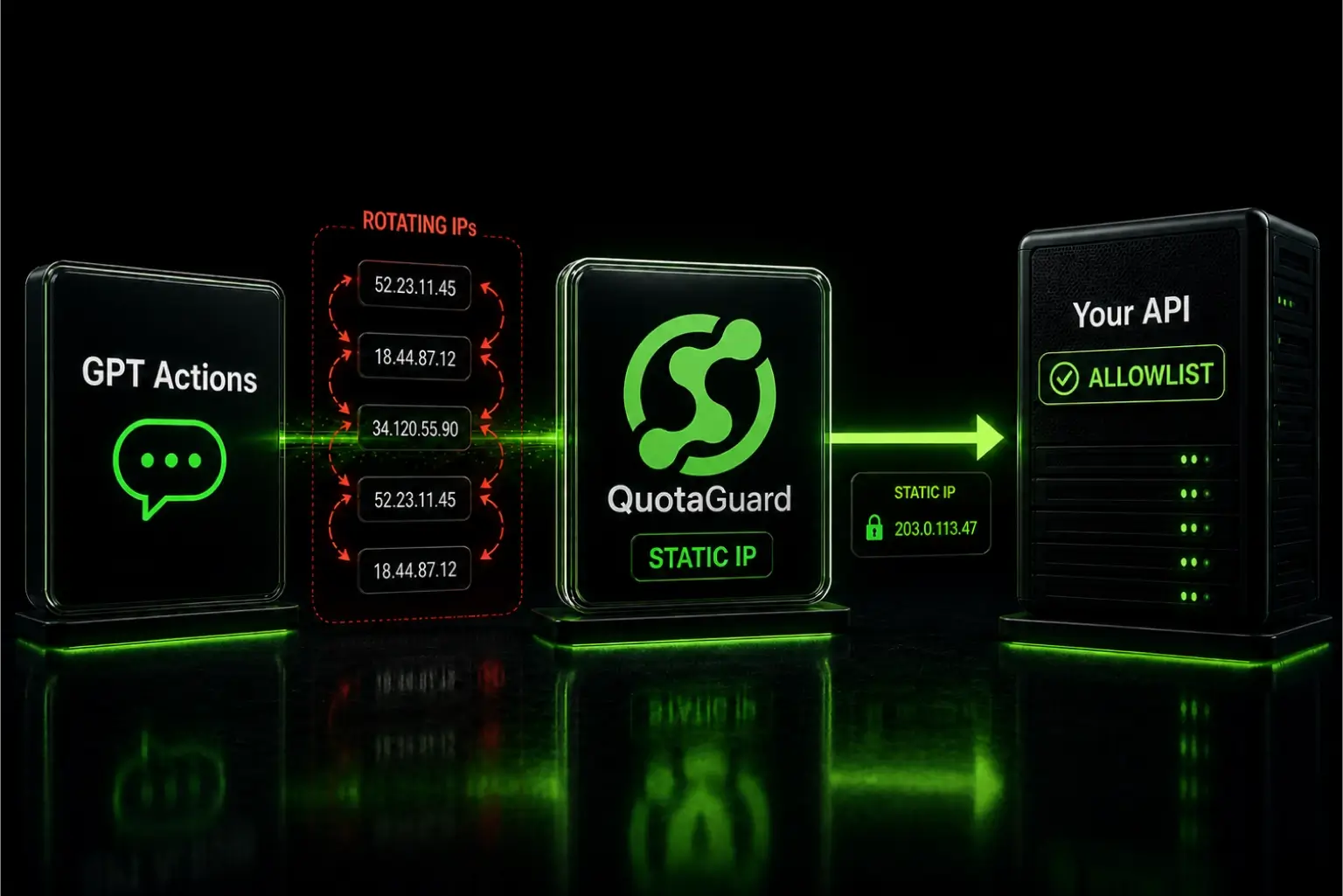
OpenAI rotates the IPs its infrastructure uses for GPT Actions requests without notice. Developers in the OpenAI community forum have documented production integrations going dark overnight. The firewall allowlist that worked on Monday blocks everything by Wednesday. OpenAI provides no changelog and no advance warning.

You can't fix OpenAI's release process. You can fix your architecture so their IP changes stop being your emergency.

Allowlist Your Own Infrastructure, Not OpenAI's Outbound IPs

GPT Actions work by having OpenAI's servers call your API. Your firewall trusts specific IP ranges. When OpenAI silently moves to new infrastructure, the new IPs aren't on your allowlist and your integration fails with a 403 or a timeout.

OpenAI does publish a list of IP ranges used by its crawlers and some services, but it's a best-effort snapshot rather than a guarantee, and it doesn't map cleanly to GPT Actions traffic specifically. The forum thread above shows developers who added the published ranges and still got burned. The published list and the actual egress IPs are different things.

The real problem isn't that OpenAI changes IPs. It's that your allowlist is pointing at the wrong end of the connection. You're trying to allowlist the caller, but the caller is OpenAI, and you don't control OpenAI. The fix is to stop allowlisting the caller and start controlling what the callee looks like. Put a static IP in front of your API. Now you allowlist your own infrastructure, and OpenAI's IP rotation is completely irrelevant.

A Static IP Proxy Puts You in Control of the IP Your Firewall Sees

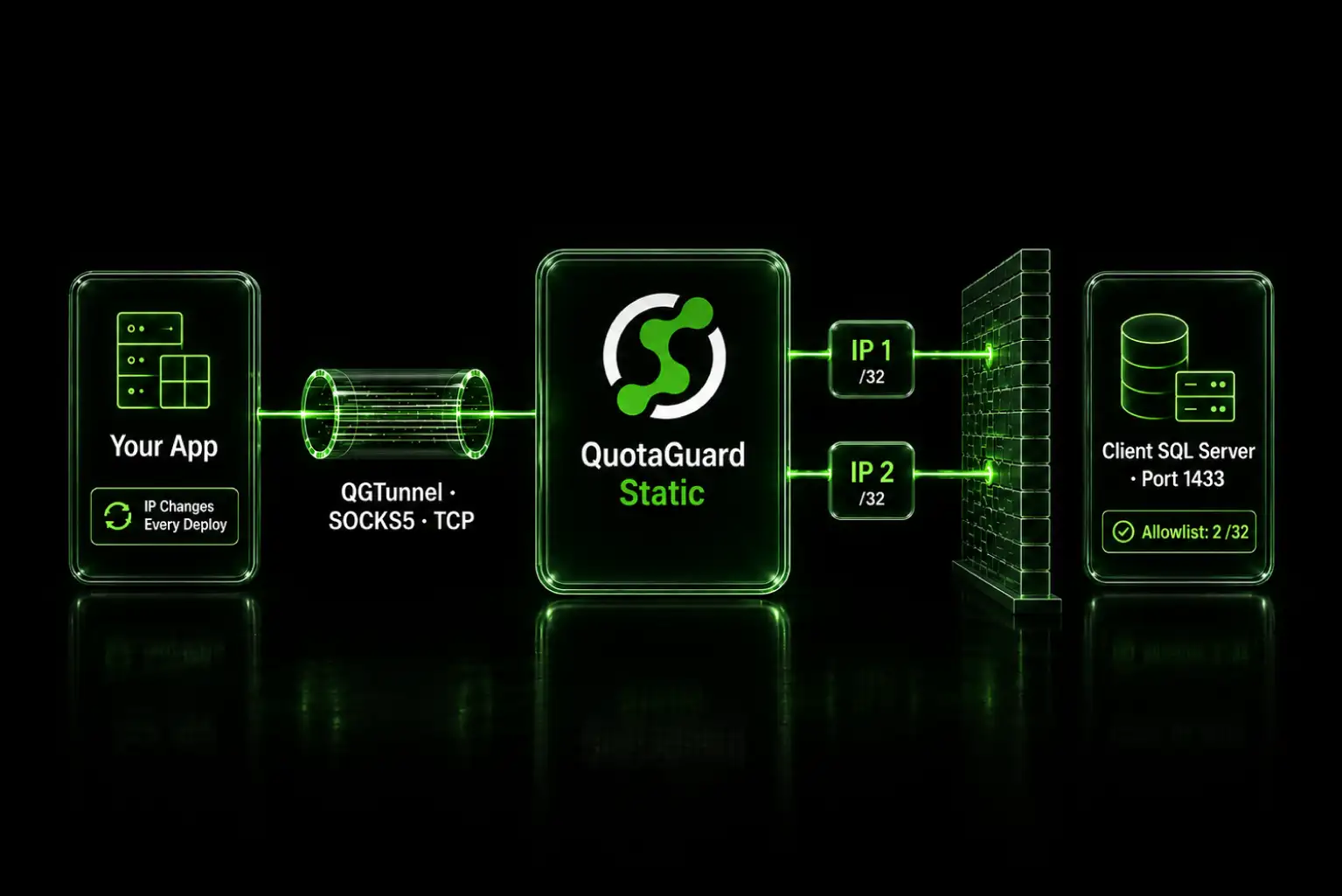
The architecture shift is simple. Instead of your API being directly internet-facing with an allowlist pointed at OpenAI's IP ranges, your API sits behind a proxy. The GPT Action calls your proxy endpoint. Your proxy forwards the request to your API. Your firewall only allows traffic from the proxy's IP. That IP is yours. It never changes.

OpenAI can rotate its egress IPs every hour. It doesn't matter. They're always talking to your proxy, and your proxy's IP is static. Your firewall never needs updating.

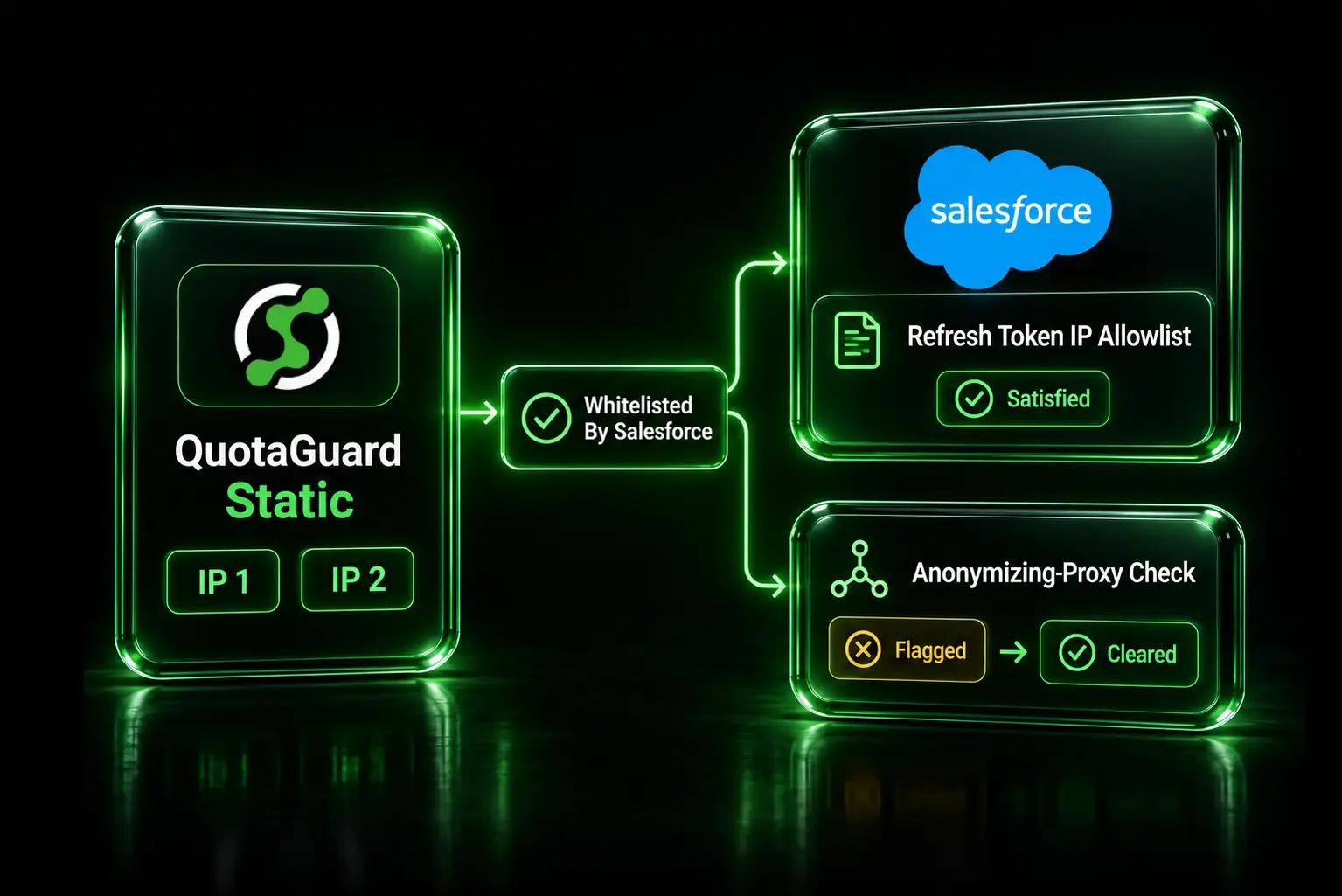
QuotaGuard gives you this in 2 minutes. You get a static IP, a proxy endpoint, and two simple setup steps. Your API endpoint stays the same. Your firewall allowlist points at the QuotaGuard IP instead of OpenAI's published ranges.

QuotaGuard Setup Takes 2 Minutes

The setup works in either direction depending on your architecture. The most common pattern for GPT Actions is that you control the API being called, and you want to restrict who can call it. Here's how to lock it down.

Option 1: You control the destination API (most common case)

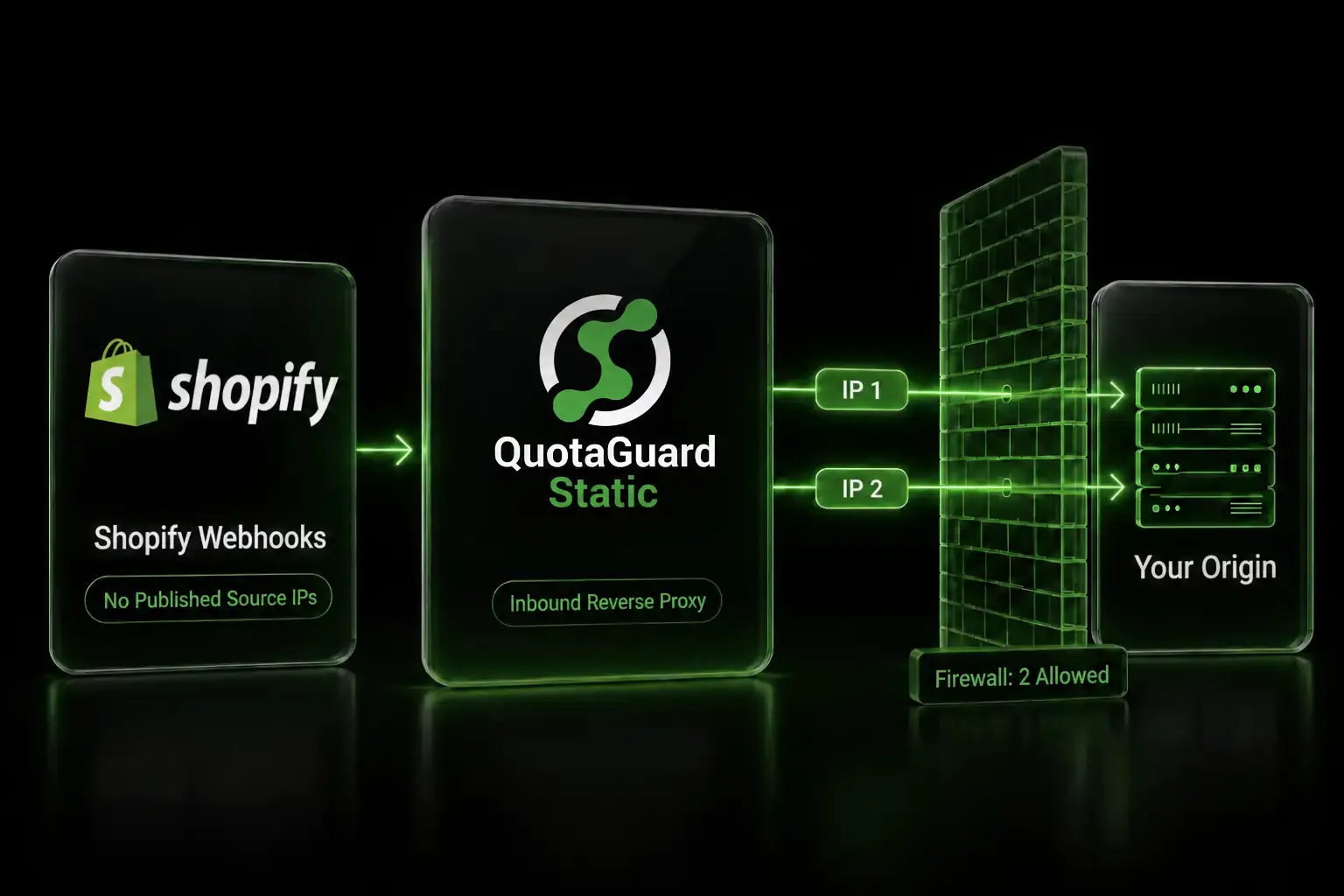
Your GPT Action currently calls your API directly. You want to ensure only traffic with a known static IP reaches your API. Use QuotaGuard's Inbound Proxy. The steps:

  1. Sign up for QuotaGuard Static ($19/month Starter) or Shield ($29/month Starter). Inbound Proxy is available on all direct plans starting at Starter.
  2. Log into the QuotaGuard dashboard. Go to Manage Subscriptions. Click "Inbound Proxy / Configure Inbound Proxies." Click "Create an Inbound Proxy."
  3. Enter two URLs:
    • Forwarding URL: Public endpoint for GPT Action. Example: api-gpt.yourcompany.com
    • Application Forwarding URL: Your actual backend. Example: https://internal-api.yourcompany.com/webhooks/gpt
  4. Save. QuotaGuard assigns two static IPs.
  5. Create a DNS CNAME record. QuotaGuard's dashboard shows the exact target. Create it with your DNS provider.
  6. Add both QuotaGuard IPs to your firewall allowlist. These IPs never change.
  7. Point your GPT Action's server URL to your public endpoint. Example: https://api-gpt.yourcompany.com

Done. OpenAI's traffic routes through your proxy. Your firewall sees only QuotaGuard's static IPs.

If your API handles sensitive data, choose Shield instead of Static when creating the Inbound Proxy. The dashboard flow is identical. The difference is SSL handling. Shield uses SSL passthrough, which means no certificate management on QuotaGuard's side and payloads stay encrypted end-to-end between GPT and your backend. Static uses SSL termination, which means you'll either use QuotaGuard's auto-generated getstatica.com URL with their certificate, or upload your own certificate for a custom domain. For PHI, PCI data, or any regulated traffic, Shield is the correct choice.

Option 2: Your app makes outbound calls to a third-party API that requires allowlisting

If your GPT Action triggers your server, which then calls an external API that requires IP allowlisting, configure your HTTP client to route through QuotaGuard:

import requests
import os
 
proxy_url = os.environ.get("QUOTAGUARDSTATIC_URL")
 
proxies = {
    "http": proxy_url,
    "https": proxy_url,
}
 
response = requests.get(
    "https://your-restricted-api.example.com/endpoint",
    proxies=proxies
)
const { HttpsProxyAgent } = require("https-proxy-agent");
 
const proxyUrl = process.env.QUOTAGUARDSTATIC_URL;
const agent = new HttpsProxyAgent(proxyUrl);
 
const response = await fetch("https://your-restricted-api.example.com/endpoint", {
  agent: agent,
});

QuotaGuard tip: only route the calls that actually need allowlisting through the proxy. Sending all traffic through it adds latency you don't need. Point specific API calls at the proxy and let everything else go direct.

Pick the AWS region closest to your API. QuotaGuard runs on 10 AWS regions: US-East, US-West, CA-Central, EU-West, EU-Central, AP-Northeast, AP-Southeast, AP-Southeast-2, AP-South, and SA-East. If you're using a regional hostname like us-east-static-01.quotaguard.com, swap it for the region closest to your destination.

If your API handles sensitive data, swap QUOTAGUARDSTATIC_URL for QUOTAGUARDSHIELD_URL and use port 9294. Shield uses SSL passthrough, so QuotaGuard never decrypts the payload in transit. That satisfies HIPAA, PCI-DSS, and SOC 2 controls on data in transit.

QUOTAGUARDSHIELD_URL=https://username:password@us-east-shield-01.quotaguard.com:9294

QuotaGuard Static Pricing Starts at $19/Month

QuotaGuard Static direct plans: Starter at $19/month, Production at $49/month, Business at $89/month, Enterprise at $219/month. Enterprise includes dedicated IPs.

QuotaGuard Shield direct plans: Starter at $29/month, Production at $59/month, Business at $109/month, Enterprise at $259/month.

All tiers include a 3-day trial. Enterprise gets 7 days. Credit card required.

The math is straightforward. A GPT Action integration going dark because OpenAI rotated its IPs costs more than $19/month in engineer time alone. One incident. One Saturday page. One angry stakeholder call. The proxy pays for itself the first time you don't have to make those calls.

See full pricing and start your trial.

QuotaGuard Static IP Blog

Practical notes on routing cloud and AI traffic through Static IPs.

Reliability Engineered for the Modern Cloud

For over a decade, QuotaGuard has provided reliable, high-performance static IP and proxy solutions for cloud environments like Heroku, Kubernetes, and AWS.

Get the fixed identity and security your application needs today.