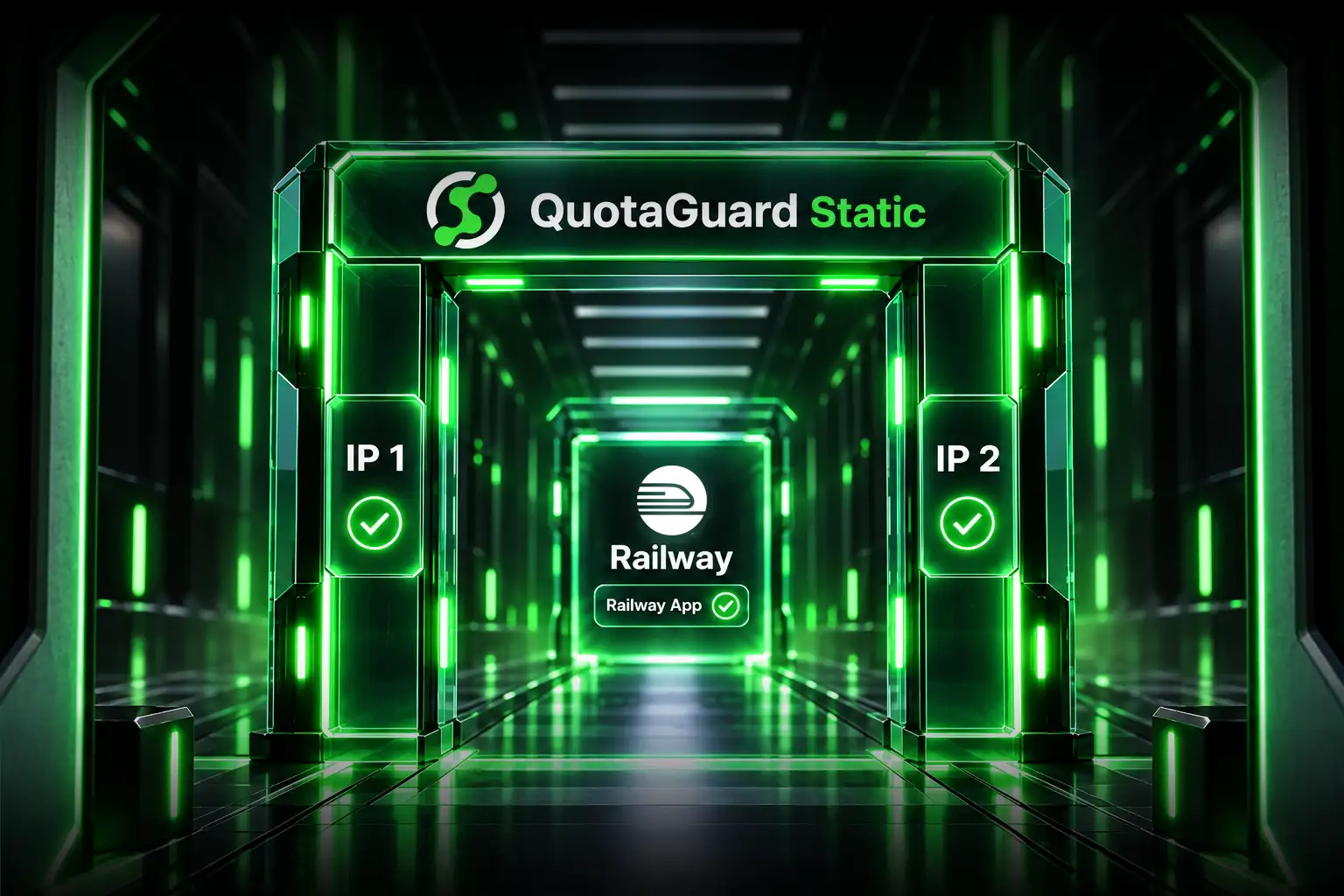
Connect a Heroku App to AWS RDS with a Static IP

Add your QuotaGuard proxy URL as a Heroku config var, update your database connection to route through it, and your RDS security group gets two fixed IPs to allowlist. Your database is closed to the internet. Your Heroku app is the only thing that can reach it.

This is one of the most common setups we see. Heroku for the application layer, RDS for the database, and a security team or compliance requirement that says the database can't be open to 0.0.0.0/0. Here's exactly how to wire it up.

Why Heroku and RDS Don't Play Well Out of the Box

Heroku dynos run on shared AWS infrastructure with no fixed outbound IP. Every time a dyno restarts, scales, or gets replaced, it comes up on a different IP. Heroku publishes a list of their IP ranges, but it covers thousands of addresses shared by every Heroku customer. Adding all of them to your RDS security group works technically. It also opens your database to the entire Heroku platform.

AWS RDS security groups are designed for exactly this scenario: restrict a database port to a specific, known source. The problem is Heroku's architecture makes "specific and known" impossible without a proxy layer.

I had a customer email us recently who had been running their Mongo Atlas cluster open to all AWS IPs because they couldn't figure out how to lock it down with Heroku in the picture. A different customer moved from a competitor proxy that went down without warning and took their production app with it. Both are the same root problem: Heroku's dynamic IPs make database security groups unmanageable without something that gives you a stable address.

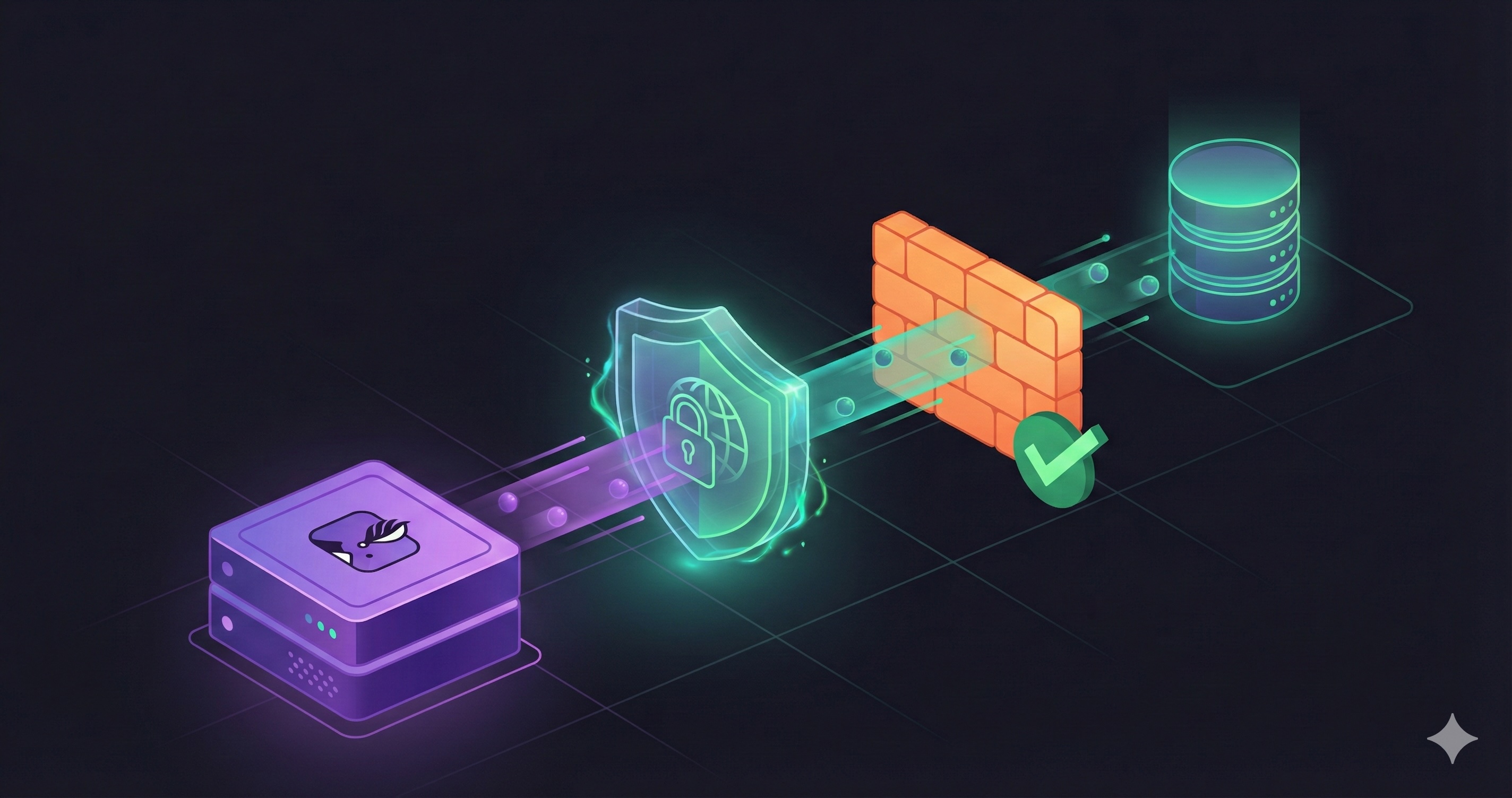
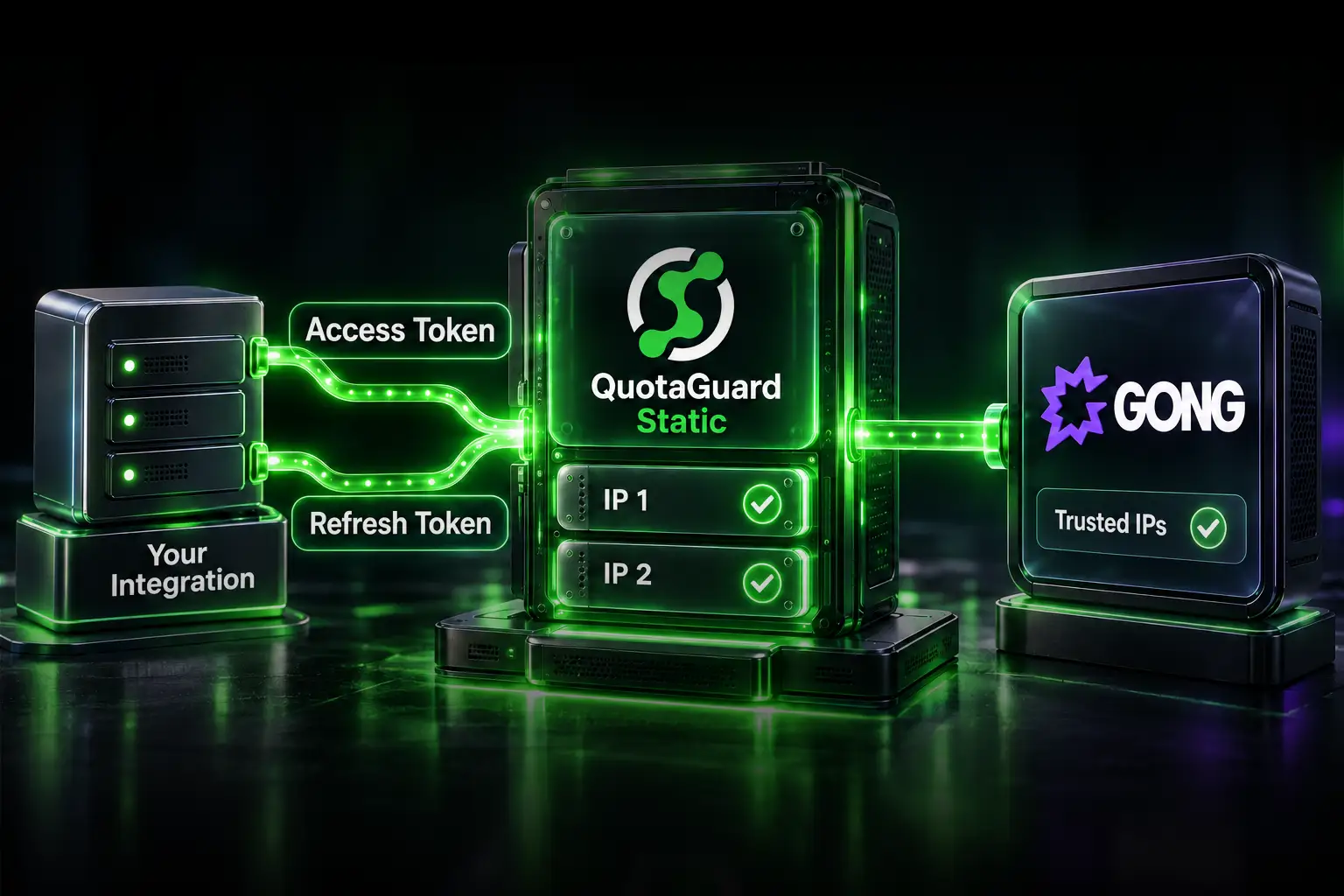
QuotaGuard sits between Heroku and RDS. Your dyno connects to the proxy. The proxy connects to RDS from two fixed IPs. Your security group allowlists those two IPs and nothing else.

Setting Up the Proxy on Heroku

After creating a QuotaGuard account, add your proxy URL as a Heroku config var. If you're already using QuotaGuard as a Heroku add-on, this is already set:

heroku config:set QUOTAGUARDSTATIC_URL="http://username:password@us-east-static-01.quotaguard.com:9293" --app your-app-name

Your two static IPs are shown in the QuotaGuard dashboard immediately after signup. Copy both. You'll add them to your RDS security group in the next step.

On region matching: RDS instances in us-east-1 or us-east-2 should use QuotaGuard's US-East proxy. If your RDS is in eu-west-1, use the EU proxy. Matching regions keeps the extra network hop as short as possible. Cross-region adds latency you don't need.

Updating Your RDS Security Group

In the AWS Console, navigate to your RDS instance and find the security group attached to it. Add two inbound rules:

Type Protocol Port Source
PostgreSQL (or MySQL) TCP 5432 (or 3306) Your QuotaGuard Static IP #1/32
PostgreSQL (or MySQL) TCP 5432 (or 3306) Your QuotaGuard Static IP #2/32

The /32 suffix means exactly that single IP address. Nothing else. Once these rules are in, remove any 0.0.0.0/0 rule on that port if one exists. Your database is now only reachable from your two QuotaGuard IPs.

Routing Database Connections Through the Proxy

Standard HTTP proxies handle HTTP and HTTPS traffic. A PostgreSQL or MySQL connection is raw TCP. You need QGTunnel for this, which intercepts the TCP connection transparently and routes it through your static IPs.

Download QGTunnel into your Heroku app's repository:

curl https://s3.amazonaws.com/quotaguard/qgtunnel-latest.tar.gz | tar xz

Configure a tunnel in the QuotaGuard dashboard under Settings. Create a new tunnel with these values:

Setting Value
Remote Destination tcp://your-db.region.rds.amazonaws.com:5432
Local Port 5432
Transparent true
Encrypted false

Update your Heroku Procfile to start your app through QGTunnel:

# Procfile
web: bin/qgtunnel node server.js

# For Rails
web: bin/qgtunnel bundle exec puma -C config/puma.rb

# For Python/Django
web: bin/qgtunnel gunicorn myapp.wsgi

With transparent mode on, your database connection string stays exactly as it is. Your app still connects to your-db.region.rds.amazonaws.com:5432. QGTunnel intercepts that connection and routes it through your static IPs before it leaves the dyno. RDS sees your QuotaGuard IP, checks the security group, and lets it through.

Verifying the Connection

Before you remove any open inbound rules from your RDS security group, confirm the tunnel is working. Run a one-off dyno and check your outbound IP:

heroku run "curl https://ip.quotaguard.com" --app your-app-name

The response should return one of your two QuotaGuard static IPs. If it returns a Heroku IP, QGTunnel isn't wrapping the process correctly. Check that your Procfile references the correct QGTunnel binary path and that QUOTAGUARDSTATIC_URL is set in your config vars.

Once confirmed, test your database connection directly:

heroku run "bin/qgtunnel psql \$DATABASE_URL" --app your-app-name

If psql connects, you're done. Lock the security group, remove any broad rules, and you're running a Heroku app against an RDS instance that's closed to everything except your two IPs.

The One Gotcha: Ruby and Excon

If your Heroku app is a Rails app and you're seeing connection errors specifically with background jobs or anything using the Excon HTTP library, there's a known interaction between QGTunnel's transparent DNS mode and Excon. The fix is one additional config var:

heroku config:set QGTUNNEL_DNSMODE=DISABLED --app your-app-name

This disables transparent DNS interception in QGTunnel. Your database connection still routes through your static IPs via the configured tunnel. Excon stops fighting with the DNS layer.

What About Multiple Dynos and Worker Processes

Every dyno that starts through QGTunnel gets the same static IPs. It doesn't matter if you have 5 web dynos and 3 worker dynos. They all exit through your two QuotaGuard addresses. Your RDS security group doesn't need to change as you scale.

If you're running separate Heroku apps that all need to reach the same RDS instance, each app needs its own QuotaGuard subscription with its own proxy credentials. They can share the same RDS security group entries if you add both apps' IPs to the allowlist. Or keep them separate if your security model requires per-app isolation.

QuotaGuard Shield for Regulated Data

The setup above uses QuotaGuard Static. If your RDS instance holds PHI, payment card data, or other regulated information, consider QuotaGuard Shield instead. Shield adds end-to-end encryption via SSL Passthrough between your Heroku dyno and the proxy, so data in transit is encrypted at every hop, not just between the proxy and RDS.

Shield is also the right choice if you have a compliance requirement that explicitly calls for encrypted proxy connections, not just encrypted database connections. See the Shield product page for details on how it works with Heroku.

Get Started

Two static IPs. One RDS security group. No more open database ports. Plans start at $19/month.

See plans and start a free trial.

If you're dealing with a multi-app architecture, a compliance requirement, or an RDS setup that doesn't fit the standard configuration, reach out directly and you'll hear back from an engineer.

QuotaGuard Static IP Blog

Practical notes on routing cloud and AI traffic through Static IPs.

Reliability Engineered for the Modern Cloud

For over a decade, QuotaGuard has provided reliable, high-performance static IP and proxy solutions for cloud environments like Heroku, Kubernetes, and AWS.

Get the fixed identity and security your application needs today.