Static IP for Crypto Trading Bots: Binance, OKX, Bybit, Kraken, and Bitfinex

QuotaGuard Engineering
April 8, 2026
5 min read
Pattern

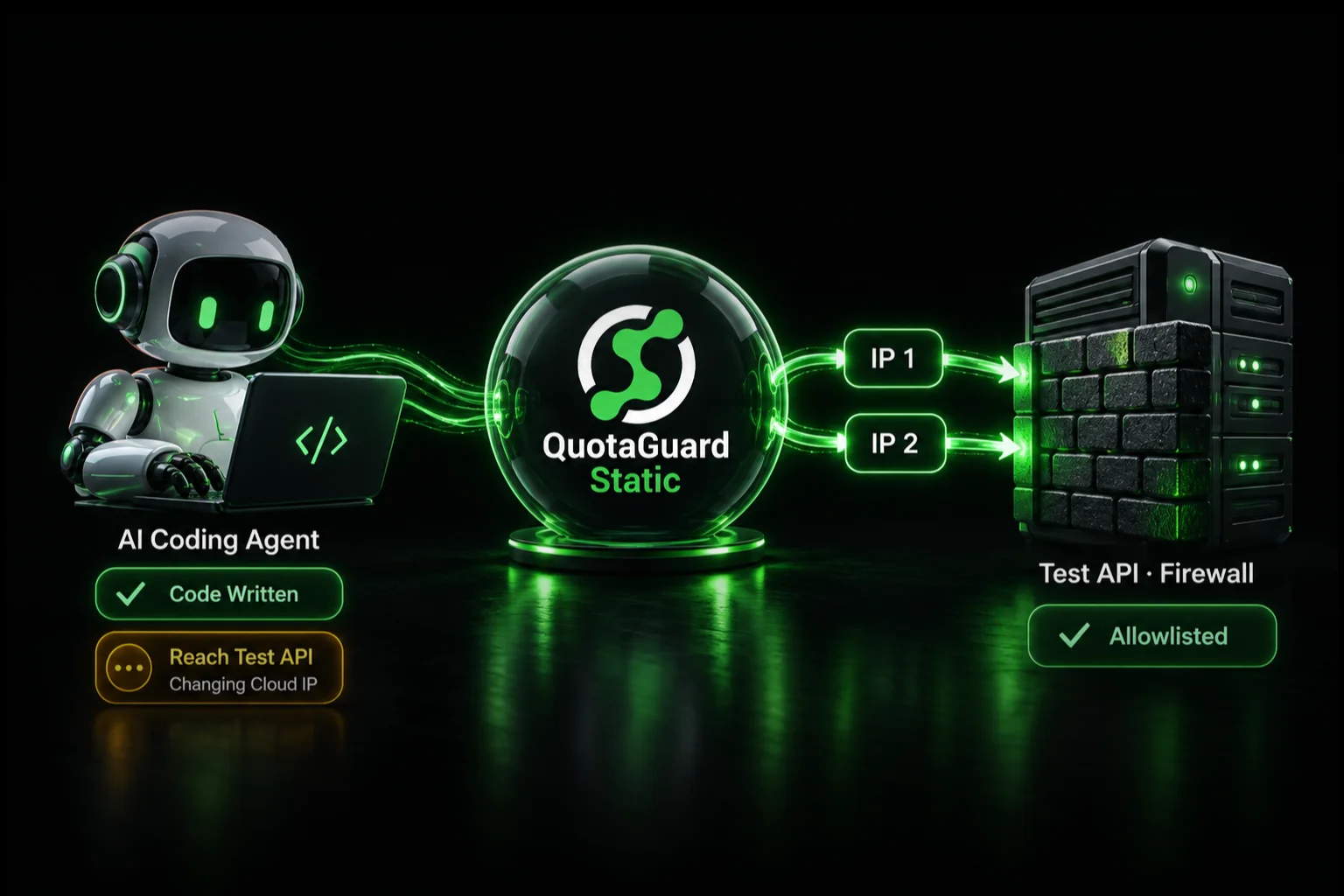
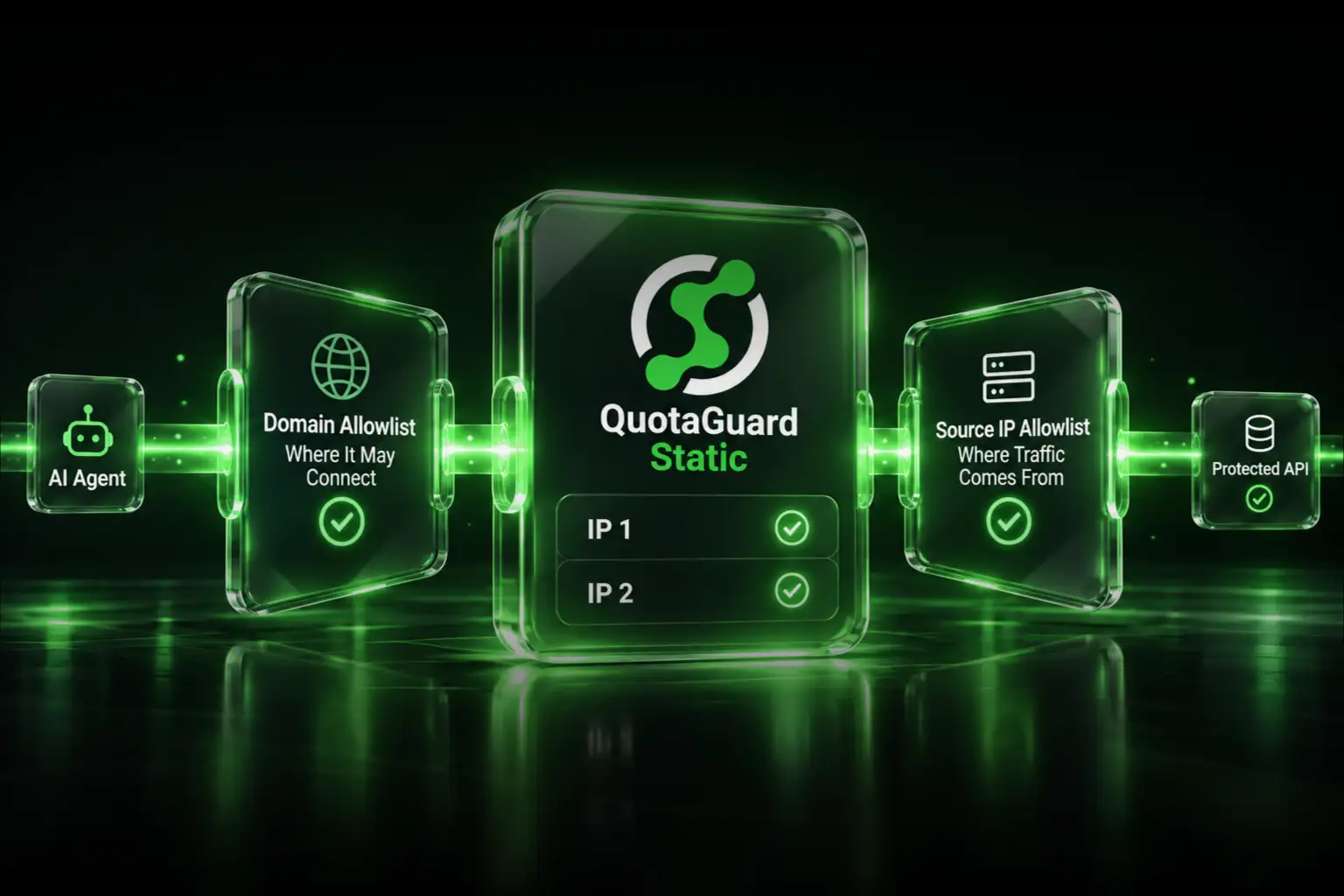
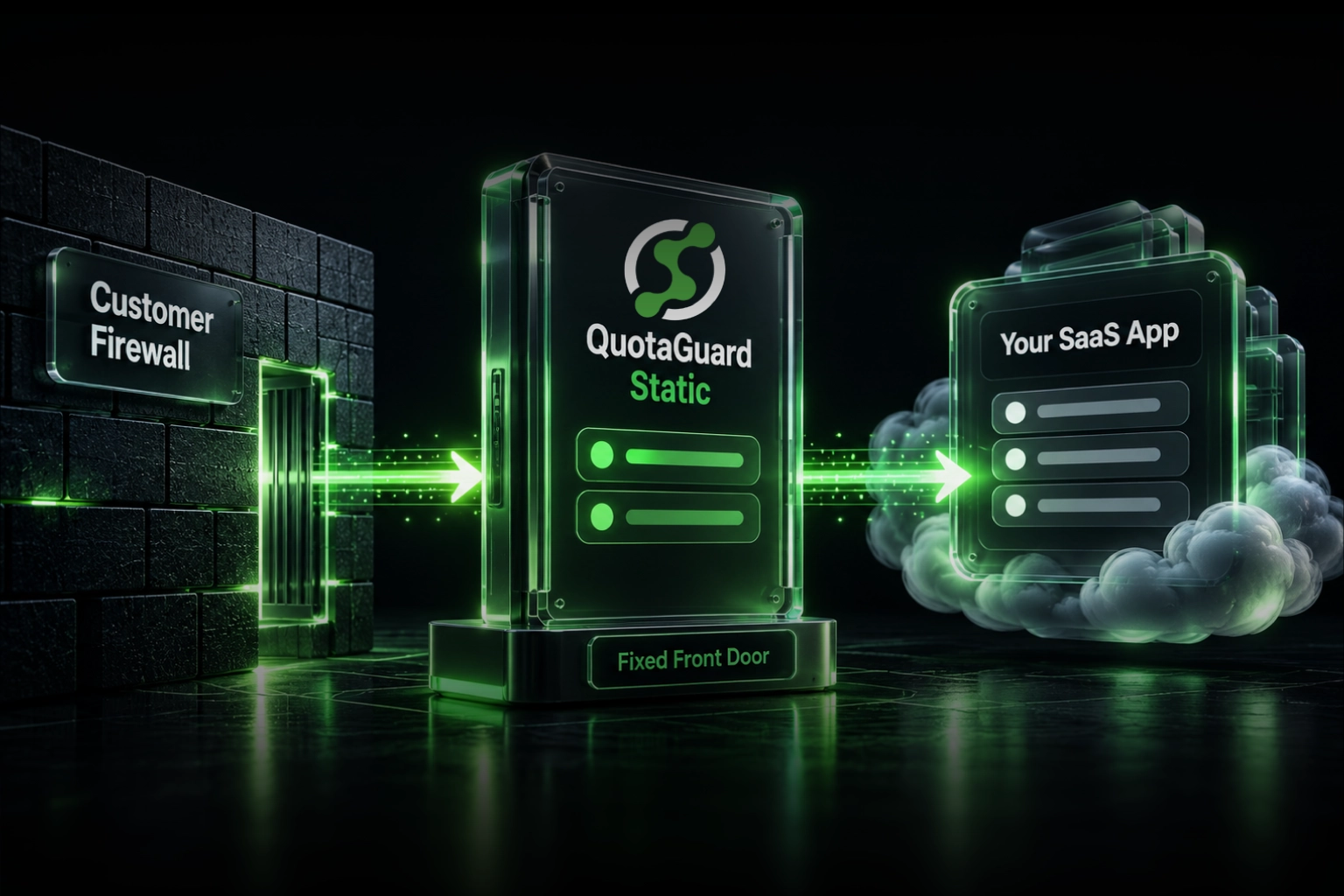
QuotaGuard Shield gives your trading bot a fixed outbound IP address. You add it to your exchange API key allowlist once. The bot runs reliably on any cloud platform, permanently.

If you're running a Python bot with ccxt on Railway, Render, Heroku, Fly.io, or AWS Lambda, this post covers exactly what each major exchange requires and how to satisfy those requirements without moving off cloud infrastructure.

Why Cloud Platforms Break Exchange API Keys

Cloud platforms assign dynamic IPs from shared ranges. Every restart, redeploy, or scale event can give your bot a different outbound IP address. That IP is also almost certainly listed in a well-known cloud provider CIDR range.

Exchanges know those CIDR ranges. Some block them outright. Others require you to pin your API key to a specific IP, which is impossible when your IP changes every few days.

The result is a 403 error, a silent key deletion, or a blocked withdrawal at the worst possible time.

Exchange-by-Exchange IP Enforcement Policies

Binance

Binance deletes unrestricted API keys after 30 days of creation. The deletion is silent. You don't get a warning. The key just stops working.

More critically, Binance requires an IP restriction to enable withdrawal permissions on a key. If your key doesn't have a pinned IP, the withdrawal endpoint is locked regardless of what permissions you set in the UI.

Binance's IP restriction UI accepts a comma-separated list of up to 30 IPs. You need at least one static IP to use it.

OKX

OKX cuts the window even shorter. API keys without an IP allowlist are deleted after 14 days. OKX also enforces IP restrictions at the account level for sub-accounts, which matters if you're running multiple bots under one master account.

The 14-day deletion policy catches a lot of developers off guard. You set up a bot, everything works during testing, and by the time you're in production the key is gone.

Bybit

Bybit's enforcement is different and arguably more disruptive. Bybit uses a CDN layer that actively blocks known cloud provider IP ranges. The response is a hard HTTP 403 with no explanation in the body. Requests from AWS, GCP, Azure, and similar ranges are rejected before they reach Bybit's application servers.

This isn't a key configuration problem. You can't fix it by adjusting API key settings. The block happens at the network layer. If your bot's outbound IP resolves to a cloud provider range, the request never gets through.

QuotaGuard Shield's IP ranges are not flagged by Bybit's CDN. Routing your bot through Shield resolves the 403 errors.

Kraken

Kraken's IP policy is less aggressive but still relevant for production bots. Kraken allows IP allowlisting at the API key level and recommends it for any key with withdrawal permissions. They don't auto-delete keys, but accounts showing repeated authentication attempts from unfamiliar IPs can trigger temporary locks.

If you're running a bot that executes frequently, pinning to a known IP is good hygiene on Kraken even if it's not mandatory.

Bitfinex

Bitfinex supports IP allowlisting per API key and recommends it as part of their security model. Like Kraken, they don't enforce automatic deletion, but their fraud detection is sensitive to IP volatility on high-frequency keys. If your bot is making dozens of requests per minute from rotating IPs, you're likely to trigger account reviews.

One Fix for All of Them: QuotaGuard Shield

QuotaGuard Shield is a SOCKS5/HTTP proxy that routes your outbound traffic through a fixed IP address. You get the same IP every time, regardless of what platform you're deployed on or what happens to your underlying infrastructure.

Setup is one environment variable. You add QUOTAGUARDSHIELD_URL to your deployment, configure your ccxt exchange instance to use it as a proxy, and allowlist the Shield IP in your exchange API key settings.

The IP doesn't change when you redeploy. It doesn't change when your container restarts. It doesn't change when your platform reassigns your node. It's stable indefinitely.

ccxt Python Setup with QuotaGuard Shield

The example below works for Binance, OKX, Bybit, Kraken, and Bitfinex. The proxy configuration is identical across all of them. Only the exchange instantiation changes.

import ccxt
import os
from urllib.parse import urlparse

# QuotaGuard Shield URL is set as an environment variable
# Format: socks5h://user:pass@proxy.quotaguardshield.com:port
shield_url = os.environ.get("QUOTAGUARDSHIELD_URL")

parsed = urlparse(shield_url)

proxy_config = {
    "proxyHost": parsed.hostname,
    "proxyPort": parsed.port,
    "proxyUsername": parsed.username,
    "proxyPassword": parsed.password,
    "proxyProtocol": "socks5h",  # socks5h resolves DNS through the proxy
}

# Binance example — same pattern works for okx, bybit, kraken, bitfinex
exchange = ccxt.binance({
    "apiKey": os.environ.get("BINANCE_API_KEY"),
    "secret": os.environ.get("BINANCE_SECRET"),
    "proxies": {
        "http": shield_url,
        "https": shield_url,
    },
    # ccxt also accepts socksProxy directly in newer versions
    "socksProxy": shield_url,
})

# Test: fetch your account balance through the proxy
try:
    balance = exchange.fetch_balance()
    print("Connected via static IP. USDT balance:", balance["USDT"]["free"])
except ccxt.AuthenticationError as e:
    print("Auth error — check API key and IP allowlist:", e)
except ccxt.NetworkError as e:
    print("Network error — check proxy config:", e)

For OKX, replace ccxt.binance with ccxt.okx and swap in your OKX credentials. The proxy block is identical. Same for Bybit (ccxt.bybit), Kraken (ccxt.kraken), and Bitfinex (ccxt.bitfinex).

The socks5h protocol is important. The h suffix means DNS resolution happens through the proxy, not on the client side. This ensures your DNS lookups don't leak your real cloud IP before the connection is established.

Getting Your Static IP and Adding It to Your Exchange

After you sign up for QuotaGuard Shield, your dashboard shows your assigned static IP. Copy it.

On Binance: go to API Management, edit your key, enable IP restriction, paste the IP.

On OKX: go to API Keys, select your key, add the IP to the allowlist. Do this before the 14-day window closes.

On Bybit: add the IP restriction if you want it, but the more important step is just routing through Shield so the CDN doesn't block you.

On Kraken and Bitfinex: add the IP to your API key's allowlist in their respective API management panels.

You do this once. The IP doesn't rotate.

Running on Multiple Exchanges from One Bot

If your bot connects to multiple exchanges simultaneously, every exchange instance routes through the same Shield proxy. Your single static IP is added to the allowlist on each exchange. There's no additional setup per exchange beyond the allowlist entry.

This is the correct approach for multi-exchange arbitrage bots or portfolio management tools that need to authenticate against several exchanges in the same process.

A Note on the ccxt GitHub Issue

This problem has been discussed in the ccxt issue tracker since at least 2020. Issue #8473 covers cloud IP blocking in detail. The thread includes developers hitting 403 errors on Bybit specifically from AWS and GCP deployments. The proxy approach described in that thread is the same pattern used here. The difference is that routing through a static proxy IP resolves the problem cleanly instead of requiring platform migration.

Get Started

QuotaGuard Shield plans start at $19/month. You get a fixed static IP, SOCKS5 and HTTP proxy support, and compatibility with every major crypto exchange including Bybit's CDN layer. If your trading bot is hitting key deletion warnings, 403 errors, or allowlist failures on cloud infrastructure, this is the fix. See plans and pricing at quotaguard.com/products/pricing.

QuotaGuard Static IP Blog

Practical notes on routing cloud and AI traffic through Static IPs.

Reliability Engineered for the Modern Cloud

For over a decade, QuotaGuard has provided reliable, high-performance static IP and proxy solutions for cloud environments like Heroku, Kubernetes, and AWS.

Get the fixed identity and security your application needs today.