Google Cloud Run Static IP: Why Cloud NAT Causes Timeouts (and the Simpler Fix)

QuotaGuard Engineering
March 7, 2026
5 min read
Pattern

The problem with Cloud Run and static IPs

Google Cloud Run functions and jobs use dynamic IP addresses by default. Every outbound request exits from a different IP in a shared GCP pool. If the API or database you're calling requires IP allowlisting, that's immediately a problem.

The official Google solution is to attach your Cloud Run service to a VPC, route all egress through Cloud NAT, and associate a static IP with that NAT gateway. It works. But developers following this path consistently run into the same issue: random connection timeouts on outbound requests, especially on the first call after a cold start.

This post explains what causes those timeouts, what the native alternatives look like, and how a proxy-based approach sidesteps the problem entirely.


Why Cloud NAT causes timeouts

Cloud NAT is designed for inbound-initiated connections. It does not support unsolicited inbound connections, which means it cannot receive the response to a connection your Cloud Run function initiates unless that connection is already tracked in the NAT state table.

On a cold start, there is no existing state. The outbound request exits through the NAT gateway just fine. The response comes back to the NAT gateway. The NAT gateway doesn't have a mapping for it yet. The packet is dropped. Your function times out waiting for a response that never arrives.

This is why removing the NAT and letting requests come from random IPs "fixes" the problem in testing. It's not that your code or the external API is broken. It's that Cloud NAT's connection tracking hasn't had time to establish state before the response arrives.

Warming up the connection on each cold start can reduce the frequency, but it doesn't eliminate the issue. The timeout behavior is inherent to how Cloud NAT handles connection state on new instances.


The native alternative: Serverless NEG and a Load Balancer

Google's other approach involves a Serverless Network Endpoint Group (NEG) fronted by an external Application Load Balancer with a reserved static external IP. This gives you a stable IP that external systems can see, and it avoids the Cloud NAT timeout issue.

It also involves creating a load balancer, a backend service, a URL map, a target HTTPS proxy, a global forwarding rule, and an SSL certificate. Then you need to ensure your Cloud Run service is configured to only accept traffic through the load balancer.

For teams that already need a load balancer for other reasons, this setup makes sense. For teams that just want their Cloud Run function to call an external API from a known IP, it's a lot of infrastructure to manage.


The proxy approach

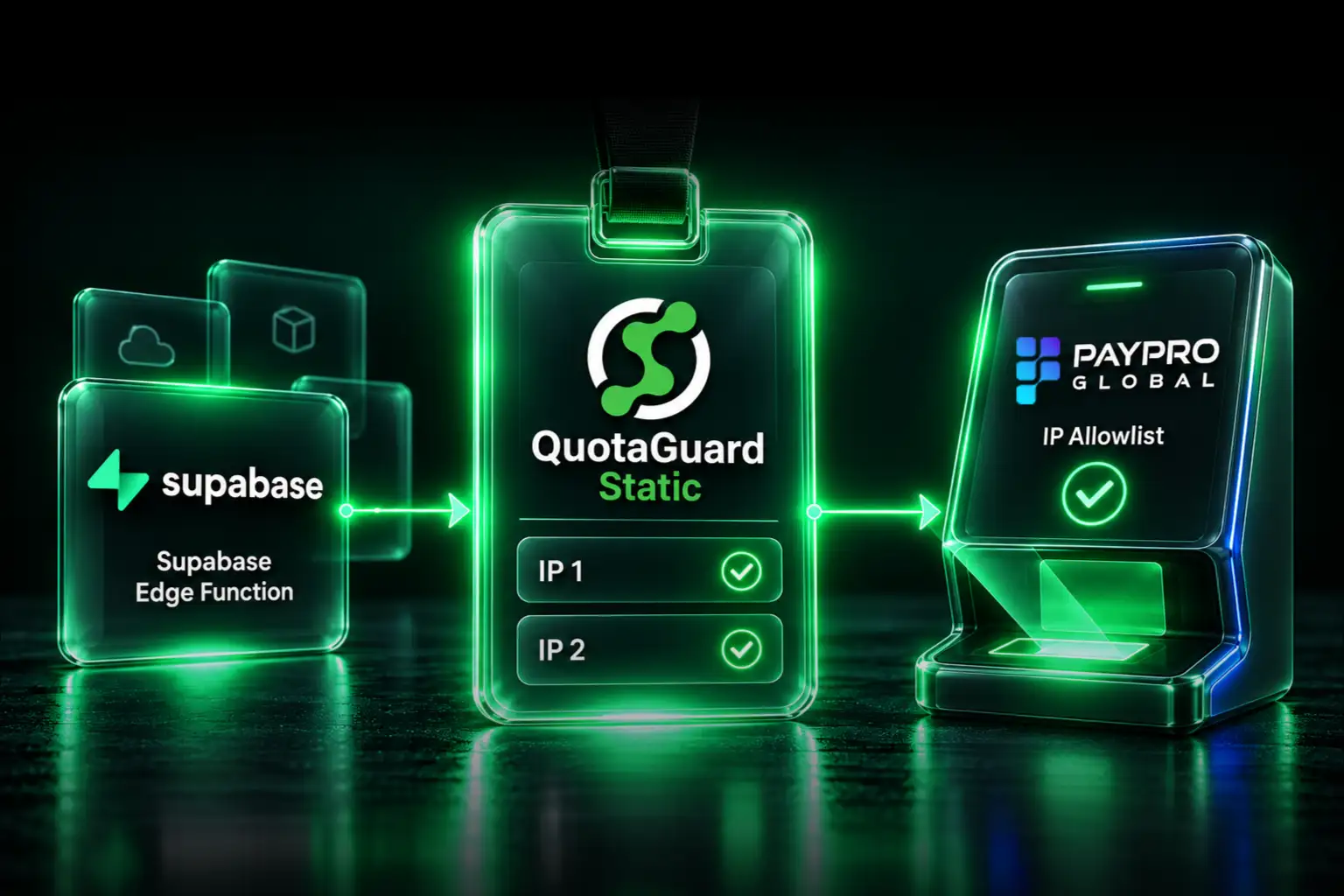
A simpler path is to route outbound requests through a static IP proxy. Your Cloud Run function connects to the proxy over a standard HTTPS or SOCKS5 connection. The proxy exits to the internet from a fixed IP. No VPC changes. No load balancer. No Cloud NAT connection state issues.

QuotaGuard is built specifically for this use case. You set an environment variable with your proxy URL, update your HTTP client to use it, and your outbound requests come from a static IP you can share with any API or firewall.

Setup

After signing up, you'll have a proxy URL in this format:

http://username:password@proxy.quotaguard.com:9293

Add it as an environment variable in your Cloud Run service:

QUOTAGUARDSTATIC_URL=http://username:password@proxy.quotaguard.com:9293

You can set this in the Cloud Run console under Edit & Deploy > Variables & Secrets, or via the CLI:

gcloud run deploy my-service \
  --set-env-vars QUOTAGUARDSTATIC_URL=http://username:password@proxy.quotaguard.com:9293

Python

import os
import requests

proxy_url = os.getenv("QUOTAGUARDSTATIC_URL")

proxies = {
    "http": proxy_url,
    "https": proxy_url,
}

response = requests.get("https://api.example.com/endpoint", proxies=proxies)
print(response.status_code)

Node.js

const axios = require("axios");
const { HttpsProxyAgent } = require("https-proxy-agent");

const proxyUrl = process.env.QUOTAGUARDSTATIC_URL;
const agent = new HttpsProxyAgent(proxyUrl);

const response = await axios.get("https://api.example.com/endpoint", {
  httpsAgent: agent,
});

console.log(response.status);

Go

package main

import (
    "net/http"
    "net/url"
    "os"
)

func main() {
    proxyStr := os.Getenv("QUOTAGUARDSTATIC_URL")
    proxyURL, _ := url.Parse(proxyStr)

    transport := &http.Transport{
        Proxy: http.ProxyURL(proxyURL),
    }

    client := &http.Client{Transport: transport}
    resp, _ := client.Get("https://api.example.com/endpoint")
    defer resp.Body.Close()
}

Java

import java.net.*;
import java.net.http.*;

String proxyUrl = System.getenv("QUOTAGUARDSTATIC_URL");
URI proxyUri = URI.create(proxyUrl);

HttpClient client = HttpClient.newBuilder()
    .proxy(ProxySelector.of(
        new InetSocketAddress(proxyUri.getHost(), proxyUri.getPort())
    ))
    .build();

HttpRequest request = HttpRequest.newBuilder()
    .uri(URI.create("https://api.example.com/endpoint"))
    .build();

HttpResponse<String> response = client.send(request, HttpResponse.BodyHandlers.ofString());

Inbound traffic: the reverse problem

The static egress case is the most common, but Cloud Run has a parallel problem with inbound traffic. When an external system needs to send webhooks or callbacks to your Cloud Run service, Cloud Run's URL changes when you redeploy to a new project or region, and the dynamic nature of the URL makes it hard for external partners to maintain a stable firewall allowlist for their side.

QuotaGuard's inbound proxy gives your Cloud Run application a permanent static IP that external systems target. Webhooks and callbacks hit the QuotaGuard inbound IP, which forwards to your current Cloud Run URL. External partners configure their firewall once and never need to update it. Your deployment URL can change without coordinating with anyone.

Common inbound use cases:

  • Payment webhooks from Stripe, Braintree, or PayPal that require a whitelisted destination IP
  • Partner API callbacks from corporate systems with strict firewall rules
  • IoT device callbacks pre-configured with a fixed destination address
  • EDI and B2B integrations that require stable, known IP endpoints

Comparison: Cloud NAT vs Load Balancer vs QuotaGuard

Feature Cloud NAT Load Balancer + NEG QuotaGuard
Static egress IP Yes Yes Yes
Cold start timeouts Common No No
Estimated monthly cost ~$35+ (NAT gateway fee + data) ~$20+ (forwarding rule + LB) From $19/month
VPC changes required Yes Yes No
Setup time 30-60 min 1-3 hours ~2 minutes
Static inbound IP No Yes (with separate config) Yes
Works across GCP, AWS, other clouds GCP only GCP only Any cloud

Use Cloud NAT or the Load Balancer approach if your organization's security policy requires all traffic to stay within GCP's network and you cannot route through an external proxy. For most teams that just need a known IP to hand to an API vendor, the proxy approach gets there faster at comparable cost.


When to use each approach

Use Cloud NAT if you need all TCP/UDP traffic from your VPC to exit through a static IP, not just HTTP/HTTPS calls, and your team is comfortable managing VPC infrastructure.

Use the Load Balancer + NEG approach if you need inbound static IP as well as egress, you're already running a load balancer for other services, and you want everything inside GCP's network boundary.

Use QuotaGuard if you need static egress and/or inbound IP for your Cloud Run service, want to be set up in minutes rather than hours, and don't want to manage VPC configuration or troubleshoot Cloud NAT connection state issues.


Testing your static IP

Once configured, confirm your requests are exiting from the expected IP:

# Python
import requests, os
proxy_url = os.getenv("QUOTAGUARDSTATIC_URL")
proxies = {"http": proxy_url, "https": proxy_url}
r = requests.get("https://api.ipify.org?format=json", proxies=proxies)
print(r.json())  # Should return your QuotaGuard static IP

Match the IP returned against the static IPs listed in your QuotaGuard dashboard. Those are the IPs to give your API vendor or firewall administrator.


Get started

QuotaGuard plans start at $19/month. No VPC changes, no infrastructure to manage. See pricing and sign up here.

For more detail on the integration, including inbound proxy configuration and environment variable setup, see the QuotaGuard documentation.

QuotaGuard Static IP Blog

Practical notes on routing cloud and AI traffic through Static IPs.

Reliability Engineered for the Modern Cloud

For over a decade, QuotaGuard has provided reliable, high-performance static IP and proxy solutions for cloud environments like Heroku, Kubernetes, and AWS.

Get the fixed identity and security your application needs today.