Give GitHub Actions a Static Outbound IP for Artifactory and Firewall Whitelisting

QuotaGuard Engineering
April 13, 2026
5 min read
Pattern

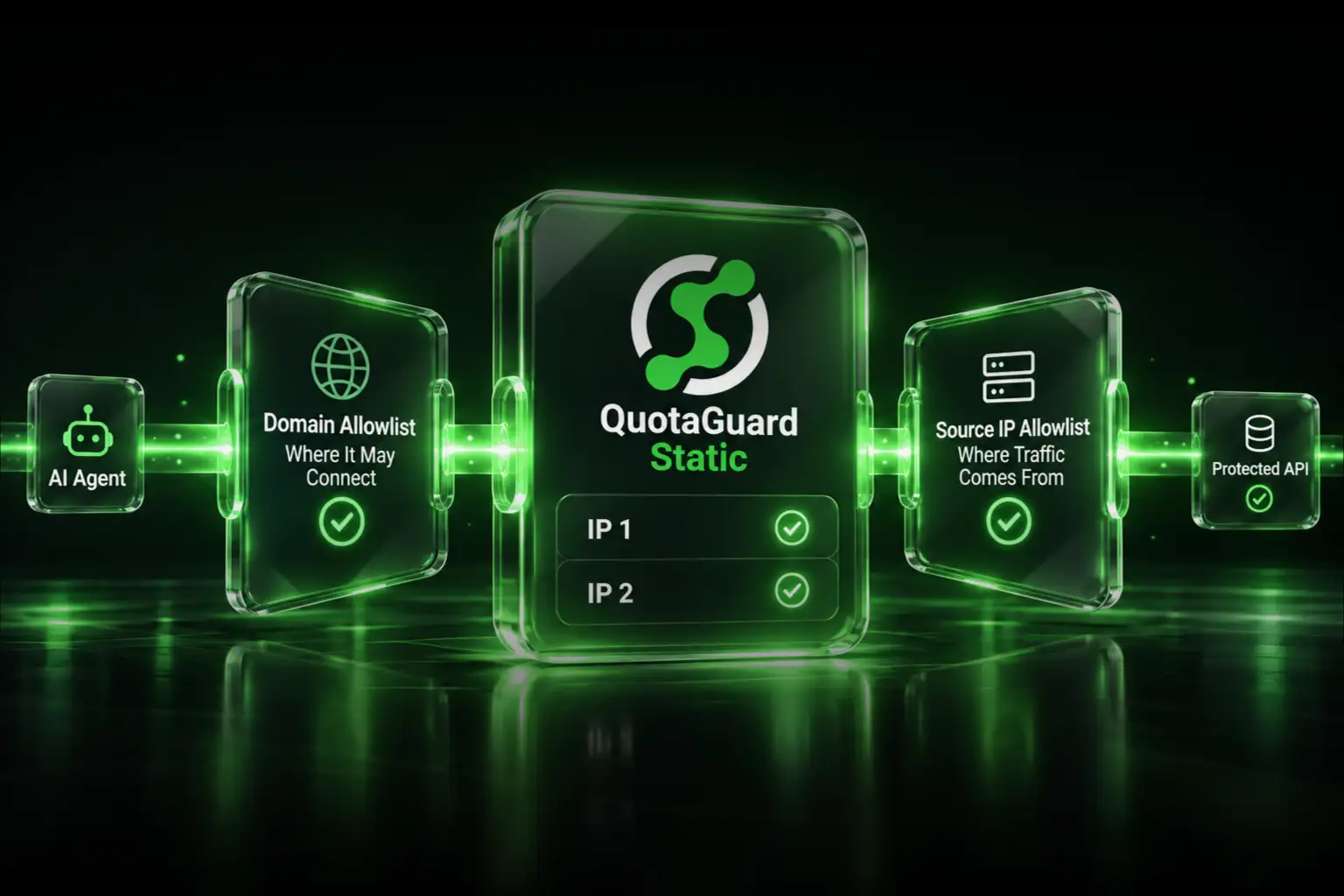
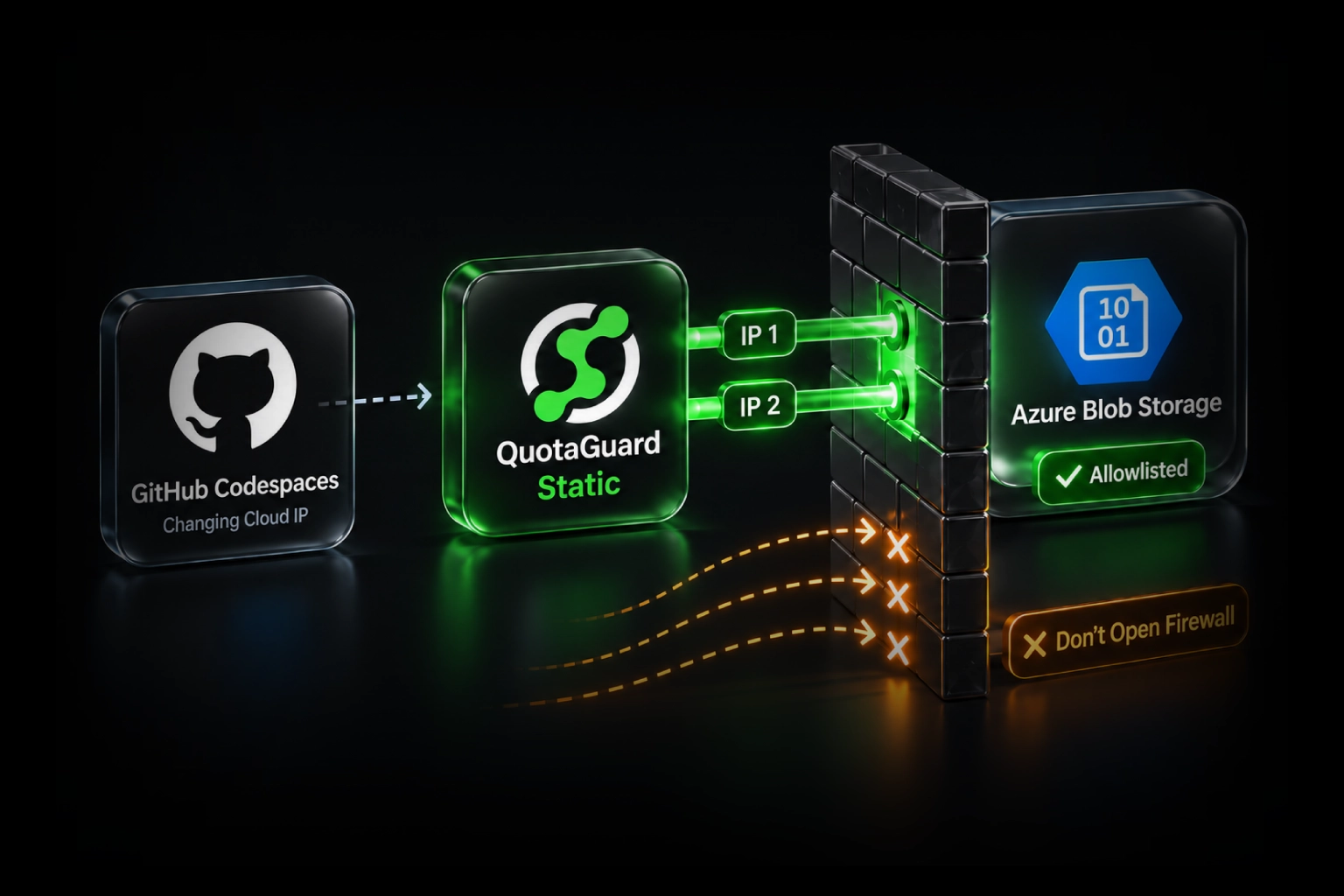
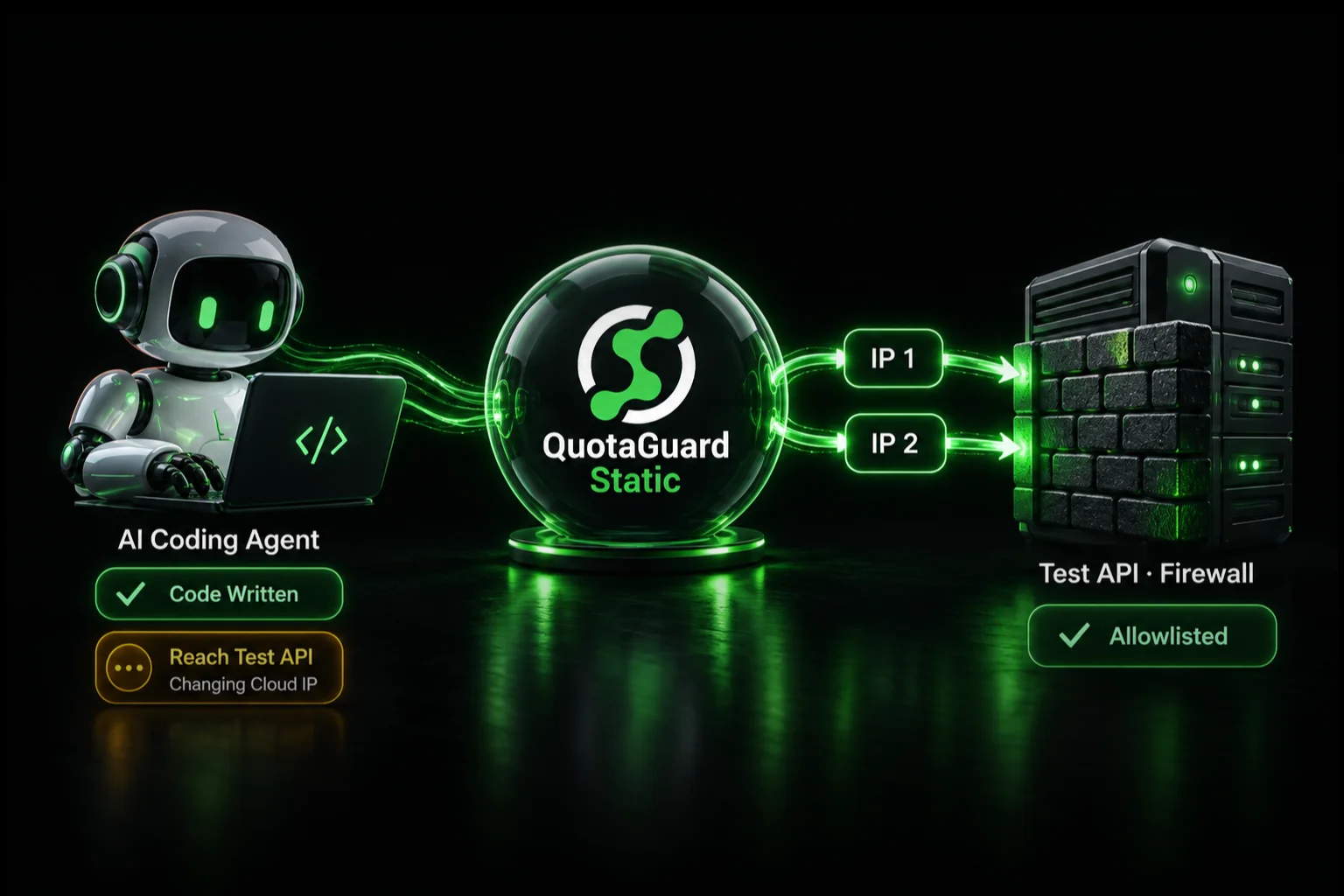
Route your GitHub Actions workflow traffic through a proxy like QuotaGuard, set the proxy URL as a repository secret, and every outbound request leaves from the same static IP you can whitelist once and forget.

GitHub-hosted runners pull from a large rotating pool of IP addresses. GitHub publishes a meta API endpoint with the current ranges, but that list changes weekly. Any firewall rule or Artifactory IP allowlist you write today breaks the next time GitHub rotates their infrastructure. It's not a bug. It's how shared runner infrastructure works.

Why GitHub Actions IPs Can't Be Whitelisted Directly

GitHub's hosted runners run on Azure. The IP ranges they use are published, but they're not static. GitHub updates the /meta endpoint frequently, and the list currently contains thousands of CIDR blocks. You can't import that into Artifactory and call it done. Maintainers in the GitHub community discussion on this exact problem have been waiting years for a native solution. GitHub's official recommendation is to use self-hosted runners if you need a fixed IP. That's a real solution, but it's also a significant maintenance burden: you're now running and patching compute infrastructure just to get a predictable egress address.

The proxy approach is simpler. Your workflow runs on GitHub's infrastructure as normal. The outbound requests that need to hit a whitelisted endpoint get routed through a proxy that has a fixed IP. That IP is the one you put in your firewall rule.

What You Can Reliably Whitelist Today

There are three practical options. Here's an honest comparison.

Self-hosted runners: A dedicated runner on a cloud VM you control gives you a fixed egress IP. You pay for the compute, maintain the OS, handle secrets rotation, and manage runner registration. For some teams this is the right call. For most it's more infrastructure than the problem warrants.

GitHub's larger runners (paid): GitHub now offers static IP ranges for larger runners on GitHub Enterprise Cloud. The cost starts at roughly $0.016 per minute for a 4-core runner. Static IP support is tied to specific runner sizes. It's not available on free or standard plans.

Outbound proxy with a static IP: Route the specific requests that need whitelisting through a proxy service that provides fixed IPs. Your workflow configuration changes by two environment variables. The rest of the runner setup stays exactly as-is. QuotaGuard Static starts at $19/month direct. For workflows that pull from Artifactory, fetch private packages, or hit any IP-restricted API, this is the fastest path to a working allowlist.

How to Set This Up in a GitHub Actions Workflow

QuotaGuard gives you a proxy URL in the format http://username:password@proxy.quotaguard.com:9293. Store that as a repository secret. Then configure your HTTP client or package manager to use it.

Here's a complete example for a workflow that fetches packages from a private Artifactory instance:

name: Build with Artifactory

on: [push]

jobs:
  build:
    runs-on: ubuntu-latest

    env:
      # Store your QuotaGuard URL as a GitHub Actions secret
      HTTP_PROXY: ${{ secrets.QUOTAGUARDSTATIC_URL }}
      HTTPS_PROXY: ${{ secrets.QUOTAGUARDSTATIC_URL }}
      # Prevent the proxy from intercepting internal GitHub traffic
      NO_PROXY: "github.com,*.github.com,*.actions.githubusercontent.com"

    steps:
      - uses: actions/checkout@v4

      - name: Set up JDK 17
        uses: actions/setup-java@v4
        with:
          java-version: '17'
          distribution: 'temurin'

      - name: Configure Gradle for Artifactory
        run: |
          mkdir -p ~/.gradle
          cat >> ~/.gradle/gradle.properties << EOF
          systemProp.http.proxyHost=proxy.quotaguard.com
          systemProp.http.proxyPort=9293
          systemProp.https.proxyHost=proxy.quotaguard.com
          systemProp.https.proxyPort=9293
          systemProp.http.proxyUser=${{ secrets.QG_PROXY_USER }}
          systemProp.http.proxyPassword=${{ secrets.QG_PROXY_PASS }}
          EOF

      - name: Build
        run: ./gradlew build

For Python workflows using pip or a private PyPI registry:

    steps:
      - uses: actions/checkout@v4

      - name: Set up Python
        uses: actions/setup-python@v5
        with:
          python-version: '3.12'

      - name: Install from private registry
        env:
          HTTP_PROXY: ${{ secrets.QUOTAGUARDSTATIC_URL }}
          HTTPS_PROXY: ${{ secrets.QUOTAGUARDSTATIC_URL }}
        run: pip install -r requirements.txt --index-url https://your.artifactory.host/artifactory/api/pypi/pypi-local/simple

The static IP that QuotaGuard assigns you is the IP you put in Artifactory's network access control list. It doesn't change. The allowlist entry you write today is still valid next quarter.

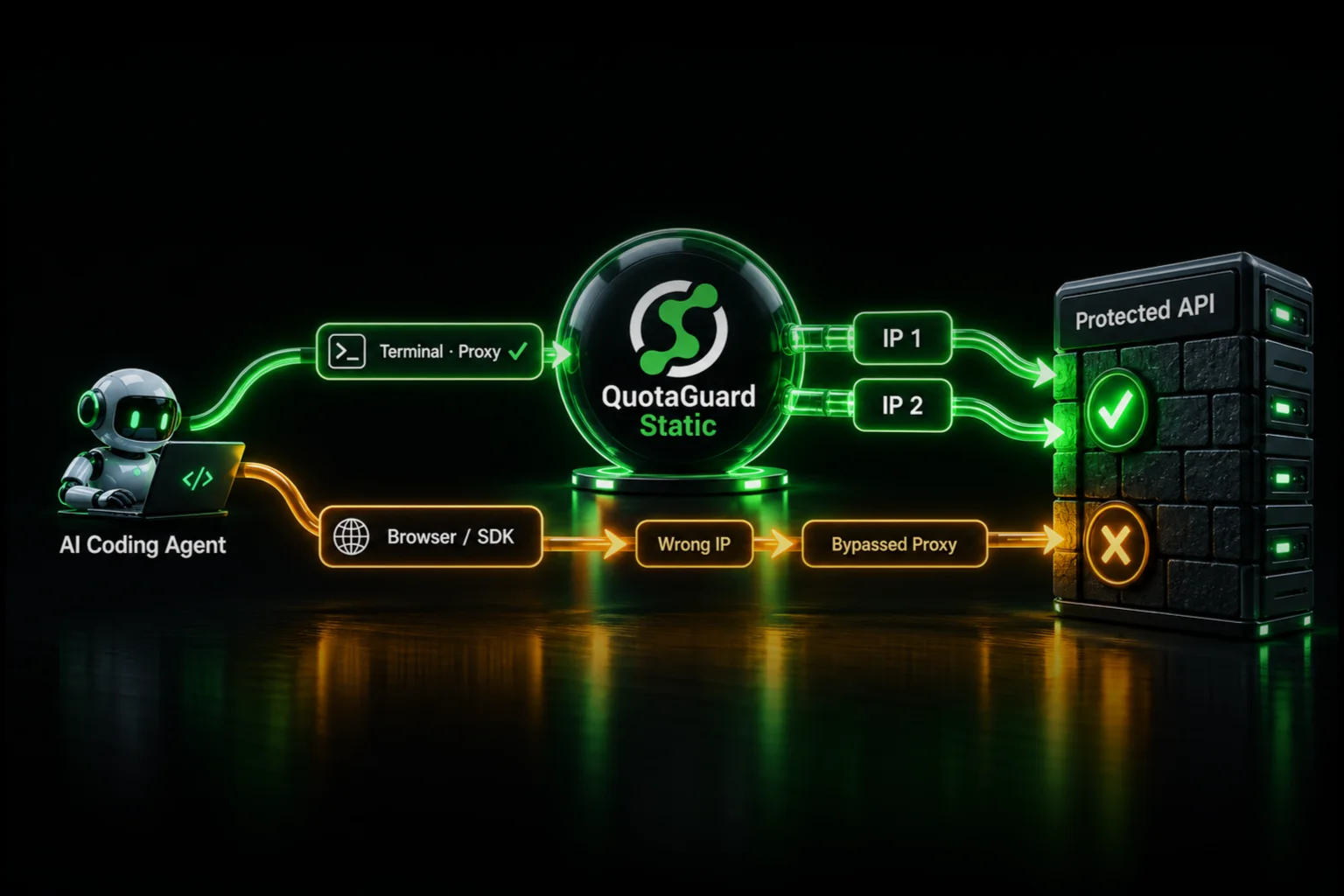
QuotaGuard tip: Set NO_PROXY explicitly. Without it, some tools will route GitHub API calls and artifact downloads through the proxy too. That's unnecessary traffic and adds latency to steps that don't need it. Only route the requests that are going to your restricted endpoint.

If You Handle Regulated Data: Use QuotaGuard Shield

The setup above uses QuotaGuard Static. For most CI/CD use cases — fetching build artifacts, pulling private packages, hitting a corporate API — Static is the right product.

If your workflow touches financial data, healthcare records, PII, or any system subject to HIPAA, PCI-DSS, or SOC 2 requirements, use QuotaGuard Shield instead. Shield uses SSL passthrough. The TLS connection runs end-to-end between your runner and the destination. QuotaGuard routes the packets but never terminates or inspects the encrypted connection. That means QuotaGuard never sees your data, which is the requirement that matters for compliance audits.

The setup for Shield is identical. Swap QUOTAGUARDSTATIC_URL for QUOTAGUARDSHIELD_URL in your secrets. The proxy URL format is the same. No other changes.

What This Doesn't Solve

Proxying outbound HTTP/HTTPS covers most CI/CD scenarios. A few edge cases it doesn't handle:

Non-HTTP protocols: If your workflow uses raw TCP connections, custom binary protocols, or ICMP (ping-based health checks), the HTTP proxy approach won't route those. You'd need a SOCKS5 proxy or a different network architecture. QuotaGuard supports SOCKS5 — check the documentation for your specific client.

Tools that ignore proxy environment variables: Some tools hardcode their HTTP client and don't respect HTTP_PROXY. If a specific tool isn't routing through the proxy, configure it explicitly at the tool level rather than relying on environment variable inheritance.

Inbound webhooks to your runner: The proxy handles outbound traffic from the runner. If you need a fixed IP for inbound connections to something your workflow is serving, that's a different problem.

Stop Chasing GitHub's IP Ranges

Maintaining a list of GitHub's CIDR blocks and updating your Artifactory allowlist every few weeks is not a solution. It's a recurring tax on your team's time. Self-hosted runners work, but they're infrastructure you have to own and maintain. The proxy approach takes about five minutes to set up and makes the problem go away.

QuotaGuard Static starts at $19/month. QuotaGuard Shield (for compliance-sensitive workflows) is available at the same price points. Both include dedicated static IPs. See full pricing and start a free trial at quotaguard.com/products/pricing.

QuotaGuard Static IP Blog

Practical notes on routing cloud and AI traffic through Static IPs.

Reliability Engineered for the Modern Cloud

For over a decade, QuotaGuard has provided reliable, high-performance static IP and proxy solutions for cloud environments like Heroku, Kubernetes, and AWS.

Get the fixed identity and security your application needs today.