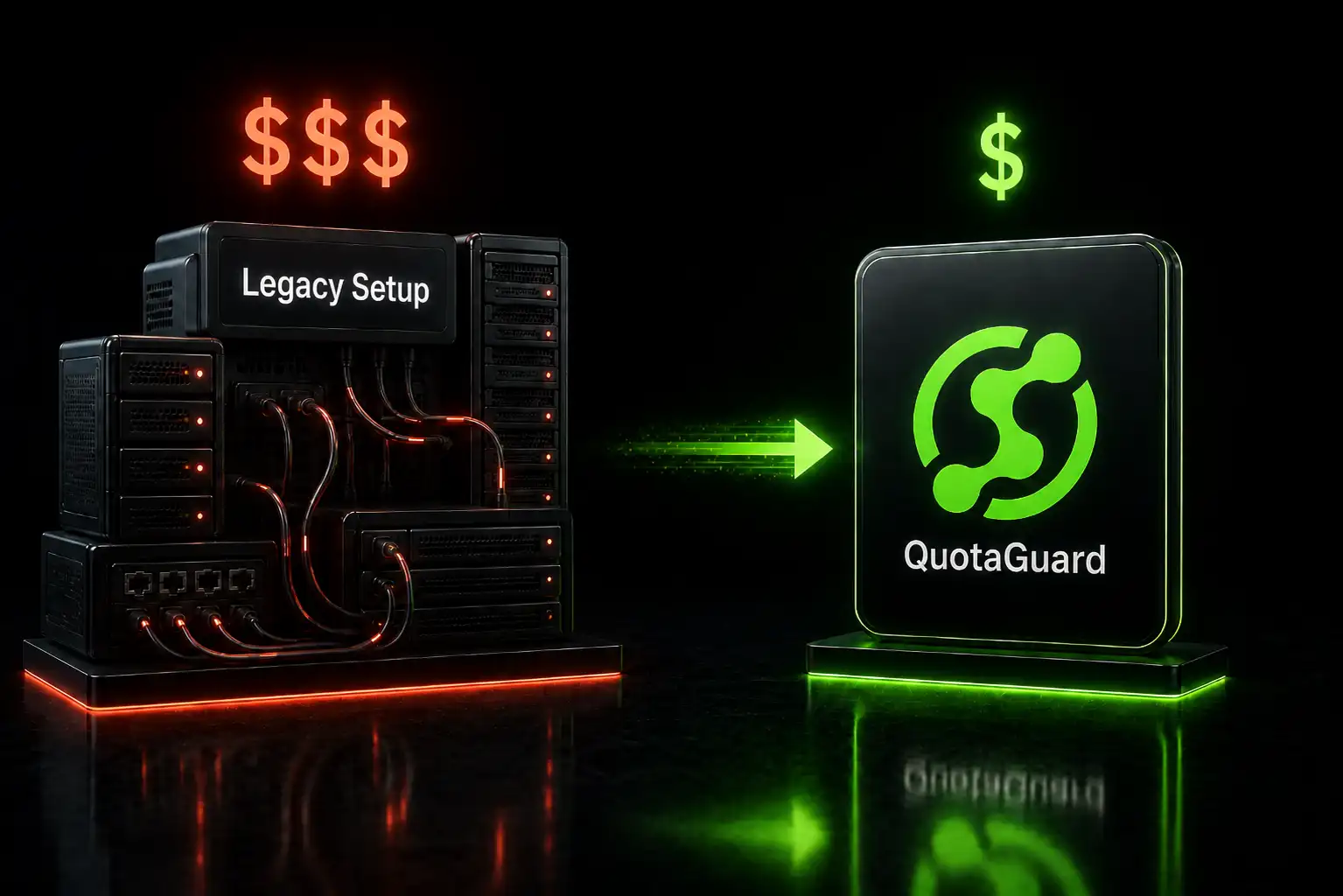
Migrating from NAT Gateway to QuotaGuard: A Simpler Setup for Static IPs

QuotaGuard Engineering
May 9, 2026
5 min read
Pattern

NAT Gateways are the standard cloud-native way to get static outbound IPs. They work. But for teams that set up a NAT Gateway specifically for IP whitelisting (and not for other VPC networking reasons), it's a lot of infrastructure and cost for a simple requirement.

This post walks through what's involved in moving from a NAT Gateway setup to QuotaGuard for outbound static IPs. It's aimed at teams on AWS, but the same logic applies to GCP Cloud NAT and Azure NAT Gateway.

What You're Probably Paying Now

A typical AWS setup for static outbound IPs from serverless or container workloads looks like this:

VPC with private subnets. Your Lambda functions or ECS tasks run in private subnets with no direct internet access.

NAT Gateway. Sits in a public subnet. Routes outbound traffic from the private subnets. Attached to an Elastic IP for the static address. Costs $0.045/hour (~$32/month) plus $0.045/GB of data processed.

VPC Endpoints (optional). If your Lambda functions call AWS services (S3, DynamoDB, SQS), you might have VPC endpoints to avoid routing that traffic through the NAT Gateway. Each endpoint costs $0.01/hour (~$7/month).

Internet Gateway. Required for the NAT Gateway to reach the internet. Free, but another component to configure.

For a basic two-AZ setup with redundant NAT Gateways (AWS best practice), you're looking at:

Two NAT Gateways: ~$64/month. Data processing: depends on volume, but even 100GB/month adds $4.50. VPC endpoints for AWS services: ~$14-28/month if you have a few. Total: roughly $80-100/month minimum, and often $150-200/month for production setups with more endpoints and data volume.

That's before you count the engineering time to set up VPC routing tables, subnet configurations, security groups, and NAT Gateway monitoring.

When to Stay on NAT Gateway

Keep your NAT Gateway if your workloads need VPC networking for other reasons. If your Lambda functions connect to an RDS database in a private subnet, or your ECS tasks talk to ElastiCache, or you have VPC peering with other accounts, you need the VPC infrastructure regardless. The NAT Gateway is just one more component in an existing setup.

Also keep it if all your egress traffic needs the static IP. If every outbound connection from every function and container must come from the same IP, a NAT Gateway applies the static IP at the network level to everything. No code changes required.

When to Switch

Switch to QuotaGuard if the NAT Gateway exists primarily for IP whitelisting. Common signs:

You set up the VPC and NAT Gateway specifically because one or two partner integrations required a whitelisted IP. The rest of your functions don't need VPC networking.

Your Lambda functions are in a VPC only for the static IP, and you've noticed cold starts are longer because of VPC ENI attachment. (Lambda cold starts in a VPC are slower than non-VPC Lambda.)

You're paying for VPC endpoints just to avoid routing AWS service calls through the NAT Gateway.

Your team spends time debugging VPC connectivity issues that wouldn't exist if the functions weren't in a VPC.

The Migration

Step 1: Identify What Needs Static IPs

Look at your outbound connections. Which ones actually require IP whitelisting? It's usually a subset: one partner API, one SFTP server, one database at a customer site.

The rest of your traffic (calls to AWS services, public SaaS APIs, internal services) doesn't need a static IP. Those connections authenticate with API keys, IAM roles, or mutual TLS. Not IP addresses.

Step 2: Add QuotaGuard

Sign up for QuotaGuard Static. You get two static IPs and a proxy URL.

Add the proxy URL as an environment variable to the functions or containers that make IP-sensitive outbound calls.

Step 3: Update Your Code

For HTTP/HTTPS connections, add proxy configuration to the specific API calls that need static IPs:

import os
import requests

proxy_url = os.environ.get('QUOTAGUARD_URL')

def call_partner_api(endpoint, data):
    proxies = {'http': proxy_url, 'https': proxy_url}
    return requests.post(endpoint, json=data, proxies=proxies)

def call_public_api(endpoint):
    # No proxy - doesn't need static IP
    return requests.get(endpoint)

For TCP connections (databases, SFTP), use QGTunnel or SOCKS5 proxy as described in the QGTunnel setup documentation.

Step 4: Update Partner Whitelists

Give your partners the two new QuotaGuard static IPs. Ask them to add both to their firewall allow list. Keep the old NAT Gateway Elastic IP in the allow list temporarily so there's no gap during migration.

Step 5: Test

Route one integration through QuotaGuard while keeping the NAT Gateway active. Verify the partner receives traffic from the new IPs. Check that your application handles the proxy correctly.

Test at https://ip.quotaguard.com through the proxy to confirm the static IP:

response = requests.get('https://ip.quotaguard.com', proxies=proxies)
print(response.text)  # Should show your QuotaGuard static IP

Step 6: Move Lambda Functions Out of the VPC

If your Lambda functions were in the VPC only for the static IP, you can now move them out. Remove the VPC configuration from the function. This eliminates VPC cold start overhead and simplifies your networking.

Functions that still need VPC access for other reasons (RDS, ElastiCache) stay in the VPC.

Step 7: Remove NAT Infrastructure

Once all IP-sensitive traffic is routing through QuotaGuard and you've confirmed everything works:

Remove the NAT Gateway. Release the Elastic IP. Remove VPC endpoints that were only there to avoid NAT Gateway data processing charges. Clean up routing tables if no longer needed.

Keep the VPC if other workloads use it. Just remove the NAT-specific components.

Cost Comparison

NAT Gateway setup: $80-200/month depending on redundancy and data volume. Plus engineering time for VPC management.

QuotaGuard Static: $19/month. Two static IPs, load-balanced, automatic failover. No infrastructure to manage.

The savings are most significant for teams that set up the entire VPC + NAT stack just for IP whitelisting. If your VPC exists for other reasons and the NAT Gateway is a small marginal cost, the savings are smaller but you still simplify your architecture.

What You Lose

A NAT Gateway applies the static IP to all egress traffic at the network level. You don't need to change any application code. Everything that goes through the NAT Gateway automatically exits from the static IP.

With QuotaGuard, you explicitly route specific connections through the proxy. This is actually an advantage for most teams (you only proxy what needs it), but it does mean code changes. Each connection that needs the static IP needs proxy configuration.

If you have dozens of services all making outbound calls that require the same static IP, the code-change overhead is higher. For teams with a handful of IP-sensitive integrations, it's minimal.

Getting Started

Sign up for QuotaGuard Static. Test with one integration. Once confirmed, migrate the rest and clean up the NAT infrastructure.

QuotaGuard Static starts at $19/month. QuotaGuard Shield starts at $29/month for compliance requirements.

QuotaGuard Static IP Blog

Practical notes on routing cloud and AI traffic through Static IPs.

Reliability Engineered for the Modern Cloud

For over a decade, QuotaGuard has provided reliable, high-performance static IP and proxy solutions for cloud environments like Heroku, Kubernetes, and AWS.

Get the fixed identity and security your application needs today.