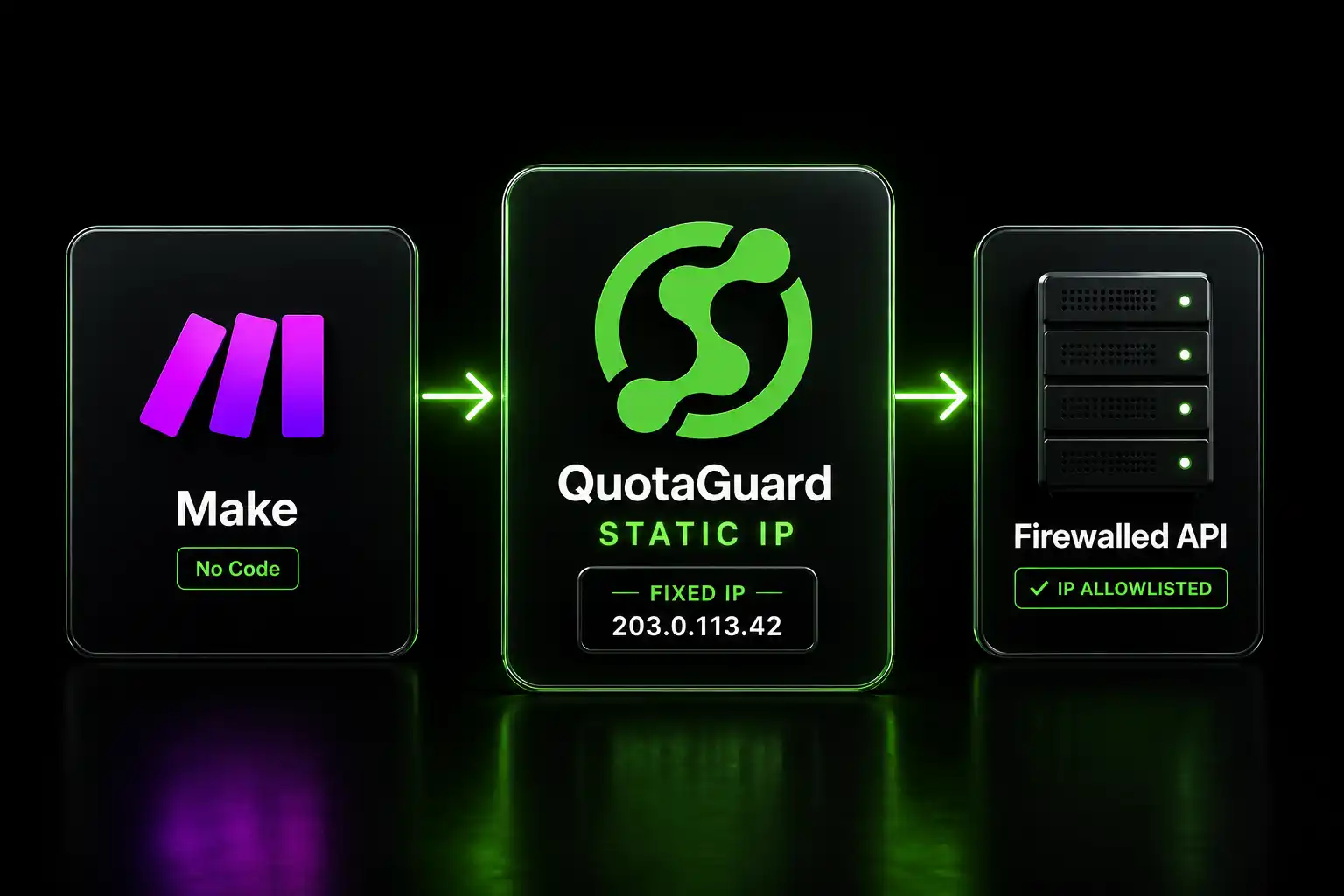
Give Make Scenarios a Static Outbound IP for Firewall Allowlisting

QuotaGuard Engineering
May 9, 2026
5 min read
Pattern

Enter your QuotaGuard proxy URL in Make's HTTP module proxy field and every scenario request exits from a fixed IP in 2 minutes.

Make publishes a list of outbound IP addresses you can give to IT teams and API vendors. The problem is that list covers hundreds of dynamic AWS addresses shared across every Make customer worldwide. Most security-conscious partners won't accept it.

Firewall Allowlisting Requires a Dedicated Egress IP

Make's scenarios run on shared AWS infrastructure. Outbound requests originate from a rotating pool of addresses spread across multiple zones. Make's help center publishes these ranges so you can theoretically allowlist them, but the list has two problems.

First, the addresses change. AWS adjusts capacity, Make scales, and the IP your partner allowlisted last month may not be in the pool next month. Every change triggers an IT ticket, a waiting period, a firewall update, and a retest.

Second, shared IPs carry shared reputation. Every Make customer's scenario runs from the same addresses. If another customer runs spam, scraping, or abusive requests from those IPs, security vendors flag them. Your legitimate scenarios get blocked because of traffic you didn't send.

The Make community has asked for dedicated static IPs multiple times. The community forum and multiple threads document users being told it's not possible natively. A dedicated proxy solves it without waiting for Make to add the feature.

Make's HTTP Module Routes Through QuotaGuard With One Proxy URL

Make's HTTP module has a built-in proxy configuration field. You don't write code. You don't build a separate step. You enter your QuotaGuard proxy URL directly in the module settings, and every request that module makes exits from your fixed IP.

The proxy URL format is:

http://username:password@proxy.quotaguard.com:9293

Replace username:password with your QuotaGuard Static credentials from the dashboard. If the API or database you're calling is in a specific region, use a regional hostname instead:

http://username:password@eu-west-static-01.quotaguard.com:9293

Pick the region closest to the destination to minimize latency. QuotaGuard runs across 10 AWS regions: US-East, US-West, EU-West, EU-Central, AP-Northeast (Tokyo), AP-Southeast (Singapore), AP-Southeast-2 (Sydney), AP-South (Mumbai), CA-Central, and SA-East (São Paulo).

To confirm the setup is working, create a test scenario with a single HTTP module making a GET request to https://api.ipify.org. The response should return your QuotaGuard static IP. That's the IP you give to your IT team or API vendor for their allowlist.

QuotaGuard tip: configure the proxy only on HTTP modules that need a fixed IP. Scenarios calling public APIs that don't enforce allowlisting don't need it. Scope the proxy to the modules that matter and your scenario performance stays consistent for everything else.

QuotaGuard Static Pricing Starts at $19/Month

QuotaGuard Static plans include bandwidth. No per-GB fees on top of the subscription.

Starter is $19/month (10 GB included). Production is $49/month (50 GB included). Business is $89/month (200 GB included). Enterprise is $219/month (1 TB included, dedicated IPs).

On Starter through Business plans, your static IP is shared with a small group of other QuotaGuard customers. It's a dedicated IP pair assigned to a small group, not the broad shared pool Make uses. Your requests don't mix with arbitrary Make traffic. Enterprise gives you fully dedicated infrastructure with IPs belonging to your account alone.

QuotaGuard Shield Encrypts Regulated Data End-to-End

If your Make scenarios handle healthcare records, payment data, PII, or any compliance-sensitive workload, use QuotaGuard Shield instead. Shield uses SSL passthrough so QuotaGuard never decrypts the data passing through. Your TLS connection runs end-to-end between Make and the destination. That satisfies HIPAA, PCI-DSS, and SOC 2 data-in-transit requirements.

For Shield, use port 9294 and https:// in the proxy URL. Shield plans start at $29/month.

One Fixed IP, Every Scenario, Every Partner

Once the proxy is configured, every HTTP module in every scenario using that connection exits from the same static IP. New scenarios inherit it automatically. Partners and IT teams get one address, and it doesn't change when Make updates infrastructure, adjusts IP pools, or scales its platform.

That's the operational advantage. You stop managing allowlist updates. Your partners stop receiving IP-change notifications. The firewall conversation becomes a one-time setup instead of a recurring maintenance task.

Review plans at quotaguard.com/products/pricing and start a free trial to confirm the proxy URL works with your specific scenario before committing.

QuotaGuard Static IP Blog

Practical notes on routing cloud and AI traffic through Static IPs.

Reliability Engineered for the Modern Cloud

For over a decade, QuotaGuard has provided reliable, high-performance static IP and proxy solutions for cloud environments like Heroku, Kubernetes, and AWS.

Get the fixed identity and security your application needs today.