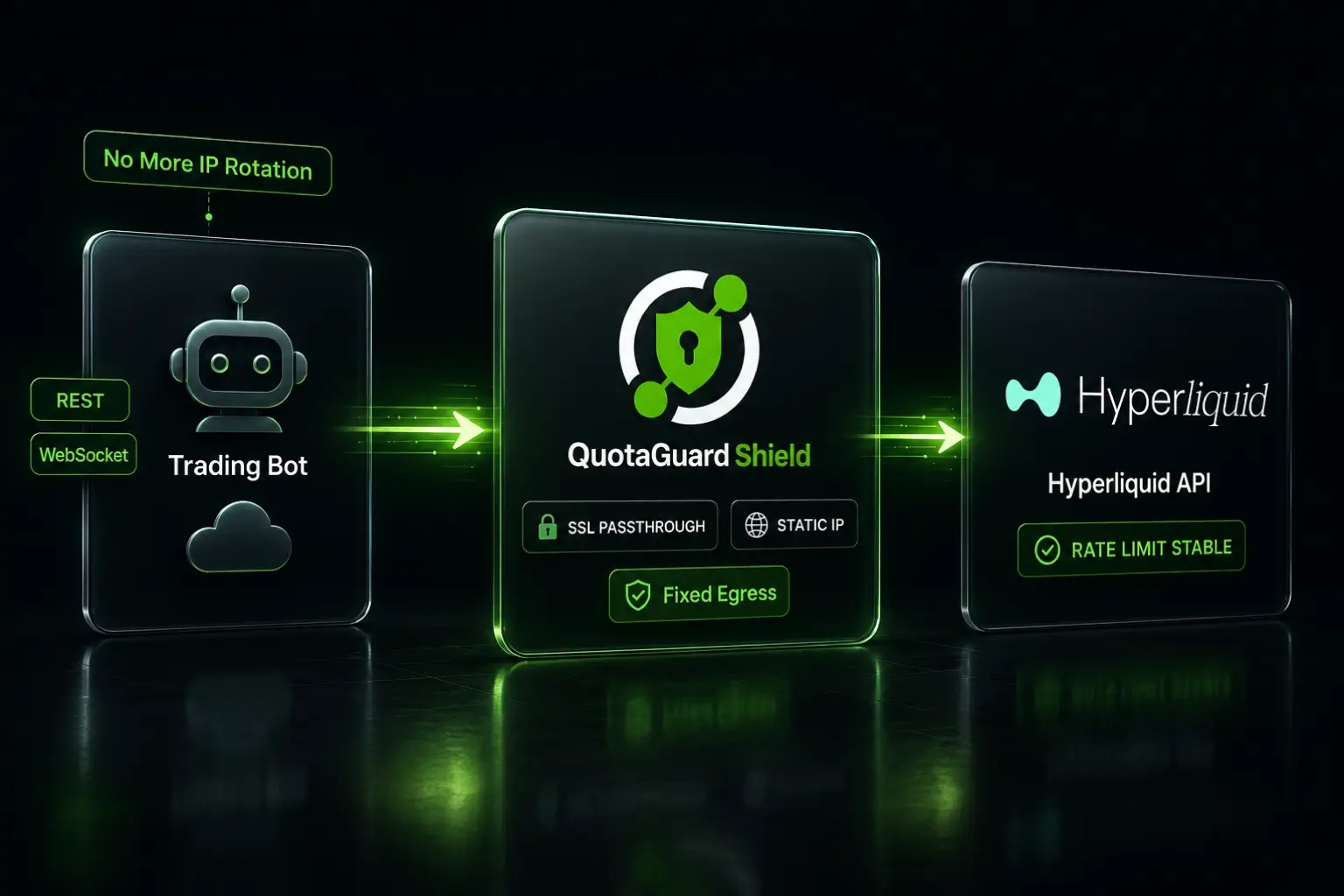
Give Your Hyperliquid Trading Bot a Static IP on Any Cloud Platform

QuotaGuard Engineering
May 21, 2026
5 min read
Pattern

Route your bot's outbound requests through QuotaGuard Shield by setting QUOTAGUARDSHIELD_URL as an environment variable. Your bot exits from a fixed IP every time.

Hyperliquid's API enforces rate limits at the IP level. When your bot runs on Render, Railway, Fly.io, or any other PaaS, the platform recycles IP addresses constantly. Your bot's requests arrive from a different IP every few minutes. Each new IP gets its own throttle when limits are hit. Your bot starts missing trades.

Hyperliquid's API Ties Rate Limits to Your Outbound IP

Hyperliquid applies per-IP rate limits across its REST and WebSocket APIs. Order submissions, cancellations, and market data polling all count against the IP sending the request. If that IP triggers a limit, Hyperliquid throttles it. The fix isn't slowing down your bot. It's making sure your bot always looks like the same IP to Hyperliquid's infrastructure.

Hyperliquid's current rate limit tiers (verify in their official docs before deploying):

  • 1,200 requests per minute per IP for REST endpoints
  • WebSocket connections are also subject to per-IP concurrency limits
  • Rate-limited addresses are throttled to one request every 10 seconds until normal request rates resume (per Hyperliquid's official rate limit docs)

That throttle matters. Each new IP your PaaS assigns gets its own 10-second-per-request throttle when triggered. As your dyno rotates through the pool, you can hit throttles on multiple IPs in a single trading session. A static IP eliminates the variability.

PaaS IP Rotation Breaks Bot Execution in a Predictable Pattern

Every major PaaS platform runs shared infrastructure. Render, Railway, Fly.io, Heroku, and Vercel each route your outbound traffic through a pool of IPs shared across thousands of tenants. Your dyno or container gets a different egress IP after each restart, scale event, or sometimes just after a few minutes of idle time.

The failure pattern is consistent across algo-trader integrations:

  1. Bot deploys and starts trading normally
  2. Platform recycles the container or reassigns the egress IP
  3. Bot resumes from a different IP, potentially one already throttled by Hyperliquid from another tenant's traffic
  4. Orders start getting rejected or timed out before the throttle surfaces in logs
  5. Developer restarts the bot, gets a new IP, works again briefly
  6. Cycle repeats

None of this is fixable by tuning your bot's retry logic. The IP is the problem. The fix is removing IP rotation from the equation entirely.

A Static Proxy Gives Your Bot a Fixed Egress IP in 2 Minutes

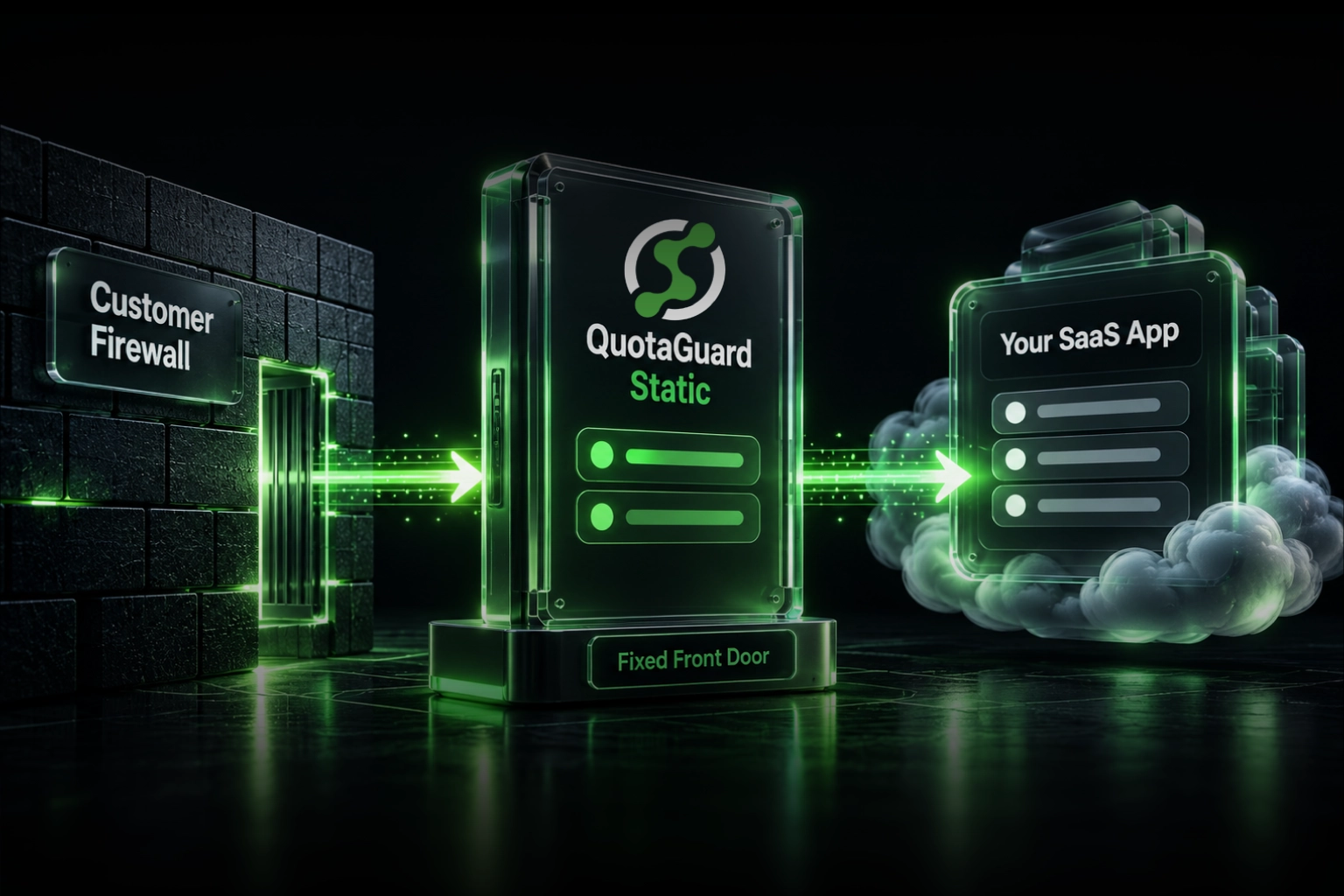
The fix is a proxy that routes all your bot's outbound HTTP requests through a single, stable IP that you control. QuotaGuard assigns you a static IP. Your bot's traffic exits from that IP every time, regardless of which container, dyno, or node the PaaS platform runs it on.

Because Hyperliquid's API handles financial data, QuotaGuard Shield is the right product here. Shield uses SSL passthrough. QuotaGuard routes your packets but never decrypts them. Your order data, positions, and account information are never exposed to QuotaGuard's infrastructure.

Setup on any PaaS platform

Set the environment variable in your platform's dashboard:

QUOTAGUARDSHIELD_URL=https://username:password@us-east-shield-01.quotaguard.com:9294

The region in the hostname is assigned at sign-up. Pick the region closest to Hyperliquid's API endpoints. If you need to change regions after sign-up, contact QuotaGuard support. Don't swap the region code in the connection string yourself.

Then point your HTTP client at it. Python example with the requests library:

import os
import requests

proxy_url = os.environ["QUOTAGUARDSHIELD_URL"]

proxies = {
    "http": proxy_url,
    "https": proxy_url,
}

# All Hyperliquid API calls go through the static IP
response = requests.post(
    "https://api.hyperliquid.xyz/exchange",
    json=payload,
    proxies=proxies,
    timeout=10,
)

Node.js example using axios with https-proxy-agent:

import axios from "axios";
import { HttpsProxyAgent } from "https-proxy-agent";

const proxyUrl = process.env.QUOTAGUARDSHIELD_URL;
const agent = new HttpsProxyAgent(proxyUrl);

const response = await axios.post(
  "https://api.hyperliquid.xyz/exchange",
  payload,
  {
    httpsAgent: agent,
    timeout: 10000,
  }
);

That's it. Your bot now exits from the same IP on every request, every restart, every scale event.

Route Only Hyperliquid Traffic Through the Proxy

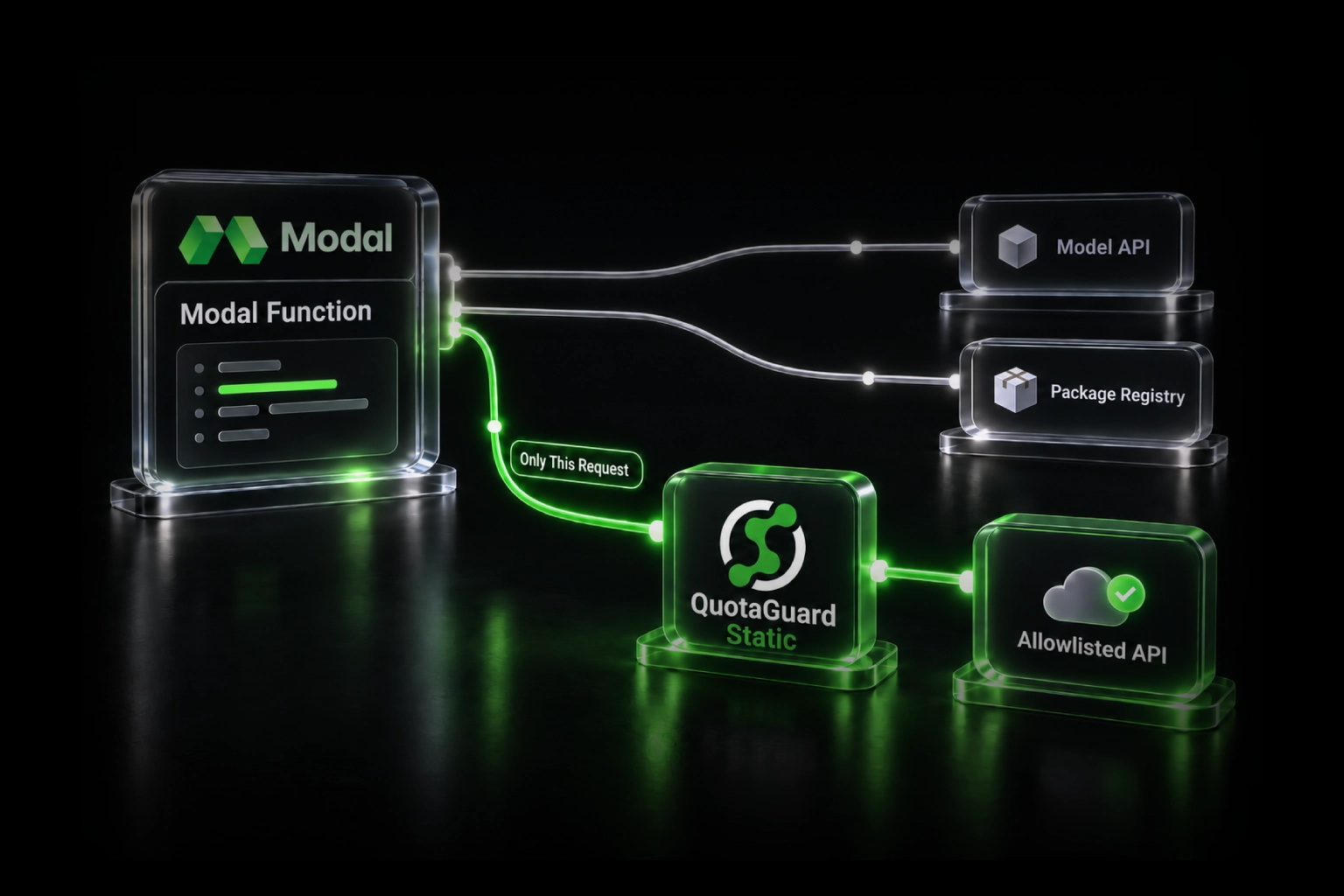
QuotaGuard tip: route only the API calls that need the static IP through the proxy, not all outbound traffic. Sending your logging, telemetry, or third-party API calls through the proxy burns bandwidth and adds unnecessary latency. It's also easier to debug when the proxy scope is narrow.

The pattern is straightforward. Create a dedicated session or client instance that uses the proxy, and use it only for Hyperliquid calls:

import os
import requests

# Proxy client. Hyperliquid only.
proxy_url = os.environ["QUOTAGUARDSHIELD_URL"]
hl_session = requests.Session()
hl_session.proxies = {"http": proxy_url, "https": proxy_url}

# Default client. Everything else.
default_session = requests.Session()

WebSocket Connections From Cloud Bots Also Need a Static IP

Hyperliquid's WebSocket feed is the primary channel for order updates and market data for bots that need low latency. WebSocket connections are also subject to per-IP limits. The same IP rotation problem applies.

Most HTTP proxy libraries handle WebSocket upgrades (the initial CONNECT tunnel) transparently. Python's websocket-client and websockets libraries both support proxy configuration. Node's ws library works with https-proxy-agent on the same HttpsProxyAgent instance.

Python WebSocket through the proxy:

import os
import websocket
from urllib.parse import urlparse

proxy_url = urlparse(os.environ["QUOTAGUARDSHIELD_URL"])

ws = websocket.WebSocketApp(
    "wss://api.hyperliquid.xyz/ws",
    on_message=on_message,
    on_error=on_error,
)

ws.run_forever(
    http_proxy_host=proxy_url.hostname,
    http_proxy_port=proxy_url.port,
    http_proxy_auth=(proxy_url.username, proxy_url.password),
)

QuotaGuard Shield Pricing Starts at $29/Month

QuotaGuard Shield direct plans:

Plan Price/month Bandwidth included
Starter $29 10 GB
Production $59 50 GB
Business $109 200 GB
Enterprise $269 1 TB

Bandwidth is bundled. No per-GB overage fees. Most trading bots run comfortably on the Starter or Production plan. Hyperliquid API payloads are small. 10 GB handles a high volume of order submissions and market data requests.

Dedicated IPs are available on the Enterprise plan at $269/month. For most bots, the static IPs on lower tiers are stable and sufficient. Enterprise makes sense if you need an IP that's provably clean across all exchange blocklists.

Trials are 3 days standard, 7 days for Enterprise. Credit card required.

See full Shield pricing →

QuotaGuard Static Is the Alternative for Non-Sensitive Workloads

If your bot connects to non-financial APIs alongside Hyperliquid and you want a simpler setup, QuotaGuard Static starts at $19/month. Static uses a standard HTTP/HTTPS proxy model. QuotaGuard terminates and re-establishes the SSL connection at the proxy layer. For Hyperliquid specifically, Shield is the better choice because your order and account data stays encrypted end-to-end and never passes through QuotaGuard's decryption layer.

Both products work on every PaaS platform. Both assign you a static egress IP. The difference is the encryption model.

Ready to stop your bot getting throttled by IP rotation? Start a QuotaGuard Shield trial →

QuotaGuard Static IP Blog

Practical notes on routing cloud and AI traffic through Static IPs.

Reliability Engineered for the Modern Cloud

For over a decade, QuotaGuard has provided reliable, high-performance static IP and proxy solutions for cloud environments like Heroku, Kubernetes, and AWS.

Get the fixed identity and security your application needs today.