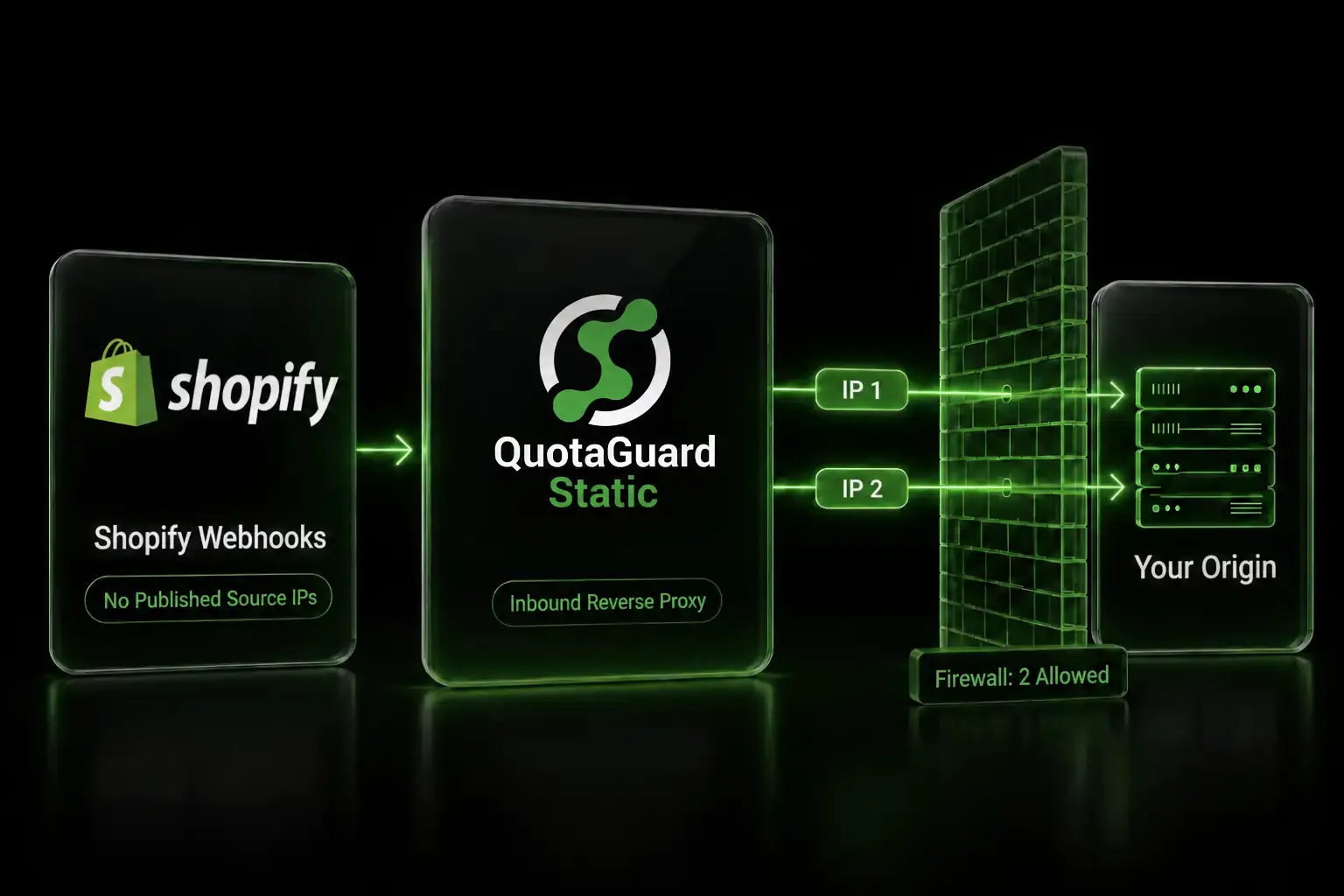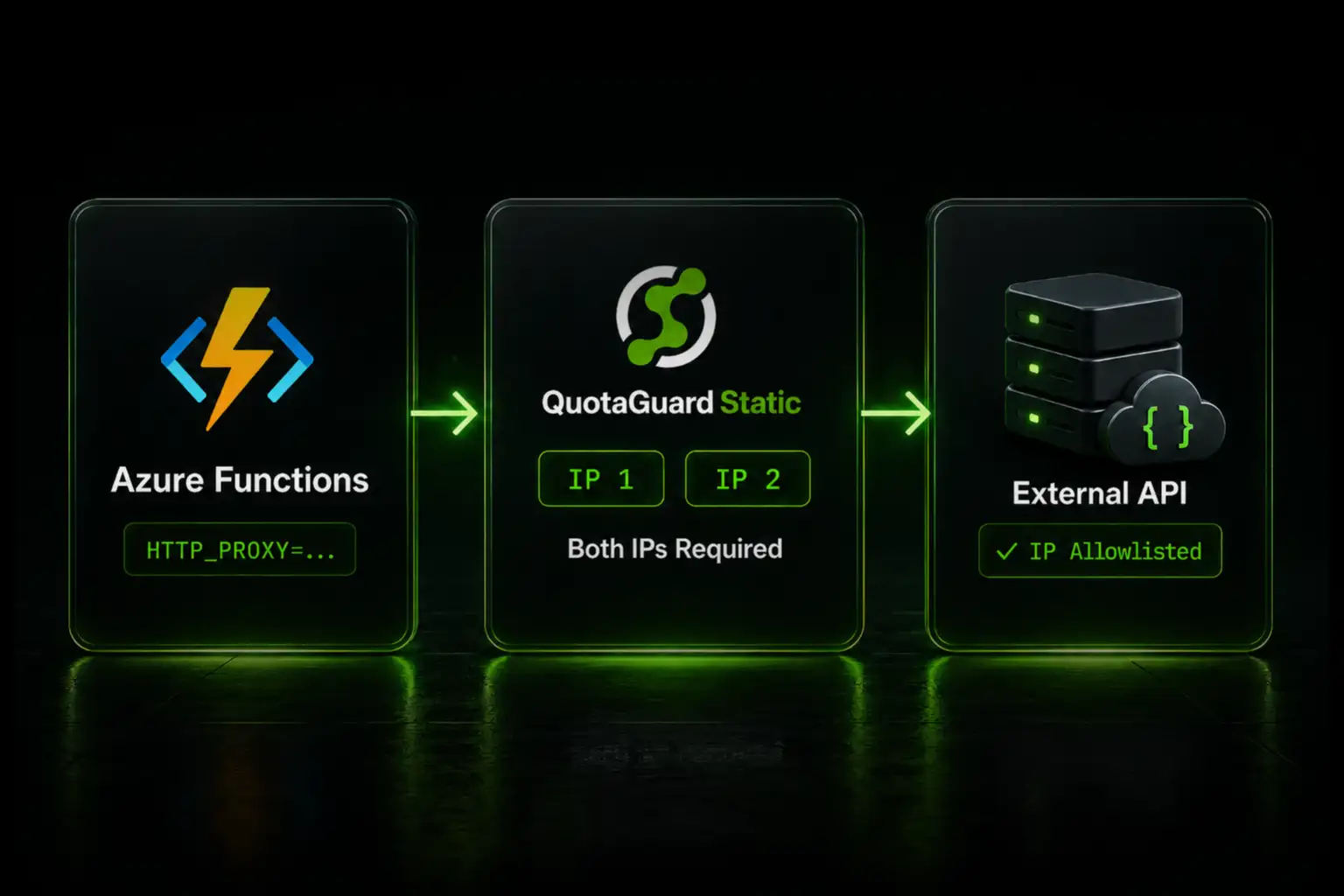
If you need a static outbound IP for your Azure Function and you've hit the "delegated subnet cannot be attached to StandardV2 NAT Gateway" error, there's a faster path: skip VNet integration entirely and set two environment variables. Your function routes through a static IP in about two minutes.

Why the NAT Gateway Approach Breaks

The standard Microsoft recommendation for static egress on Azure Functions is VNet integration with a NAT Gateway attached to the integration subnet. It works in theory. In practice, if you're on a Premium Plan and try to attach a StandardV2 NAT Gateway to the integration subnet, Azure blocks it with this error:

Delegated subnet cannot be attached to StandardV2 NAT Gateway.

The reason: Azure Functions VNet integration uses a delegated subnet (Microsoft.Web/serverFarms), and StandardV2 NAT Gateway doesn't support delegated subnets. The workaround Microsoft suggests is dropping to a Standard v1 NAT Gateway, which does support the delegation. But Standard v1 means no zone redundancy and no IPv6. You're trading one problem for two constraints.

The alternative — routing through an Azure Firewall in a hub-and-spoke topology — works but requires a meaningfully different architecture and costs significantly more than most teams want to spend to solve what is essentially an IP identity problem.

The Proxy Approach: Two Application Settings

Azure Functions runs on App Service, which means .NET's standard proxy environment variables work. Set HTTP_PROXY and HTTPS_PROXY in your Function App's application settings and all outbound HTTP/HTTPS calls route through the proxy — no VNet, no NAT Gateway, no subnet configuration.

In the Azure Portal: open your Function App, go to Settings > Environment variables, and add:

HTTP_PROXY   = http://username:password@proxy.quotaguard.com:9293
HTTPS_PROXY  = http://username:password@proxy.quotaguard.com:9293

You get the proxy URL from your QuotaGuard dashboard after signing up. Every outbound request your function makes exits through one of your two static IPs. Allowlist those two IPs with the API vendor once. Dev, Staging, and Production all use the same proxy URL, so the same two IPs work across all environments.

Language-Specific Notes

C# (.NET isolated worker): The .NET runtime respects HTTP_PROXY and HTTPS_PROXY automatically for HttpClient. If you're using a named HttpClient via dependency injection, the system proxy is picked up without any code changes. For explicit control:

var handler = new HttpClientHandler
{
    Proxy = new WebProxy(Environment.GetEnvironmentVariable("HTTPS_PROXY")),
    UseProxy = true
};
var client = new HttpClient(handler);

Python: The requests library reads HTTP_PROXY and HTTPS_PROXY automatically. No code changes needed if you're using requests. If you're using httpx, pass the proxy explicitly:

import os
import httpx

proxy_url = os.environ["HTTPS_PROXY"]
with httpx.Client(proxy=proxy_url) as client:
    response = client.get("https://api.yourvendor.com/data")

Node.js: Native fetch and most npm HTTP clients don't automatically pick up proxy environment variables. Use https-proxy-agent:

const { HttpsProxyAgent } = require("https-proxy-agent");

const agent = new HttpsProxyAgent(process.env.HTTPS_PROXY);
const response = await fetch("https://api.yourvendor.com/data", { agent });

Non-HTTP Protocols: SQL Server, Service Bus, and Custom TCP

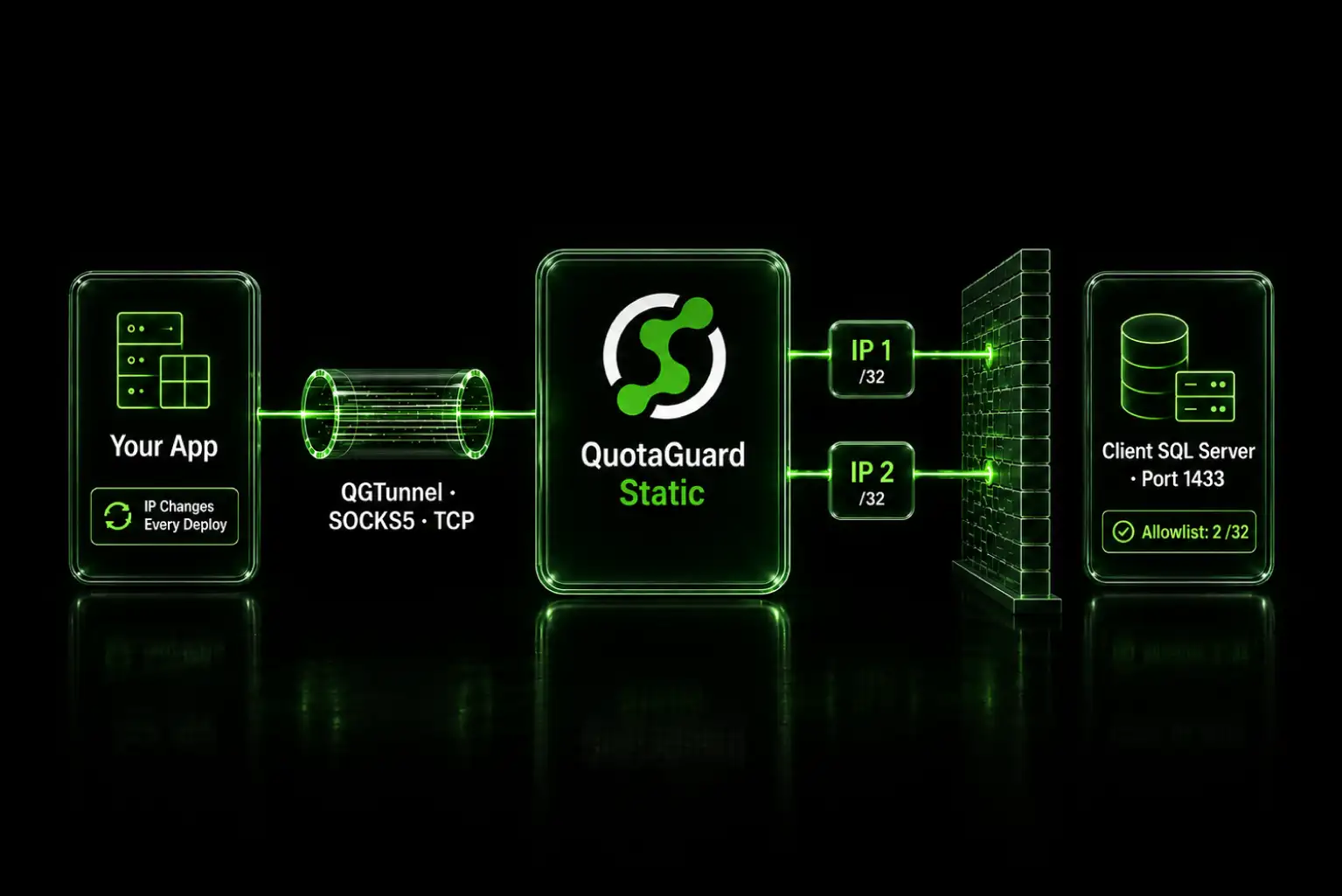
The proxy approach covers HTTP and HTTPS traffic. If your function connects to SQL Server, Azure Service Bus, or any other non-HTTP endpoint that needs a fixed egress IP, HTTP proxy configuration won't reach it.

QGTunnel handles this case. It's a lightweight process that runs alongside your function and intercepts outbound TCP traffic at the network level, routing it through QuotaGuard's SOCKS5 endpoint. Your connection strings don't change. The function doesn't know the traffic is being proxied.

For Azure Functions specifically, QGTunnel can be bundled into your deployment package and launched as a startup process. The setup is covered in the QuotaGuard documentation.

What This Costs Compared to NAT Gateway

Azure Standard v1 NAT Gateway runs approximately $32/month base plus $0.045 per GB processed. A function processing 500 GB outbound monthly pays around $55 just for the gateway, before compute costs. Standard v2 would be cheaper per-GB on higher volumes but isn't compatible with Function App subnets as noted above.

QuotaGuard starts at $19/month on the Micro plan. No per-GB fees. No VNet required, which also means no Premium Plan upgrade just to unlock VNet integration — if you're currently on the Consumption Plan and only need a static IP, you might not need to upgrade at all.

Dedicated IPs that no other customer shares are available on the Enterprise plan at $219/month. For most IP allowlisting scenarios, shared IPs on Micro or Medium ($49/month) are sufficient.

If you're dealing with the NAT Gateway delegation error or just want a static IP for your Azure Functions without the infrastructure overhead, see plans and pricing here.

QuotaGuard Static IP Blog

Practical notes on routing cloud and AI traffic through Static IPs.

Reliability Engineered for the Modern Cloud

For over a decade, QuotaGuard has provided reliable, high-performance static IP and proxy solutions for cloud environments like Heroku, Kubernetes, and AWS.

Get the fixed identity and security your application needs today.