How to Get a Static IP for the Bloomberg Data License API (Hypermedia API)

.webp)
The Bloomberg Data License Hypermedia API only accepts connections from IP addresses you register in Bloomberg's Enterprise Console. If your app runs on Replit, Vercel, or AWS Lambda, its outbound IP rotates and Bloomberg rejects it. Get two static IPs from QuotaGuard, register both in the Enterprise Console against your Web API application, and route both the OAuth token call and your data calls through the proxy. Static carries this over an encrypted CONNECT tunnel and never decrypts your Bloomberg traffic. Step up to Shield only if your compliance team also requires the proxy hop itself to be encrypted.
If you are calling the Bloomberg Data License REST API from a cloud platform and getting a 401 that says your IP is not whitelisted, or a connection that completes the TLS handshake and then closes before returning any HTTP response, this is the fix. Both symptoms have the same root cause: Bloomberg only accepts requests from IP addresses you have pre-registered, and your cloud platform does not give you a stable one to register.
The Bloomberg Data License API Rejects Non-Whitelisted IPs
The Bloomberg Data License Hypermedia API, sometimes called HAPI, enforces a customer-controlled IP allowlist. Every request has to originate from an IP address registered in your Bloomberg Enterprise Console. When a request arrives from an address that is not on that list, Bloomberg refuses it. Depending on where in the flow the check happens, you see one of two failures: a 401 response whose detail states the IP is not whitelisted, or, on the OAuth host, a connection that negotiates TLS and is then closed before any HTTP response comes back. The second one is the confusing one, because your client reports a dropped socket with no status code, which looks like a network bug rather than an access-control decision.
Neither is a bug. They are the allowlist doing its job. The work is to give Bloomberg an IP that stays on the list.
This Is the Data License API, Not the Terminal, SAPI, or B-PIPE
One scope check before you spend time on this, because Bloomberg has several products and only one of them is solved by a proxy. This guide is for the Data License Hypermedia API, the REST interface at api.bloomberg.com/eap that serves reference, pricing, regulatory, ESG, corporate actions, and fundamentals data. If you are connecting the Bloomberg Terminal, the Desktop API, the Server API (SAPI), or the B-PIPE market data feed, those run over Bloomberg's own network, appliances, or dedicated connectivity, and an outbound proxy does not apply to them. The static-IP problem in this post is specific to the Data License REST API called from cloud infrastructure.
Why Your Cloud App Can't Give Bloomberg a Fixed IP
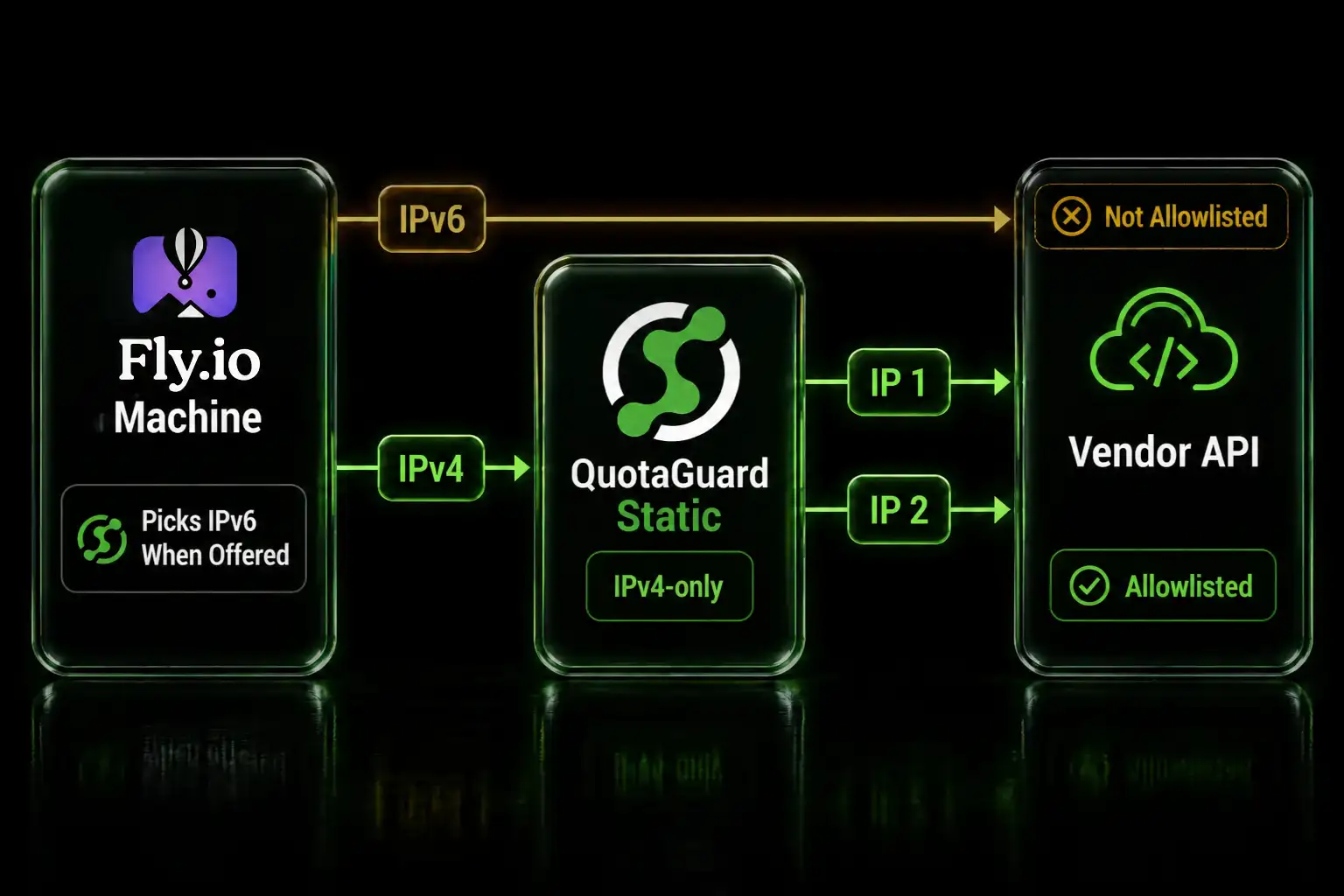
Replit, Vercel, AWS Lambda, and similar platforms run your code across shared infrastructure and assign a different outbound IP address on a rotating basis, sometimes on every invocation. So even after you register an IP with Bloomberg, your next request leaves from a different address and gets rejected. There is no single address you can register that stays valid. That is the gap a static IP proxy closes.
QuotaGuard Gives You Two Static IPs to Register
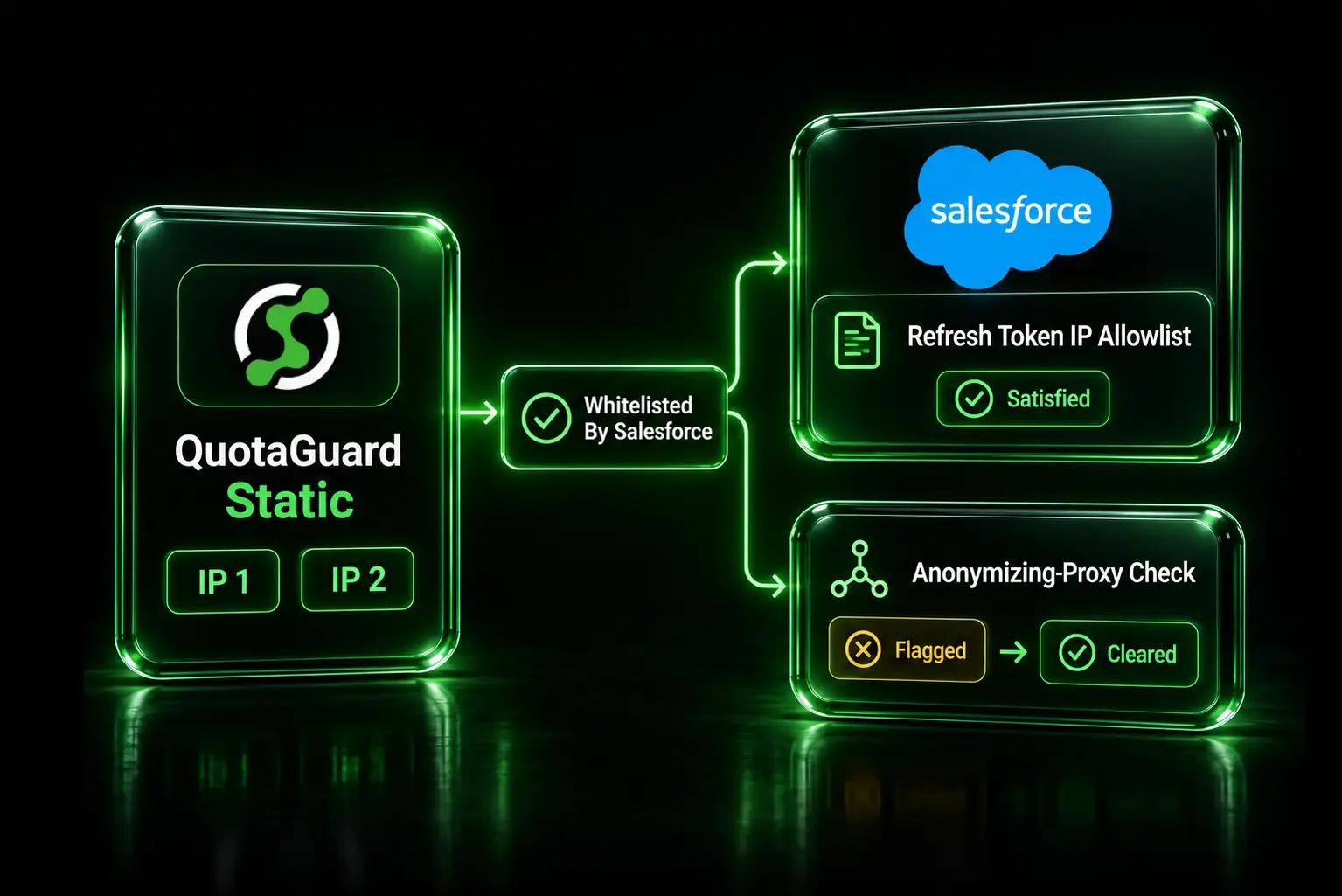
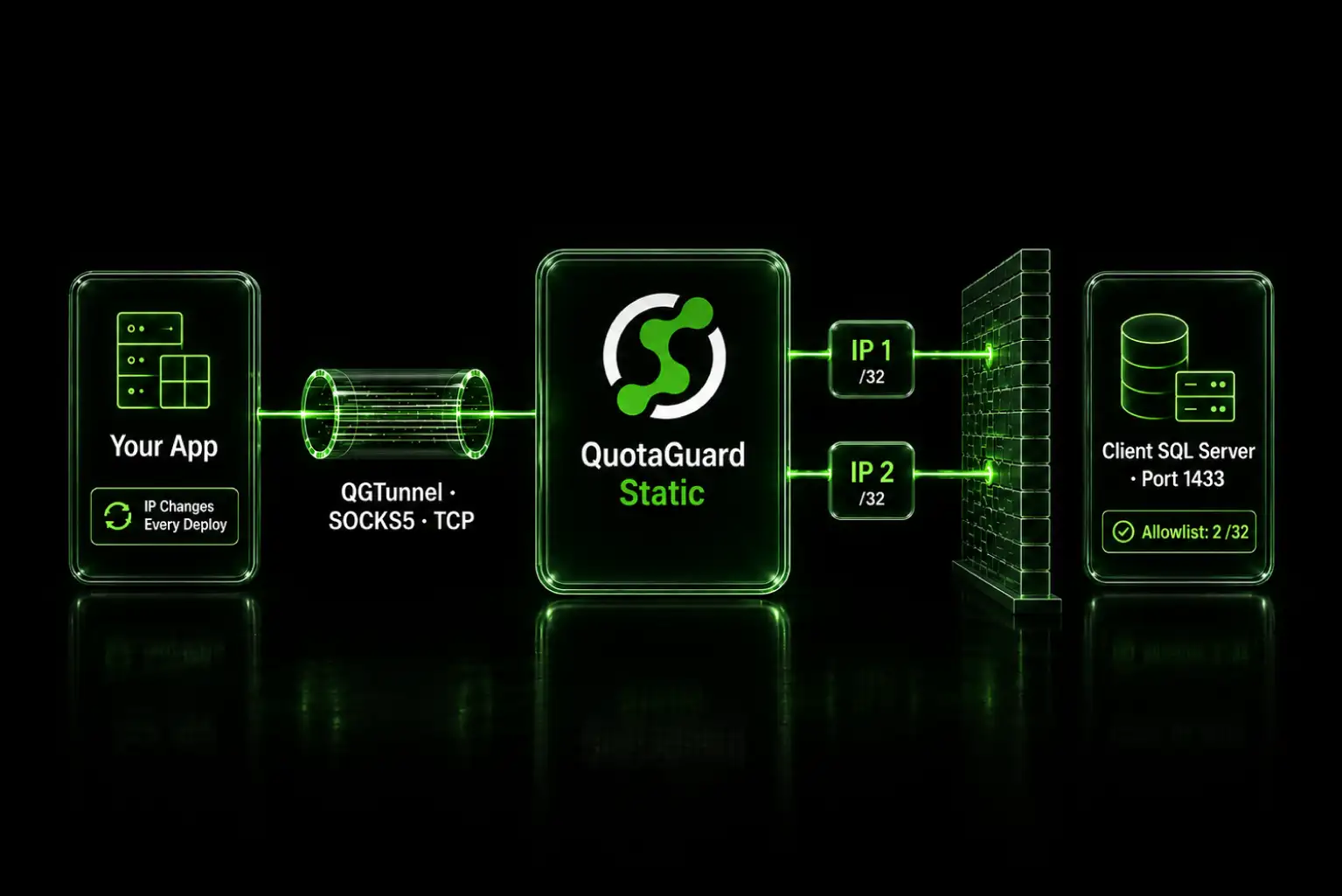
QuotaGuard provides two fixed IP addresses that belong to your account and never change. You route your Bloomberg traffic through QuotaGuard, register those two addresses in the Enterprise Console, and every request to Bloomberg then arrives from one of them regardless of how your platform rotates underneath.
For Bloomberg, QuotaGuard Static is the right starting point. Your calls to Bloomberg are outbound HTTPS, which Static carries through a CONNECT tunnel: the proxy sees only the destination host and port, and your Bloomberg payload and credentials stay encrypted end to end to Bloomberg. The proxy never decrypts them. That is why a standard Static plan handles Data License traffic cleanly.
Step up to QuotaGuard Shield when your security review additionally requires that the connection between your app and the proxy is itself encrypted, so that even your proxy credentials are never sent in the clear on that first hop. Shield adds a TLS hop to the proxy. Both products give you the same two static IPs and solve the allowlist problem identically. Teams at banks and asset managers often choose Shield for that compliance posture, but the static-IP mechanism is the same either way.
Register Your Two IPs in Bloomberg Enterprise Console
In the Bloomberg Enterprise Console, open the Web API Connectivity Policy for your Web API application and add both QuotaGuard IP addresses to the authorized set. Two details that cause the TLS-accept-then-close failure if you get them wrong: register both addresses, not just one, because QuotaGuard load-balances across the pair and either one can serve a given request, and make sure they are attached to the correct application and catalog. An IP registered against the wrong application will still fail. After you save, Bloomberg's edge will accept connections from both addresses.
Route the OAuth Token Request Through the Proxy
The Data License API uses OAuth. You exchange your Bloomberg-issued client credentials for a short-lived JWT bearer token at the SSO host, bsso.blpprofessional.com, then send that token with every data request. Both the token call and the data calls have to leave from your static IPs, so route both through QuotaGuard. Copy your exact connection string from the QuotaGuard dashboard (the host is region-specific) and keep it, along with your Bloomberg credentials, in environment variables.
QUOTAGUARDSTATIC_URL="http://username:password@your-region.quotaguard.com:9293"
BLOOMBERG_CLIENT_ID="from-your-bloomberg-credential-file"
BLOOMBERG_CLIENT_SECRET="from-your-bloomberg-credential-file"
In Python with the requests library, attach the proxy to the token call. Your client id and secret come from the credential file you download in the Enterprise Console.
import os, requests

proxies = {
    "http": os.environ["QUOTAGUARDSTATIC_URL"],
    "https": os.environ["QUOTAGUARDSTATIC_URL"],
}

token_resp = requests.post(
    "https://bsso.blpprofessional.com/ext/api/as/token.oauth2",
    data={
        "grant_type": "client_credentials",
        "client_id": os.environ["BLOOMBERG_CLIENT_ID"],
        "client_secret": os.environ["BLOOMBERG_CLIENT_SECRET"],
    },
    proxies=proxies,
)
access_token = token_resp.json()["access_token"]
If you are on Replit with the Bun runtime, Bun's fetch supports a per-request proxy option directly, which is the cleanest way to route a single call without a global agent.
const tokenResp = await fetch(
  "https://bsso.blpprofessional.com/ext/api/as/token.oauth2",
  {
    method: "POST",
    proxy: process.env.QUOTAGUARDSTATIC_URL,
    headers: { "Content-Type": "application/x-www-form-urlencoded" },
    body: new URLSearchParams({
      grant_type: "client_credentials",
      client_id: process.env.BLOOMBERG_CLIENT_ID,
      client_secret: process.env.BLOOMBERG_CLIENT_SECRET,
    }),
  },
);
const { access_token } = await tokenResp.json();
Route the Data Requests Through the Proxy
With a token in hand, call the Hypermedia API at api.bloomberg.com/eap. The first authenticated call is usually the catalog endpoint, which confirms both your token and your IP registration are good before you build out a full data request. Send the request through the same proxy so it exits from your static IPs.
catalogs = requests.get(
    "https://api.bloomberg.com/eap/catalogs/",
    headers={"Authorization": f"Bearer {access_token}", "Accept": "application/json"},
    proxies=proxies,
)
print(catalogs.status_code)
From there, the Hypermedia API follows Bloomberg's request-response model: you create a data request describing the universe, fields, and trigger, then retrieve the output when it is ready. Those calls all run against api.bloomberg.com/eap and all need to go through the proxy. Bloomberg's developer documentation covers the request workflow itself; the only thing QuotaGuard changes is the IP your requests come from.
Verify and Troubleshoot
If the catalog call returns a successful status, your token and your IP allowlist are both working, and you are clear to build real data requests. If you still see a 401 that names an IP as not whitelisted, copy that IP from the error and confirm it is exactly one of your two QuotaGuard addresses and that it is registered against the right application. If the OAuth call drops the socket with no status code, that is the classic signature of an IP that is not on the list or is registered to the wrong application: Bloomberg accepts the TLS handshake and then closes the connection. Re-check that both addresses are active in the Enterprise Console. To see which address your traffic is using, route a request to https://ip.quotaguard.com through the proxy and confirm it matches your dashboard.
QuotaGuard Static Pricing Starts at $19/Month
Static is the right product for most Data License integrations: outbound HTTPS through a CONNECT tunnel that never decrypts your Bloomberg traffic. Plans start at $19 per month, with bundled bandwidth and no per-GB overage fees. Data License REST traffic is modest in volume for most applications, so the entry tiers cover a typical integration, and Enterprise adds dedicated IPs if Bloomberg's allowlist or your compliance team treats shared addresses as a risk.
Choose Shield, from $29 per month, when your security review requires the proxy hop itself to be encrypted. It gives you the same two static IPs with a TLS connection to the proxy. All plans include a trial, 3 days on standard tiers and 7 on Enterprise, with a credit card required. See the full breakdown at quotaguard.com/products/pricing.
For inbound static IPs, EU data residency, and the rest of the picture, see the Bloomberg Data License integration page.
QuotaGuard Static IP Blog
Practical notes on routing cloud and AI traffic through Static IPs.