How to Set a Static Outbound IP on Clever Cloud in Your App Code

QuotaGuard Engineering
June 30, 2026
5 min read
Pattern

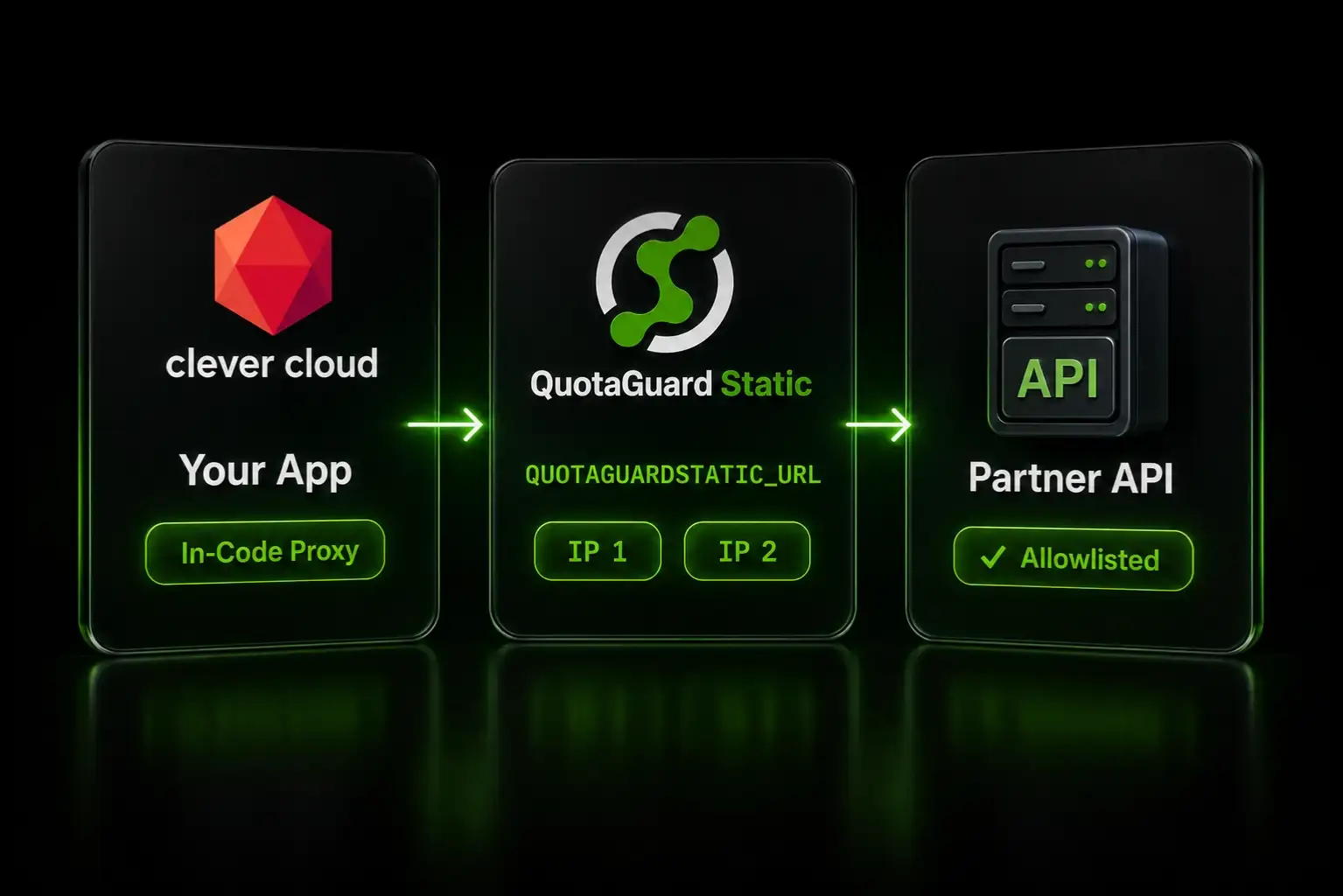
Set your QuotaGuard proxy URL as a Clever Cloud environment variable, attach the proxy to the specific outbound calls that need a fixed IP in your code, and add your two assigned IPs to the destination's allowlist.

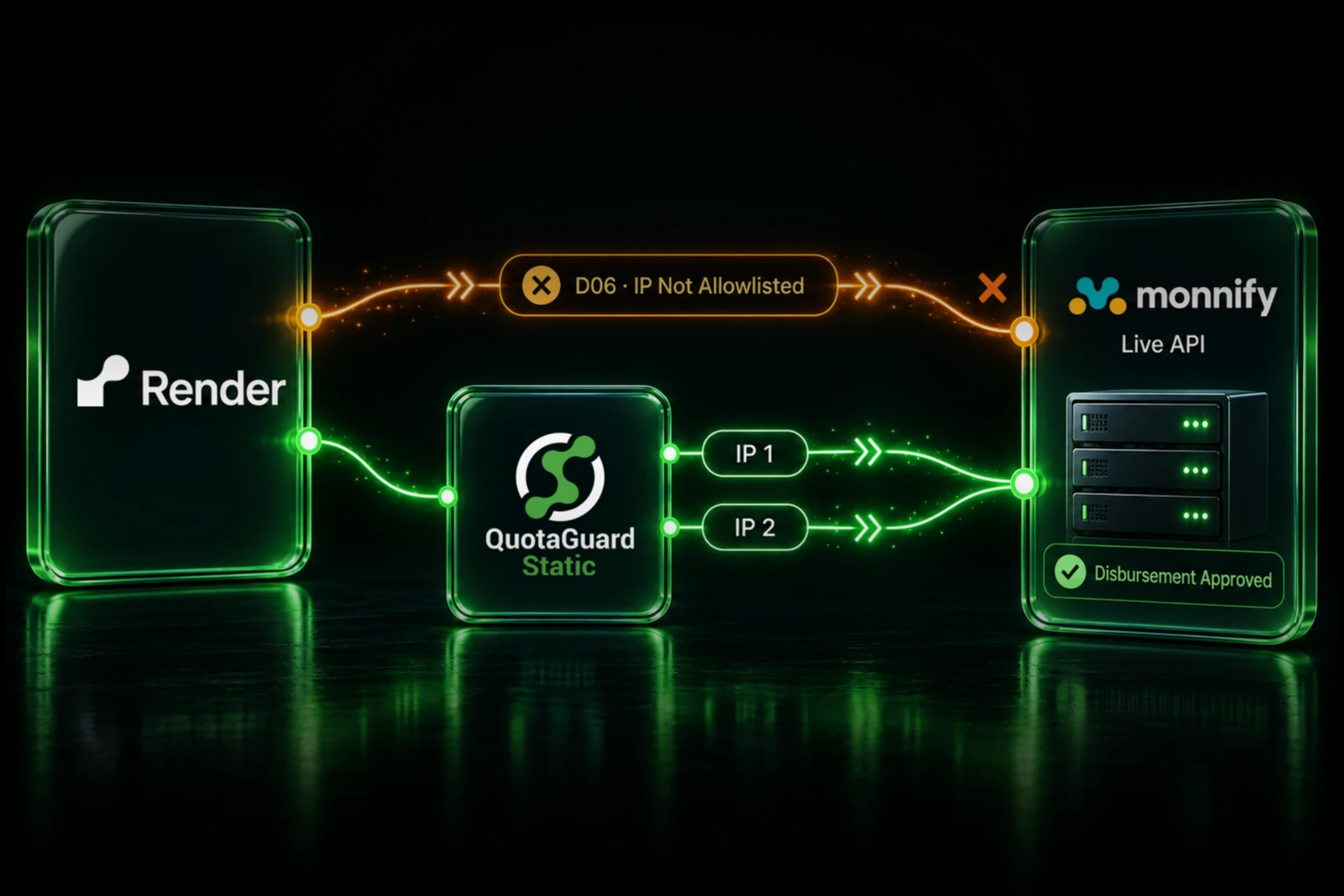
Clever Cloud apps don't get a fixed outbound IP by default. Your app's egress address is shared per region and changes as Clever Cloud expands its infrastructure, so any partner API that allowlists source IPs will start rejecting your requests. Route the calls that hit those destinations through a static IP proxy and you allowlist two fixed addresses that belong to you. This guide is the step-by-step setup, using an in-code proxy so only the requests you choose are routed. For inbound static IPs, database connections, and the full EU residency options, see the Clever Cloud static IP integration page.

Clever Cloud Outbound IPs Are Shared and Change

Clever Cloud runs your app behind its Sōzu load balancers on shared infrastructure, and its documentation warns that outgoing IP ranges can change as it grows. That makes IP allowlisting unreliable unless you fix the egress address yourself. Clever Cloud's native answer is a VPN add-on that provisions a fixed-IP outgoing node over IPSec or OpenVPN, where you maintain a list of CIDRs. It works, but it is a tunnel to operate and it only covers outbound. An HTTP proxy is simpler to wire in, and the same proxy also gives you a fixed inbound IP if you need one.

QuotaGuard Static Gives You Two Fixed IPs to Allowlist

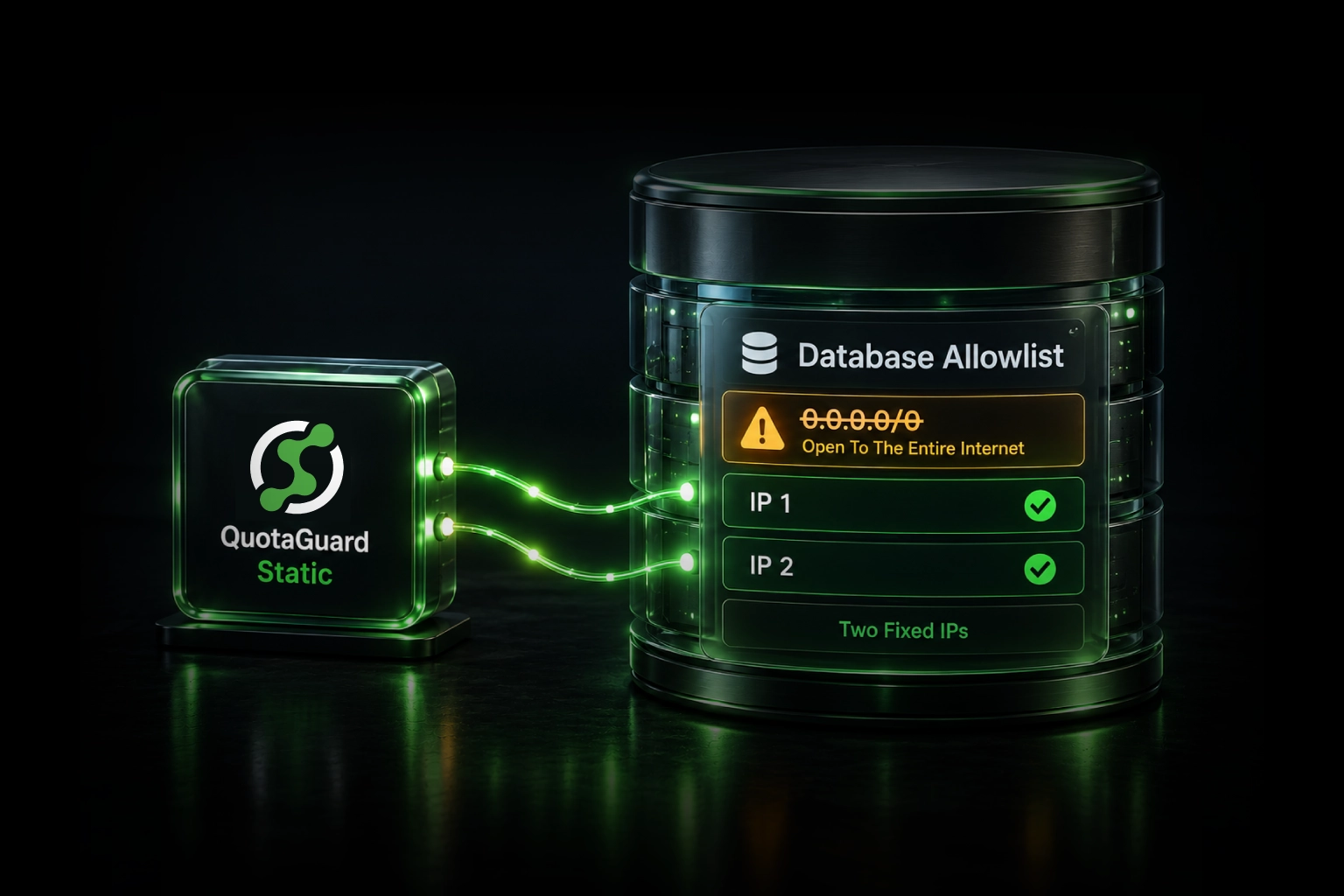
QuotaGuard Static is an HTTP, HTTPS, and SOCKS5 proxy running on AWS. Every account is assigned two static IP addresses behind a load balancer, and those two IPs don't change. You add both to your destination's firewall or API allowlist, route your app's outbound calls through the proxy, and every request exits from one of those two addresses no matter how Clever Cloud rotates underneath. Your two assigned IPs are shown in your QuotaGuard dashboard after sign-up.

Set Your Proxy URL as a Clever Cloud Environment Variable

Store the proxy URL from your QuotaGuard dashboard as an environment variable on your app, using the Console or the Clever Tools CLI. Then restart so the variable is available to your running app.

clever env set QUOTAGUARDSTATIC_URL "http://username:password@proxy.quotaguard.com:9293"
clever restart

The value looks like a URL with credentials baked in. Keep it in the environment, not in your source code, so you can rotate it without a redeploy.

Route Only the Calls That Need the Static IP, in Your Code

Attach the proxy to the specific requests that hit an allowlisted destination, rather than forcing all traffic through it. This keeps your Clever Cloud add-on connections, like PostgreSQL and Redis, on the platform's private network where they belong, and it means a proxy issue can only affect the calls you deliberately routed.

In Node.js, read the proxy URL from the environment and pass an agent on the individual request. The agent option is honored by node-fetch. Node's built-in fetch ignores it and needs an undici dispatcher instead.

const fetch = require('node-fetch');
const { HttpsProxyAgent } = require('https-proxy-agent');
 
const agent = new HttpsProxyAgent(process.env.QUOTAGUARDSTATIC_URL);
 
// Only this request exits from your two static IPs
await fetch('https://api.partner.example.com/orders', {
  method: 'POST',
  agent,
  headers: { 'Content-Type': 'application/json' },
  body: JSON.stringify(payload),
});

In Python, pass proxies on the individual call with the requests library. Calls without that argument continue to use Clever Cloud's normal egress.

import os, requests
 
proxies = {
    "http": os.environ["QUOTAGUARDSTATIC_URL"],
    "https": os.environ["QUOTAGUARDSTATIC_URL"],
}
 
# Only this request exits from your two static IPs
requests.post("https://api.partner.example.com/orders",
              json=payload, proxies=proxies)

The destination now sees a request from one of your two fixed IPs and can allowlist both once.

Or Set HTTP_PROXY Globally for a Quick Start

If you want every outbound HTTP call to route through the proxy without touching code, set the standard proxy variables and exclude internal hosts. This is faster to set up but coarser, so use it when most of your external calls need the static IP.

clever env set HTTP_PROXY "http://username:password@proxy.quotaguard.com:9293"
clever env set HTTPS_PROXY "http://username:password@proxy.quotaguard.com:9293"
clever env set NO_PROXY ".clever-cloud.com,localhost,127.0.0.1"
clever restart

Set NO_PROXY to keep Clever Cloud add-on and internal traffic off the proxy. The risk with the global approach is that any internal host not covered by NO_PROXY gets routed through the proxy too, which is why the in-code pattern above is the safer default.

Verify Your App Is Using the Static IP

After configuring the proxy, make a request to the QuotaGuard IP check endpoint through the same path and confirm the address.

curl -x "$QUOTAGUARDSTATIC_URL" https://ip.quotaguard.com

The response returns the IP your request came from. It should match one of the two static IPs in your QuotaGuard dashboard. Check a few times and you will see both IPs in rotation.

EU Teams Can Keep Traffic Inside the EU

Clever Cloud is a European platform, and QuotaGuard supports EU data residency at three levels. Running your app through a QuotaGuard EU region in Frankfurt, Ireland, or London keeps outbound traffic exiting from an EU IP, which meets the literal data-residency requirement on shared infrastructure. Enterprise plans give you dedicated EU IPs, which removes the shared-tenancy question an auditor will raise. For the strongest guarantee, the Data Residency add-on locks all proxy traffic, static IPs, and connection logs to the EU with no cross-border failover, starting at $899 per month on top of your plan. See the US and EU data residency page for details.

QuotaGuard Static Pricing Starts at $19/Month

Bandwidth is bundled, with no per-GB overage fees. API calls and partner integrations are low-volume for most apps, so the Starter plan covers a typical workload. Dedicated IPs are available on Enterprise and above. On Starter, Production, and Business, your two assigned IPs are still static, but shared with other customers.

QuotaGuard Shield Pricing Starts at $29/Month

For standard API calls and integrations, Static is the right product. Use QuotaGuard Shield when your app moves regulated data, such as health records, payment information, or sensitive PII, or when your environment requires that no proxy ever decrypts traffic in transit. Shield uses SSL passthrough, so QuotaGuard does not decrypt your payload contents and your TLS keys never leave your servers. It costs slightly more than Static at each tier.

All plans include a 3-day trial. Enterprise plans include a 7-day trial. Credit card required.

See the full pricing table at quotaguard.com/products/pricing.

QuotaGuard Static IP Blog

Practical notes on routing cloud and AI traffic through Static IPs.

Reliability Engineered for the Modern Cloud

For over a decade, QuotaGuard has provided reliable, high-performance static IP and proxy solutions for cloud environments like Heroku, Kubernetes, and AWS.

Get the fixed identity and security your application needs today.