
Shopify’s New IP Allowlist Requirement for Public Apps: What Developers Need to Know

QuotaGuard Engineering
November 11, 2026
•
5 min read
Pattern

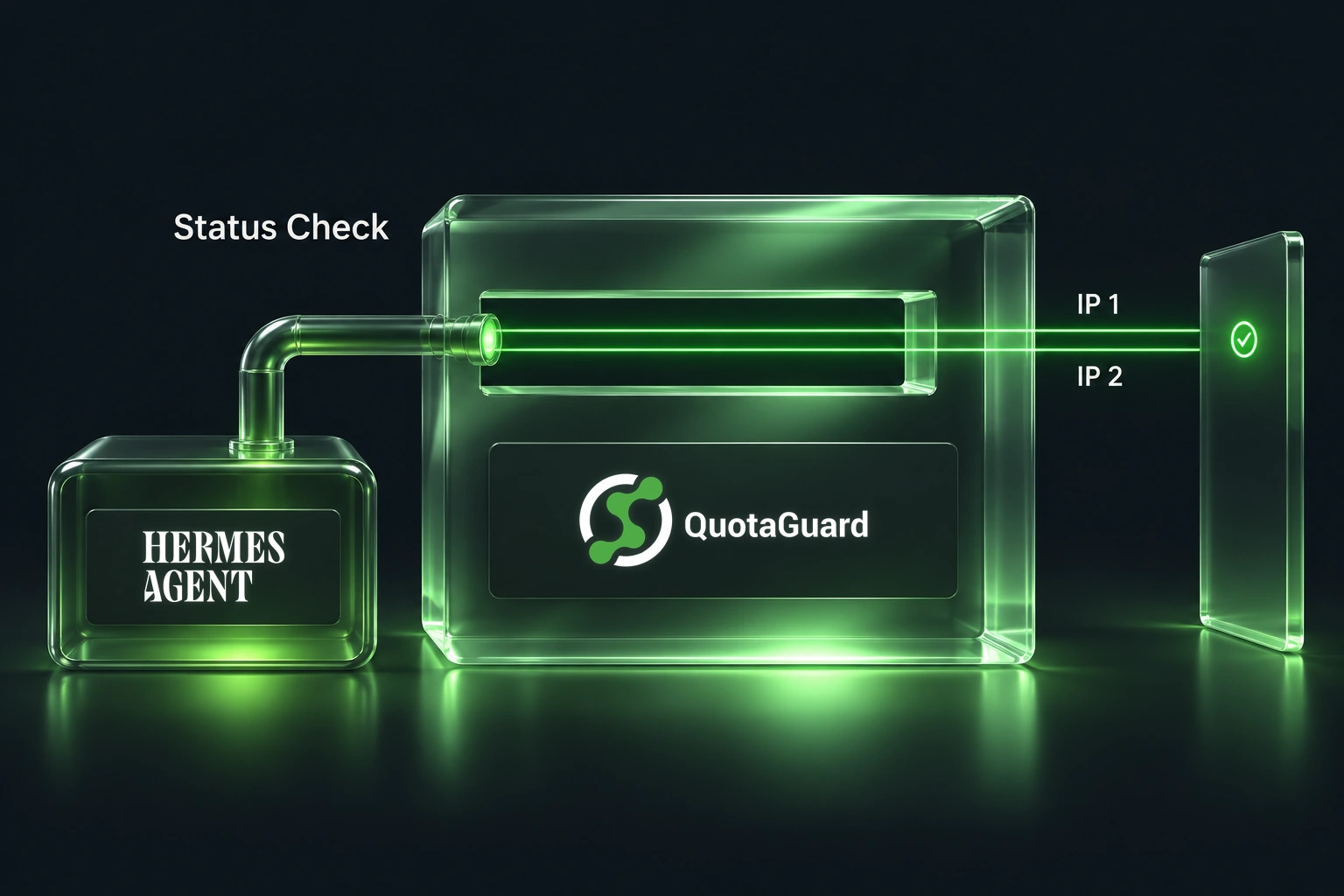
Routing supported server-side Shopify Admin API requests through QuotaGuard gives your app two static outbound IPs to enter in Shopify's IP allowlist.

Shopify announced a new IP allowlist requirement for public apps on November 5, 2026. Apps without an allowlist face failed bulk operations after November 12 and delisting and blocked new installs after November 20. Developers need to identify where their Admin API calls originate and configure the allowed network path.

A fixed outbound IP pair gives your Shopify app a small allowlist that doesn't depend on which application instance runs the next job. That's useful when your web service, queue workers, and scheduled tasks all make Admin API calls. QuotaGuard provides that fixed egress without requiring your team to operate the proxy infrastructure.

The November Deadlines Affect Bulk Operations and New Installs First

Shopify's November 5 announcement sets two immediate deadlines for public apps without an allowlist:

  • November 12, 2026, at 11:59 PM Eastern: bulk operations fail to execute.
  • November 20, 2026, at 11:59 PM Eastern: apps are delisted from the Shopify App Store and blocked from new installs.

Custom apps and merchant-created apps are excluded from this requirement. Public apps making Admin API calls from merchant infrastructure can request an extension through the announcement's linked form.

Existing installations keep working after November 20. Shopify's rollout documentation schedules a merchant warning for January 15, 2027, then rejection of GraphQL and REST Admin API requests on April 1, 2027. Don't read the November delisting deadline as an immediate shutdown of every installed app.

Fixed IP Rules Narrow the Allowlist to Your Egress Addresses

Shopify accepts IP/CIDR rules or hosting-network ASNs. Country restrictions can narrow ASN rules for dynamic hosting. Other customers of an allowed network could also use a stolen token from that network. Shopify explains the tradeoff here.

With QuotaGuard, you can allowlist two fixed addresses rather than an entire hosting-provider network. The distinction is the size of the allowed network boundary. Shopify supports both approaches; this guide uses fixed IP rules.

QuotaGuard Gives Routed Requests Two Stable Egress Addresses

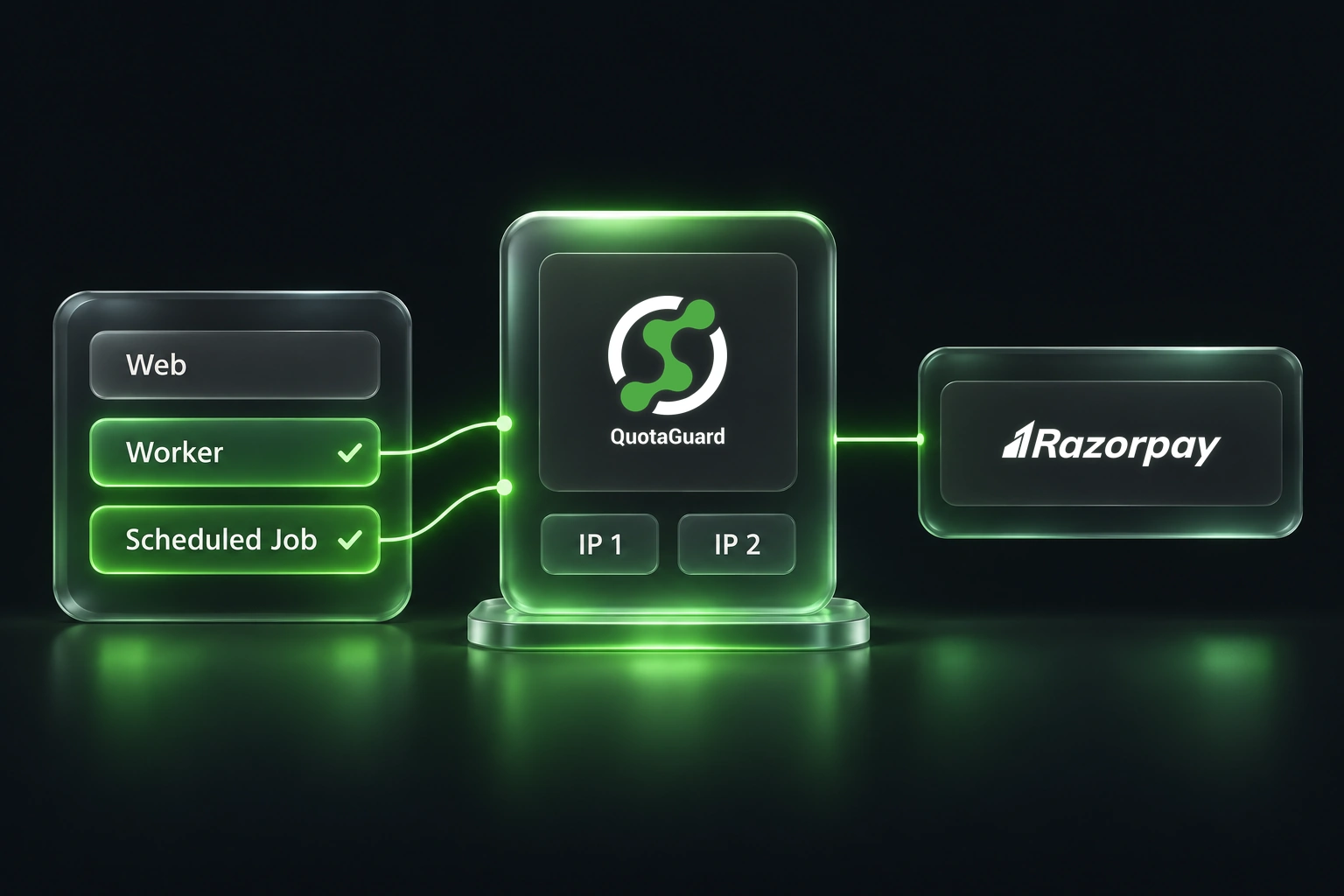
QuotaGuard assigns each subscription two static IPs behind a load balancer. Add both addresses to the destination's allowlist. The proxy provides a consistent exit path for the requests you've configured to use it. A worker can move hosts without changing the destination allowlist, provided its requests continue through the same QuotaGuard subscription.

The outbound path is straightforward: your server-side HTTP client connects through QuotaGuard, and QuotaGuard connects to Shopify. Your application can continue running on its existing host. You manage the client configuration and Shopify allowlist. QuotaGuard operates the proxy infrastructure, load balancing, and failover, so your team doesn't have to maintain its own proxy fleet.

QuotaGuard Static supports outbound HTTPS through CONNECT tunnels. The application-to-destination TLS session carries the encrypted API payload through that tunnel. QuotaGuard doesn't decrypt that payload in ordinary operation.

The same subscription's IP pair can serve other supported e-commerce and business API clients alongside Shopify. That lets you reuse the egress setup across vendors. Each destination still needs its own allowlist and compatible client configuration.

Standard Starter, Production, and Business subscriptions use shared static IP pairs. They aren't exclusive addresses. If your security policy requires an IP pair reserved for your traffic, Enterprise includes dedicated IPs. A smaller shared-IP allowlist narrows the network boundary, but it doesn't establish exclusive identity. Protect your Shopify tokens and proxy credentials either way.

Configure Every Server-Side Caller That Needs the Fixed IPs

Start with an inventory of the processes that call Shopify. Include the main web service, background workers, scheduled imports, maintenance scripts, and any separate service that starts bulk jobs. A proxy configuration in the web process won't necessarily apply to a worker with its own HTTP client.

  1. Select the supported proxy configuration for your runtime and client. Use the matching QuotaGuard documentation. Verify that your Shopify SDK uses that configured client rather than opening a separate direct connection.
  2. Store the supplied proxy URL as a secret. QuotaGuard Static uses QUOTAGUARDSTATIC_URL. Setting an environment variable alone isn't proof that a client uses it. Confirm the client's documented proxy behavior.
  3. Route a representative request through the real application path. Test the worker or service that will run the job, not just a terminal on your laptop. Check the observed outbound IP against the subscription's assigned pair.
  4. Check each deployment environment. Include independently configured workers and services in your rollout checklist. Keep proxy credentials out of browser code, repositories, and logs.

This is an architecture and rollout guide, not a claim that every Shopify SDK or hosting runtime has been tested with QuotaGuard. If your client can't use an explicit outbound proxy, ask QuotaGuard support about that exact runtime before changing production traffic.

Test the Allowlist Before Enabling Enforcement

In Shopify's Dev Dashboard, open your app's Settings and manage its IP allowlist. Choose IP addresses and enter both QuotaGuard IPs. Run Shopify's test against the last 30 days of traffic. Review blocked callers before enabling enforcement and saving. Confirm an outside request receives 403. Follow the official setup steps.

Historic traffic may include the direct route you're replacing. Treat that as a reconciliation task: identify the caller, confirm its new proxy route, and test again. Don't add a broad range just to make every warning disappear.

Also test a normal application workflow after the change. A successful network connection isn't proof that your import, queue job, or bulk-operation workflow finished. Keep token permissions, API errors, and application failures separate from the source-IP check.

Separate Outbound API Calls From Shopify Webhook Delivery

This setup controls requests your app sends to Shopify. Webhooks travel the other direction. Changing a webhook destination doesn't configure your app's Admin API egress. Our Shopify webhook guide covers that separate inbound use case.

Flow and Oxygen have documented incompatibilities. Embedded apps, POS, and dev previews have exceptions. Check Shopify's compatibility rules before applying this server-side pattern elsewhere.

QuotaGuard Static Pricing Starts at $19/Month

QuotaGuard Static direct plans start at $19 per month with a shared static IP pair and bundled bandwidth. Size the plan for the requests and data you actually route through it. Enterprise starts at $219 per month and includes dedicated IPs. That distinction matters when the allowlist must identify infrastructure reserved for your traffic.

QuotaGuard Shield Pricing Starts at $29/Month

QuotaGuard Shield direct plans start at $29 per month. Shield supports SSL passthrough and an encrypted connection to the proxy. Consider it for sensitive customer data or specific encryption requirements. Verify proxy-over-TLS support in your HTTP client first. Clients without native support may need QGPass, which must be able to run alongside your application. Shield isn't an automatic compliance certification.

Standard trials last three days. Enterprise trials last seven days. A credit card is required. Compare QuotaGuard plans and choose the routing and isolation level your app needs.

The goal is a verified outbound path and an allowlist you can explain. Cover every caller, test the change, and keep the allowed network surface as small as your architecture permits.

QuotaGuard Static IP Blog

Practical notes on routing cloud and AI traffic through Static IPs.

Reliability Engineered for the Modern Cloud

For over a decade, QuotaGuard has provided reliable, high-performance static IP and proxy solutions for cloud environments like Heroku, Kubernetes, and AWS.

Get the fixed identity and security your application needs today.