Give Shopify Webhooks a Fixed Destination IP Your Firewall Can Allowlist

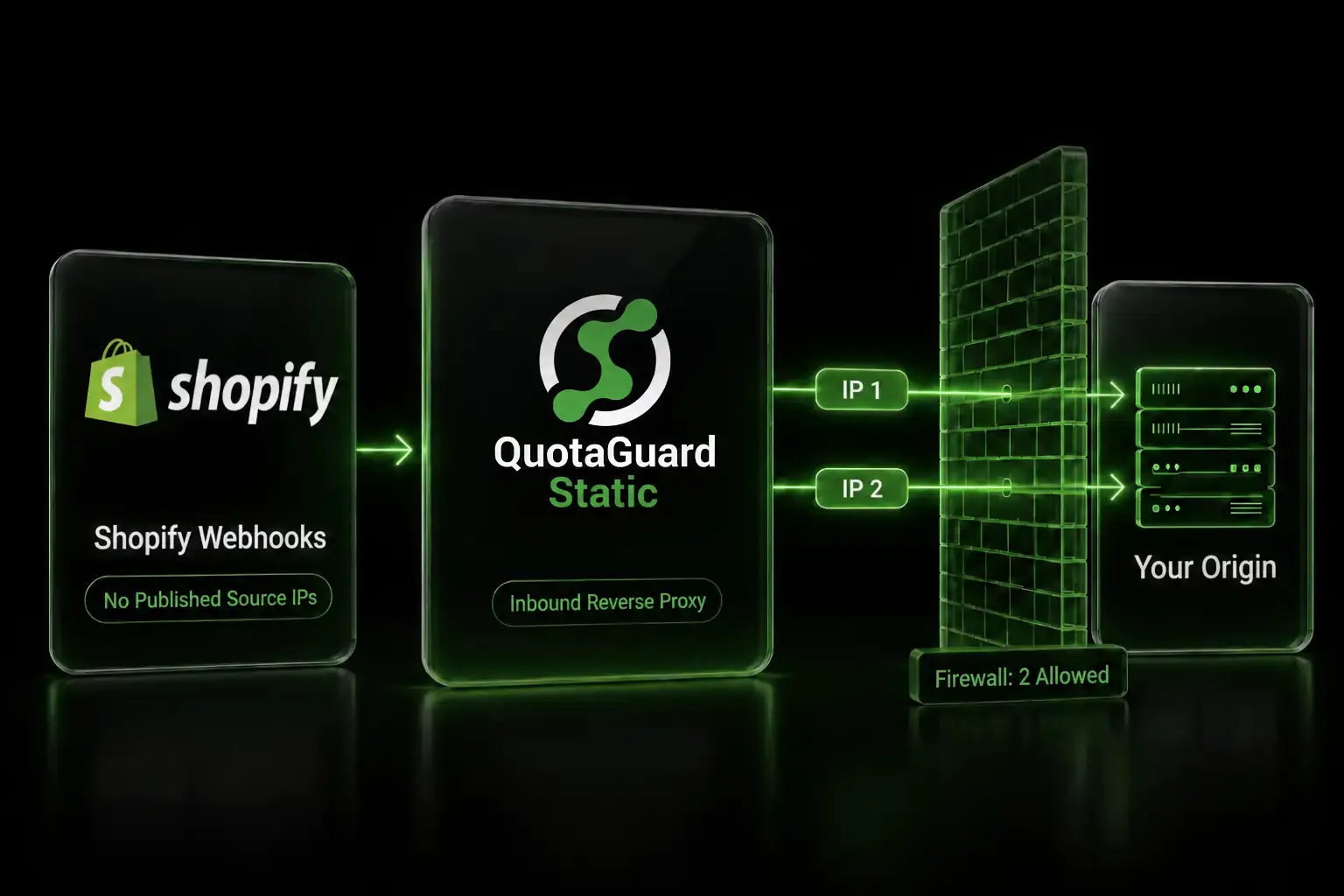
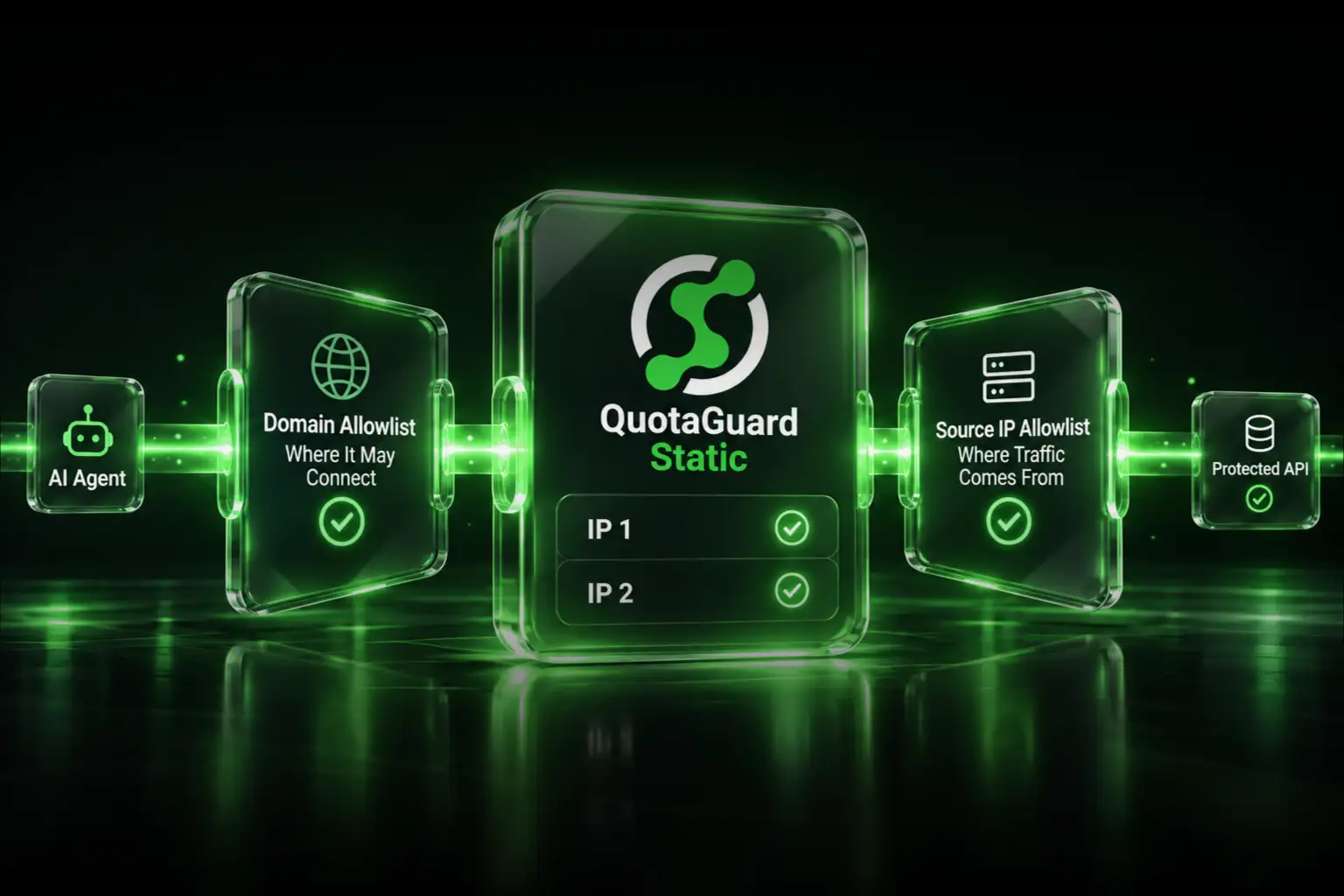
Shopify publishes no webhook source IPs, so allowlist your proxy instead. Deliveries land on two fixed QuotaGuard IPs your origin firewall trusts.
Ask Shopify for the IP ranges their webhooks come from and you get the same answer every time. There aren't any. Developers have been asking in the Shopify forums since at least 2021, and the reply hasn't changed. That leaves a lot of teams with a webhook receiver open to the entire internet because there was nothing else to put in the firewall rule.
Shopify Verifies Webhooks With HMAC Because Its Delivery IPs Are Not Fixed
Shopify's position is stated plainly by their staff in the developer forums. Liam-Shopify, replying on November 14, 2025 to a request for webhook IPs: there is no static IP for webhook delivery because of the dynamic nature of their infrastructure. Donal-Shopify said the same thing on January 7, 2026 and went further, noting that IP-based allowlisting isn't really an option and that HMAC validation is the intended approach for verifying webhook authenticity.
These are forum replies from identified Shopify staff, not documentation. Shopify's own docs never publish a range, a CIDR block, an ASN, or a hostname pattern for webhook delivery. If you find IPv6 ranges in a Shopify changelog, those are inbound to Shopify storefronts and have nothing to do with webhook egress.
So the source address is off the table. What's left is the destination address, and that one you can control.
Pub/Sub and EventBridge Remove the Public Endpoint Entirely
Before the proxy, the honest alternative. Shopify supports Google Cloud Pub/Sub and Amazon EventBridge as first-class delivery methods, and recommends Pub/Sub over HTTPS delivery. With either one, Shopify never opens a connection to your infrastructure at all. It publishes into a message bus you own and your consumer pulls from it. No listener, no public hostname, no certificate, no firewall rule, no source IP question. Shopify's docs even drop the HMAC requirement for cloud event bus deliveries, because the bus handles authenticity.
If your requirement is literally "nothing of mine listens on the public internet," the event bus satisfies it and a proxy does not. A proxy relocates the public endpoint. It doesn't remove it. Say that out loud to your security team before you build anything, because they'll ask.
A Reverse Proxy Wins in Four Specific Cases
The event bus is a good answer with a real cost: a second cloud account, IAM surface, a consumer, dead-letter handling, and a bill. There are four situations where it's either unavailable or not worth paying that.
Merchant-configured webhooks. The Settings, Notifications, Webhooks screen in the Shopify admin accepts an event, a format, a URL, and an API version. There is no Pub/Sub option and no EventBridge option on that screen. A merchant or an integrator working without a Shopify app has no bus route at all. Shopify also blocks a set of URLs there: localhost, anything ending in the word "internal," any custom domain attached to the store, fake domains, and Shopify domains. A neutral public hostname is what fits.
An HTTPS receiver already in production. Re-architecting a working handler into a queue consumer is a sprint. Adding a firewall rule is an afternoon.
Multi-vendor consolidation. Shopify plus a payment processor plus a logistics API plus whatever else, none of which agree on a cloud bus, all of which need to reach the same origin. Two addresses covers every one of them.
No new cloud dependency. On-premises, a different cloud, a data residency policy, or a procurement process that makes adding AWS or Google Cloud a quarter-long conversation.
An Inbound Proxy Gives Shopify One Permanent Address
QuotaGuard's inbound proxy is a hosted reverse proxy configured in the dashboard. You create it under Setup, Configure Inbound Proxies, Create an Inbound Proxy, and enter your origin as the forwarding URL. Nothing installs on your side.
QuotaGuard issues a hostname of the form <hash>.getstatica.com, and that hostname resolves to your subscription's two static IPs. You can use it directly, in which case there's no certificate to deal with, or point your own subdomain at it with a CNAME and upload a PEM bundle for that domain. The CNAME is the better habit, because your domain keeps working if the underlying addresses ever change.
Whichever you pick, that URL is what goes into Shopify. In shopify.app.toml and in the GraphQL Admin API the field is uri. On the legacy REST endpoint it's address. In the merchant admin it's the field labelled URL.
[webhooks]
api_version = "2026-07"

[[webhooks.subscriptions]]
topics = ["orders/create"]
uri = "https://shopify-hooks.example.com/webhooks/orders"
One trap if you're using app-specific subscriptions. Shopify permits a relative uri that resolves against your app's application_url, and Shopify's own templates ship that way. If your subscriptions use relative paths, putting a proxy in front means changing application_url, which pulls in your OAuth redirect URIs and the TLS validation Shopify runs against your app URL during review. That's a bigger change than editing one webhook field. Switch those subscriptions to absolute URIs first.
Shopify verifies SSL certificates on delivery and will not accept a self-signed certificate, so whatever hostname you hand them has to present a certificate from a trusted CA that matches. Shopify staff have separately flagged a related failure mode worth knowing: a firewall or proxy doing TLS interception and presenting an internal CA certificate breaks deliveries. A corporate inspection appliance in the path is not the same thing as a properly certificated public proxy, and Shopify's client will reject one and accept the other.
Your Origin Firewall Closes to Two Addresses
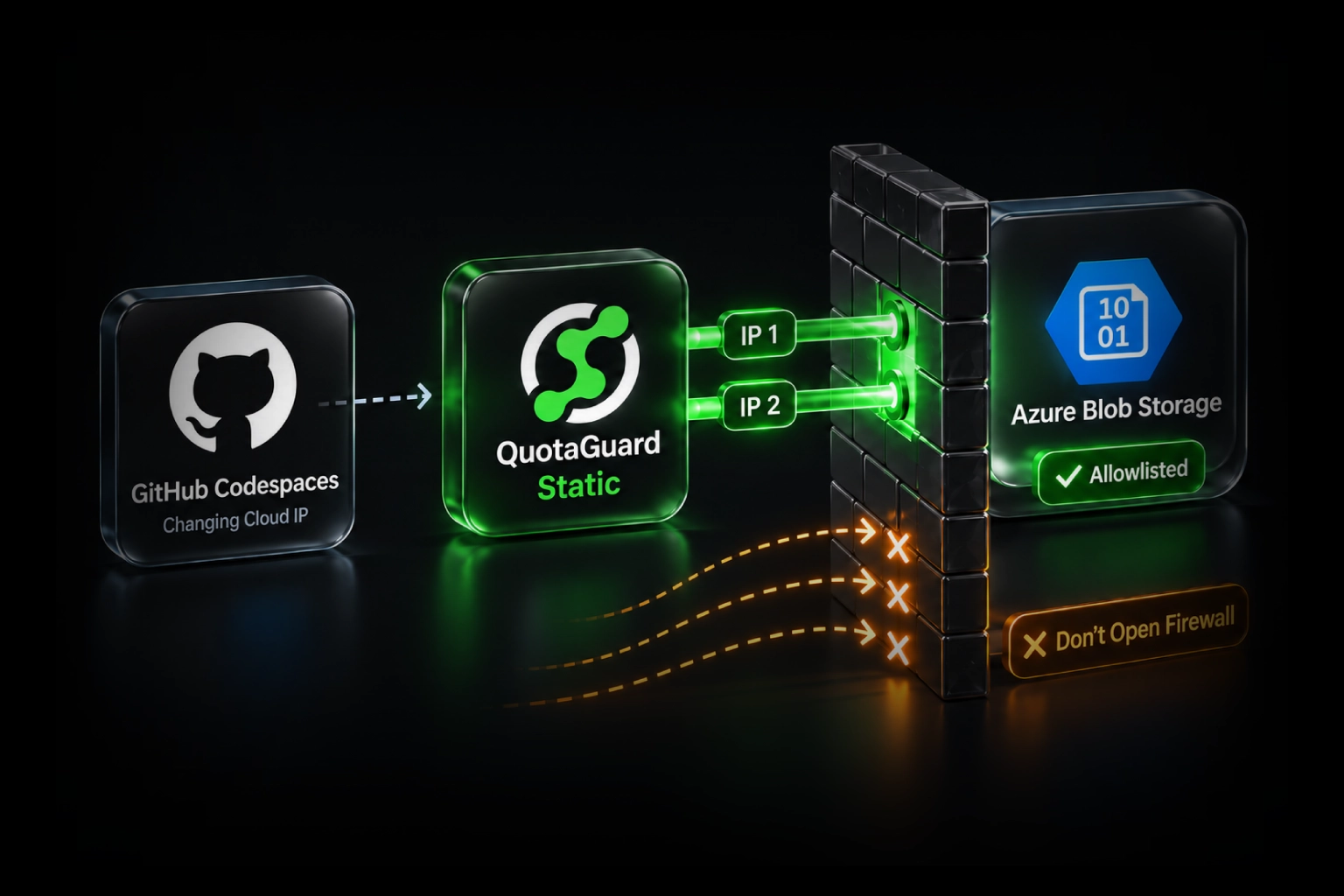
This is the part that actually changes your security posture. Once deliveries arrive through the inbound proxy, your origin only ever sees connections from your subscription's two static IPs. Both go in the firewall rule, because either one can serve any given request. The pair is load balanced with automated failover, and a failover never introduces a third address. Those two addresses are reserved for the life of the subscription.
The rule you're replacing is usually 0.0.0.0/0 with HMAC doing all the work. The rule you end up with is two /32 entries with HMAC still doing its work. That's a network layer you didn't have.
Be precise about what this buys, because a security reviewer will be. The public hostname is still reachable by anyone. What closes is your origin. The internet-facing surface becomes something you can observe, rate-limit, and rotate independently of your application, and your origin stops accepting connections from arbitrary hosts. It does not mean only Shopify can reach you.
One more thing to check before you commit. On Starter, Production, and Business, those two IPs are shared with other QuotaGuard customers. Traffic is authenticated and segregated per subscription, so nothing commingles, but the addresses themselves aren't exclusively yours. If a client's security policy requires that the allowlisted address serve only your traffic, that's a dedicated pair, which is an Enterprise feature.
The Body Arrives Byte for Byte, So HMAC Verification Still Passes
Shopify computes the HMAC as base64-encoded HMAC-SHA256 over the raw request body, keyed with your app's client secret. There's no canonicalization step. No JSON normalization, no field ordering rule, nothing. One changed byte anywhere in the path and every delivery fails verification at your origin, silently, while Shopify records failures on its side.
That makes byte-transparency a hard requirement for anything sitting between Shopify and your handler, and it's the question to ask any proxy vendor before you route production traffic through them.
QuotaGuard Static's inbound path is nginx doing a plain proxy_pass. It reads the body and forwards the same bytes: no transcoding, no decompression, no re-serialization, no truncation. The one framing change is that a chunked request body reaches your origin with a Content-Length instead. Framing isn't content, the bytes are identical, and a body HMAC still verifies. QuotaGuard Shield never touches the body at all, because Shield inbound is SSL passthrough and the TLS session terminates at your origin.
Headers pass through unchanged too. X-Shopify-Hmac-Sha256, X-Shopify-Topic, X-Shopify-Shop-Domain, X-Shopify-Webhook-Id, and X-Shopify-API-Version arrive with the same names and values. QuotaGuard rewrites Host to your origin hostname and preserves the original in X-Forwarded-Host, and sets Connection and X-Forwarded-For. Since Shopify's HMAC covers the body only, none of that affects verification.
Your handler still has to read the raw body before anything parses it. Shopify names express.json() specifically as a thing that breaks verification, and the fix is ordering.
const crypto = require("crypto");

app.post(
  "/webhooks/orders",
  express.raw({ type: "*/*" }),
  (req, res) => {
    const sent = req.get("X-Shopify-Hmac-Sha256") || "";
    const computed = crypto
      .createHmac("sha256", process.env.SHOPIFY_CLIENT_SECRET)
      .update(req.body)
      .digest("base64");

    const a = Buffer.from(sent);
    const b = Buffer.from(computed);

    if (a.length !== b.length || !crypto.timingSafeEqual(a, b)) {
      return res.sendStatus(401);
    }

    res.sendStatus(200);
    queue.push(JSON.parse(req.body.toString("utf8")));
  }
);
If you rotate your client secret, Shopify notes it can take up to an hour before HMACs are generated with the new one. Accept both during that window.
Turn Off Every Redirect in the Delivery Path
Shopify's documentation is unambiguous here: any response outside the 200 range, including 3XX codes, is treated as an error. Shopify does not follow redirects on webhook delivery.
This is the most likely way to break your own setup, because redirects are a reasonable default almost everywhere else. A blanket HTTP to HTTPS redirect, an apex to www redirect, a trailing-slash canonicalization, any of them means 100% delivery failure. On the QuotaGuard inbound proxy, the Static advanced options include protocol handling that can redirect HTTP to HTTPS. Leave it off for a webhook endpoint, and check your origin and any CDN or framework middleware for canonicalization rules while you're there.
Every hop has to terminate the request and answer 2xx directly.
Same-Region Placement Keeps You Inside Shopify's Timeouts
Shopify enforces two timeouts, and the one nobody quotes is the one that matters for a proxy. There's a one-second connection timeout and a five-second timeout for the entire request.
The one-second budget applies to the TCP connect, and with an inbound proxy that connect terminates at nginx, which answers immediately regardless of what your origin is doing. That's an architectural detail worth knowing: the proxy absorbs the tightest of Shopify's two limits rather than eating into it.
The five-second budget is your origin's to meet, and the proxy hop takes a few milliseconds of it when the regions line up. Measured on a live QuotaGuard proxy, nginx itself adds roughly a millisecond. The rest is the network leg, which is why placement is the real variable. Put the inbound proxy in the same region as your origin. Cross-region can add hundreds of milliseconds, and that comes straight out of your five seconds.
QuotaGuard runs in 12 AWS regions, and you pick yours at sign-up. Changing it later goes through support, so choose based on where your origin lives rather than where your Shopify store is.
Two related details. Shopify asks that keep-alive be enabled on the receiving endpoint, and keep-alive from Shopify to QuotaGuard is supported. QuotaGuard opens a new connection to your origin per request with TLS session reuse, so the handshake after the first is the short one. And the inbound proxy has a body size limit above which nginx returns 413 before forwarding. Shopify webhook payloads sit well below it, but if you're subscribed to something unusually large, ask support to raise it.
Whatever you build, respond first and process afterward. Shopify's own guidance is to queue the work and answer inside the five seconds.
Subscription Type Decides What a Proxy Outage Costs You
Shopify retries a failed delivery 8 times over 4 hours with exponential backoff. What happens after that depends entirely on how the subscription was created, and the asymmetry is not widely known.
App-specific subscriptions, the ones declared in shopify.app.toml, are not deleted by Shopify when they fail. Shop-specific subscriptions created through the Admin API are. Merchant-created webhooks are deleted too, with an email to the store owner. So an outage longer than the retry window is a gap for one kind of subscription and a teardown for another, where you have to recreate the subscription and backfill what you missed.
Shopify documents the deletion threshold inconsistently, saying 8 consecutive failures on one page and multiple failures in a 24-hour period on another. Either way, if you're putting a proxy in front of shop-specific subscriptions, that's the risk you're accepting.
Cutover deserves the same care. Shopify delivers retries to the address that was configured when the webhook was triggered, not the address you changed it to five minutes ago. Their own recommendation is to keep both endpoints live for a short period during a migration. Point the proxy at your origin, verify a delivery lands, then update the subscription, and leave the old path answering until the retry window has drained.
HMAC Verification Stays Mandatory at Your Origin
A network allowlist is a second layer, not a replacement for the first. Shopify's security guidance says to treat webhook headers, including the topic and the shop domain, as untrusted until the signature verifies. The proxy doesn't change that.
For apps distributed through the Shopify App Store it's stricter than a recommendation. The mandatory compliance topics, customers/data_request, customers/redact, and shop/redact, must return 401 Unauthorized when the HMAC header is invalid, and Shopify runs automated checks at submission that verify webhooks with HMAC signatures and confirm the compliance webhooks exist. An app behind a proxy has to pass those from behind the proxy. Your origin has to run verification itself and distinguish a bad signature from every other failure.
Test the path before you rely on it. Shopify's CLI will fire a synthetic delivery at any address, which is the right way to confirm your proxy, certificate, and handler all work end to end.
shopify app webhook trigger \
  --topic=orders/create \
  --api-version=2026-07 \
  --address=https://shopify-hooks.example.com/webhooks/orders
Shopify notes that manually triggering a webhook doesn't test your webhook subscriptions, only the endpoint, so confirm a real delivery lands before you close the old path.
QuotaGuard Static Pricing Starts at $19/Month
Bandwidth is bundled. No per-GB overage fees. Webhook traffic is small, so a Shopify integration on Starter has room for a lot of orders before request or bandwidth limits matter. The inbound proxy is included on every QuotaGuard Static direct plan. Dedicated IPs are available on Enterprise and above. On lower tiers, your two assigned IPs are still static, but shared with other customers.
QuotaGuard Shield Pricing Starts at $29/Month
Shield costs slightly more than Static at each tier because SSL passthrough adds routing overhead. The compliance coverage it provides like HIPAA, PCI-DSS, and SOC 2 is worth the difference if your data requires it. For Shopify webhooks specifically, the practical difference is certificate custody: with QuotaGuard Static you upload a PEM bundle for a custom domain and TLS terminates at the proxy, while QuotaGuard Shield uses SSL passthrough so your certificate never leaves your servers and the TLS session runs end to end from Shopify to your origin. Order payloads carry customer names, addresses, and email, so if that data sits inside a compliance scope, Shield is the one to start with.
All plans include a 3-day trial. Enterprise plans include a 7-day trial. Credit card required.
See the full pricing table at quotaguard.com/products/pricing.
Shopify has said they're exploring better options for identifying the origin of incoming webhook data, so this may look different in a year. Today the answer is the one their staff give: verify the HMAC, and if you need a network boundary, put a fixed address in front of your origin and allowlist that. For the outbound half of the same problem, calling IP-restricted APIs from your app, the same subscription's IP pair covers both directions. There's more on that in our guide to static IPs for webhooks.
QuotaGuard Static IP Blog
Practical notes on routing cloud and AI traffic through Static IPs.