Give ECS and Fargate Tasks a Static Outbound IP Without a NAT Gateway

QuotaGuard Engineering
June 18, 2026
5 min read
Pattern

Set HTTP_PROXY and HTTPS_PROXY in your ECS container definition so outbound calls exit from a fixed IP, and add NO_PROXY for the task metadata endpoint.

ECS and Fargate tasks get a different outbound IP every time they launch, scale, or move to a new host. If a vendor API, database, or partner firewall needs to allowlist your egress IP, that rotation breaks the allowlist. The fix that doesn't require a NAT Gateway is an HTTP proxy configured in your container definition. There's one ECS-specific catch you have to get right, and this post covers it.

ECS and Fargate Give You a Rotating Outbound IP by Design

Tasks in the default awsvpc networking mode pull their outbound IP from the subnet they land in. On Fargate you don't own the host, so you can't pin that IP. On EC2-backed ECS the IP is tied to whichever instance the task runs on, which changes as the cluster scales. Either way, the address a vendor sees is not stable, and an allowlist built on it goes stale.

The AWS-native answer is to put your tasks in private subnets and route egress through a NAT Gateway with an Elastic IP. That works. It also adds cost and infrastructure for what is, at its core, an IP identity problem. The numbers are in the comparison section below.

Fargate Has No Host-Level Proxy, So You Set It in the Container Definition

On EC2 Linux instances you can configure an HTTP proxy for the ECS container agent through files like /etc/ecs/ecs.config and the Docker daemon systemd unit. Those files live on the host. Fargate doesn't give you the host, so that path doesn't exist. AWS has had an open feature request for task-level proxy injection since 2018, and there is still no native "set a proxy for the task" toggle.

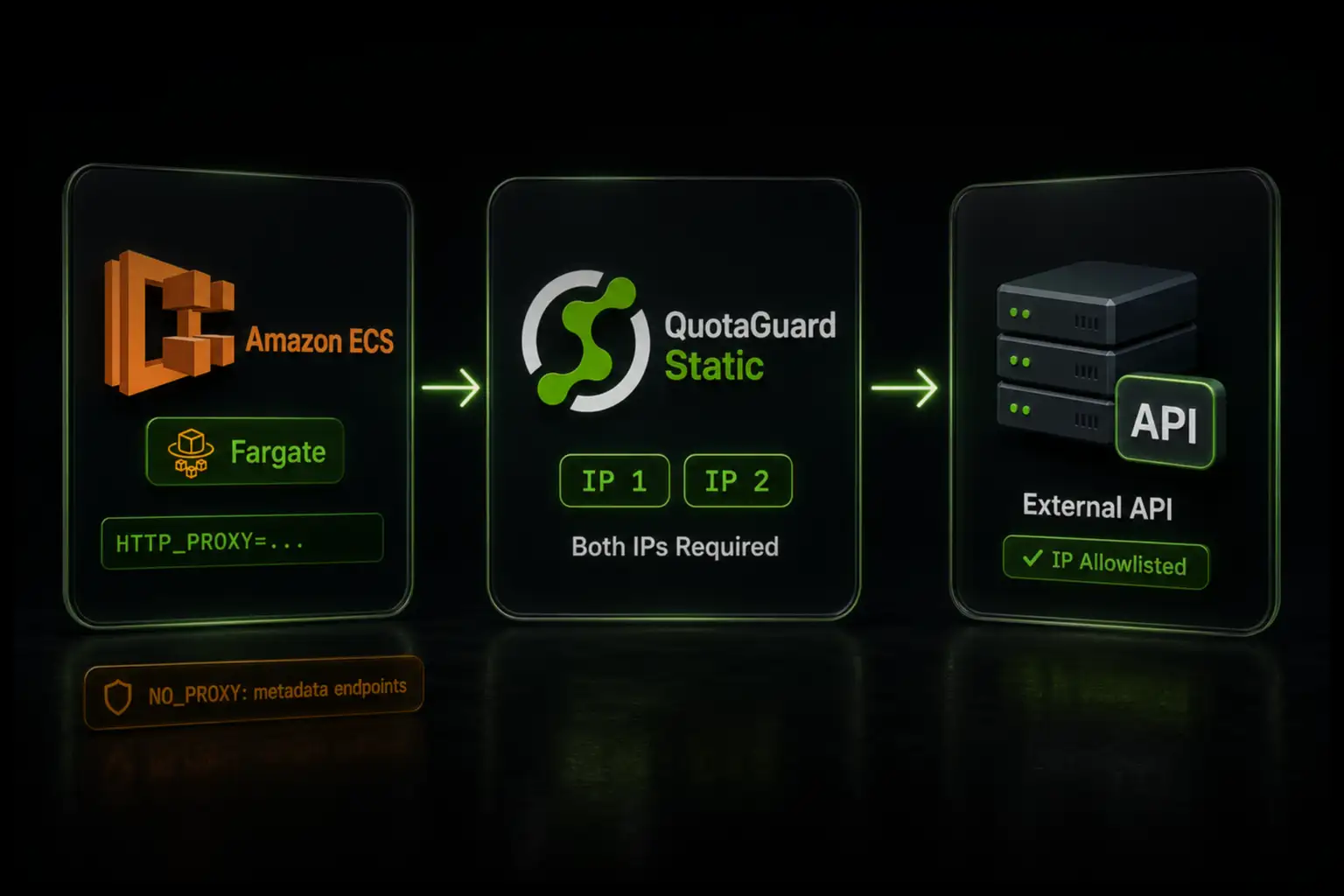
What works on both Fargate and EC2-backed ECS is setting the proxy as environment variables inside the container definition. Your application's HTTP client reads HTTP_PROXY and HTTPS_PROXY and routes outbound calls through them. Every request exits from one of your two static IPs. Allowlist those two IPs with the vendor once and the rotation problem is solved.

{
  "containerDefinitions": [
    {
      "name": "app",
      "image": "your-image",
      "environment": [
        { "name": "HTTP_PROXY",  "value": "http://username:password@proxy.quotaguard.com:9293" },
        { "name": "HTTPS_PROXY", "value": "http://username:password@proxy.quotaguard.com:9293" },
        { "name": "NO_PROXY",    "value": "169.254.169.254,169.254.170.2" }
      ]
    }
  ]
}

You get the proxy URL from your QuotaGuard dashboard after signing up. The same URL works across Dev, Staging, and Production, so you allowlist two IPs total, not one pair per environment.

NO_PROXY for the Metadata Endpoints Is Mandatory, Not Optional

This is the ECS-specific catch. If you set HTTP_PROXY without also setting NO_PROXY, you will route AWS internal metadata traffic through the proxy and break your task.

Two addresses must be excluded. 169.254.169.254 is the EC2 instance metadata endpoint. 169.254.170.2 is the ECS task metadata endpoint, which is also how IAM roles for tasks deliver temporary credentials to your container. Send those through an external proxy and your task loses its IAM role credentials and its metadata access. AWS documents this exclusion directly in its ECS proxy configuration guidance.

QuotaGuard tip: set NO_PROXY=169.254.169.254,169.254.170.2 in the same container definition as your proxy variables, every time, before you deploy. This is the single most common way an otherwise correct ECS proxy setup fails. The symptom is confusing, because the task starts and then can't authenticate to other AWS services, which looks like an IAM problem rather than a proxy problem.

Node.js Needs the Proxy Passed Explicitly

Most runtimes read HTTP_PROXY and HTTPS_PROXY automatically. Python's requests library, Go's net/http via http.ProxyFromEnvironment, and Ruby's Net::HTTP all pick them up with no code changes.

Node.js does not. Native fetch and most npm HTTP clients ignore the proxy environment variables. Pass the proxy explicitly with https-proxy-agent:

const { HttpsProxyAgent } = require("https-proxy-agent");
 
const agent = new HttpsProxyAgent(process.env.HTTPS_PROXY);
const response = await fetch("https://api.yourvendor.com/data", { agent });

Verify the Egress IP Before You Allowlist It

Confirm what IP your task is actually exiting from before you hand anything to a vendor. Run a check through the proxy:

curl -x "$HTTPS_PROXY" http://ip.quotaguard.com

That returns your QuotaGuard static IP, not your subnet's rotating address. Add both of your two static IPs to the vendor's allowlist. QuotaGuard load-balances across the pair, so allowlisting only one causes intermittent failures that are painful to debug.

Database Connections and Non-HTTP Traffic Use QGTunnel

The proxy environment variables cover HTTP and HTTPS only. If your task connects to a database, an SFTP server, or any non-HTTP endpoint that needs a fixed egress IP, an HTTP proxy won't intercept it.

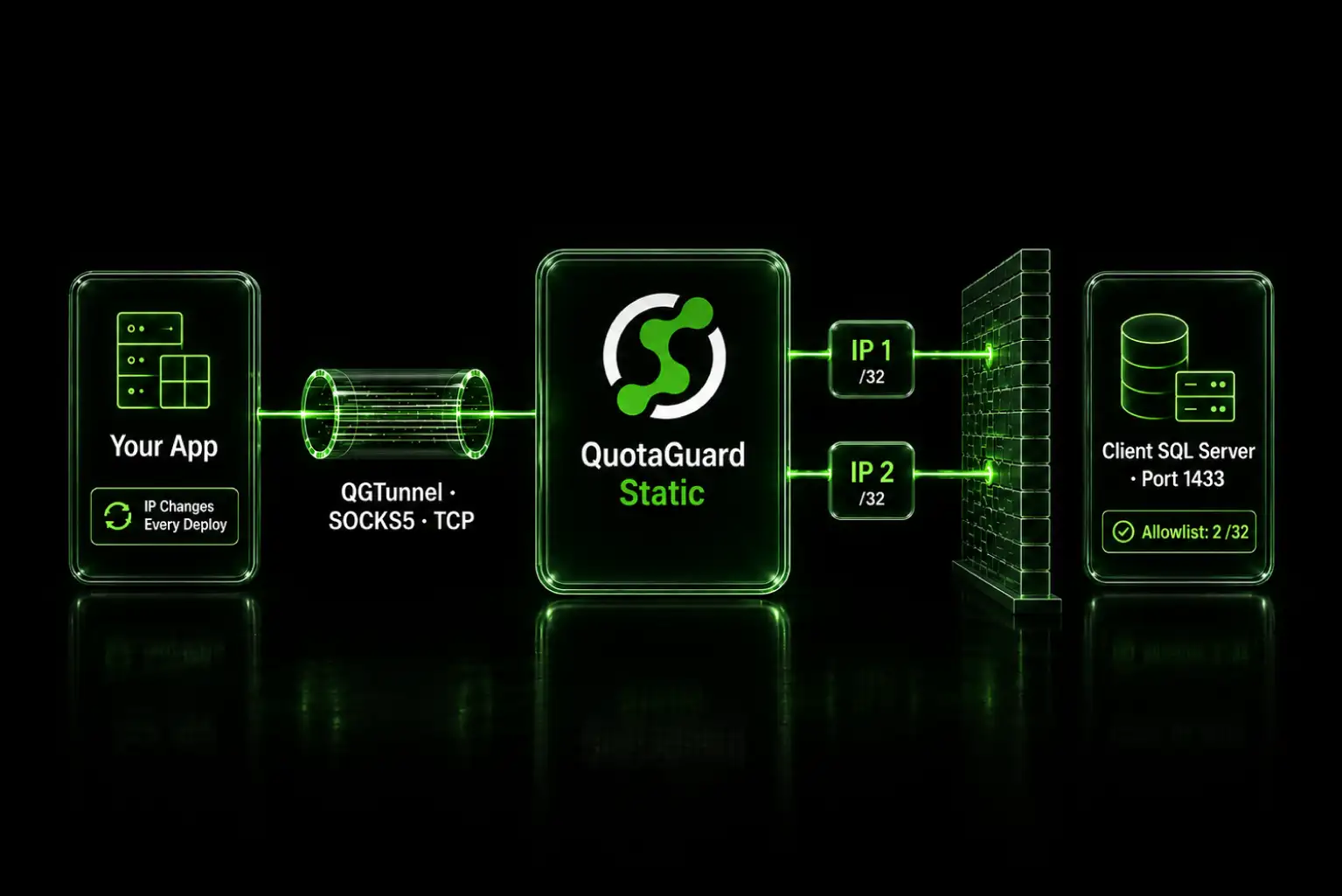
QGTunnel handles that case. It runs as a sidecar container in your task and routes outbound TCP through QuotaGuard without changing your connection strings. Your application's driver sees a normal connection. The tunneling is transparent. Setup is covered in the QuotaGuard documentation.

What This Costs Compared to a NAT Gateway

An AWS NAT Gateway in common US regions is $0.045 per hour, which is about $32 per month for a single gateway running continuously, plus $0.045 per GB processed, plus standard data transfer out charges. AWS recommends one NAT Gateway per Availability Zone for high availability, so a three-AZ production setup is roughly $97 per month before any data charges. That's real infrastructure to provision, route, and maintain.

QuotaGuard Static starts at $19 per month on the Starter plan on a direct plan, with bandwidth bundled and no per-GB processing fee. That gives you two static IPs in a load-balanced pair with automated failover. For teams that need higher volume, Production is $49 per month and Business is $89 per month. Dedicated IPs that no other customer shares are available on the Enterprise plan at $219 per month.

Use QuotaGuard Shield for Regulated or Sensitive Data

The setup above uses QuotaGuard Static, which is the right choice for most ECS and Fargate workloads. If your task handles healthcare records, payment data, PII, or anything under HIPAA or PCI-DSS, use QuotaGuard Shield instead. Shield uses SSL passthrough, so the TLS connection runs end-to-end between your task and the destination and QuotaGuard never decrypts your data. The configuration is the same pattern, with QUOTAGUARDSHIELD_URL in place of the Static proxy URL. Shield starts at $29 per month on a direct plan. See QuotaGuard Shield for the SSL passthrough details.

Get a Static Outbound IP for Your ECS Tasks

ECS and Fargate rotate your egress IP and give you no host-level proxy hook. Setting the proxy in your container definition, with the metadata endpoints excluded through NO_PROXY, gives every outbound call a fixed identity your vendors can allowlist. No NAT Gateway, no private subnet routing, no per-GB processing bill.

See plans and start a trial at quotaguard.com/products/pricing. If you want to talk through a specific ECS or Fargate architecture, contact us and an engineer will respond directly.

QuotaGuard Static IP Blog

Practical notes on routing cloud and AI traffic through Static IPs.

Reliability Engineered for the Modern Cloud

For over a decade, QuotaGuard has provided reliable, high-performance static IP and proxy solutions for cloud environments like Heroku, Kubernetes, and AWS.

Get the fixed identity and security your application needs today.