How to Get a Static IP for Brazilian Payment Gateways (Pagar.me, Asaas, DigitoPay)

QuotaGuard Engineering
July 7, 2026
5 min read
Pattern

Leia este artigo em português

Brazilian payment gateways like Pagar.me, Asaas, and DigitoPay only accept API requests from IP addresses you register in their dashboards. If your app runs on Supabase Edge Functions, Replit, or any serverless platform, its outbound IP rotates and the gateway rejects your requests with an "IP not authorized" error or a refused connection. Get two static IPs from QuotaGuard, add them to your gateway's allowlist, and route your payment calls through the proxy. Use Shield, because this is payment data.

If your PIX charges or payouts are failing with a 401 that says the source IP is not authorized, or your Supabase Edge Function is getting connection-refused errors against your payment provider, the cause is almost always an IP allowlist. Brazilian gateways, regulated by the Banco Central, lock API access to addresses you pre-register, and your cloud platform does not give you a stable one to register.

Brazilian Gateways Reject Requests From Non-Allowlisted IPs

To reduce fraud and meet their regulatory obligations, the major Brazilian payment providers let you restrict API access to a list of approved IP addresses. Once you turn that on, any request from an address not on the list is refused. On Pagar.me the rejection is an HTTP 401 stating the origin IP is not authorized to perform the operation. On other gateways it can show up as a refused connection before any response. Either way, the gateway is enforcing its allowlist, and the fix is to give it an IP that stays put.

This Hits Hardest on Serverless and Edge Functions

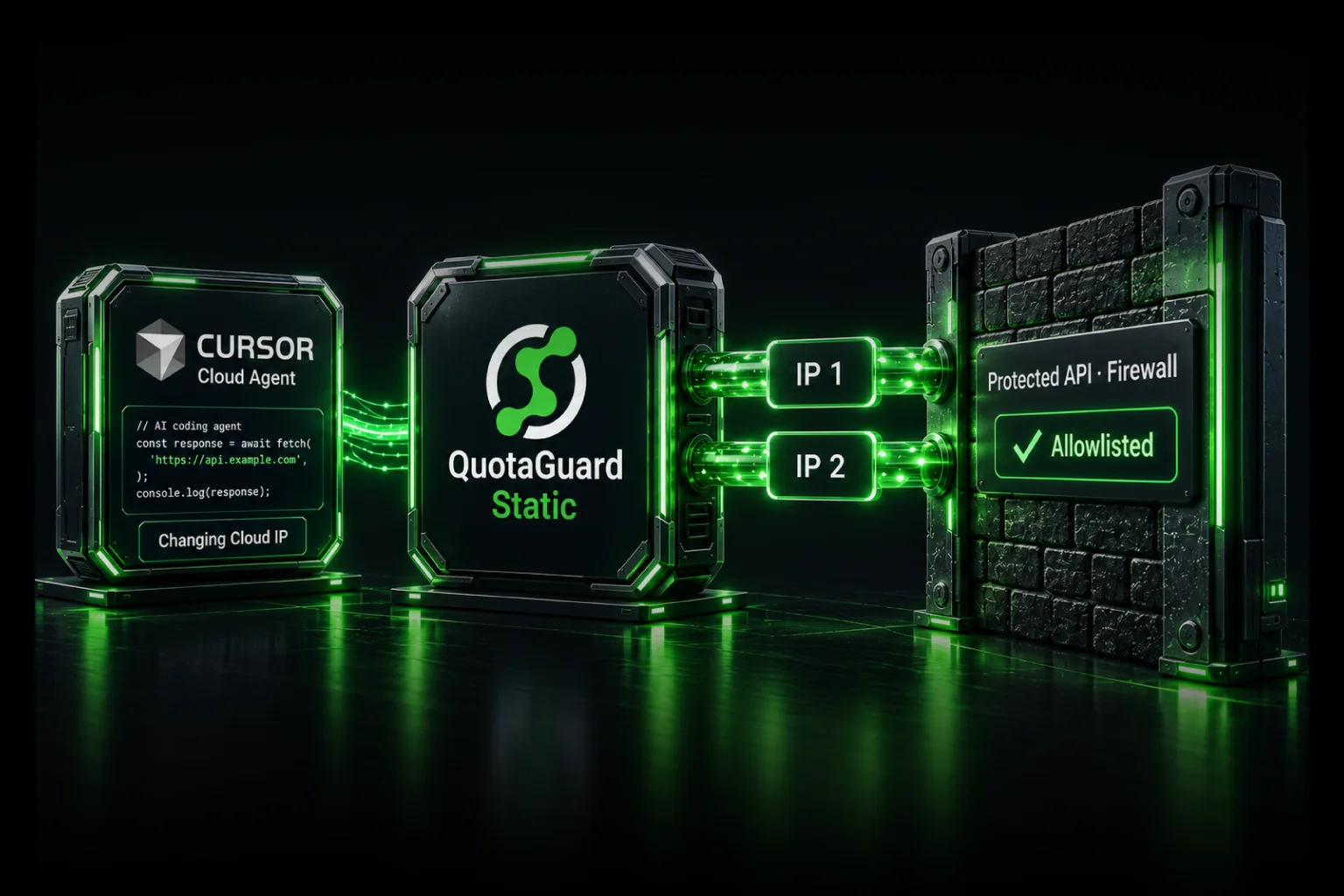
Supabase Edge Functions, Replit, and AWS Lambda assign a different outbound IP on a rotating basis, sometimes per invocation. So even after you allowlist an address, the next request leaves from a different one and gets rejected. This is the exact failure pattern behind connection-refused errors when a Supabase Edge Function calls a Brazilian payment API. There is no single address you can register that stays valid, which is the gap a static IP proxy closes. For the platform-specific setup, see the Supabase Edge Functions static IP guide.

How Each Gateway's Allowlist Works

Pagar.me. Pagar.me offers an IP Allowlist that you manage in the dashboard. It defines which addresses can send transactional requests to your store. Once configured, any address not on the list is blocked, and the API returns a 401 naming the unauthorized IP.

Asaas. Asaas calls it Whitelist de IPs, found under Integrações and Mecanismos de Segurança. Any request from an address not on the list is refused. Asaas adds one detail that matters for payouts: by default, withdrawal requests made through the API are held as a Critical Event that needs manual approval in the web interface or app. You can configure your IP whitelist to exempt trusted origins from that manual step. So for automated BRL payouts at scale, a registered static IP does double duty, it satisfies the allowlist and lets your withdrawals run without manual approval.

DigitoPay. DigitoPay's PIX receiving and paying API is a common choice for Brazilian businesses automating cobranças and payouts. Apps connecting to it from rotating cloud IPs hit the same wall, and a registered static IP keeps the connection stable as request volume scales.

Not every Brazilian gateway uses IP allowlisting, so check your provider's security model before assuming this is your fix. Some, like Efí, authenticate with mTLS client certificates instead. Others, like Mercado Pago, publish their own IP ranges for you to allowlist on your side for incoming webhooks, which is the reverse direction. The static-IP approach in this post applies to gateways that restrict your outbound API requests by source IP.

QuotaGuard Gives You Two Static IPs to Register

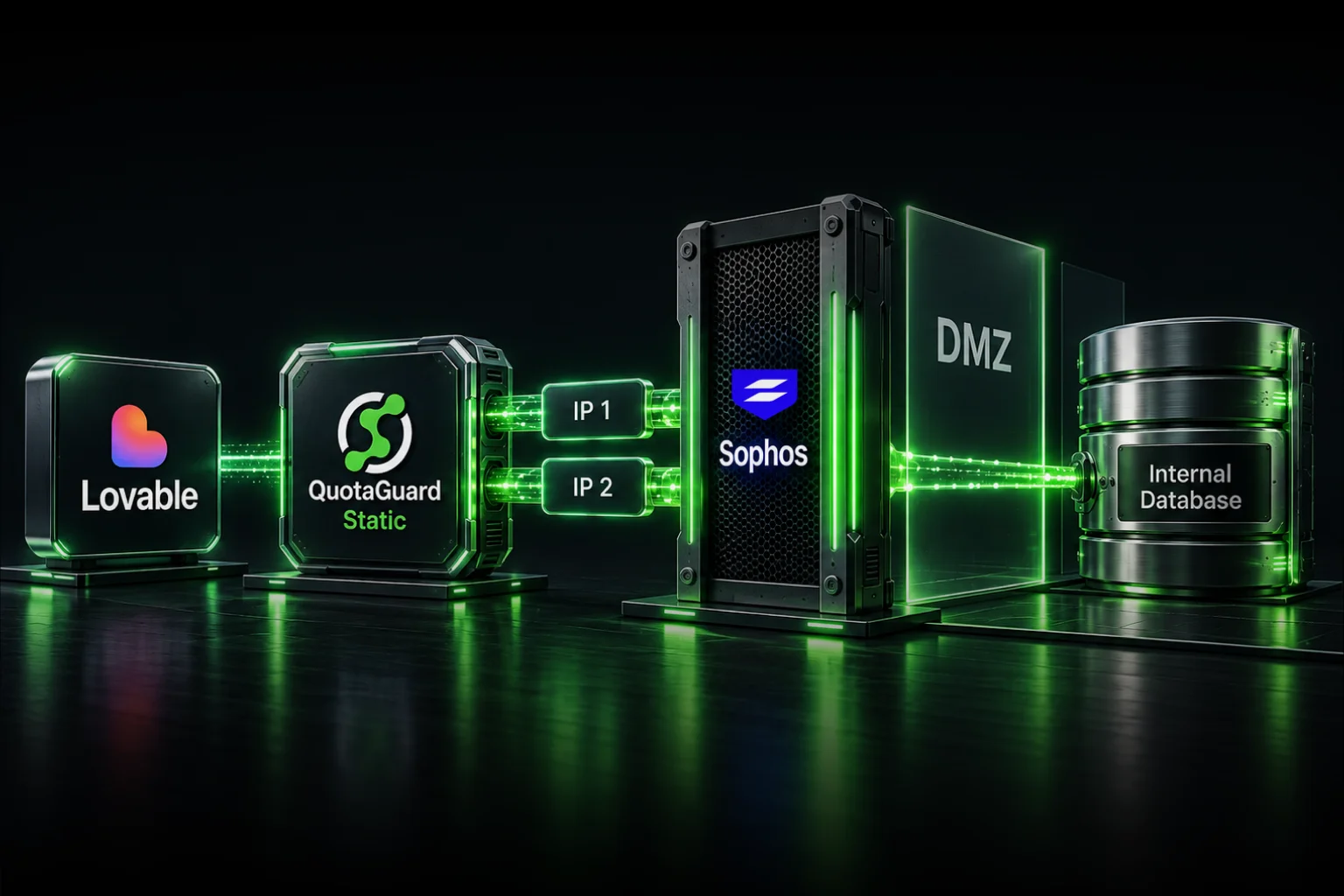
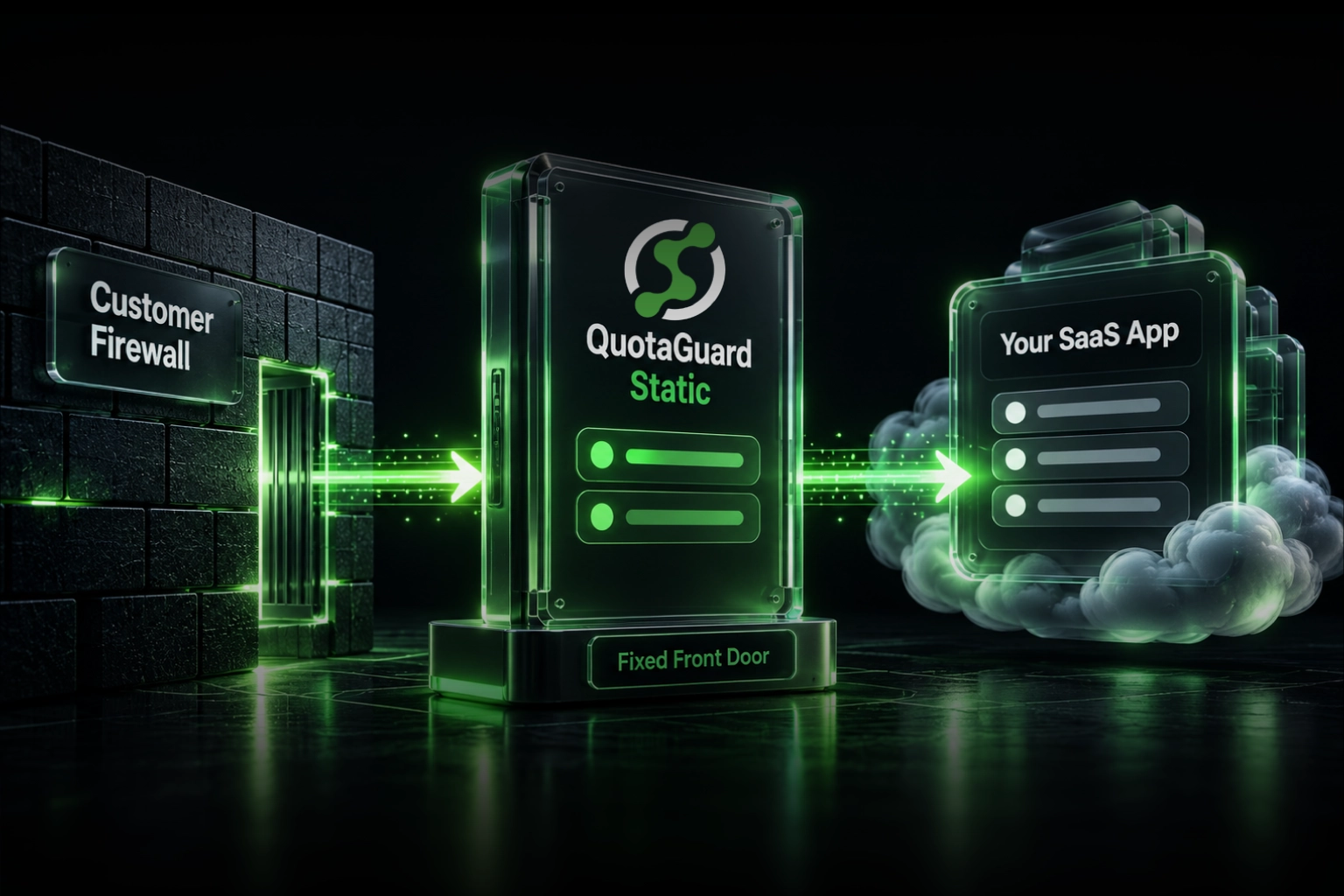
QuotaGuard provides two fixed IP addresses that belong to your account and never change. You route your payment traffic through QuotaGuard, add both addresses to each gateway's allowlist, and every request then arrives from one of them no matter how your platform rotates underneath. Register both, because QuotaGuard load-balances across the pair and either one can serve a given request.

Use Shield for Payment Data

For a payment integration, use QuotaGuard Shield. PIX payloads carry financial details and personal identifiers like CPF and CNPJ, and Shield is the conventional choice for that kind of data because the connection between your app and the proxy is itself encrypted, so your credentials and payment data are never exposed on that hop. QuotaGuard Static also works and does not decrypt your outbound HTTPS traffic, since it carries it through a CONNECT tunnel, but for payment workloads under any compliance review, Shield is the right call.

Set It Up

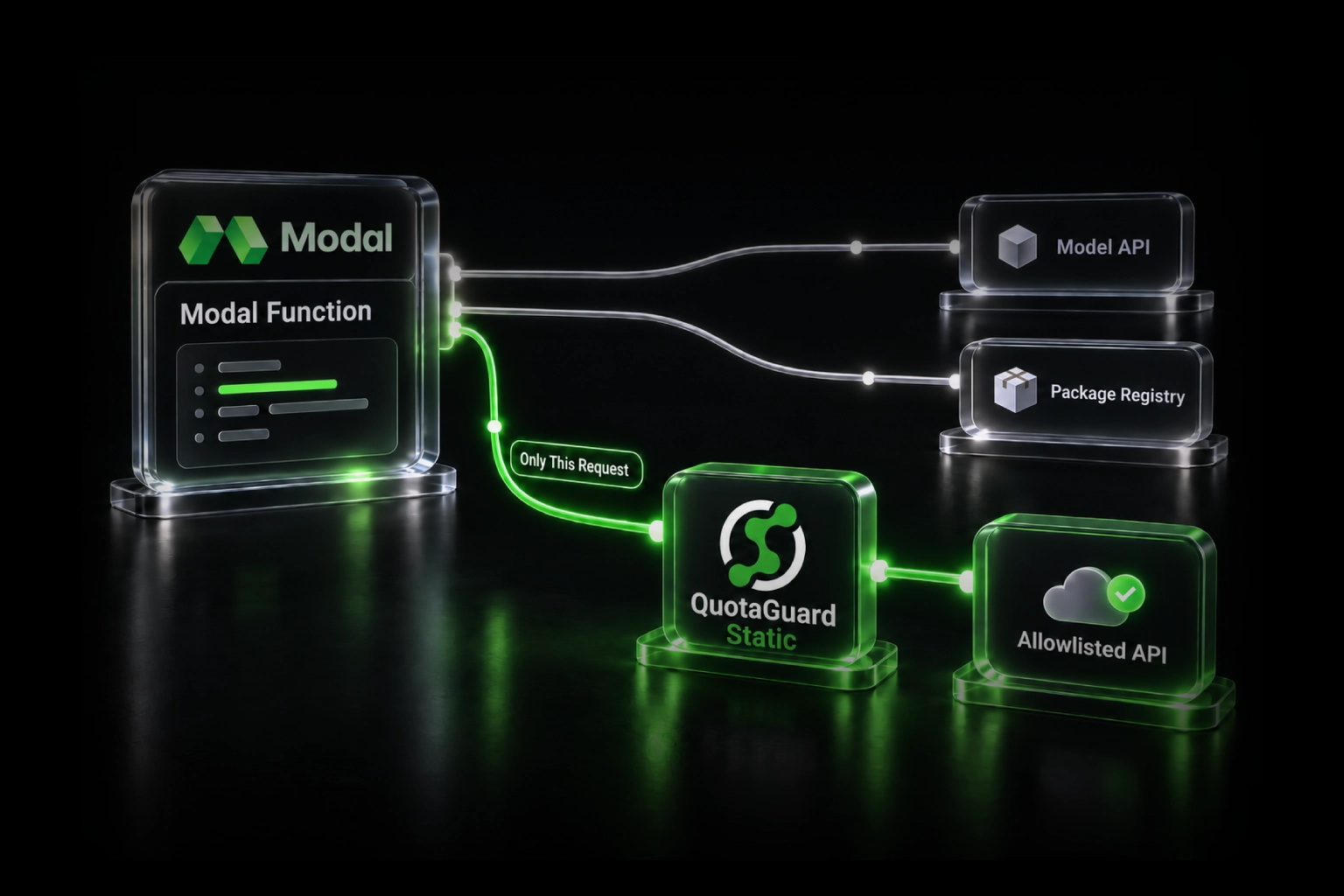
Store your QuotaGuard connection string as an environment variable on your app's host, next to your gateway API keys, then route your payment calls through it. Copy the exact connection string from your QuotaGuard dashboard.

QUOTAGUARDSHIELD_URL="your Shield connection string from the QuotaGuard dashboard"

In Python with the requests library, attach the proxy to the call that reaches your gateway. The endpoint and request body come from your gateway's own API docs; the only thing the proxy changes is the IP your request leaves from.

import os, requests
 
proxies = {
    "http": os.environ["QUOTAGUARDSHIELD_URL"],
    "https": os.environ["QUOTAGUARDSHIELD_URL"],
}
 
# Example: a request to your gateway's API, routed through your static IPs.
# Replace the URL and payload with your gateway's charge or payout endpoint.
resp = requests.post(
    "https://api.asaas.com/v3/payments",
    headers={"access_token": os.environ["ASAAS_API_KEY"], "Content-Type": "application/json"},
    json={"billingType": "PIX", "customer": "cus_000000000000", "value": 100.0, "dueDate": "2026-07-01"},
    proxies=proxies,
)
print(resp.status_code)

On Supabase Edge Functions, the Deno runtime supports a SOCKS5 proxy natively, which is the cleanest way to route an Edge Function's outbound calls. The Supabase guide linked above covers that setup. Whichever platform you are on, after configuring the proxy, route a request to https://ip.quotaguard.com through it and confirm the address matches one of the two static IPs in your dashboard. Then add both to your gateway's allowlist.

QuotaGuard Shield Pricing Starts at $29/Month

Shield is the right product for payment integrations, with bundled bandwidth and no per-GB overage fees. Plans start at $29 per month, and most payment workloads fit on the entry tiers. Enterprise adds dedicated IPs if your gateway's allowlist or your compliance posture treats shared addresses as a risk. If you also have non-payment traffic that needs a static IP, QuotaGuard Static starts at $19 per month. All plans include a trial, 3 days on standard tiers and 7 on Enterprise, with a credit card required. See the full breakdown at quotaguard.com/products/pricing.

QuotaGuard Static IP Blog

Practical notes on routing cloud and AI traffic through Static IPs.

Reliability Engineered for the Modern Cloud

For over a decade, QuotaGuard has provided reliable, high-performance static IP and proxy solutions for cloud environments like Heroku, Kubernetes, and AWS.

Get the fixed identity and security your application needs today.