Give Your Databricks Connection a Static IP for IP Access List Allowlisting

QuotaGuard Engineering
July 13, 2026
5 min read
Pattern

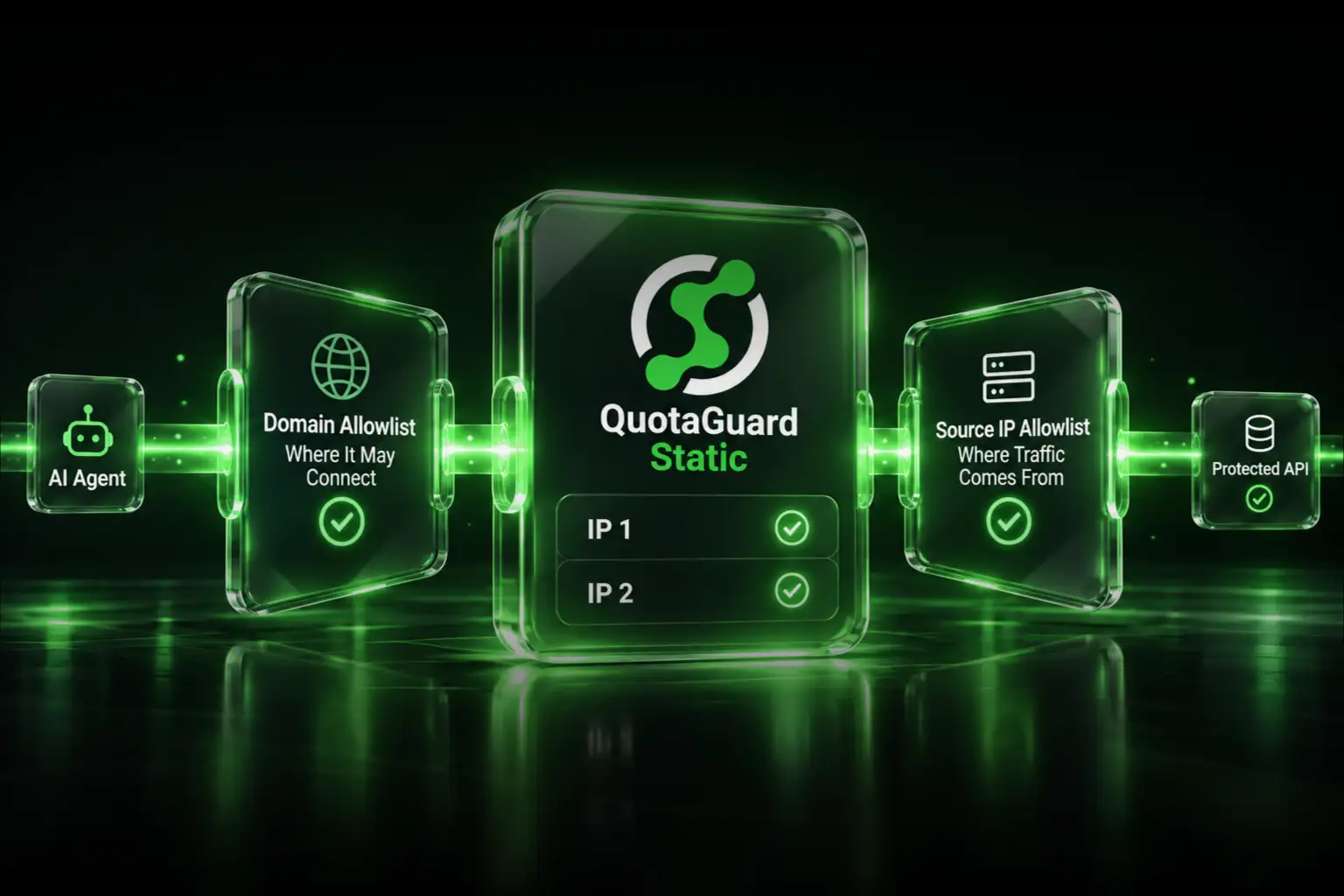
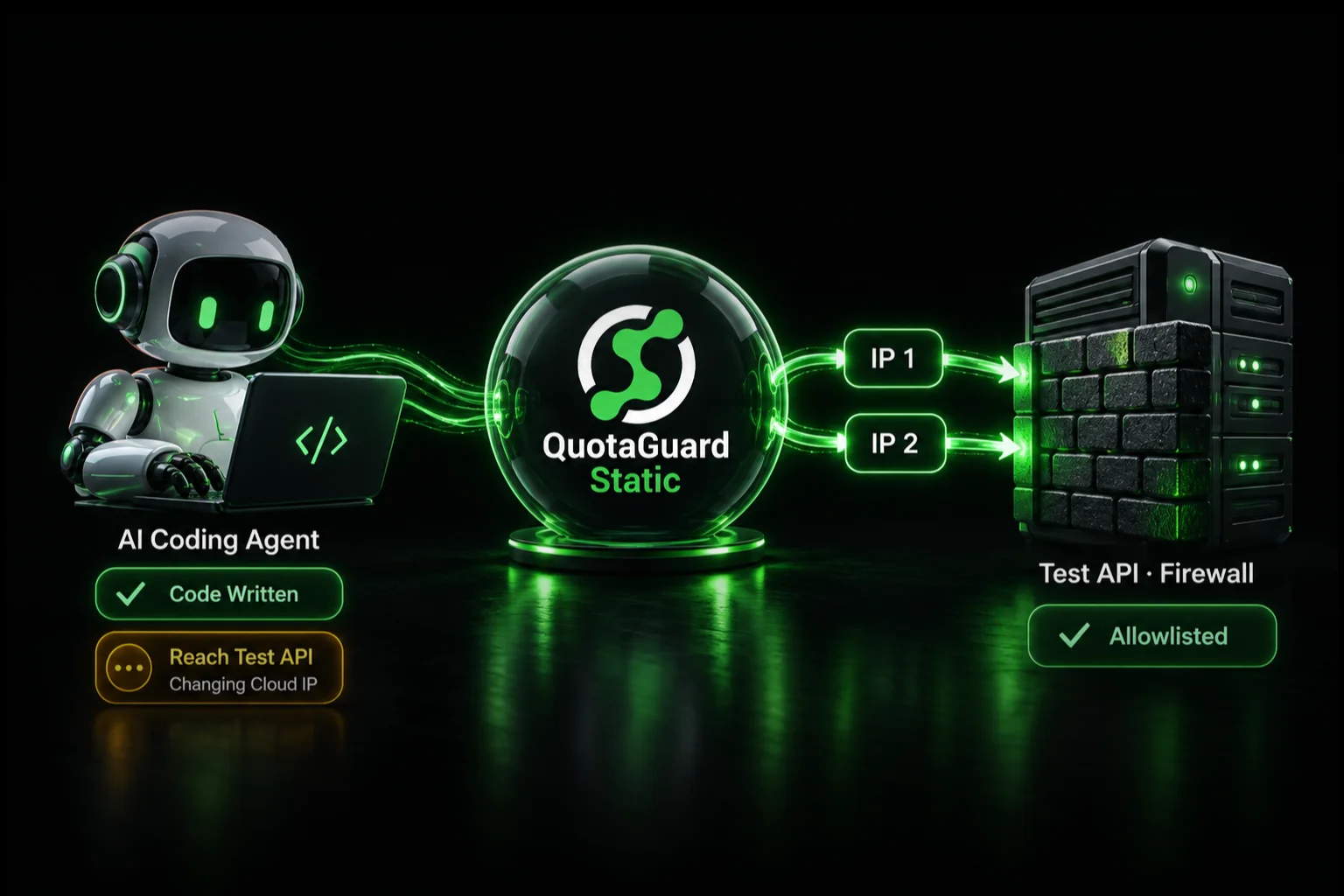
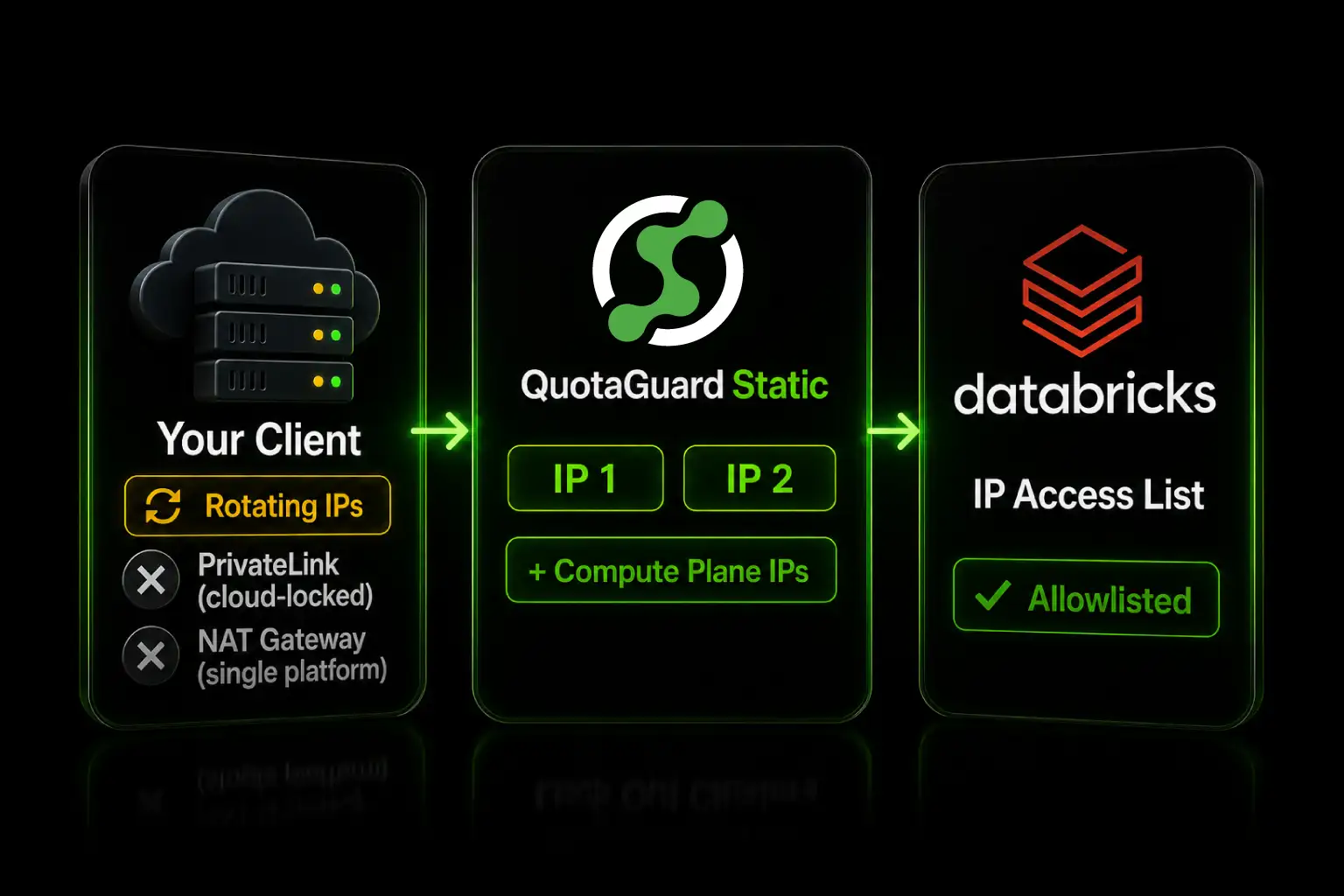
Give a Databricks connection a static IP by routing your client through QuotaGuard, then add its two fixed IPs to your workspace IP access list.

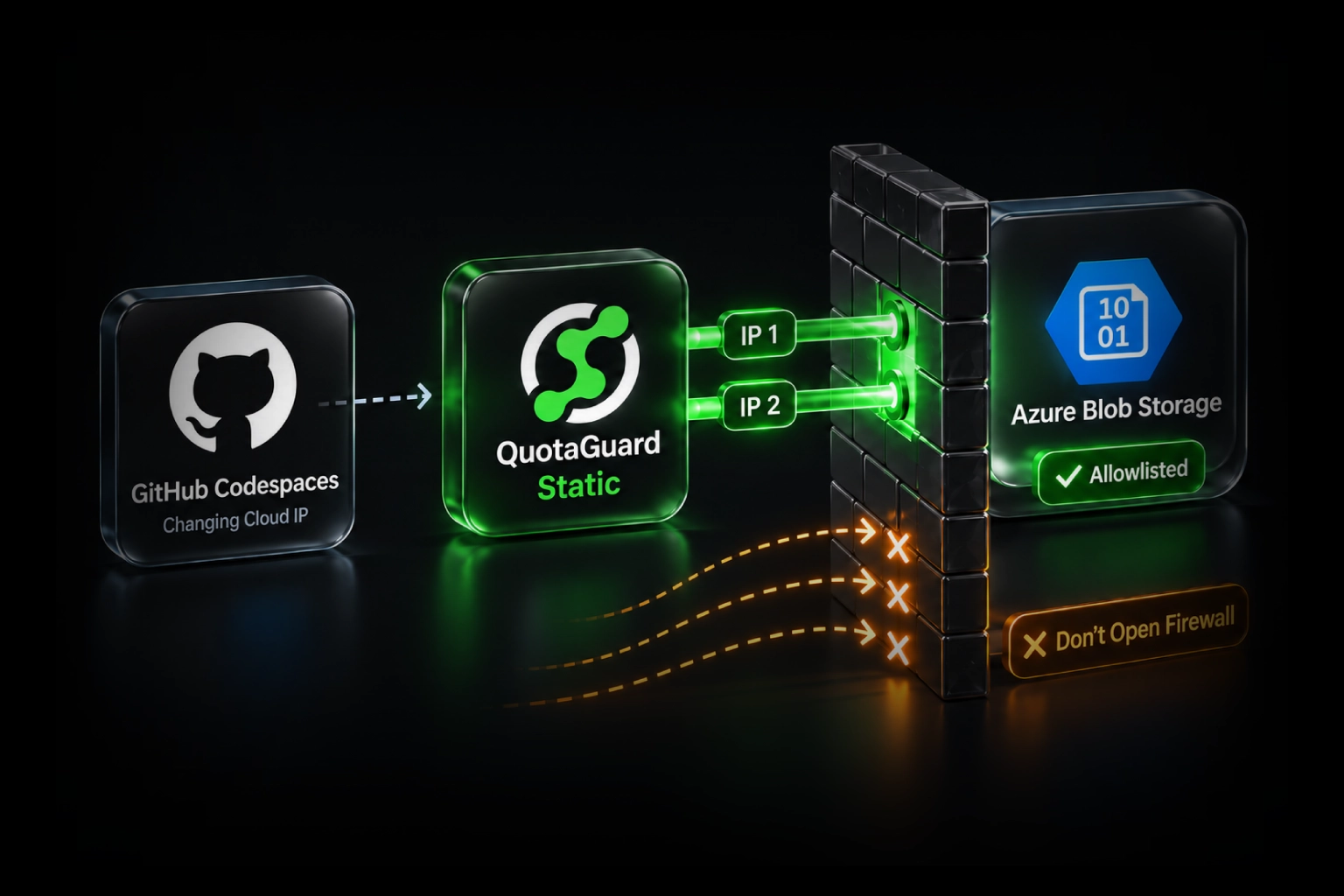
Databricks IP access lists block requests by source IP. If your app or CI runs on a serverless or PaaS host, its outbound IP changes on every deploy, so the workspace refuses the call. A static IP proxy fixes that with two addresses you allowlist once.

A Databricks IP Access List Allows Only the IPs You List

IP access lists are Databricks' network filter for a workspace. When the feature is on and an allow list exists, Databricks checks the source IP of every request against it and blocks anything not on the list. The control covers web application and REST API access to the workspace, which includes the Jobs API, the SQL Statement Execution API, Unity Catalog, the SDK, and the CLI.

Apps on serverless and PaaS hosts use outbound IPs that rotate on every deploy, restart, and scale event. There is no fixed address to put on the allow list. Listing a cloud provider's published range is not an option either, because it covers thousands of other tenants and defeats the control.

The feature requires the Enterprise tier on AWS, or the Premium plan on Azure and Google Cloud, and it supports IPv4 only. Lists accept individual addresses and CIDR ranges, including a single address as a /32, up to 1000 values combined.

Your Static IP Options: PrivateLink, a NAT Gateway, or a Proxy

There are three honest ways to give Databricks a stable source IP.

PrivateLink or Private Service Connect. These remove the public internet path, and IP access lists do not apply to that private traffic. This is the right answer if you are inside one cloud and can run private connectivity on both ends. It does nothing for an app running outside that cloud or on a platform you do not control.

A NAT gateway with a reserved IP. If you control the host network, a NAT gateway gives every resource in the subnet one outbound IP. It runs around $32 per month plus data processing, and it only covers the one platform whose VPC you own. Serverless and PaaS hosts cannot use it.

A static IP proxy. QuotaGuard gives you two fixed IPs that work from any host, with no change to your workspace or your cloud networking. You point your Databricks client at the proxy and register the two IPs on the access list. This is the option that covers serverless, PaaS, and multi-platform setups in one place, starting at $19 per month.

Route Your Databricks Client Through QuotaGuard in 2 Minutes

Two steps. Add the two static IPs to your access list, then set the proxy on your client.

First, add the IPs to an ALLOW list. A workspace admin runs this with the Databricks CLI, using your two QuotaGuard static IPs from the dashboard.

databricks ip-access-lists create --json '{
  "label": "quotaguard",
  "list_type": "ALLOW",
  "ip_addresses": ["203.0.113.10", "203.0.113.11"]
}'

The IP access list feature also has to be enabled for the workspace. An allow list has no effect until the feature is turned on. Add the public NAT IPs your compute plane uses to the same list, or enabling the feature locks out your own clusters. Databricks refuses to apply a list that would block the IP of the admin setting it, but that guard only protects that one user, not your compute plane.

Second, set the proxy on your client. The host below is an example. Your region is selected when you sign up, so pick the QuotaGuard region closest to your workspace, and contact QuotaGuard support if you need to change it later.

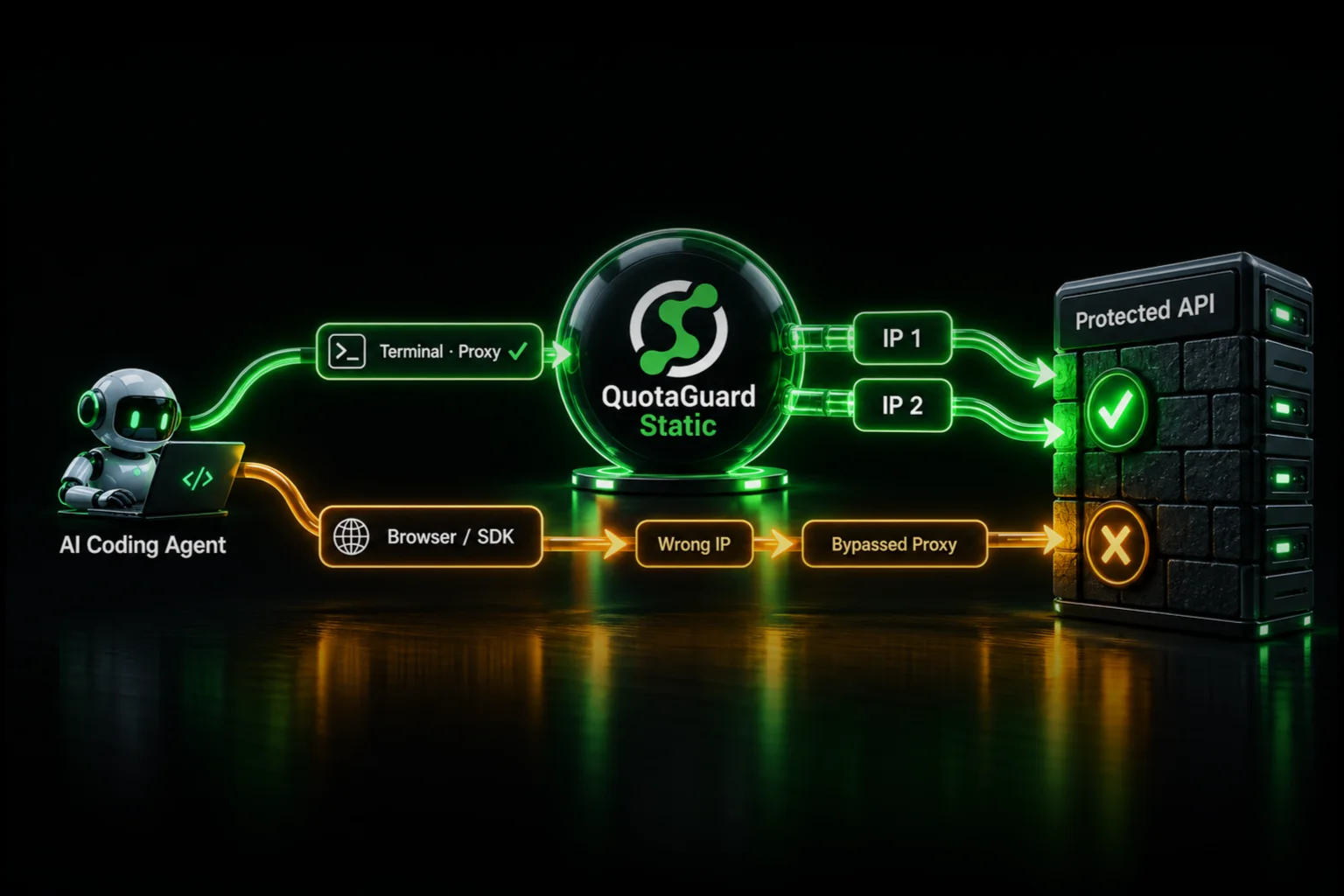
The Databricks Python SDK and the CLI honor the standard proxy environment variable, so one setting routes every REST API call through your static IPs.

export HTTPS_PROXY="http://username:password@us-east-static-01.quotaguard.com:9293"

The Databricks JDBC driver, version 3 and above, takes the proxy as connection properties. Set them in the JDBC URL or pass them as a Properties object.

jdbc:databricks://dbc-abcd1234-5678.cloud.databricks.com:443/default;httpPath=/sql/1.0/warehouses/abc123;UseProxy=1;ProxyHost=us-east-static-01.quotaguard.com;ProxyPort=9293;ProxyAuth=1;ProxyUID=username;ProxyPWD=password

The ODBC driver uses the same UseProxy, ProxyHost, and ProxyPort settings, so dbt, Power BI, Tableau, and other SQL clients that sit on these drivers inherit the same path.

Once the proxy is set, every request your client makes to the workspace leaves from one of your two static IPs, and the access list accepts it.

If your lakehouse data is regulated, use QuotaGuard Shield instead of Static. Shield uses SSL passthrough so QuotaGuard never decrypts the data flowing between your app and Databricks. The setup is the same, with the QUOTAGUARDSHIELD_URL connection details in place of the Static ones.

Allowlist Your Compute Plane Too, and Other Edge Cases

The compute plane is the one that catches people. QuotaGuard's guidance for Databricks is to allowlist your two static IPs and your compute plane's public NAT IPs together, so enabling the access list never cuts off your own clusters. Add both before you turn the feature on.

A few more cases to keep straight. Block lists are evaluated before allow lists, so an address on a block list is refused even if it also appears on an allow list. The account console and the workspace each have their own IP access lists, and if both are enforced a request has to satisfy both. IP access lists are IPv4 only. And if you are fully on PrivateLink within one cloud, your private traffic is not filtered by IP access lists at all, so this setup is not for you.

QuotaGuard Static Pricing Starts at $19/Month

Bandwidth is bundled and there are no per-GB overage fees, which suits Databricks because the traffic that needs a fixed IP is the API and SQL control connection, not your bulk data. Dedicated IPs are available on Enterprise and above. On lower tiers, your two assigned IPs are still static, but shared with other customers.

QuotaGuard Shield Pricing Starts at $29/Month

Shield costs slightly more than Static at each tier because SSL passthrough adds routing overhead. The compliance coverage it provides for HIPAA, PCI-DSS, and SOC 2 is worth the difference when the data in your lakehouse requires it.

All plans include a 3-day trial. Enterprise plans include a 7-day trial. Credit card required.

See the full pricing table at quotaguard.com/products/pricing.

Put Two Fixed IPs on Your Access List and Move On

A Databricks IP access list is a hard gate, and a rotating cloud IP will never satisfy it reliably. Two static IPs do. Register the pair once, set the proxy on your client, and the connection stops breaking on every deploy.

Start a trial at quotaguard.com/products/pricing. If your lakehouse holds regulated data, read more about QuotaGuard Shield and its SSL passthrough model.

QuotaGuard Static IP Blog

Practical notes on routing cloud and AI traffic through Static IPs.

Reliability Engineered for the Modern Cloud

For over a decade, QuotaGuard has provided reliable, high-performance static IP and proxy solutions for cloud environments like Heroku, Kubernetes, and AWS.

Get the fixed identity and security your application needs today.