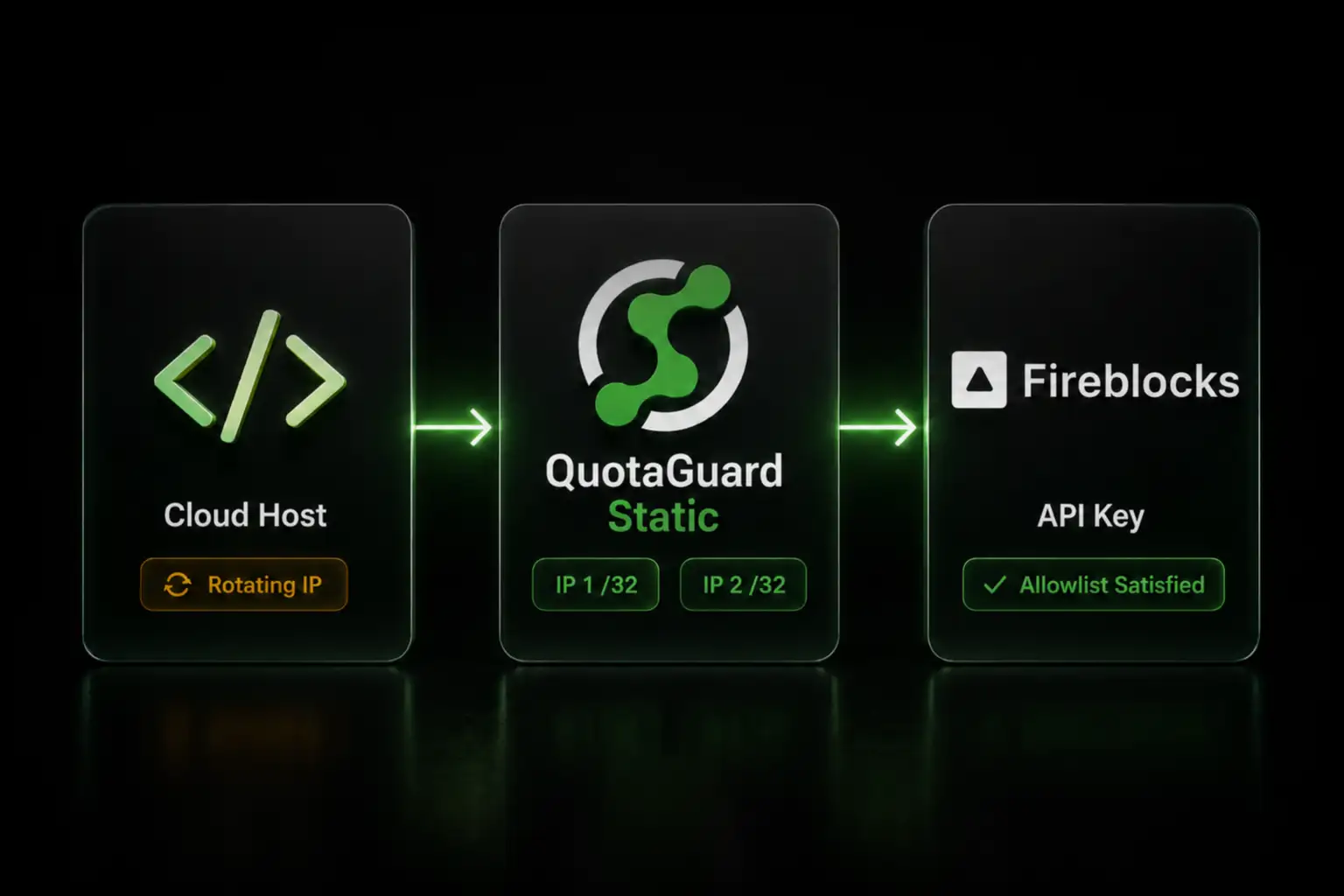
Static IP for Fireblocks: Satisfy the Per-API-Key IP Allowlist

QuotaGuard Engineering
June 21, 2026
5 min read
Pattern

Fireblocks allowlists only /32 IPs per API key. Route your client through QuotaGuard's two static IPs to satisfy it in about two minutes.

You locked a Fireblocks API key to an IP allowlist, and now your client running on a cloud host gets refused. The host rotated its outbound IP on the last deploy, and the address no longer matches the allowlist. Here is how to give the client a fixed identity that Fireblocks accepts on every request.

Fireblocks Allows Only /32 IPs on Each API Key's Allowlist

Fireblocks lets you restrict each API key to a set of allowlisted source addresses, configured per key in the Console. The constraint that shapes your setup is that the allowlist accepts only exact /32 addresses. There is no CIDR or subnet option, so you cannot register a cloud provider's published range as a catch-all the way you might on a service that allows blocks.

That matters because platforms like Heroku, Render, Railway, Fly.io, and AWS Lambda assign outbound IPs from shared pools that change on deploys, restarts, and scaling events. The address Fireblocks recorded on your allowlist is not the one your client presents after the next deploy, so a key that worked stops working with no change to its settings. One note worth keeping straight: while a key's allowlist is empty, Fireblocks accepts requests from any address, so the requirement only bites once you lock a production key down, which is exactly what a key with transfer or admin rights should do.

Route Your Fireblocks Client Through Two Static IPs

QuotaGuard gives your account two static /32 IP addresses that belong to you and never change. Both are the exact format the Fireblocks allowlist requires. You route the official Fireblocks SDK through QuotaGuard with its normal proxy settings, and the RSA-signed authentication the SDK performs is unaffected, because the proxy changes only the source IP, not the signed request.

Fireblocks publishes two Python SDKs and two JavaScript SDKs, and the proxy setup differs between them. Use the block for the SDK you installed.

The legacy Python SDK (pip install fireblocks-sdk) runs on the requests library, which routes HTTPS through the HTTPS_PROXY variable:

import os
from fireblocks_sdk import FireblocksSDK

# Legacy SDK. requests reads HTTPS_PROXY and routes HTTPS through it.
os.environ["HTTPS_PROXY"] = os.environ["QUOTAGUARDSTATIC_URL"]

with open("fireblocks_secret.key") as key_file:
    private_key = key_file.read()

fireblocks = FireblocksSDK(private_key, os.environ["FIREBLOCKS_API_KEY"])
# Calls to https://api.fireblocks.io now exit from your two static IPs.

The newer Python SDK (pip install fireblocks) is generated on urllib3 and exposes no proxy setting. It ignores the HTTPS_PROXY environment variable, and its ClientConfiguration has no proxy field, so there is no supported way to route it through a proxy in code. To give a project on the new SDK a static IP, use the legacy fireblocks-sdk shown above, which honors HTTPS_PROXY, or apply a transparent proxy at the host or container level.

The legacy JavaScript SDK (npm install fireblocks-sdk) accepts a proxy object in its options, so you parse your connection URL into host, port, and credentials:

const { FireblocksSDK } = require("fireblocks-sdk");
const fs = require("fs");

const qg = new URL(process.env.QUOTAGUARDSTATIC_URL);
const apiSecret = fs.readFileSync("fireblocks_secret.key", "utf8");

const fireblocks = new FireblocksSDK(
  apiSecret,
  process.env.FIREBLOCKS_API_KEY,
  "https://api.fireblocks.io",
  undefined,
  {
    proxy: {
      host: qg.hostname,
      port: Number(qg.port),
      auth: { username: qg.username, password: qg.password },
      protocol: "http",
    },
  }
);
// Every request now exits from your two static IPs.

The newer TypeScript SDK (npm install @fireblocks/ts-sdk) runs on axios, which honors the HTTPS_PROXY environment variable, so set it before you initialize the client:

import { readFileSync } from "fs";
import { Fireblocks } from "@fireblocks/ts-sdk";

// axios reads HTTPS_PROXY and tunnels HTTPS through it.
process.env.HTTPS_PROXY = process.env.QUOTAGUARDSTATIC_URL;

const fireblocks = new Fireblocks({
  apiKey: process.env.FIREBLOCKS_API_KEY,
  basePath: "https://api.fireblocks.io",
  secretKey: readFileSync("fireblocks_secret.key", "utf8"),
});
// Calls now exit from your two static IPs.

The us-east in that hostname is the region you selected at sign-up. Pick the region closest to your Fireblocks workspace, and contact support to change it later, since you cannot swap it by editing the connection string.

Add Both IPs to the API Key's Allowlist

In the Fireblocks Console, open the API key's settings and add both of your QuotaGuard static IPs to its IP allowlist as /32 entries. Add both, not one. The pair is load-balanced and a request can leave from either address, so registering a single IP is the usual cause of intermittent, hard-to-trace rejections. The allowlist is per key, so repeat this for each key that runs from the same client. QuotaGuard assigns two static IPs per subscription and both are /32, which is the precise format the Fireblocks allowlist accepts.

Choose Shield for SOC 2 and Regulated Custody

Static satisfies the allowlist and is enough to make the connection work. For an institutional custody or treasury operation, QuotaGuard Shield is the stronger choice. Shield uses SSL passthrough and never decrypts the traffic between your app and Fireblocks, so no third party in the path can read custody data in transit. That is far easier to place in a SOC 2 or regulated architecture than a proxy that terminates TLS.

The setup is the same, with the Shield variables. Use QUOTAGUARDSHIELD_URL in place of the Static URL. The Shield host uses https:// and port 9294, for example https://username:password@us-east-shield-01.quotaguard.com:9294. In the JavaScript proxy config, set protocol to "https" and the port to 9294.

What the Static IP Covers, and What It Leaves Alone

The static IP satisfies the source-IP allowlist on your API key. It is separate from a few things that often get confused with it. The IP allowlist is not the same as whitelisting destination addresses, which controls where you can send assets and goes through the Admin Quorum, so QuotaGuard is relevant only to the source-IP side. QuotaGuard also never touches the Co-Signer, the component that holds your key shares inside an Intel SGX enclave and signs transactions. It carries your outbound REST calls and nothing in the signing path.

One more distinction worth holding onto for debugging. An "Unauthorized: Token was not accepted" response is an authentication problem with your API key or RSA signature, not an IP issue, and routing through a proxy has no effect on it. A refusal tied to your source address is the allowlist, which is what the static IP fixes.

QuotaGuard Static Pricing Starts at $19/Month

Bandwidth is bundled. No per-GB overage fees. A typical Fireblocks API client making vault, transaction, and webhook-management calls sits comfortably inside the entry plan's request volume. Dedicated IPs are available on Enterprise and above. On lower tiers, your two assigned IPs are still static, but shared with other customers.

QuotaGuard Shield Pricing Starts at $29/Month

Shield costs slightly more than Static at each tier because SSL passthrough adds routing overhead. For an institutional custody workload under SOC 2, PCI-DSS, or similar review, the assurance that no third party in the path can read the traffic is worth the difference.

Lock Your Production Fireblocks Key to a Fixed IP

Tighten the API key to its allowlist, register your two static IPs, and route the SDK through QuotaGuard. The whole change is one environment variable and a pair of allowlist entries, and it takes about two minutes. Start a free trial and give your Fireblocks client an identity the allowlist will accept on every request.

QuotaGuard Static IP Blog

Practical notes on routing cloud and AI traffic through Static IPs.

Reliability Engineered for the Modern Cloud

For over a decade, QuotaGuard has provided reliable, high-performance static IP and proxy solutions for cloud environments like Heroku, Kubernetes, and AWS.

Get the fixed identity and security your application needs today.