Give Google Apps Script a Static IP With a Relay Function

QuotaGuard Engineering
August 3, 2026
5 min read
Pattern

Google Apps Script cannot set an HTTP proxy, so route UrlFetchApp calls through a small relay function that egresses via QuotaGuard and presents two fixed static IPs.

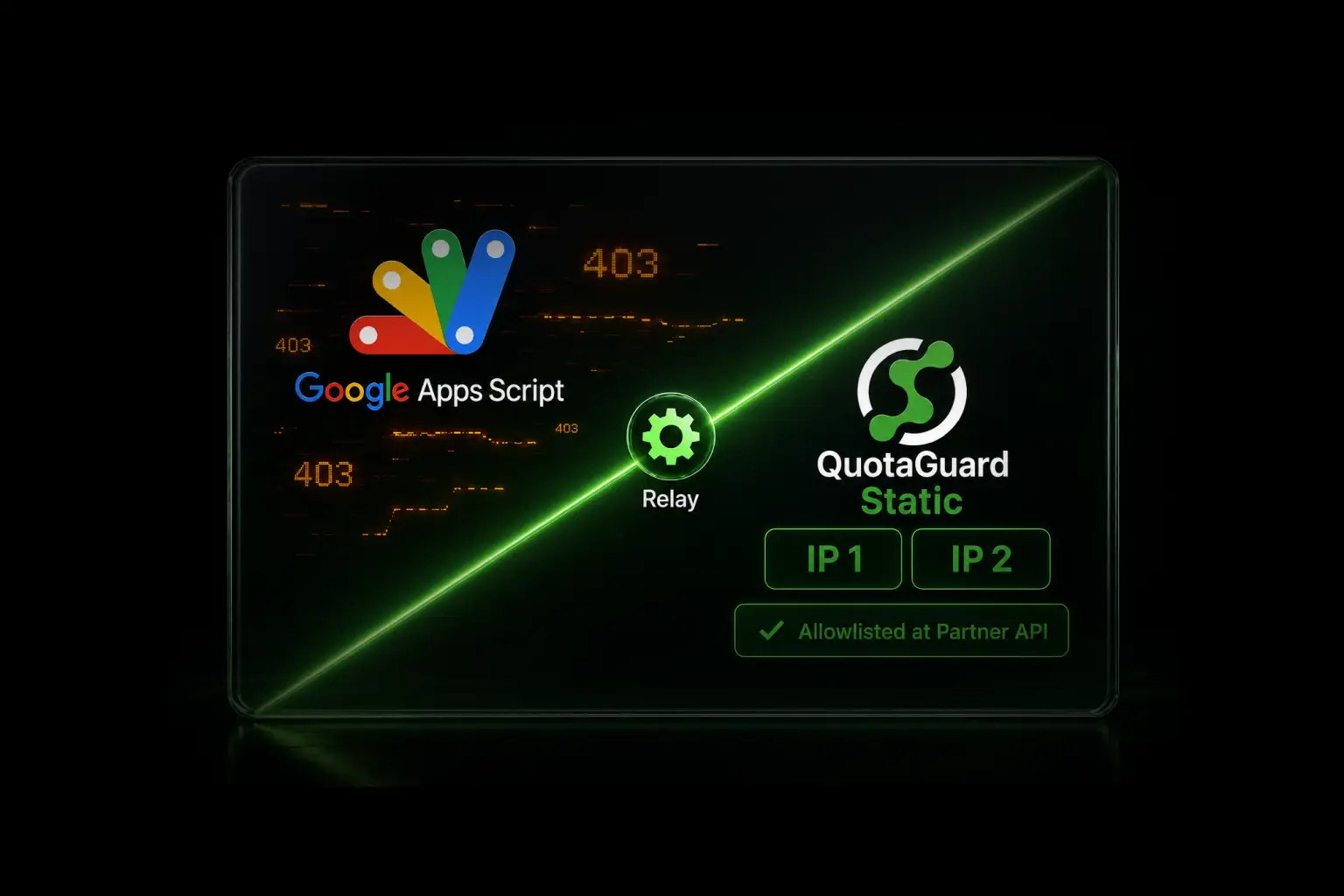
Google Apps Script runs your outbound calls through UrlFetchApp.fetch(). The IP those calls leave from belongs to Google's shared pool, and it changes. When a partner API sits behind a firewall that only accepts allowlisted IPs, a rotating source address means intermittent 403s and no address to hand the security team. This post shows how to give Apps Script a stable outbound IP so allowlisting works.

UrlFetchApp Has No Proxy Option, So a Relay Function Fixes the IP

Apps Script executes in a Google-managed sandbox. There are no environment variables, no sidecar processes, and no host network you control. The UrlFetchApp.fetch(url, params) params object exposes method, headers, payload, contentType, and a few booleans. It has no proxy field. You can confirm this in the official UrlFetchApp reference. Because you cannot point the client at a proxy, the standard proxy config used on Node or Python runtimes does not apply here.

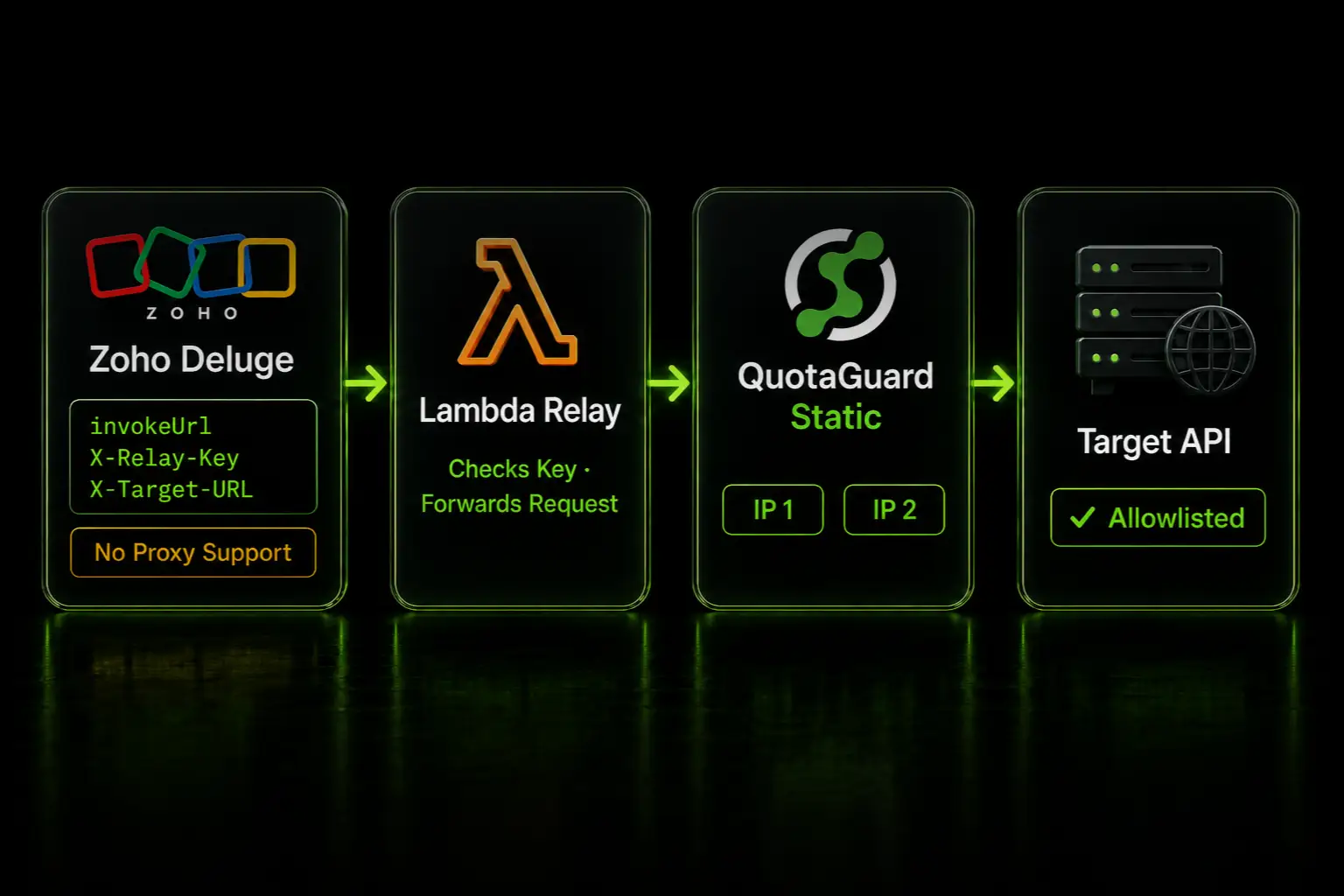
The pattern that works is a relay. You host a small function on infrastructure you control, an AWS Lambda or a Google Cloud Function, and that function egresses through QuotaGuard. Apps Script calls the relay over plain HTTPS. The relay forwards the request through the QuotaGuard connection, and the target API sees QuotaGuard's two static IPs instead of Google's rotating pool. This reusable relay pattern is documented at quotaguard.com/docs/platforms/static-ip-no-http-proxy, with a ready-to-run example at github.com/quotaguard/static-examples.

Two Load-Balanced Static IPs Come With Every Subscription

Every QuotaGuard subscription includes two load-balanced static IPs. You allowlist both at the target API's firewall. Traffic leaves from one of the two, so the target sees a fixed, predictable pair no matter how many times Apps Script reruns. QuotaGuard runs on AWS infrastructure, and the region is selected at sign-up. Pick the region closest to your target API, and note that changing regions later requires contacting support.

Apps Script Calls the Relay With Two Headers

The relay reads two request headers. X-Relay-Key is a shared secret that authorizes the call. X-Target-URL is the real API you want to reach. The relay forwards the body and method through the QuotaGuard connection to that target. Here is the Apps Script call.

function callThroughRelay() {
  var relayUrl = 'https://your-relay-function-url';
  var targetApiUrl = 'https://api.partner.com/v1/orders';

  var options = {
    method: 'post',
    contentType: 'application/json',
    headers: {
      'X-Relay-Key': 'your-relay-secret',
      'X-Target-URL': targetApiUrl
    },
    payload: JSON.stringify({ order_id: 12345 }),
    muteHttpExceptions: true
  };

  var response = UrlFetchApp.fetch(relayUrl, options);
  Logger.log(response.getContentText());
}

Store the relay secret in PropertiesService rather than hardcoding it. The script never talks to the target API directly. It only ever calls the relay URL, and the relay handles the QuotaGuard egress.

Verify the Static IP by Pointing the Relay at ip.quotaguard.com

Test the path before you wire in the real API. Set X-Target-URL to https://ip.quotaguard.com. That endpoint returns the static IP the request egressed from, which should be one of your subscription's two IPs. Here is the same call from curl, useful for testing the relay outside Apps Script.

curl -X GET "https://your-relay-function-url" \
  -H "X-Relay-Key: your-relay-secret" \
  -H "X-Target-URL: https://ip.quotaguard.com"

If the response shows one of your two static IPs, the relay is egressing through QuotaGuard correctly. Allowlist both IPs at the target API, then switch X-Target-URL back to the real endpoint. On the relay side, QuotaGuard connects through the QUOTAGUARDSTATIC_URL value from your dashboard. The relay repo above shows the full function code.

QuotaGuard Static Pricing Starts at $19/Month

QuotaGuard Static direct plans start at $19/month. Bandwidth is bundled, with no per-GB overage fees. For a typical Apps Script workflow calling a partner API on a schedule, the entry Starter plan carries the traffic comfortably. Dedicated IPs are available on Enterprise and above. On lower tiers, your subscription's two assigned IPs are still static, but shared with other customers. Static is the right choice for standard HTTPS API calls, because the proxy routes the connection without decrypting your payload.

QuotaGuard Shield Pricing Starts at $29/Month

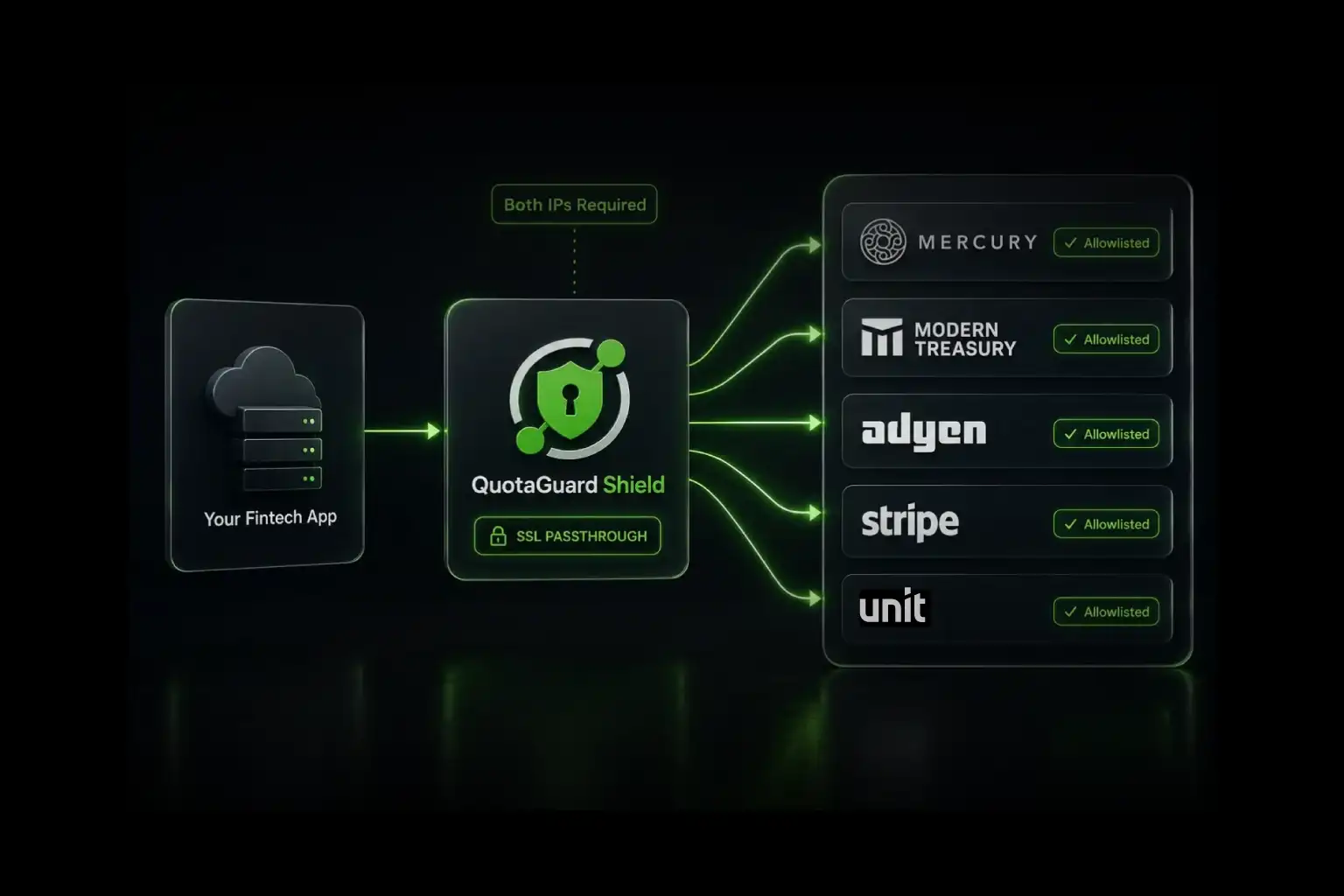
QuotaGuard Shield direct plans start at $29/month. Shield uses SSL passthrough, so the TLS connection runs end to end and QuotaGuard does not decrypt your data in ordinary operation. Choose Shield only when your workflow moves regulated data and must meet standards like HIPAA, PCI-DSS, or SOC 2. For most Apps Script integrations, Static is the correct product. All plans include a 3-day trial, Enterprise plans include a 7-day trial, and a credit card is required. See the full pricing table at quotaguard.com/products/pricing.

Apps Script can't set a proxy, but the relay pattern gives it a fixed outbound IP without leaving the platform. Copy the relay function from GitHub, follow the relay setup docs, and allowlist your subscription's two static IPs at the target API. Compare plans on the QuotaGuard pricing page to get started.

QuotaGuard Static IP Blog

Practical notes on routing cloud and AI traffic through Static IPs.

Reliability Engineered for the Modern Cloud

For over a decade, QuotaGuard has provided reliable, high-performance static IP and proxy solutions for cloud environments like Heroku, Kubernetes, and AWS.

Get the fixed identity and security your application needs today.