Give Self-Managed Confluent Connectors and Apps a Static Egress IP With QuotaGuard

QuotaGuard Engineering
August 17, 2026
5 min read
Pattern

Confluent's native egress IP covers only its managed plane. For self-managed Connect workers, Custom Connectors, and apps, route them through a QuotaGuard static IP.

Confluent Cloud has a native fixed egress IP. If you're running fully-managed connectors or Cluster Linking, you probably don't need a proxy at all. But that feature stops at the edge of Confluent's own infrastructure. The self-managed Kafka Connect workers, Custom Connectors, and consumer or producer apps you run yourself get no such address. When one of those hits a firewalled database or API, the downstream team asks for an IP to allowlist, and you don't have a stable one to give them.

Confluent Cloud Already Ships a Fixed Egress IP for Its Managed Plane

Give Confluent credit here. Basic, Standard, and Dedicated clusters on public networking get a set of fixed egress IPs for the fully-managed data plane. Managed connectors and Cluster Linking leave from those addresses, so a downstream vendor can allowlist them. You can read the current IPs in Console under Cluster Settings then Networking, and pull them programmatically through the networking v1 IP Addresses API or the Terraform confluent_ip_addresses data source.

Two things about those native IPs are worth knowing before you build an allowlist on them. They're shared across every connector in the same cloud and region, not reserved for your cluster alone. And Confluent treats a change to them as a major upgrade with advance notice rather than a hard guarantee that they never move. On Azure, IP-based allowlisting can also break when other services share the same region. None of that makes the feature bad. It just means the native IP is for the managed plane, and it isn't the answer for traffic you run yourself.

QuotaGuard Gives Self-Managed Connect Workers, Custom Connectors, and Apps a Static Egress IP

QuotaGuard can't touch fully-managed connector egress. That traffic never leaves your code. It runs inside Confluent's plane, so there's nothing to point at a proxy. If your connector is fully managed, Confluent's native egress IPs are the right tool. The rest of this post is for self-managed Connect workers, Custom Connectors, and the consumer and producer apps you run yourself.

Where QuotaGuard fits is the traffic you own. That's a wider set than people expect:

  • Self-managed Kafka Connect workers you run on your own hosts, VMs, or Kubernetes.
  • Custom Connectors and any sink or source that makes HTTP or HTTPS calls to a downstream API.
  • Consumer and producer apps you run that read from Confluent and then write to a firewalled database or API.
  • Privately-networked clusters using PrivateLink, VPC peering, or Transit Gateway, which the native public-cluster egress feature doesn't cover.

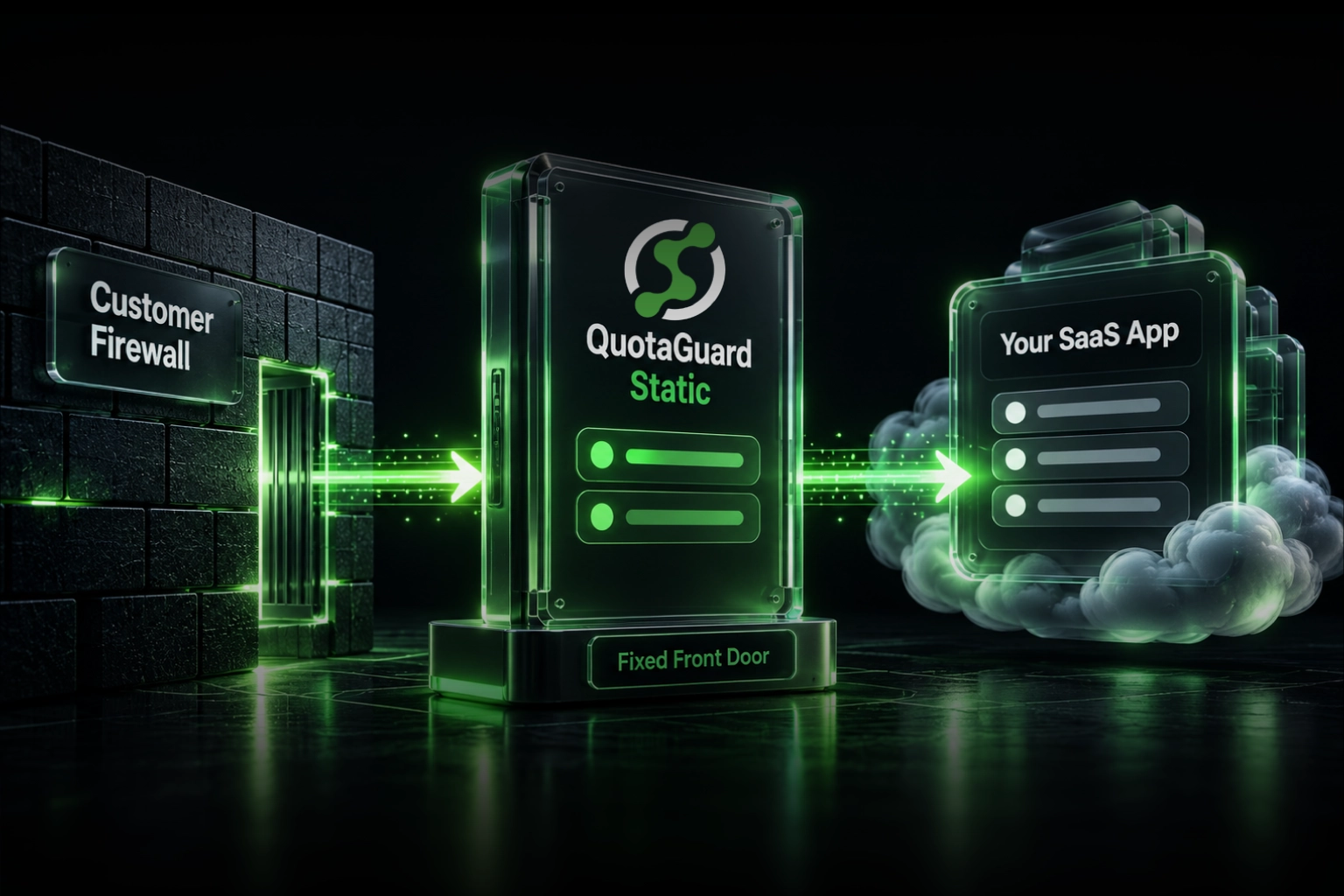
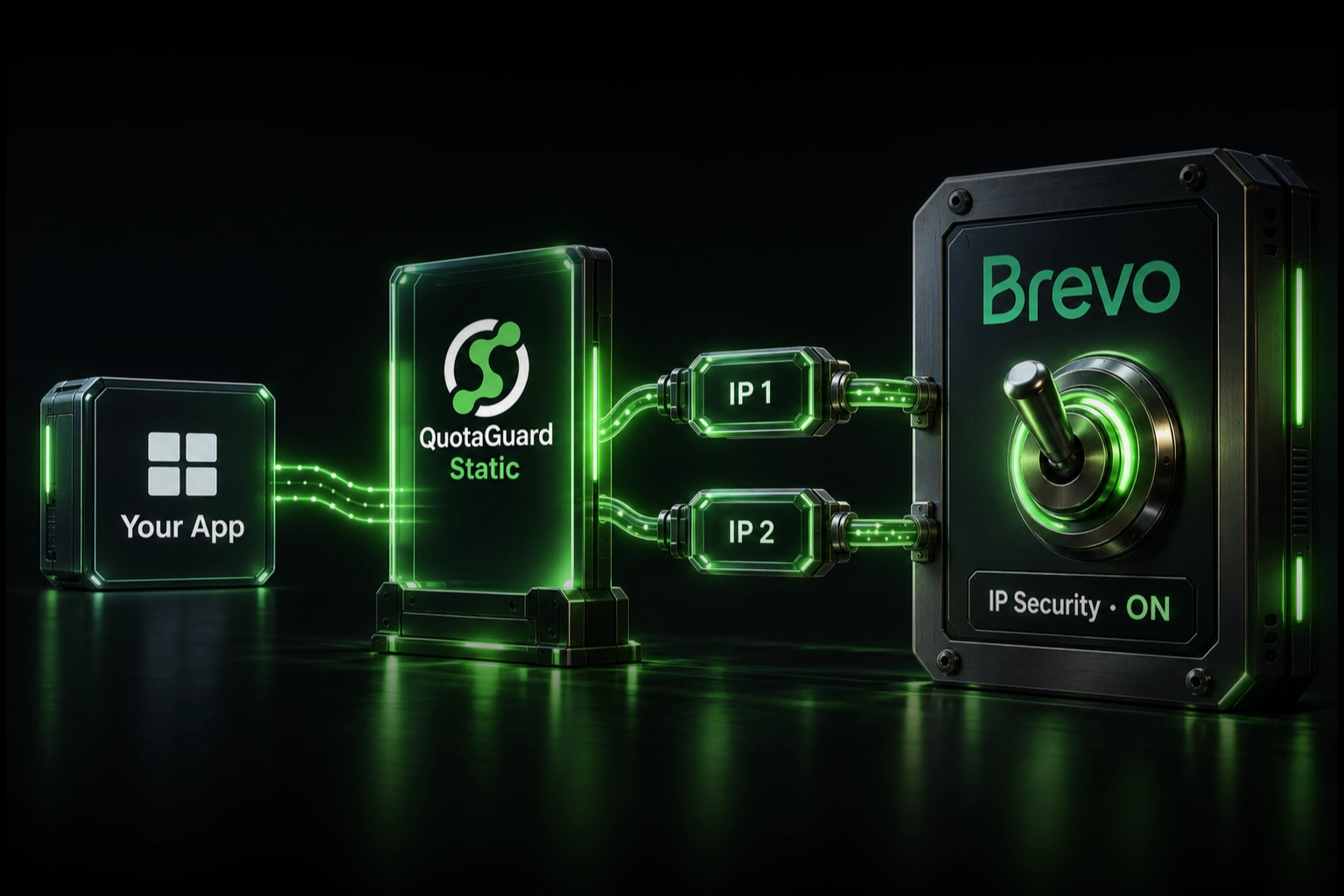
All of that outbound traffic leaves from your infrastructure, so its IP is whatever the platform hands you that day. Route it through QuotaGuard instead, and it leaves from one of two fixed IPs every time. The downstream firewall allowlists those two addresses and stops caring where your workers actually run. QuotaGuard sits between your own code and the firewalled destination, not between your app and Confluent's brokers, which is exactly why it works for the self-managed case and not the managed one.

Route a Self-Managed Connect Worker Through QuotaGuard With One Env Var

QuotaGuard is a proxy. Your worker or app sends its downstream HTTP and HTTPS traffic through it, and the firewalled destination sees a fixed IP on every request. Setup takes about 2 minutes: one environment variable, then point your process at it.

Add the connection URL to the environment your worker runs in:

export QUOTAGUARDSTATIC_URL="http://username:password@us-east-static-01.quotaguard.com:9293"
export HTTP_PROXY="$QUOTAGUARDSTATIC_URL"
export HTTPS_PROXY="$QUOTAGUARDSTATIC_URL"

Most self-managed Connect connectors and HTTP clients honor HTTP_PROXY and HTTPS_PROXY for their outbound calls to a downstream API. Kafka Connect runs on the JVM, so some connectors read Java's own proxy system properties instead. If yours does, pass them through KAFKA_OPTS and check your connector's docs for the exact property names it respects.

For a consumer or producer app you wrote yourself, set the proxy on the HTTP client that talks to the firewalled destination. The connection to Confluent's brokers stays direct. Only the downstream call goes through QuotaGuard. In Python:

import os
import requests

PROXY = os.environ["QUOTAGUARDSTATIC_URL"]
proxies = {"http": PROXY, "https": PROXY}

# after you consume a record from Confluent, push it to the firewalled API:
requests.post(
    "https://api.internal.example.com/ingest",
    json=payload,
    proxies=proxies,
)

Every subscription includes two load-balanced static IPs. Put both on the downstream firewall's allowlist so a request served by either one passes. The example host above is region-specific. You pick your region at sign-up, so choose the one closest to your downstream database or API, and changing it later means contacting QuotaGuard support. QuotaGuard runs on AWS, and both static IPs sit behind a load balancer, so you submit the pair to any vendor you allowlist with.

Fully-Managed Connector Egress Stays Inside Confluent's Plane

This is the boundary to keep straight. If a connector runs fully managed on Confluent Cloud, its egress uses Confluent's native IPs and QuotaGuard has no path into it. Confluent's own docs are the source of truth for which cluster types and connectors that native feature covers, and Confluent is expanding Egress Access Points, its PrivateLink-style outbound option, beyond AWS Dedicated in 2026. Check the current Confluent networking docs before you assume a given cluster is or isn't covered.

QuotaGuard's job starts where Confluent's plane ends: the workers, connectors, and apps you host. For those, a fixed egress IP is the difference between a two-line allowlist and a firewall rule that breaks on every restart.

QuotaGuard Static Pricing Starts at $19/Month

Bandwidth is bundled. No per-GB overage fees. A self-managed Connect worker or a consumer app pushing records to one downstream API moves modest volume, so the entry tier covers most teams. Dedicated IPs are available on Enterprise and above. On lower tiers, your two assigned IPs are still static, but shared with other customers.

QuotaGuard Shield Pricing Starts at $29/Month

Shield costs slightly more than Static at each tier because SSL passthrough adds routing overhead. If the records flowing out of your connectors carry payment data, health records, or PII under HIPAA, PCI-DSS, or SOC 2 review, use Shield instead. Shield keeps the TLS connection end to end so QuotaGuard never decrypts your data in ordinary operation. The setup is the same, with QUOTAGUARDSHIELD_URL in place of QUOTAGUARDSTATIC_URL.

All plans include a 3-day trial. Enterprise plans include a 7-day trial. Credit card required.

See the full pricing table at quotaguard.com/products/pricing.

QuotaGuard Static IP Blog

Practical notes on routing cloud and AI traffic through Static IPs.

Reliability Engineered for the Modern Cloud

For over a decade, QuotaGuard has provided reliable, high-performance static IP and proxy solutions for cloud environments like Heroku, Kubernetes, and AWS.

Get the fixed identity and security your application needs today.