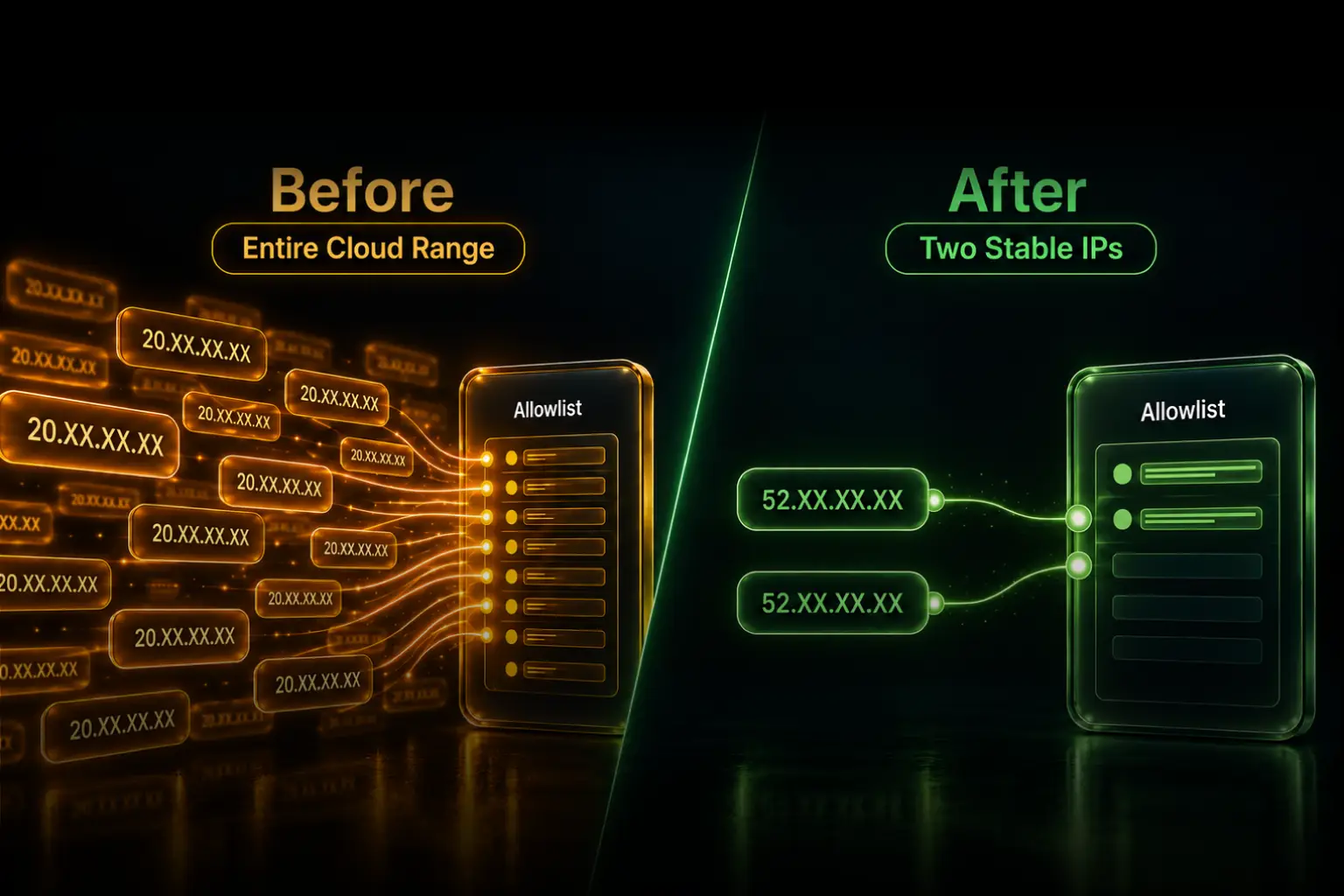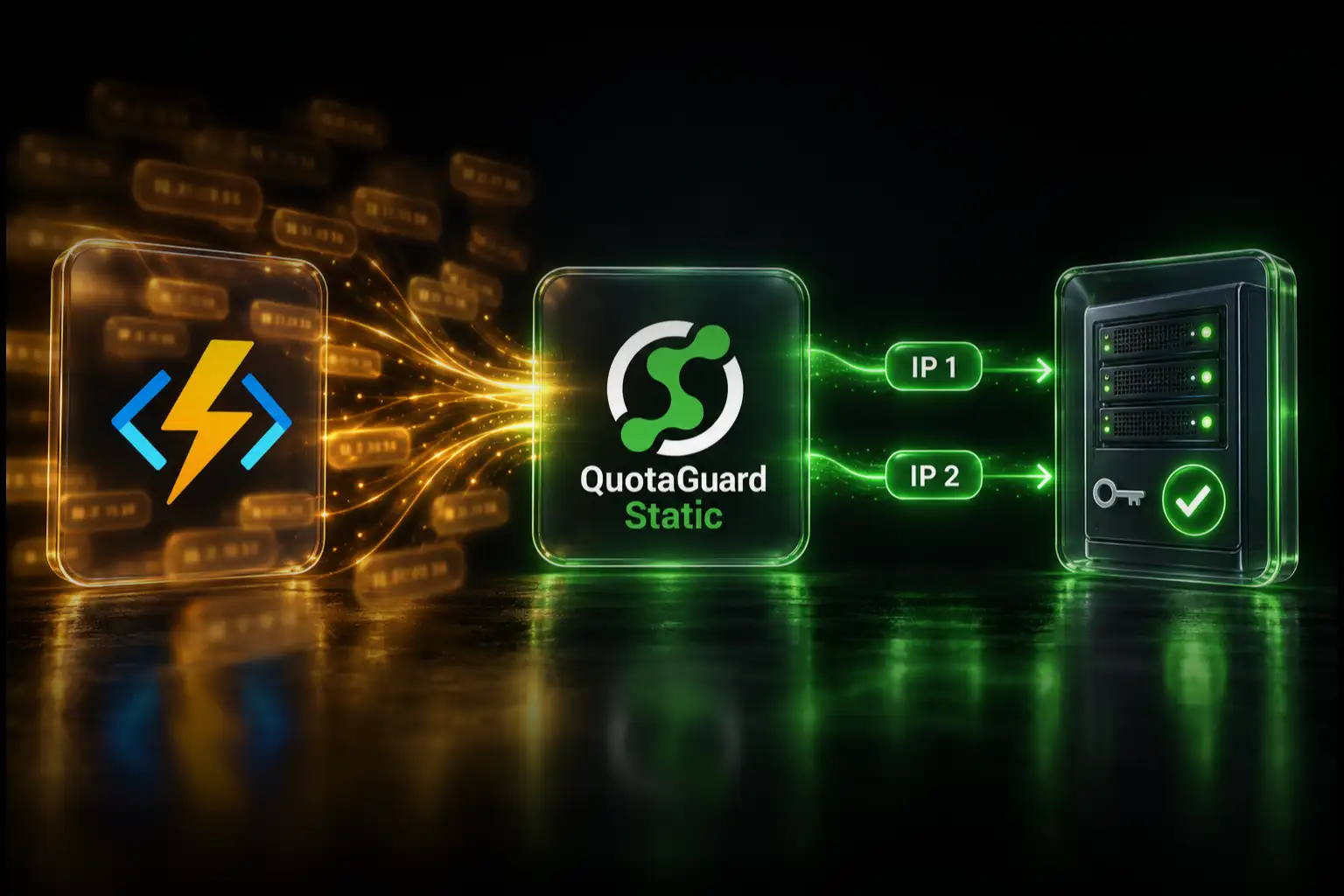
Monnify requires a static server IP for live disbursement requests and rejects an unapproved source with error D06. Render officially documents QuotaGuard as a supported static-IP integration. Route the Monnify HTTPS client through QuotaGuard, give Monnify both subscription IPs, and the live disbursement request arrives from a stable allowlisted identity.
This requirement is narrower than “Monnify needs a static IP.” It applies to merchants using Monnify's live disbursement or transfer APIs. Payment collection, outbound disbursement calls, and inbound webhooks have different network paths and should not be treated as one configuration.
The architecture covered here is:
Render service → QuotaGuard HTTP proxy → Monnify live API
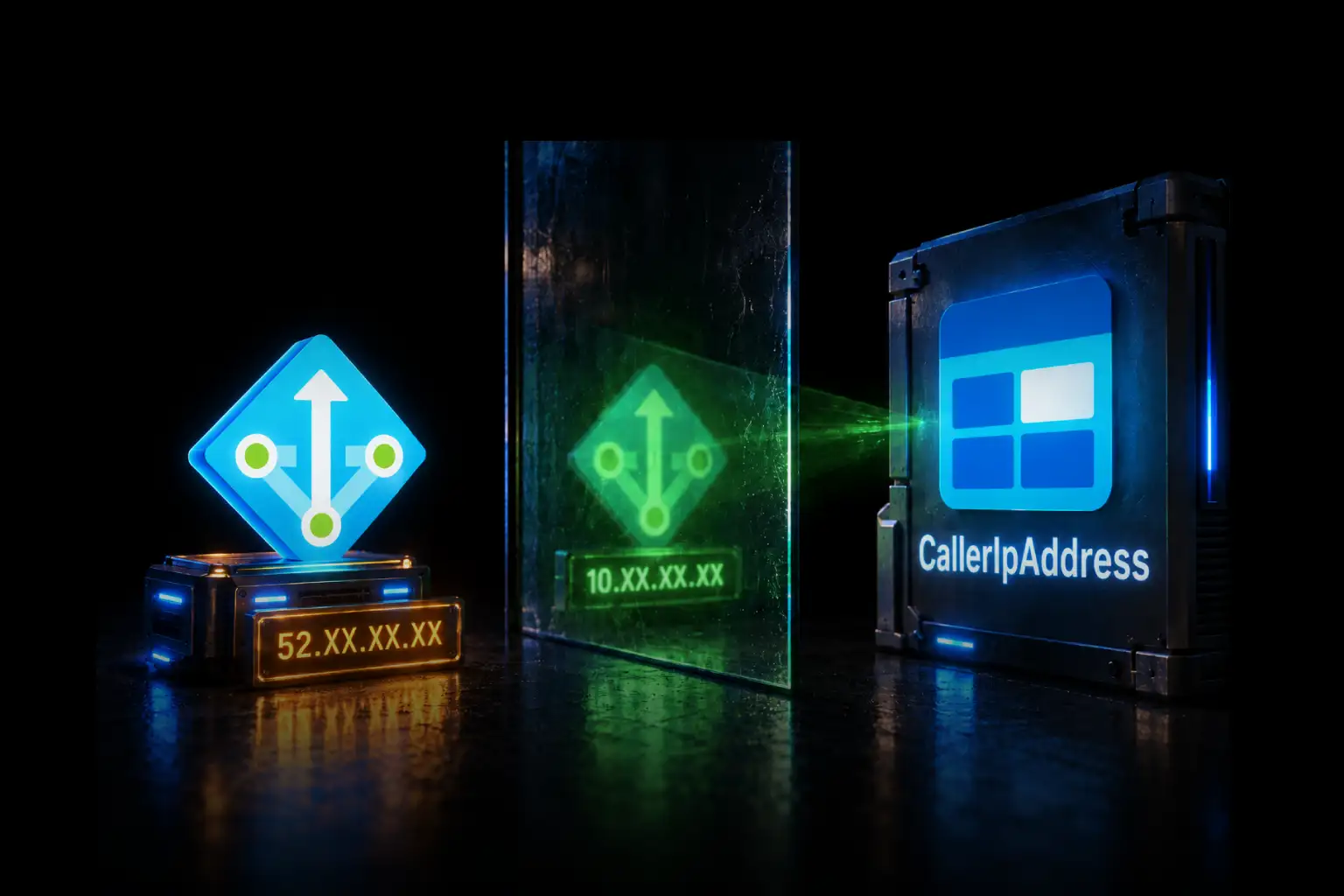
Monnify sees one of the two stable addresses assigned to the QuotaGuard subscription. Your application still authenticates normally with Monnify's API key, secret, and bearer token. The static IP is an additional source control, not a replacement for API authentication, MFA, transaction validation, webhook signatures, or application authorization.
QuotaGuard operates the proxy infrastructure, load balancing, health checks, failover, monitoring, capacity, and incident response. Your team configures the Monnify client and allowlist without building another production network service it must maintain.
When Monnify requires the static IP
Monnify's current go-live checklist says merchants using the disbursement API must ask Monnify to allowlist their server's static IP addresses. Its single-transfer documentation says live disbursement requests from an address that is not on that list are rejected with D06.
Monnify supports more than one static address and supports both IPv4 and IPv6. With QuotaGuard, provide both IPv4 addresses shown in your subscription dashboard. Both participate in the managed service path and both need to remain approved.
This is not the same as Monnify's webhooks. A disbursement request travels from your Render application to Monnify, so Monnify evaluates your application's outbound source IP. A webhook travels from Monnify to your application. Monnify publishes separate webhook-origin and signature guidance for that inbound direction.
Why QuotaGuard is the normal fit for Render-to-Monnify disbursements
The allowlist requirement belongs to one destination: Monnify's live disbursement API. QuotaGuard lets the application route that client through a stable managed path while unrelated APIs continue using Render normally.
- Selective routing: only Monnify authentication and disbursement requests need to use the proxy.
- Two stable addresses: Monnify can approve a small allowlist instead of Render's shared regional ranges.
- Managed availability: QuotaGuard operates the proxy service, load balancing, health checks, failover, monitoring, and capacity.
- Operational ownership: QuotaGuard engineers respond when the egress infrastructure needs attention, rather than adding another component to your team's on-call responsibility.
- Portability: the Monnify source identity can remain in place if the application later moves away from Render.
- Official Render integration: Render maintains first-party instructions for configuring QuotaGuard.
QuotaGuard Static starts at $19 per month. The price is useful, but the larger value is having the egress infrastructure operated for you while keeping the route limited to Monnify traffic.
The standard QuotaGuard pair is stable but uses managed shared proxy infrastructure; it is not an exclusive pair used by only one customer. When a security policy specifically requires exclusive addresses and proxy resources, use a QuotaGuard Enterprise dedicated deployment.
A short disclosure about Render Dedicated IPs
Render also sells native dedicated outbound IP sets. The feature requires a Pro workspace or higher, costs $100 per regional set each month, provides three exclusive IPv4 addresses, and applies broadly to a workspace or selected environments in one Render region. The identity remains tied to Render. That option is relevant when a policy specifically requires exclusive platform-level addresses and transparent routing for all supported traffic in scope. For the normal case where the Monnify HTTPS client needs a small stable allowlist, QuotaGuard provides the targeted managed route.
Configure QuotaGuard on Render
1. Create the subscription and record both addresses
Create a QuotaGuard subscription in the region nearest your Render service and Monnify's API path. The QuotaGuard dashboard provides the authenticated proxy URL and the two static IP addresses Monnify must approve.
The connection URL has this form:
http://username:password@<your-quotaguard-proxy-host>:9293Use the actual hostname and credentials from your dashboard. Do not copy a regional hostname or password from an example.
2. Store the URL in Render environment variables
Add QUOTAGUARDSTATIC_URL to the service's environment variables, or place it in a Render environment group when multiple services need the same value. Do not put the credential directly in a public Blueprint or commit it to source control.
Setting the variable does not reroute traffic automatically. Your HTTP client must read the value and use it as a proxy. That explicit configuration is what makes selective routing possible.
3. Route the Monnify HTTP client through the proxy
For Node.js, use an HTTP client with explicit proxy support. This example uses Undici's ProxyAgent and reuses one dispatcher for Monnify authentication and subsequent API calls:
import { fetch, ProxyAgent } from "undici";

const proxyUrl = process.env.QUOTAGUARDSTATIC_URL;
if (!proxyUrl) throw new Error("QUOTAGUARDSTATIC_URL is not set");

const monnifyProxy = new ProxyAgent(proxyUrl);

export function monnifyFetch(path, options = {}) {
  return fetch(`https://api.monnify.com${path}`, {
    ...options,
    dispatcher: monnifyProxy,
  });
}

const credentials = Buffer.from(
  `${process.env.MONNIFY_API_KEY}:${process.env.MONNIFY_SECRET_KEY}`
).toString("base64");

const authResponse = await monnifyFetch("/api/v1/auth/login", {
  method: "POST",
  headers: {
    Authorization: `Basic ${credentials}`,
    "Content-Type": "application/json",
  },
});

if (!authResponse.ok) {
  throw new Error(`Monnify authentication failed: ${authResponse.status}`);
}

const authBody = await authResponse.json();
const accessToken = authBody.responseBody.accessToken;
Use the same monnifyFetch helper for the live /api/v2/disbursements/ requests. If authentication uses the proxy but the transfer uses ordinary fetch, the transfer can still leave through Render's shared egress and fail with D06.
For Python, a reusable requests.Session provides the same selective path:
import os
import requests

proxy_url = os.environ["QUOTAGUARDSTATIC_URL"]

monnify = requests.Session()
monnify.proxies.update({
    "http": proxy_url,
    "https": proxy_url,
})

auth_response = monnify.post(
    "https://api.monnify.com/api/v1/auth/login",
    auth=(
        os.environ["MONNIFY_API_KEY"],
        os.environ["MONNIFY_SECRET_KEY"],
    ),
    headers={"Content-Type": "application/json"},
    timeout=30,
)
auth_response.raise_for_status()
access_token = auth_response.json()["responseBody"]["accessToken"]
Reuse that session for every Monnify disbursement request that must present the allowlisted identity. Keep API keys, bearer tokens, account numbers, and transfer payloads out of application logs.
4. Verify the proxy before moving money
Use the same configured HTTP client to request https://ip.quotaguard.com. The response should match one of the two addresses in your QuotaGuard dashboard.
A short test may show only one address. Load balancing and connection reuse do not guarantee that repeated checks display both. Monnify should still allowlist both addresses so failover does not become an intermittent production failure.
This IP check proves that the test request used QuotaGuard. It does not prove that a separate Monnify call uses the same configured client. Review the code path and verify the source Monnify observes during an agreed live test.
5. Submit both addresses to Monnify
Follow Monnify's current disbursement enablement process. Its documentation directs merchants to provide static addresses through the account onboarding exchange or integration-support@monnify.com. Ask Monnify to register both QuotaGuard IPs and confirm whether separate sandbox and production records apply to your account.
Monnify enables OTP for disbursements by default. Disabling OTP for programmatic transfers is a separate account and risk decision; obtaining a static IP does not disable MFA. Monnify also offers transaction validation as another optional authorization layer.
Troubleshoot Monnify error D06 from Render
The IP check shows a Render address. The client is not using the proxy. Confirm that the exact request function has the dispatcher, proxy agent, or proxied session attached. Merely defining QUOTAGUARDSTATIC_URL is not enough.
Authentication works but the transfer returns D06. Check whether the authentication and disbursement calls use different HTTP clients. Route the actual /api/v2/disbursements/ request through the same proxy configuration.
The result is intermittent. Confirm that Monnify approved both QuotaGuard addresses. Approving only one member of the pair can make success depend on which proxy endpoint handles a connection.
Both addresses are registered and D06 continues. Ask Monnify which source IP it recorded, confirm that the addresses were added to the correct live merchant account, and check that the application uses https://api.monnify.com with live credentials rather than the sandbox base URL.
A webhook does not arrive. That is the opposite network direction. Check the public Render endpoint, Monnify's published webhook source guidance, the monnify-signature validation, response timing, and duplicate handling. Changing the outbound proxy does not fix inbound webhook delivery.
QuotaGuard Static or Shield?
QuotaGuard Static is the normal starting point for HTTPS API allowlisting. The client establishes a CONNECT tunnel through the proxy and TLS continues between the application and Monnify, so the proxy does not decrypt the Monnify HTTPS payload. Static's customer-to-proxy connection uses the plain HTTP proxy protocol, although the tunneled Monnify payload remains TLS-encrypted.
QuotaGuard Shield adds TLS protection to the customer-to-proxy hop through its secure proxy connection methods. Choose it when your security review or approved payment-data architecture requires that additional protection. Do not assume every Monnify integration automatically requires Shield, and do not describe Static as decrypting HTTPS payloads.
Official references and direct developer demand
Monnify: Single Transfers and D06 error reference
Monnify: Webhook security and delivery guidance
Developer demand: allowlisting a Render web service with Monnify
Render: Dedicated outbound IPs
Related QuotaGuard guides
QuotaGuard static IPs for Render
How to get a static IP for Render apps
Give Monnify a source identity that survives Render deploys
Create a QuotaGuard subscription, store its URL as a Render secret, attach the proxy to the Monnify HTTP client, and ask Monnify to allowlist both assigned addresses. QuotaGuard keeps the route selective and operates the egress infrastructure behind it.
Run the IP check first, coordinate a controlled live disbursement test, and confirm the observed source before relying on the route in production.