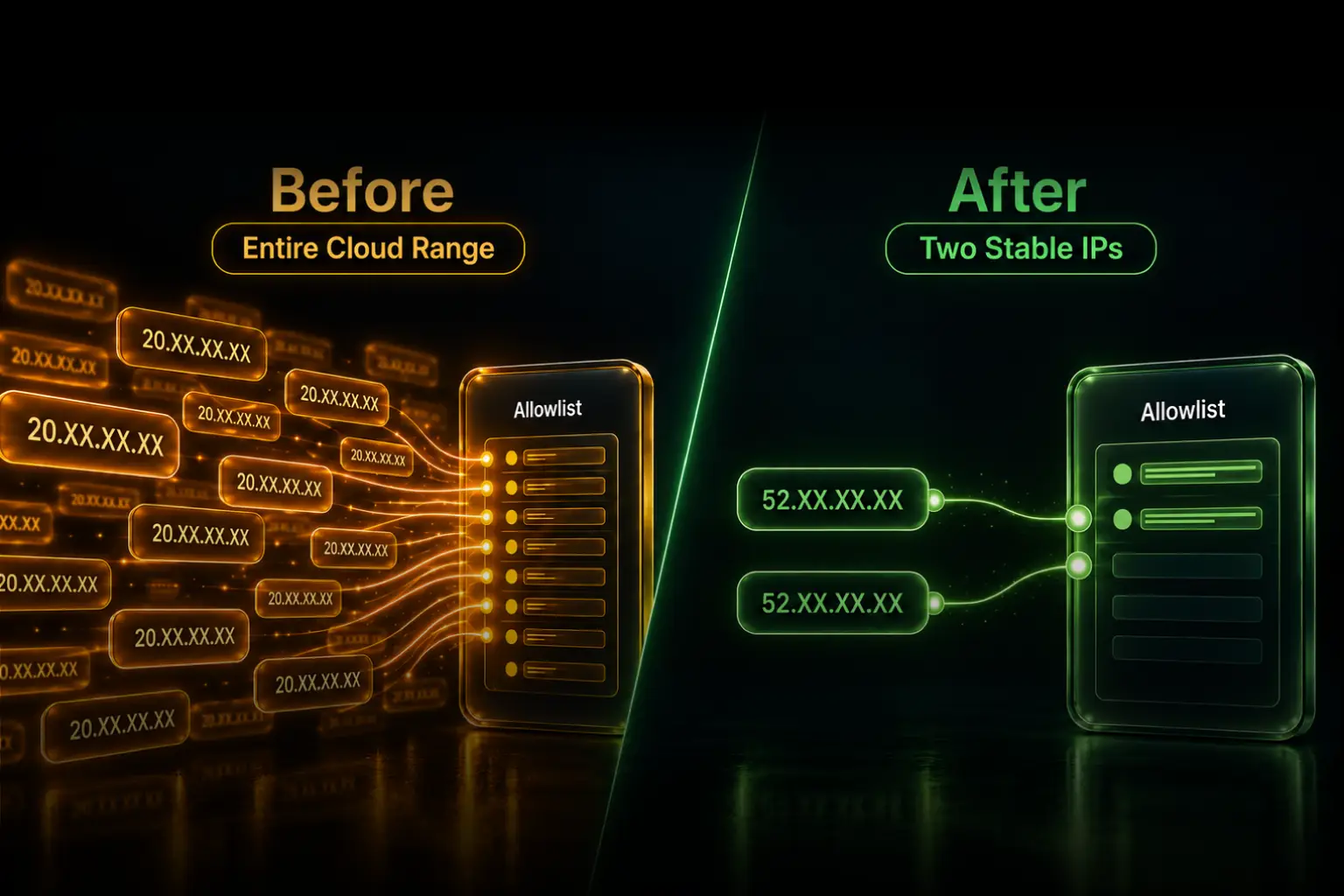
Do not allowlist an entire Azure, AWS, or Google Cloud range merely because one automated SFTP sender cannot provide a stable source IP. Require the sender to route through a small, stable egress set using native cloud NAT, a private network, a self-operated proxy, or managed static egress. Keep SSH keys, least-privilege file permissions, logging, and abuse controls in place because source filtering and authentication solve different problems.
This is not a theoretical policy dispute. In a March 2026 Fortinet community report, an SFTP administrator who normally approved one static /32 per external client faced an Azure-hosted sender with dynamic addresses. One response recommended Azure NAT Gateway. Another administrator described allowing a broad Microsoft Azure object and then operating an automated IP-banning process to contain the resulting brute-force traffic.
A separate SFTP operator reported that more cloud-hosted clients were submitting provider ranges instead of one or two addresses. One request covered all US Azure ranges, and the operator described the growing allowlist as untenable. On the sender side, an n8n Cloud user creating a CSV for a vendor SFTP server was given 22 possible addresses and warned that they could change.
These are three views of the same failure: dynamic cloud egress transfers security risk and operating work from the sender to the organization receiving the file.
A cloud provider range is not a client identity
An SFTP source rule is useful because it narrows which networks can reach the service. A single sender address or small failover set is understandable, testable, and removable. A large shared cloud range authorizes traffic based on where infrastructure happens to run, not which customer or application opened the connection.
The sender may see a simple request: “Please add our platform's IP list.” The destination inherits the consequences:
- More unrelated systems can reach the SFTP listener.
- Internet and shared-cloud scans create more authentication noise.
- Security teams must track provider range changes.
- Firewall objects become harder to review and attribute to one partner.
- A compromised workload elsewhere in the approved range begins inside the network filter.
- Removing one partner becomes difficult when several partners share the same broad object.
A broad allowlist does not automatically create an account compromise. The attacker still needs to pass SSH authentication and file permissions. It does, however, remove a meaningful layer that was supposed to keep unrelated sources away from the service.
SSH keys do not replace a restrictive source rule
An SSH key proves that a client holds an approved private key. A source-IP rule restricts which network identities can attempt that authentication. Directory permissions limit what an authenticated account can do. Rate limits, banning, alerting, and log review help detect and contain abuse.
These controls are complementary:
- Source allowlist: reduces the network population that can reach SFTP.
- SSH authentication: verifies the account or key used for the session.
- Host-key verification: helps the sender verify the SFTP server.
- Least-privilege directories: restrict the files and operations available after login.
- Monitoring and throttling: detect and contain failed logins, scanning, and abnormal transfers.
Strong keys are not a reason to expose port 22 to a cloud provider's entire regional footprint. Likewise, a narrow source rule is not a reason to use weak credentials or disable host-key verification.
Why employee MFA and VPN advice misses automated transfers
A scheduled export cannot approve a phone prompt at 2:00 a.m. An unattended claims feed, settlement file, inventory update, or shipping manifest also should not depend on an employee connecting a laptop VPN before every run.
A site-to-site VPN or private network can be an excellent machine-to-machine control. That is different from telling an automated job to use an interactive employee VPN. The former creates durable infrastructure between organizations; the latter does not fit the workload.
For automation, use noninteractive controls designed for services: an SSH key or approved service credential, restricted permissions, a stable network path, and logs tied to a named technical owner.
The sender should solve unstable egress
The receiving SFTP team controls the firewall but usually cannot fix the sender's cloud network. The sender chooses the runtime, network, and egress architecture. That makes the sender the proper owner of the stable source identity and normally the buyer of any solution.
The receiving team can still create demand by refusing a broad range and returning a precise requirement. That is more constructive than silently accepting the risk or telling the sender only that the connection failed.
Four ways to provide a narrow source identity
1. Native cloud NAT or fixed egress
Use the platform's native static-egress feature when the workload and plan support it. In a customer-controlled Azure VNet, AWS VPC, or Google Cloud VPC, that often means routing through the provider's managed NAT service and one or more reserved public addresses.
This keeps the architecture inside the sender's cloud. The sender still owns subnet and route design, IP lifecycle, regional availability, capacity, monitoring, configuration changes, and incident response. A platform-native option may also be plan- or environment-scoped rather than selective to one SFTP destination.
If the native feature already gives the application an acceptable stable address with reasonable operational ownership, use it. QuotaGuard is not needed merely to replace a working solution.
2. Site-to-site VPN or private connectivity
Use private connectivity when both organizations want a durable network relationship and can coordinate routes, address spaces, DNS, firewall policy, availability, and change management.
This can remove the public SFTP path entirely. It also requires bilateral infrastructure and support. It is often appropriate for a high-volume strategic partner and excessive for a small vendor exchanging one scheduled file.
3. Self-operated proxy, gateway, or relay
The sender can run an egress VM, proxy application, or HTTPS-to-SFTP relay with its own stable address. This is flexible and can isolate one integration.
The address is only the first component. The sender also owns the host, operating-system updates, proxy software, authentication, credential storage, destination restrictions, capacity, redundancy, health checks, monitoring, backups, and after-hours recovery. A single inexpensive VM may be suitable for a low-risk test, but it is also a single service the team must operate.
4. Managed static egress
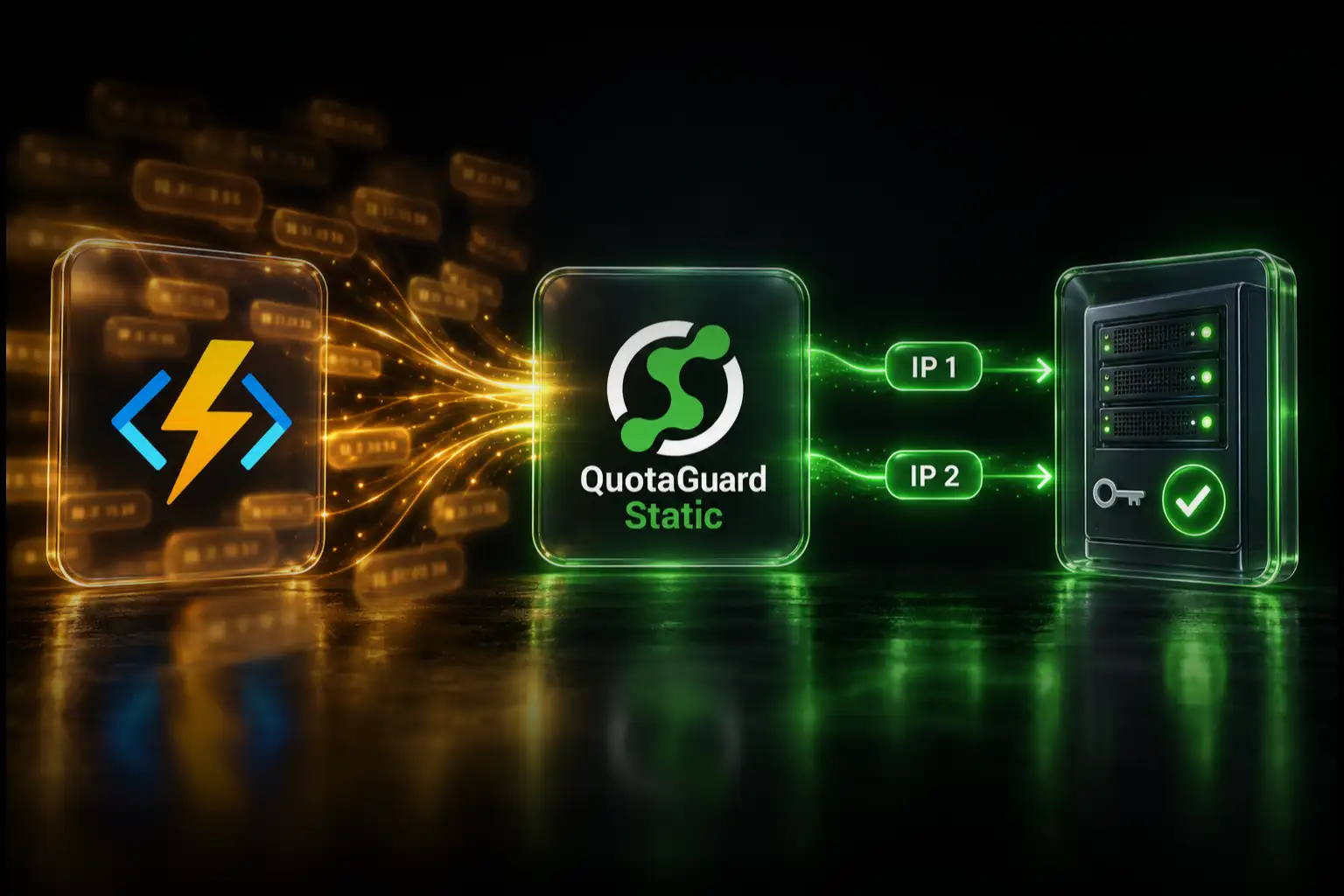
When the customer-controlled SFTP client supports authenticated SOCKS5, or its runtime can run QGTunnel, it can route the transfer through QuotaGuard:
cloud application → QuotaGuard SOCKS5 or QGTunnel → destination firewall → SFTP server
The destination allowlists both stable IP addresses assigned to the sender's QuotaGuard subscription. The sender keeps its existing runtime and routes only the transfer that needs the identity. QuotaGuard operates the proxy infrastructure, availability, monitoring, and proxy incident response. The customer still owns its application, proxy or tunnel configuration, SFTP credentials, SSH host-key verification, and transfer logic.
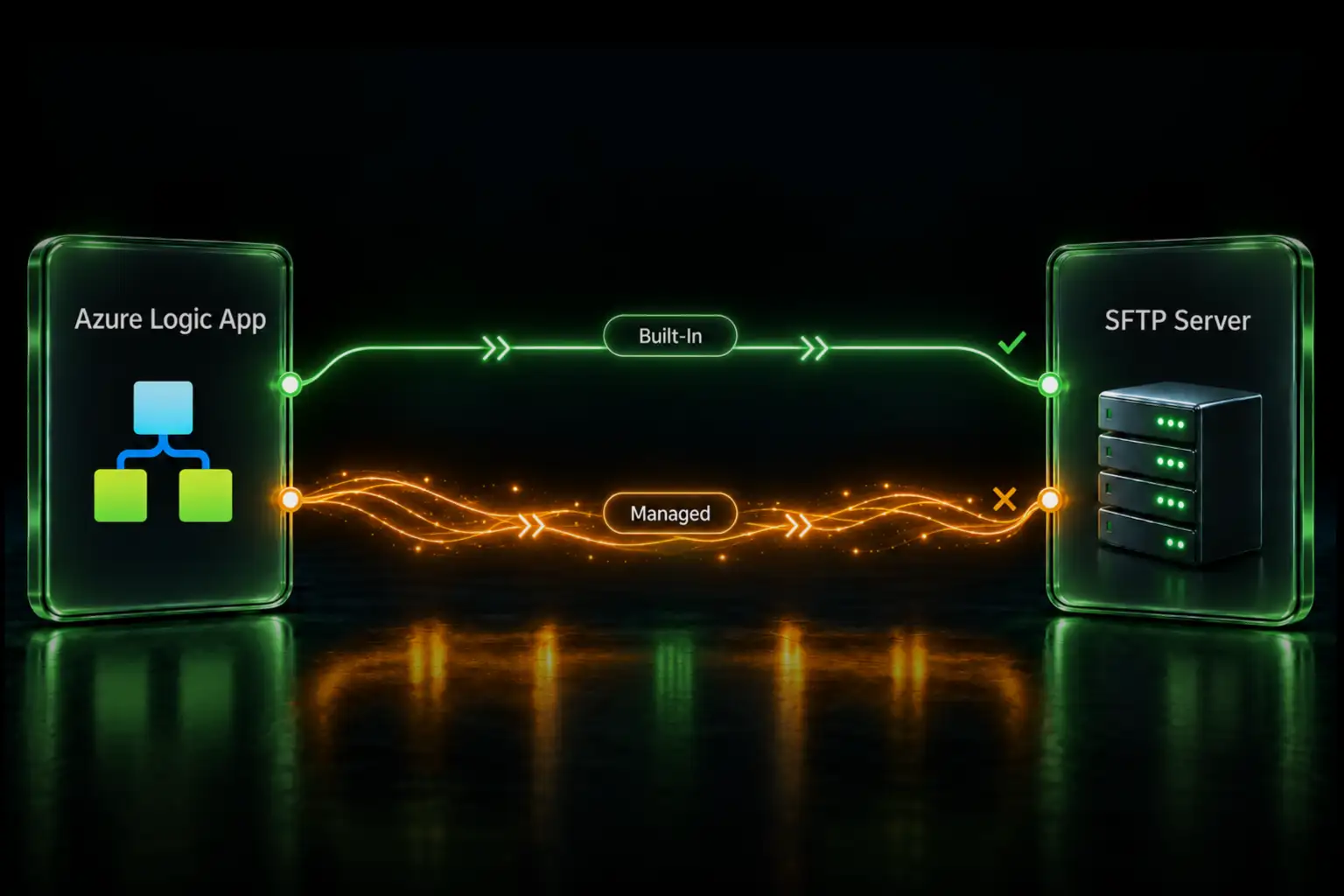
SFTP runs over SSH, not HTTP. A generic HTTP_PROXY or HTTPS_PROXY setting does not route it. Managed platforms whose SFTP node cannot use SOCKS5 and cannot run a tunnel need a customer-controlled relay or a different egress architecture.
Shared static addresses or dedicated IPs?
A standard QuotaGuard subscription provides a stable, load-balanced pair assigned to the subscription, but the underlying proxy addresses are shared infrastructure. The destination's network rule can therefore admit connection attempts from other customers using the same shared address. Those parties still lack the sender's SSH private key and SFTP permissions, but the source rule is not exclusive to one customer.
A shared pair is appropriate when the destination requires stable addresses and accepts layered controls. Use dedicated QuotaGuard infrastructure when policy requires an IP used only by that customer, an exclusive reputation boundary, architectural isolation, or destination-specific controls that cannot safely be shared.
Dedicated IP and proxy infrastructure is included with QuotaGuard Enterprise plans. QuotaGuard Static Enterprise currently starts at $219 per month, and Shield Enterprise starts at $269 per month. Confirm current plans before treating those prices as a procurement quote.
Checklist for the receiving SFTP administrator
Before approving a new automated sender, record:
- The sender organization, application, and named technical owner
- The SFTP hostname, port, traffic direction, and expected schedule
- A small stable set of public source addresses or the approved private-network identity
- Whether those addresses are shared or dedicated
- Separate test and production accounts and source identities where required
- The authentication method and current SSH public key
- The permitted directories and file operations
- Production and disaster-recovery paths
- A notification period and emergency contact for source-address changes
- The date the access will be reviewed or removed
During onboarding, verify the source in the SFTP or firewall logs. Do not approve an address solely because it appears in an email or an external IP-check screenshot from an unspecified machine.
Template for rejecting a broad cloud range
Subject: Stable source addresses required for automated SFTP access

We cannot approve the requested cloud-provider range because it includes
infrastructure unrelated to your application and would materially broaden
access to our SFTP listener.

Please provide:

1. A small, stable set of public source IP addresses used by this workload,
   or an agreed private-network identity.
2. Separate test and production identities if both environments connect.
3. The name and contact details of the technical owner.
4. Your SSH public key and the account/directory access required.
5. Your production and disaster-recovery source addresses.
6. Advance notification before any source-address change.

If your platform uses dynamic egress, use its native fixed-egress feature,
a customer-controlled NAT or proxy, or a managed static-egress provider.
We will validate the source address observed during a scheduled connection
test before approving production access.
Adjust the language to match your risk policy. If shared proxy addresses are not acceptable, state that the sender must provide dedicated addresses rather than surprising the partner after implementation.
Migrate away from an existing broad range without breaking transfers
- Inventory the rule. Identify every sender, account, environment, and scheduled job relying on the broad object.
- Use destination logs. Determine which source addresses and accounts have actually connected, but do not assume a historically observed dynamic address will remain stable.
- Assign the replacement identity. Have each sender establish native NAT, private connectivity, a self-operated gateway, or managed static egress.
- Add before removing. Add the new narrow addresses while the existing range remains temporarily available.
- Test every path. Run test and production transfers from every active and disaster-recovery node. Verify the observed source and successful file operation.
- Monitor a full schedule. Keep the overlap long enough to cover the real job cadence and failover behavior.
- Remove the broad object. Confirm the narrow rule remains in use, then delete the provider-wide access rather than leaving it as a silent fallback.
- Review periodically. Remove retired partners, rotate keys, test disaster recovery, and confirm technical-owner contacts remain valid.
The overlap is a migration tool, not the final policy. Set an owner and removal date when the temporary rule is approved.
QuotaGuard Static or Shield?
A compatible SFTP client can use QuotaGuard Static through authenticated SOCKS5 or QGTunnel. SFTP encrypts the SSH session between the client and destination, and QuotaGuard's blind tunnel does not decrypt that payload. Static's client-to-proxy SOCKS connection is not separately wrapped in TLS.
QuotaGuard Shield adds TLS protection to the client-to-proxy hop through its supported secure connection methods. It is not a direct substitution in every SOCKS5 client configuration. Choose Shield when the security review or approved data architecture requires that protected first hop; the fact that the workload uses SFTP does not automatically make Shield mandatory.
Plans, regions, and the work behind the IP
QuotaGuard Static starts at $19 per month, and QuotaGuard Shield starts at $29 per month. Both standard products provide the stable pair used for destination allowlisting. QuotaGuard operates in 12 AWS regions; choose the closest region at signup, and contact support if an existing subscription needs to move.
The comparison is not only the monthly difference between a public IP and a subscription. It includes infrastructure design, redundancy, maintenance, monitoring, capacity, support, and who receives the page when the transfer route fails in the middle of the night.
Direct demand behind this guidance
Fortinet community: an Azure sender cannot provide the static /32 normally required for SFTP
System administrators: cloud-provider ranges make an SFTP allowlist untenable
n8n community: a managed workflow needs a stable identity for a vendor SFTP server
Related QuotaGuard guides
Configure a static IP for serverless SFTP
Use QGTunnel for SFTP and other TCP protocols
Understand the SFTP boundary on managed n8n Cloud
Connect Databricks Serverless to an IP-allowlisted SFTP server
Choose the correct Azure Logic Apps SFTP path
Give an Azure Function a stable IP for SFTP
Connect Azure Data Factory to Bloomberg SFTP
Troubleshoot Azure Blob SFTP IpAuthorizationError
Give the destination an identity it can defend
A destination security team should not have to approve thousands of unrelated cloud addresses because one sender chose a dynamic runtime. The sender should provide a small, stable, observable identity and continue using strong authentication and least-privilege permissions.
If the sender controls an SFTP client that can use SOCKS5 or QGTunnel, route one test transfer through QuotaGuard, allowlist both assigned addresses, and confirm the result in the destination logs. If native NAT or private connectivity fits better, use that. The goal is not to force one product into every network; it is to stop treating an entire cloud as one trusted client.