To give an Azure Function a stable outbound identity for SFTP, configure the SFTP client in your function code to connect through QuotaGuard SOCKS5, or place the Function App behind VNet integration and an Azure NAT Gateway. Do not allowlist the Function App's virtual IP and expect SFTP to use it. That address is not the function's guaranteed outbound identity.
SFTP runs over SSH, not HTTP. The ordinary HTTP_PROXY and HTTPS_PROXY settings used for API calls do not route an SFTP connection. Your SFTP library must accept a proxy socket, or your runtime must support a separate TCP tunnel process.
This guide leads with Python, Paramiko, and PySocks because that combination provides a direct application-level insertion point. Other languages can use the same architecture when their SSH/SFTP library supports authenticated SOCKS5.
Why SFTP still times out after you whitelist the Function App virtual IP
Azure exposes several IP fields that answer different questions:
Virtual or inbound IP address: This is associated with traffic arriving at your Function App. It is not the address an external SFTP server necessarily sees when your code opens an outbound connection.
Outbound IP Addresses: These are the addresses currently available to the Function App. Microsoft says any outbound connection can use any address in this set; you cannot know beforehand which one a specific connection will use.
Possible Outbound IP Addresses: This is the broader set Azure reports for potential plan or infrastructure changes. On dynamically scaling Consumption and Premium plans, Microsoft warns that the reported addresses are not a definitive permanent allowlist.
A November 2025 Microsoft Q&A report shows the resulting failure clearly: the same SFTP connection worked from a Logic App but timed out from an Azure Function even after the developer added the Function App's virtual address. Microsoft's response directed the developer to the actual outbound sets or to VNet integration with NAT Gateway for a guaranteed address.
The successful Logic App test does not prove the Function uses the same path. Logic Apps built-in and managed SFTP connectors have their own networking behavior. The Function runs your SFTP client in the Function App's network path.
Choose the static-egress route
Use client-level SOCKS5 through QuotaGuard when you control the SFTP code, the library accepts a proxy socket, and you want to route only this transfer through managed static-egress infrastructure.
Use VNet integration and Azure NAT Gateway when your organization already operates Azure networking or wants one VNet-level egress path for the Function App.
Use QGTunnel only in a compatible deployment model when the SFTP library cannot accept a SOCKS5 socket but the Function runtime can launch and maintain a separate tunnel process. A custom container or another customer-controlled worker is a more natural fit than assuming every serverless Function plan can keep that process alive.
Option 1: Connect Paramiko through QuotaGuard SOCKS5
The application path is:
Azure Function → QuotaGuard SOCKS5 → SFTP firewall → SFTP server
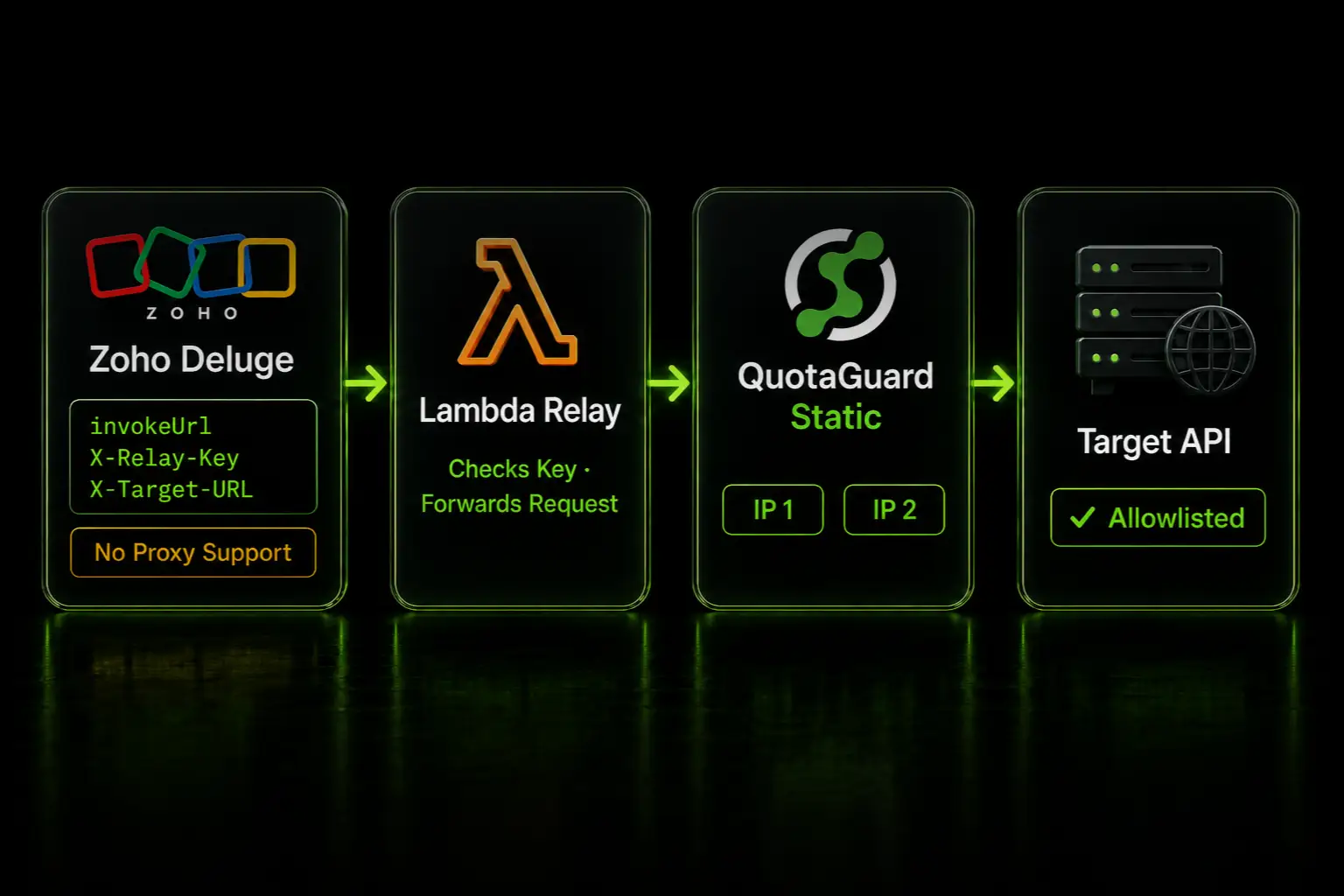
The SFTP administrator allowlists both static IP addresses assigned to your QuotaGuard subscription. The Function connects to the QuotaGuard SOCKS5 endpoint, and QuotaGuard opens the connection to the SFTP server.
1. Add the Python packages
Add these dependencies to the requirements.txt file at the root of the Function project:
azure-functions
paramiko
PySocks
Microsoft recommends remote build for Python Function deployments with third-party dependencies. Pin versions according to your normal dependency and security-update policy rather than copying unreviewed version numbers from an old example.
2. Add application settings
Add the following values under the Function App's application settings or supply them through approved Key Vault references:
QUOTAGUARDSTATIC_URL=http://username:password@<your-proxy-host>:9293
SFTP_HOST=sftp.partner.example
SFTP_PORT=22
SFTP_USERNAME=<partner-user>
SFTP_PASSWORD=<partner-password>
SFTP_REMOTE_DIRECTORY=/inbound
Use the connection URL and hostname shown in your QuotaGuard dashboard. The code reads the hostname and credentials from that URL and connects to the corresponding QuotaGuard Static SOCKS5 service on port 1080.
Do not commit these values to source control or put them in local.settings.json and then publish that file. Keep the QuotaGuard and SFTP credentials separate so each can be rotated independently.
3. Bundle the verified SSH host key
Ask the SFTP administrator for the server's SSH host-key fingerprint through a trusted channel. Add the corresponding known-hosts entry to a file named known_hosts beside function_app.py.
Do not permanently replace host-key verification with an auto-accept policy. A static source IP authenticates your application to the partner's firewall; host-key verification authenticates the SFTP server to your application. You need both controls.
4. Pass a SOCKS5 socket to Paramiko
This Python v2 programming-model example opens an authenticated SOCKS5 socket, gives that socket to Paramiko, and lists one remote directory. Adapt the operation, authentication method, error handling, and response to your production workflow.
import os
from pathlib import Path
from urllib.parse import unquote, urlparse

import azure.functions as func
import paramiko
import socks

app = func.FunctionApp()


@app.route(route="sftp-check", auth_level=func.AuthLevel.FUNCTION)
def sftp_check(req: func.HttpRequest) -> func.HttpResponse:
    proxy = urlparse(os.environ["QUOTAGUARDSTATIC_URL"])
    sftp_host = os.environ["SFTP_HOST"]
    sftp_port = int(os.getenv("SFTP_PORT", "22"))

    proxy_socket = socks.socksocket()
    ssh = paramiko.SSHClient()

    try:
        proxy_socket.set_proxy(
            proxy_type=socks.SOCKS5,
            addr=proxy.hostname,
            port=1080,
            rdns=True,
            username=unquote(proxy.username or ""),
            password=unquote(proxy.password or ""),
        )
        proxy_socket.settimeout(30)
        proxy_socket.connect((sftp_host, sftp_port))

        ssh.load_host_keys(str(Path(__file__).with_name("known_hosts")))
        ssh.set_missing_host_key_policy(paramiko.RejectPolicy())
        ssh.connect(
            hostname=sftp_host,
            port=sftp_port,
            username=os.environ["SFTP_USERNAME"],
            password=os.environ["SFTP_PASSWORD"],
            sock=proxy_socket,
            look_for_keys=False,
            allow_agent=False,
            timeout=30,
            banner_timeout=30,
            auth_timeout=30,
        )

        with ssh.open_sftp() as sftp:
            remote_directory = os.getenv("SFTP_REMOTE_DIRECTORY", ".")
            entries = sftp.listdir(remote_directory)

        return func.HttpResponse(
            f"SFTP connection succeeded; {len(entries)} entries found.",
            status_code=200,
        )
    finally:
        ssh.close()
        proxy_socket.close()
The function-level authorization setting prevents anonymous invocation, but production transfer endpoints usually need additional authentication, authorization, input validation, replay protection, and logging. Do not accept arbitrary hostnames, paths, or commands from a request and pass them to an unrestricted transfer client.
QuotaGuard has not tested this snippet across every Azure Functions plan, Python release, Paramiko version, and partner SFTP configuration. It uses documented Azure Python dependencies and Paramiko's documented ability to accept an already-connected socket. Test your exact deployment and let support help diagnose any runtime-specific problem.
5. Verify the source IP at the SFTP server
Ask the SFTP administrator to allowlist both addresses shown in your QuotaGuard dashboard. Both addresses belong to the service path and both must remain approved for availability and failover.
Then run the actual Function and inspect the SFTP server's connection log. The successful SSH connection should arrive from one of the two assigned addresses. A separate HTTP request to an IP-checking service does not prove that the Paramiko socket used the same route; the receiving SFTP log is the decisive verification.
Option 2: Use Azure VNet integration and NAT Gateway
Microsoft's native static-egress pattern routes Function App traffic through an integration subnet associated with an Azure NAT Gateway and public IP.
Current Functions documentation supports outbound VNet integration on Flex Consumption, Elastic Premium, and supported Dedicated App Service configurations. The legacy Consumption plan does not support outbound VNet integration. Check the current plan and region before designing the network.
For public destinations such as a partner SFTP server, ensure that the Function's outbound internet traffic follows the VNet path. Route All is enabled by default in current VNet integration flows; older configurations may expose the vnetRouteAllEnabled site setting or legacy WEBSITE_VNET_ROUTE_ALL application setting. Associate the NAT Gateway with the integration subnet, give its public IP to the SFTP administrator, and verify the observed address in the server log.
This is the most direct Azure-native design when your team already manages VNets. It also means your team owns the hosting-plan eligibility, subnet sizing and delegation, routes, network security groups, NAT and public-IP resources, monitoring, capacity, change management, and after-hours response.
Why not simply allowlist every Azure outbound address?
That can be valid when the partner accepts the full set and your team has a process for changes. Microsoft says the Function can select any currently available outbound address. On dynamically scaling Consumption and Premium plans, the set can change, and Microsoft says the reported list cannot be treated as a definitive permanent allowlist.
A trading partner may also reject a shared cloud range because it authorizes infrastructure beyond your individual integration. In that situation, arguing for a broader rule weakens the destination's control. A dedicated NAT address or the small pair assigned to a QuotaGuard subscription gives the partner a more precise identity.
When QGTunnel is appropriate
QGTunnel creates a local TCP listener and forwards the connection through QuotaGuard. It is useful when an SFTP library cannot accept a proxy socket and your application can point its ordinary SFTP connection at the local listener.
It is also a separate process. Serverless workers can start, stop, recycle, and scale independently, so do not assume that bundling a binary into a deployment guarantees a durable tunnel. Use QGTunnel only when the chosen Function hosting model and deployment method can launch, supervise, and restart it. A custom container, Elastic Premium or Dedicated deployment with an appropriate process model, or a separate customer-controlled transfer worker may be a better fit.
Prefer direct library-level SOCKS5 when it is available. It keeps the route explicit in the code that opens the SFTP connection and removes the need to coordinate another process.
Troubleshooting checklist
The connection still times out. Ask the SFTP administrator whether any connection attempt reached the server and which source IP appeared. A timeout can be a firewall rejection, DNS failure, blocked proxy destination, route problem, or unreachable SFTP service.
The partner sees an ordinary Azure address. Confirm that Paramiko received the proxy_socket in its sock argument. Setting HTTP_PROXY or HTTPS_PROXY does not alter this SSH connection.
The proxy connection is rejected. Verify the hostname and credentials from the QuotaGuard dashboard, use SOCKS5 port 1080, and confirm that the Function environment permits outbound traffic to that hostname and port.
SSH host-key verification fails. Do not disable verification as the permanent fix. Confirm the current fingerprint with the SFTP provider and update the bundled known_hosts entry through your normal deployment process.
The Function works locally but not in Azure. Verify that all packages are in requirements.txt, the deployment used a compatible build process, every application setting exists in Azure, and no VNet route, NSG, or firewall blocks the QuotaGuard endpoint.
The Logic App succeeds but the Function fails. Treat them as two separate clients. Identify the Logic App connector type and source IP, then inspect the Function's actual source independently.
QuotaGuard Static or Shield?
The direct PySocks example above uses QuotaGuard Static. SFTP encrypts the SSH session between Paramiko and the destination server, and QuotaGuard's blind tunnel does not decrypt that SFTP payload. Static's SOCKS authentication and client-to-proxy hop are not separately wrapped in TLS.
QuotaGuard Shield adds TLS protection to the client-to-proxy hop through its supported secure connection methods. It is not a direct substitution in the PySocks snippet. Choose Shield when your security review or approved regulated-data architecture requires that protected first hop; do not assume that SFTP alone automatically requires it.
Plans, regions, and operating responsibility
QuotaGuard Static starts at $19 per month, and QuotaGuard Shield starts at $29 per month. QuotaGuard operates in 12 AWS regions; choose the closest region when you sign up, and contact support if an existing subscription needs to move.
The comparison with Azure NAT is not only the monthly invoice. QuotaGuard operates the proxy infrastructure, availability, monitoring, and incident response. Your team still owns the Function code, dependencies, credentials, SSH host keys, transfer operations, and partner relationship. With the native Azure path, your team also owns the VNet, subnet, routes, NAT and public-IP configuration.
Official references and real developer demand
Microsoft: Azure Functions IP addresses
Microsoft: Azure Functions networking options
Microsoft: Control Azure Functions outbound IP with NAT Gateway
Microsoft: Azure Functions Python developer reference
Paramiko: SSHClient documentation
Developer report: SFTP works from Logic Apps but times out from Azure Functions
Related QuotaGuard guides
Azure Logic Apps SFTP static IP: built-in versus managed connectors
Python SFTP with Paramiko through QuotaGuard SOCKS5
Static IPs for serverless SFTP allowlisting
Choose the correct static-egress route for Azure services
Get started
First ask the SFTP administrator which source address appears in the failed Function connection. If you control a compatible SFTP client, route one transfer through QuotaGuard SOCKS5 and have the partner allowlist both assigned addresses. If your organization already operates the Azure network, compare that with VNet integration and NAT Gateway. In either case, verify the final source identity in the SFTP server log rather than assuming an Azure portal IP field represents the connection.