If Bloomberg will accept the current shared Azure Data Factory IP range for your Azure Integration Runtime, allowlist that range and use the managed SFTP connector. If Bloomberg requires a small, stable set of account-specific source addresses, use a Self-hosted Integration Runtime behind Azure NAT Gateway or Azure Firewall, or have ADF trigger customer-controlled transfer code that connects through QuotaGuard SOCKS5 or QGTunnel. The managed ADF SFTP connector does not expose a field for a QuotaGuard proxy.
That distinction is the answer to a real Azure Data Factory deployment problem. In a November 2025 Microsoft Q&A report, an ADF user needed to connect to Bloomberg SFTP, but the default AutoResolve Integration Runtime did not provide the narrow source identity required for Bloomberg's allowlist. Microsoft's recommendation was to use the shared Azure range only if Bloomberg accepted it, or run a Self-hosted Integration Runtime behind customer-controlled static Azure egress.
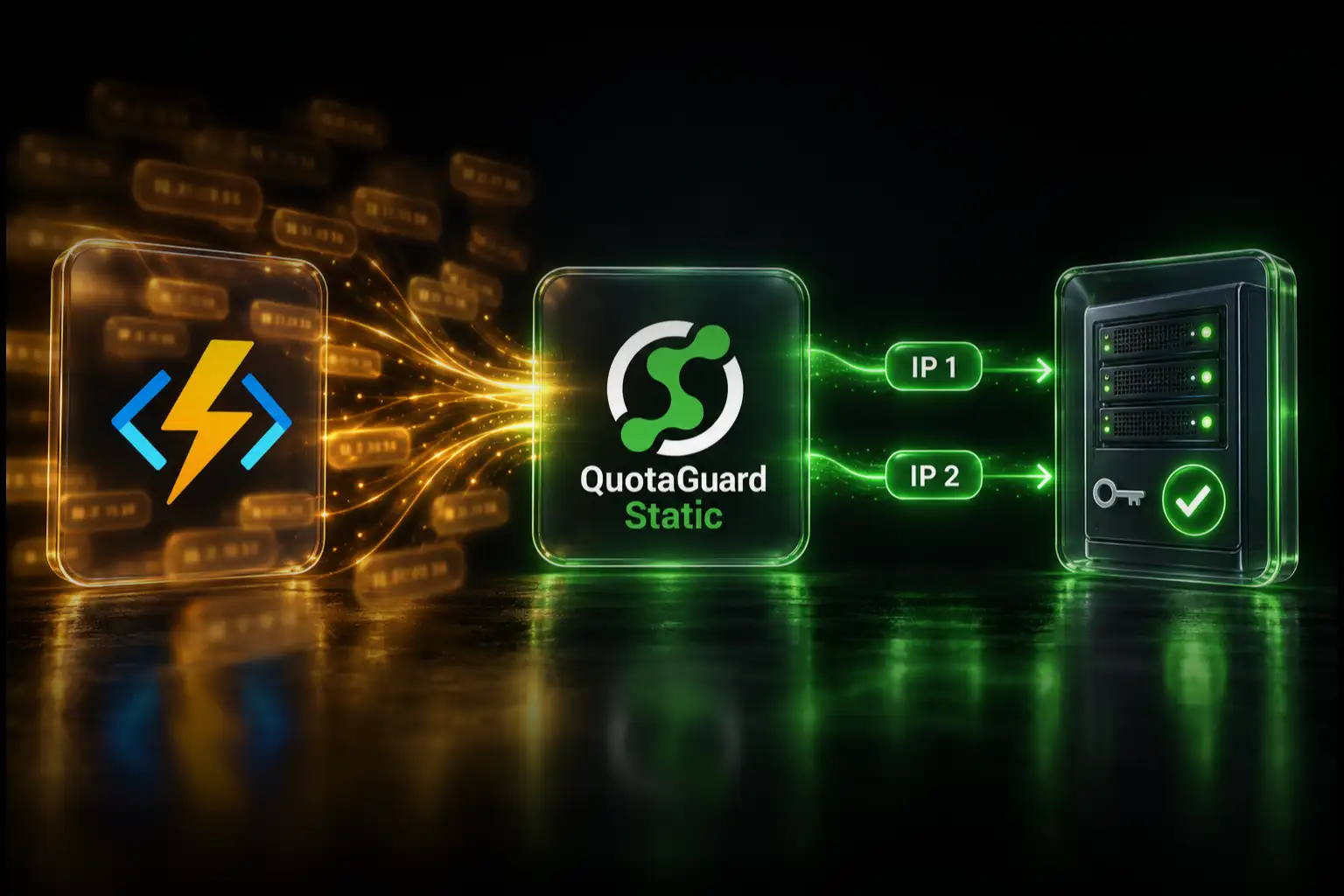
QuotaGuard provides a third architecture when you do not want ADF's managed connector to make the SFTP connection. ADF orchestrates a Function, container, or transfer worker that you control, and that client routes the SFTP connection through QuotaGuard. This article explains where each route works, what your team owns, and what not to configure.
Bloomberg SFTP requires the client's public IP to be allowlisted
Bloomberg's published SFTP Connectivity Policy says internet access is permitted only from an IP address previously allowlisted for the account. It also says the user's internet-facing IP addresses need to be allowlisted with Bloomberg.
The July 2021 public policy describes its standard bracket as five or fewer individual IP addresses, five or fewer CIDR sets, or a combination covering no more than 1,280 addresses. It also asks customers to provide disaster-recovery addresses. A QuotaGuard subscription's pair of stable outbound addresses fits within the published individual-address count, but Bloomberg controls onboarding and approval. Confirm the current policy and the addresses registered to your account through the Bloomberg Enterprise Console or your Bloomberg representative.
Bloomberg's policy explicitly discusses customers funneling SFTP sessions through proxy IPs and warns that per-IP session limits can apply. That makes a proxy path technically relevant, but it is not approval for a particular provider, subscription, or architecture.
For the destination, use the Bloomberg hostname assigned to your account. Bloomberg's public policy advises internet clients to use sftp.bloomberg.com rather than hard-coding its server IP addresses so Bloomberg can provide failover. A stable source IP and a DNS-based destination are compatible requirements.
Choose one of three outbound paths
Use Azure Integration Runtime when Bloomberg accepts the current regional Azure Data Factory prefixes and your team can monitor Microsoft for changes.
Use Self-hosted Integration Runtime with Azure static egress when you want the ADF SFTP connector to perform the transfer but Bloomberg requires a narrow source allowlist.
Use an ADF-triggered transfer worker through QuotaGuard when you want a managed static-egress service and can move the SFTP operation into code that you control.
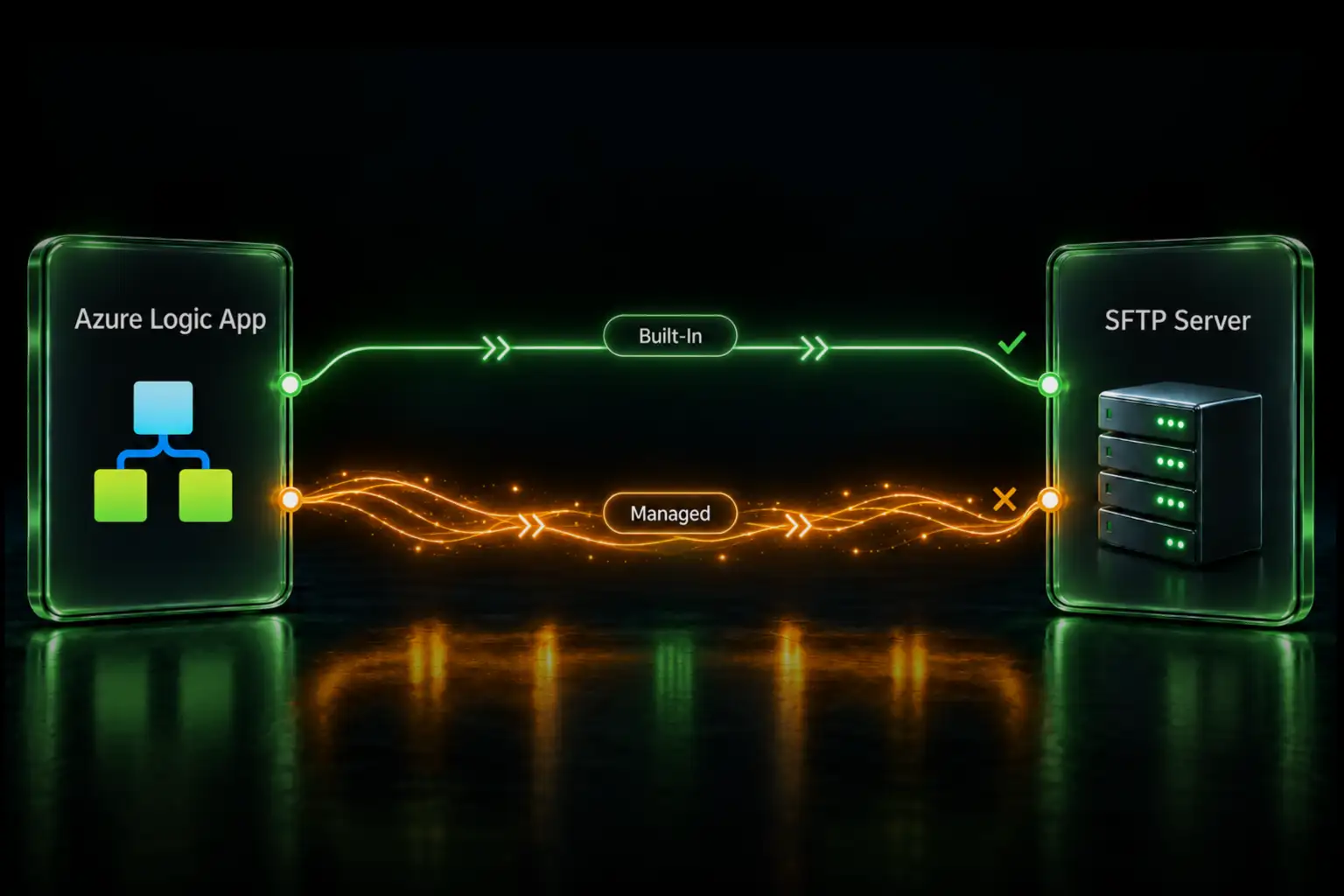
Do not mix pieces from these routes. A NAT Gateway attached to a Self-hosted Integration Runtime subnet does not change the source IP of a transfer still running on Azure Integration Runtime. Likewise, adding HTTP_PROXY to the Self-hosted Integration Runtime host does not prove that its SSH-based SFTP traffic uses that HTTP proxy.
Option 1: Use the Azure Integration Runtime range
The ADF SFTP connector supports Azure Integration Runtime. With this route, Microsoft operates the runtime and the transfer comes from Azure-managed infrastructure rather than a VM or worker you control.
Microsoft publishes regional Azure Integration Runtime addresses through the DataFactory service tag and its IP-range documentation. Give Bloomberg the current prefixes for the Integration Runtime region only if Bloomberg agrees to register them. Do not copy a historical address count or an old list from a forum post. Retrieve the current list from Microsoft and define who will monitor it for changes.
This is the simplest route because you do not operate a transfer host. It may also be the wrong route when the destination refuses a shared cloud range, limits the number of registered source addresses, or requires an identity specific to your integration.
If Bloomberg accepts the current Azure range, use it. You do not need QuotaGuard merely to replace a route the destination already approves.
Option 2: Run Self-hosted Integration Runtime behind Azure NAT
The ADF SFTP connector also supports Self-hosted Integration Runtime. In this model, you install the runtime on a Windows machine that your organization controls. The runtime receives orchestration from ADF and opens the SFTP connection directly to Bloomberg.
The path is:
ADF control plane → Self-hosted Integration Runtime → Azure NAT Gateway or Firewall → Bloomberg SFTP
Place the Self-hosted Integration Runtime VM in the intended VNet and subnet. Route its public internet traffic through an Azure NAT Gateway, Azure Firewall, or another Azure design that provides a stable public source address. Give Bloomberg every public address that the transfer can use, choose the Self-hosted Integration Runtime in the ADF linked service, and verify the observed source in Bloomberg's connection records.
For availability and capacity, Microsoft supports multiple nodes in a Self-hosted Integration Runtime. Every node that may run the transfer must leave through an address Bloomberg has allowlisted. Adding a second node without checking its egress can turn a reliable transfer into an intermittent firewall failure.
This route keeps the transfer inside the ADF connector, but your team owns more than a public IP:
- Windows VM availability, sizing, and patching
- Self-hosted Integration Runtime installation, upgrades, and health
- VNet, subnet, routes, NAT or Firewall, and public IP resources
- High availability across every runtime node
- Monitoring, capacity planning, incident response, and after-hours recovery
- Bloomberg credentials, SSH host-key verification, and transfer behavior
The Self-hosted Integration Runtime HTTP proxy is not an SFTP proxy
Microsoft documents an HTTP proxy setting for Self-hosted Integration Runtime communication and HTTP/HTTPS data sources. SFTP runs over SSH. Do not paste a QuotaGuard HTTP proxy URL into that setting and assume the ADF SFTP connector will use it.
If the Self-hosted Integration Runtime's ordinary network path leaves through an Azure NAT Gateway or Firewall, the SFTP server sees that Azure egress address. If you need the SFTP client itself to use SOCKS5 or QGTunnel, use customer-controlled transfer code rather than claiming the managed connector supports a field it does not expose.
Option 3: Let ADF orchestrate a transfer worker through QuotaGuard
ADF can remain the scheduler and workflow coordinator while a Function, container, or other worker performs the SFTP operation.
The path is:
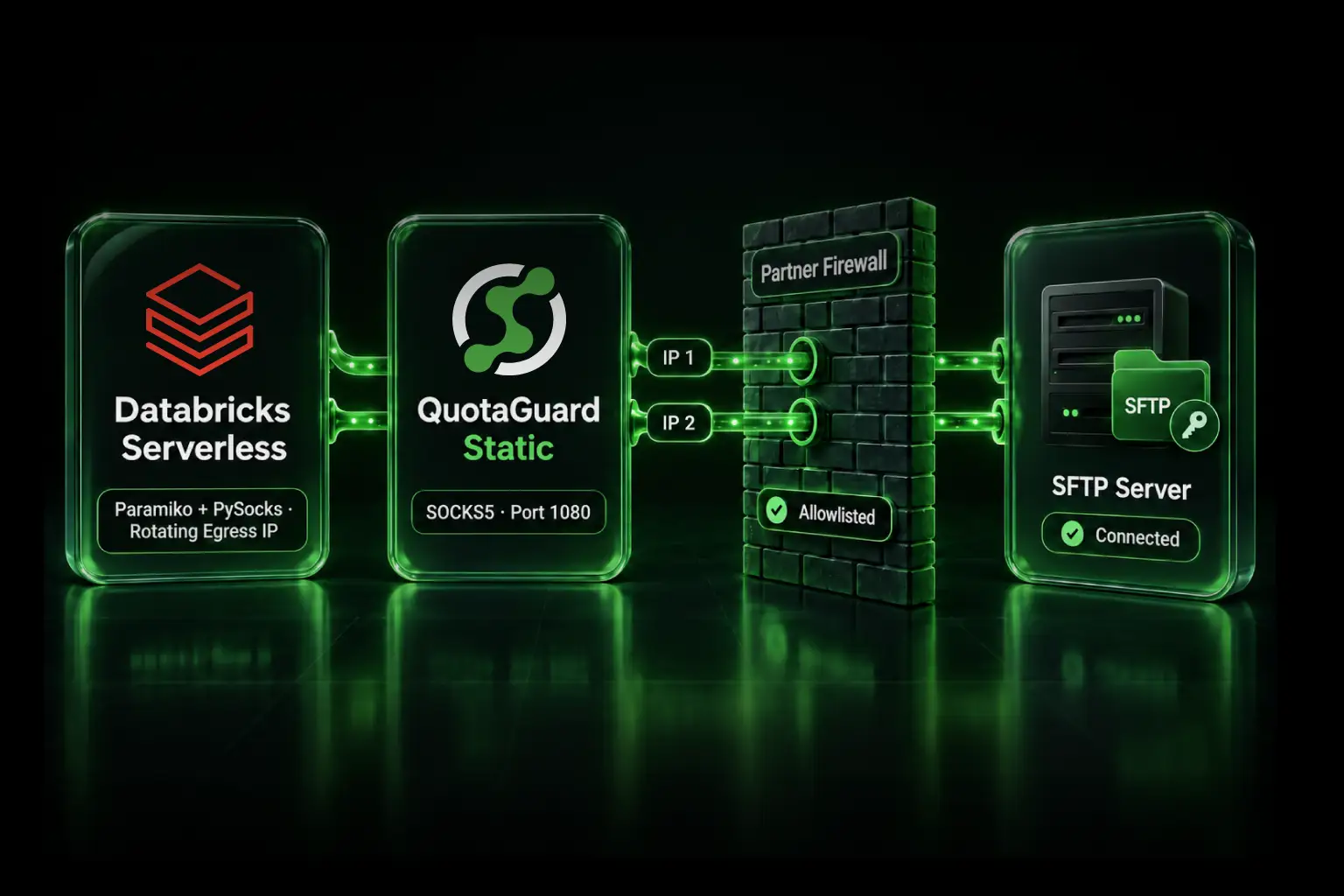
ADF pipeline → authenticated transfer worker → QuotaGuard SOCKS5 or QGTunnel → Bloomberg SFTP
The worker's SSH/SFTP client must explicitly connect through QuotaGuard SOCKS5, or the runtime must be able to launch and supervise QGTunnel. ADF can invoke the worker through an Azure Function activity, Web activity, or another controlled orchestration method, but ADF's managed SFTP connector is not the component using QuotaGuard in this design.
Give Bloomberg both static outbound IP addresses shown in your QuotaGuard dashboard. Store the QuotaGuard and Bloomberg credentials in approved secret storage, verify Bloomberg's SSH host key, restrict the worker to the expected destination and file operations, and authenticate every request from ADF to the worker.
This design is selective: only the transfer code that opens the QuotaGuard connection uses the static-egress path. Unrelated ADF activities and worker traffic do not have to share it.
QuotaGuard has not performed an end-to-end Bloomberg account certification for this article. The architecture follows Bloomberg's published source-IP policy and its acknowledgement of proxy IPs, plus the supported ability of customer-controlled SFTP clients to use SOCKS5 or a TCP tunnel. Test it with your Bloomberg account and update the design from the source address and error details Bloomberg observes.
What QuotaGuard operates and what your team still owns
QuotaGuard operates the proxy infrastructure, its availability, monitoring, and proxy incident response. Your team still owns the transfer worker, its deployment, authentication, Bloomberg credentials, SSH host keys, file handling, retries, audit logs, and the ADF orchestration around it.
That is different from Self-hosted Integration Runtime with Azure NAT. In the native Azure design, your team also owns the Windows runtime hosts, subnet and routes, NAT or Firewall resources, public IP lifecycle, node capacity, patching, and runtime availability.
The decision is not just a comparison between a $19 subscription and an Azure public-IP charge. It is a choice about which infrastructure your team wants to operate and who receives the alert when the egress path fails.
Bloomberg SFTP is not the Bloomberg Data License HTTPS API
Bloomberg SFTP transfers files over SSH, normally on port 22. It needs an SFTP-capable SOCKS5 or TCP-tunnel path when you use QuotaGuard.
The Bloomberg Data License API guide covers HTTPS requests to Bloomberg's API endpoints. An HTTP CONNECT proxy configuration that works for that API does not automatically route the ADF SFTP connector. Use the guide that matches the protocol and the runtime that actually opens the connection.
Troubleshoot the actual failure layer
The connection times out before SSH starts. Ask Bloomberg whether an attempt arrived and which source address it observed. Check that the exact observed address is registered, that outbound TCP port 22 is permitted, and that the client used Bloomberg's assigned hostname.
Bloomberg still sees an Azure shared address. The transfer is probably still running on Azure Integration Runtime, or the worker did not use the intended proxy socket. Selecting one runtime in a different linked service does not move this SFTP activity onto it.
Only some transfers fail. Inspect every Self-hosted Integration Runtime node and every public address on its egress path. For QuotaGuard, confirm Bloomberg registered both assigned addresses rather than only the address seen during one test.
Authentication fails after the firewall permits the connection. The source allowlist and SSH authentication are separate controls. Check the Bloomberg username, approved key or password method, current key requirements, and account status. Do not broaden the IP rule to solve an authentication error.
SSH host-key verification fails. Confirm the current fingerprint through an approved Bloomberg channel. Do not permanently disable host-key verification.
The upload succeeds but the downstream process does not see the file. Check the ADF SFTP connector's path, filename, write behavior, and temporary-file rename settings. That is a transfer workflow problem, not evidence that the source-IP rule failed.
A test uses a server IP instead of the Bloomberg hostname. Bloomberg's policy advises internet clients to use its failover hostname. A static outbound source does not require hard-coding the destination address.
QuotaGuard Static or Shield?
Customer-controlled SFTP code can use QuotaGuard Static through authenticated SOCKS5 or QGTunnel. SFTP encrypts the SSH session between the client and Bloomberg, and QuotaGuard's blind tunnel does not decrypt that payload. Static's client-to-proxy SOCKS connection is not separately wrapped in TLS.
QuotaGuard Shield adds TLS protection to the client-to-proxy hop through its supported secure connection methods. It is not a drop-in replacement for every direct SOCKS5 client example. Choose Shield when your security review or approved financial-data architecture requires the protected first hop; the presence of SFTP alone does not automatically make Shield mandatory.
Plans and regions
QuotaGuard Static starts at $19 per month, and QuotaGuard Shield starts at $29 per month. Both provide the stable pair used for destination allowlisting. QuotaGuard operates in 12 AWS regions; choose the closest region at signup, and contact support if an existing subscription needs to move.
Official references and direct demand
Bloomberg: SFTP Connectivity Policy
Bloomberg Enterprise Console: SFTP IP allowlisting
Microsoft: Copy and transform data in an SFTP server with Azure Data Factory
Microsoft: Integration Runtime in Azure Data Factory
Microsoft: Azure Integration Runtime IP addresses
Microsoft: Create and configure a Self-hosted Integration Runtime
Developer report: Azure Data Factory connection to Bloomberg SFTP
Supporting report: a vendor accepts one source IP instead of an Azure regional range
Related QuotaGuard guides
How to give an Azure Function a static IP for SFTP
Choose the correct static-egress route for Azure services
Static IPs for serverless SFTP allowlisting
Use QGTunnel for TCP protocols including SFTP
Get started
First ask Bloomberg whether it will accept the current Azure Integration Runtime prefixes for your region. If the answer is yes, use the managed route. If Bloomberg requires a small stable set, decide whether your team wants to operate Self-hosted Integration Runtime and Azure NAT or let ADF orchestrate customer-controlled transfer code through QuotaGuard.
In every design, register every address the transfer may use and verify the source identity in Bloomberg's connection records. Do not infer the SFTP route from an Azure portal field or from an unrelated HTTPS test.