

From January 1, 2027 at 11:59 PM ET, every custom app you've already installed on a store outside your organization needs an IP allowlist. If even one is missing, Shopify won't let you install any of your apps on stores outside your organization. For an agency with an app per client, that turns a per-app setting into a portfolio deadline. Fixed IPs give you the narrowest list. An ASN rule is broader than it looks, because it admits everyone on that network.
If you build custom apps for clients, you've probably already met the first half of this. Since November 20, 2026, a custom app needs an IP allowlist before you can install it on a store outside your organization. The second half lands on January 1, and it reaches back to the apps you installed months or years ago.
We covered the overall Shopify rollout, including the public-app dates, in Shopify's new IP allowlist requirement. This post is the follow-up for agencies: how the January rule works when you own many apps, how to work through them, and why the ASN option deserves a careful look.
What Shopify says changes on January 1
From Shopify's November 11, 2026 changelog:
- "Starting November 20, 2026 at 11:59 PM ET: Apps must have an IP allowlist for new installs."
- "Starting January 1, 2027 at 11:59 PM ET: Allowlists are required for existing installs."
- Affected: "Partners who own multiple apps. From January 1, 2027, one app without an allowlist affects your ability to install any app on stores outside your organization."
- Unaffected: apps installed only on stores in your own organization, apps created by merchants in the Dev Dashboard or the admin, and public apps, which have their own requirement.
Shopify's app security page spells out the consequence: "If any of your apps doesn't have an IP allowlist, then you can't install any of your apps on stores outside your organization."
Read that carefully. Shopify describes the January consequence as an install block across your organization. It doesn't say your existing custom-app installs stop working that day. But if you onboard a new client on January 4 and one forgotten older app has no allowlist, that install waits until you fix the old one.
Why agencies feel this more
Shopify's distribution docs say a custom-distribution app is installed on a single store, on multiple stores in the same Plus organization, or on development stores. So agencies tend to own one app per client, all in their own organization, all installed outside it. That's exactly the set the January rule covers.
The usual trouble spots:
- Old and quiet apps. A loyalty sync built for a client who left, a pilot that never shipped, a one-off migration app. If it's still installed on a store outside your organization, it counts.
- Callers you don't run. Shopify's allowlist docs give the example of a third-party tool making requests with your app's tokens. If a client's ERP connector, reporting tool or contractor script uses the token, its address has to be on the list too.
- Flow and Oxygen. Shopify says tokens used by the Flow "Send HTTP request" action, and tokens used for GraphQL Admin API requests from a storefront hosted on Oxygen, are rejected under an allowlist because Shopify can't confirm the source address. Find those before you turn on enforcement.
A checklist you can run per client
- Inventory. List every app in your Dev Dashboard organization that's installed on a store outside it. Note who calls the Admin API with each app's tokens: your backend, background workers, scheduled jobs, client tools, third parties.
- Retire or block what's idle. If an app doesn't make GraphQL or REST Admin API requests with its own tokens, Shopify lets you block requests from all addresses, and that meets the custom-app requirement.
- Pick the rule type. Fixed IPs where you can, ASNs only where you can't (more on that below). Each allowlist takes up to 250 addresses or ranges and up to 10 ASNs.
- Test, then enforce. In each app's Settings, open IP allowlist, enter the rules, run Test against recent traffic to see which of your own addresses from the last 30 days would be blocked, then turn on Enforce IP allowlist and save. Shopify's last step is to make a request from outside the list and confirm it gets a
403. - Track it centrally. One missing app blocks every new install outside your organization, so keep the status in one place and check it before each client launch.
While you're in there, check the neighboring January 1 item on Shopify's security page: custom storefront apps installed outside your organization must also declare their network access, with the same "until all of them do" install block.
Why an ASN rule admits more than your app
Shopify offers two kinds of rule. An IP rule matches the addresses or ranges you list. An ASN rule matches a whole network. An ASN, or autonomous system number, identifies a network that one organization runs, such as a hosting provider or an ISP. For every request that doesn't match an IP rule, Shopify looks up the ASN and country of the source address in MaxMind's GeoLite data, and allows the request if the ASN is on your list.
That's why it's convenient on a platform with dynamic egress: you don't need to know which address your app gets today. It's also why it's broad. On a shared platform, your app's outbound traffic leaves from addresses that belong to the provider's network, and so does every other customer's. The lookup can't tell your container from someone else's. Shopify says so directly in its ASN caution:
"A provider's network is shared with its other customers. Anyone who runs servers in an ASN that you allow, and who has a stolen token, can use it from there."
So an ASN rule still stops a leaked token from working on a home connection or most other networks. It doesn't stop someone who deploys on the same provider. Limiting the rule to countries narrows where the address appears to be, not who's behind it. Two more details worth knowing: a provider can run more than one ASN and add more over time, and if MaxMind's data has no ASN for an address outside your ranges, Shopify rejects the request. The ASN you see in your logs may also belong to the cloud your platform runs on, not the platform itself, so check whose network it actually is.
Shopify's own recommendation is the one we'd give: "Allowlist only IP addresses when you can."
Fixed IPs with QuotaGuard Shield
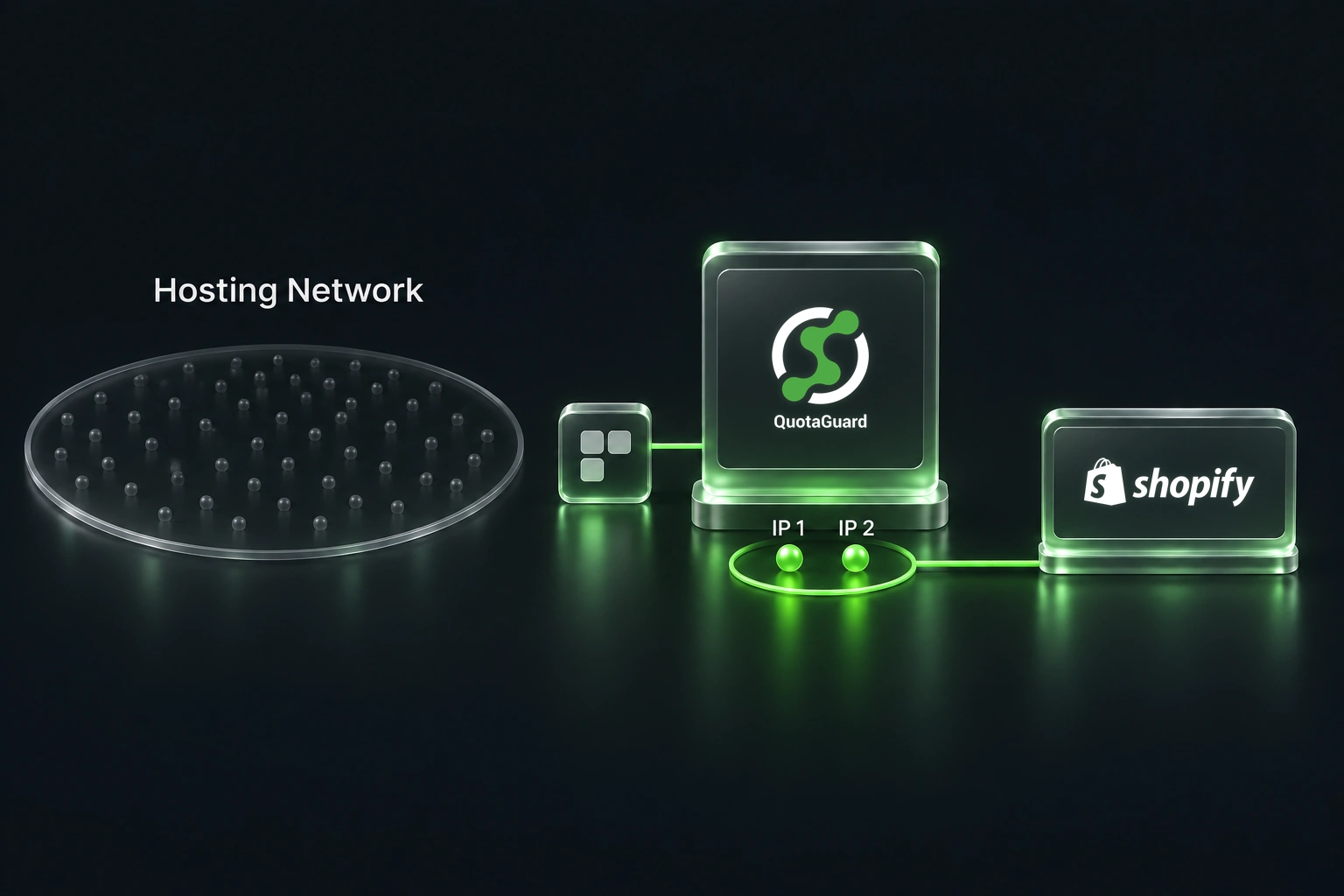
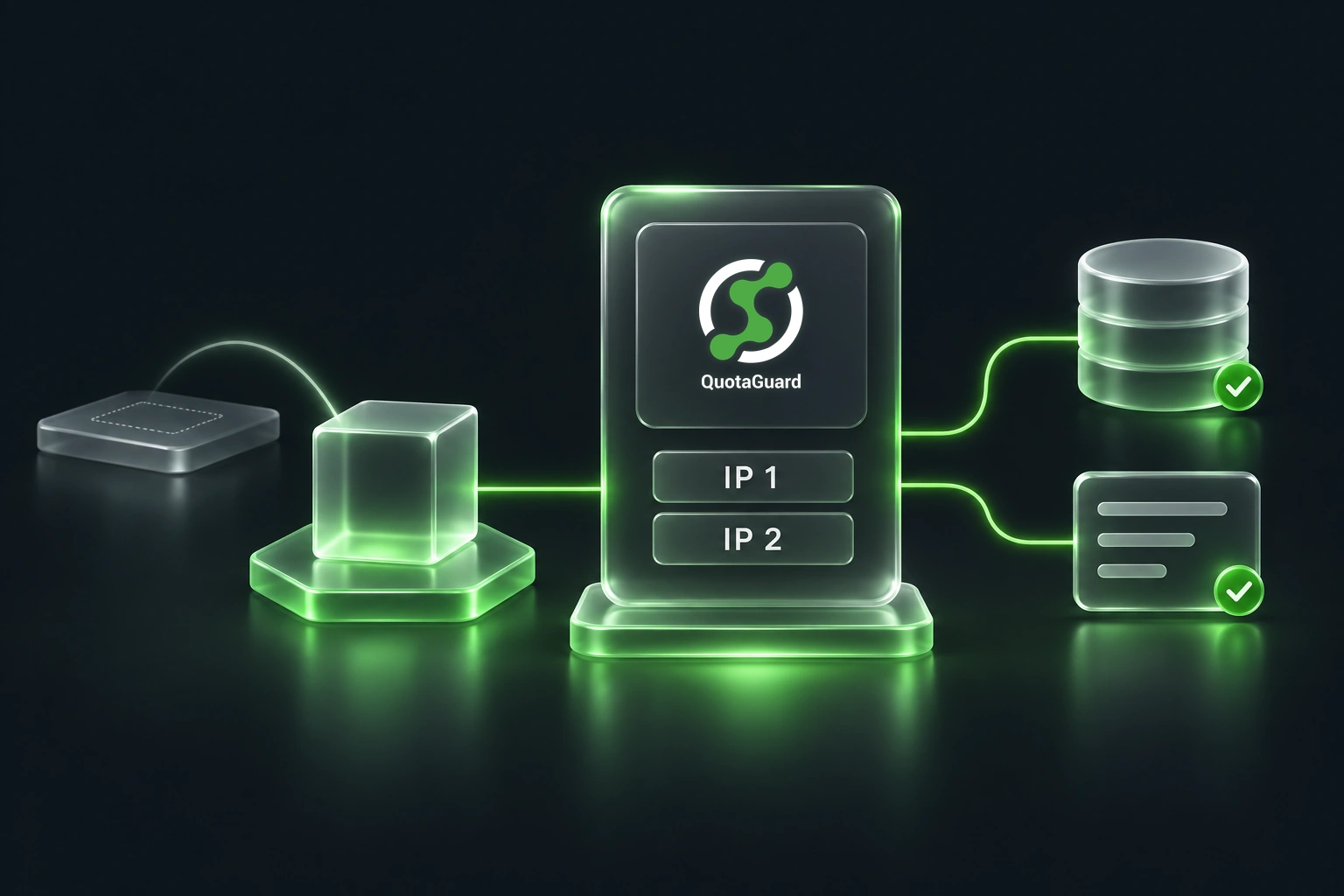
QuotaGuard gives each subscription a load-balanced pair of static IPs. You route the server-side clients that call the Admin API through it, and each client app's allowlist gets two IP rules instead of a hosting network.
We'd start with QuotaGuard Shield for Admin API traffic. Shield encrypts the hop from your app to the proxy, including the proxy credentials, then tunnels your TLS session to Shopify without decrypting it (how Shield works). Store the connection URL from your dashboard as QUOTAGUARDSHIELD_URL, in the form https://username:password@<your-quotaguard-shield-host>:9294 (Shield setup docs). If your HTTP client can't talk to a proxy over TLS, check that first.
# Illustrative; not tested.
# 1. Which address does this process use?
#    Never send your Shopify token to an echo service.
curl -x "$QUOTAGUARDSHIELD_URL" https://ip.quotaguard.com

# 2. A read-only Admin API call through the same route.
curl -x "$QUOTAGUARDSHIELD_URL" \
  -X POST "https://<store>.myshopify.com/admin/api/<api-version>/graphql.json" \
  -H "X-Shopify-Access-Token: $SHOPIFY_ADMIN_TOKEN" \
  -H "Content-Type: application/json" \
  -d '{"query":"{ shop { name } }"}'
Run the echo check from each process that calls Shopify, not just one shell. Add both IPs to every app's allowlist, since traffic can use either one.
QuotaGuard Static is the alternative if you don't need the encrypted proxy hop. It uses a plain HTTP proxy connection on port 9293 as QUOTAGUARDSTATIC_URL, and the HTTPS session to Shopify is still end to end. Static and Shield use different IPs, so list the pair for the product you actually run.
One pair for every client, or one per client?
If your agency runs one backend that serves many client apps, one subscription gives every app the same two addresses. That's the simplest list to maintain. If clients host their own app backends, or a client wants its traffic separated from your other clients, give that client its own subscription and its own pair.
Be precise about what "fixed" means here. Starter, Production and Business plans use a shared static pair, so other QuotaGuard customers on that pair could in principle use a stolen token from it. That's a far smaller group than a whole hosting network, but it isn't exclusive. Enterprise plans include dedicated IPs if a client's security review requires addresses only you use. Either way, an allowlist limits where a token works. It doesn't replace protecting the token, and Shopify recommends pairing it with expiring offline access tokens.
This doesn't touch webhooks
The allowlist checks requests your apps send to Shopify. Webhooks travel the other way, from Shopify to your endpoint, so a proxy for Admin API calls doesn't change them. If you need a fixed destination for webhook delivery, see Shopify webhooks and a fixed destination IP.
What to do next
Pull the list of apps installed outside your organization this week, and mark each one as fixed IPs, ASN, blocked, or retired. For the ones that call the Admin API from shared hosting, start a QuotaGuard Shield trial, confirm the route from each caller, and test each allowlist against recent traffic before you enforce it. If a client setup doesn't fit the pattern, write to QuotaGuard Support and we'll help you work it out before the deadline.
QuotaGuard Static IP Blog
Practical notes on routing cloud and AI traffic through Static IPs.