Give Your App a Static IP for Your Client's SQL Server Allowlist

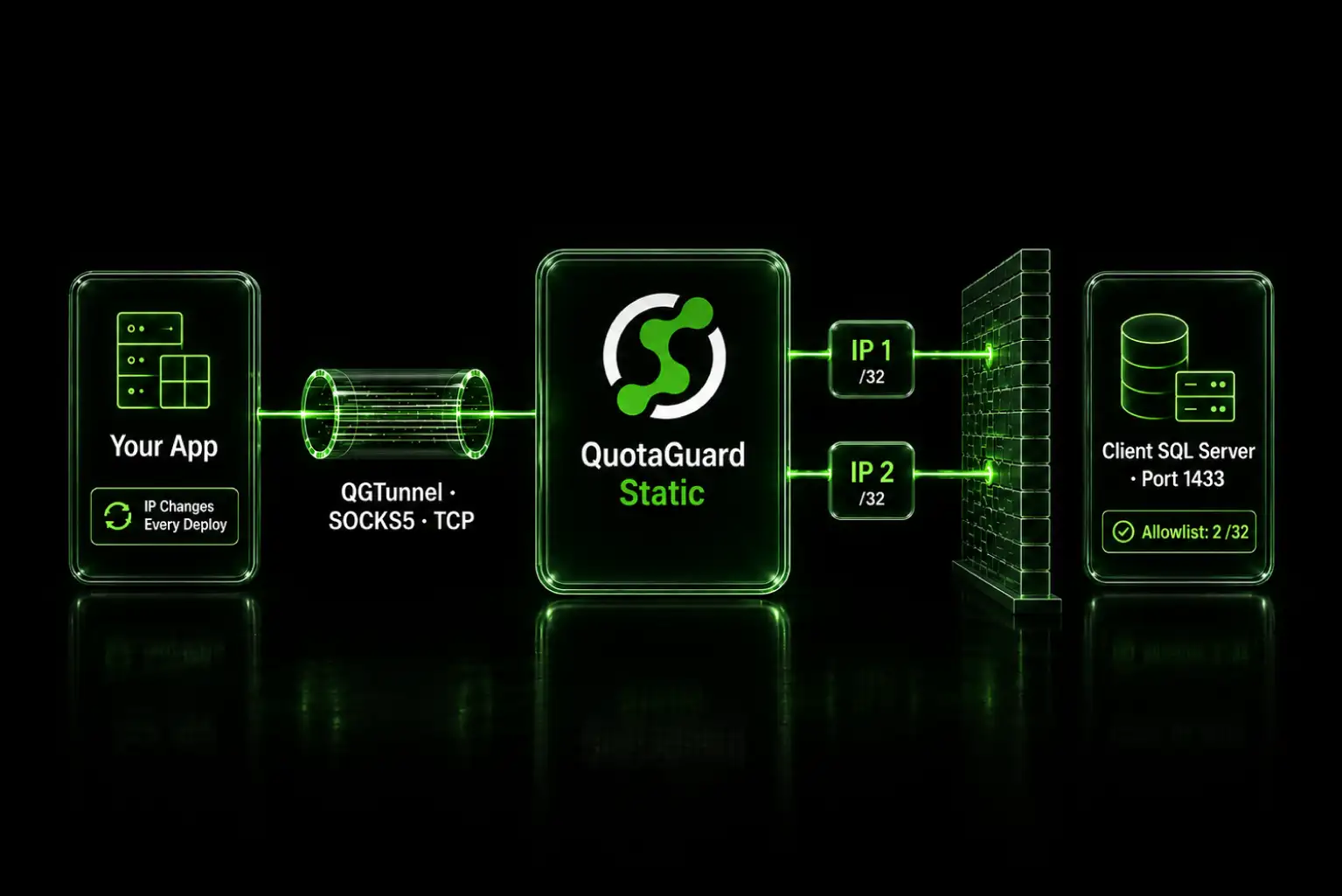
Route the database connection through a static IP proxy. Your client's IT team allowlists two fixed addresses, and the connection string usually stays the same.
The request is always the same. Send us the IP address you'll be connecting from and we'll open the firewall. And you can't, because your app runs on a platform that hands out a different address every deploy. The IT team isn't being difficult. A source IP is the control they have, and "it changes" is not an answer they can put in a change ticket.
Two Fixed Addresses Are All the Firewall Rule Needs
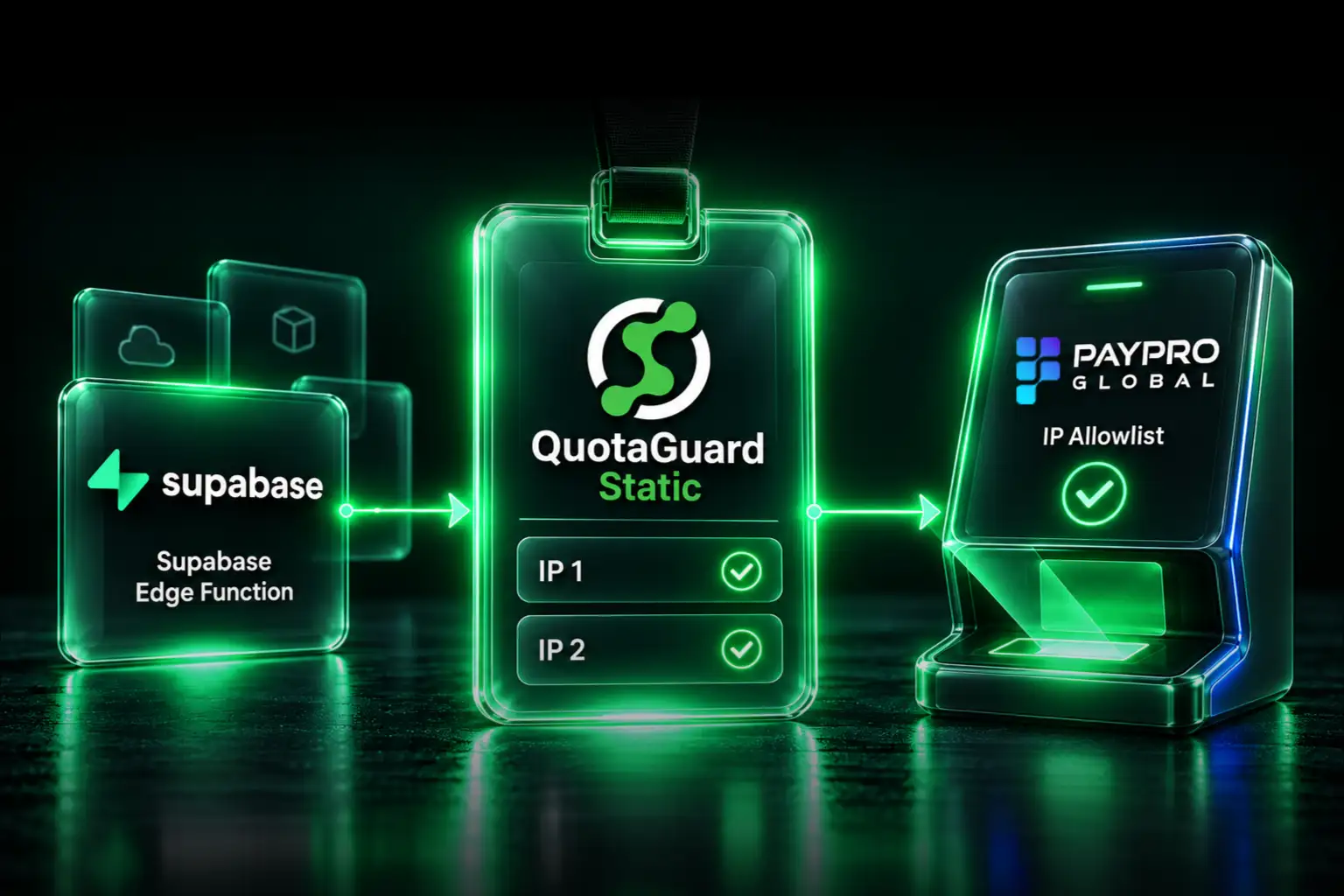
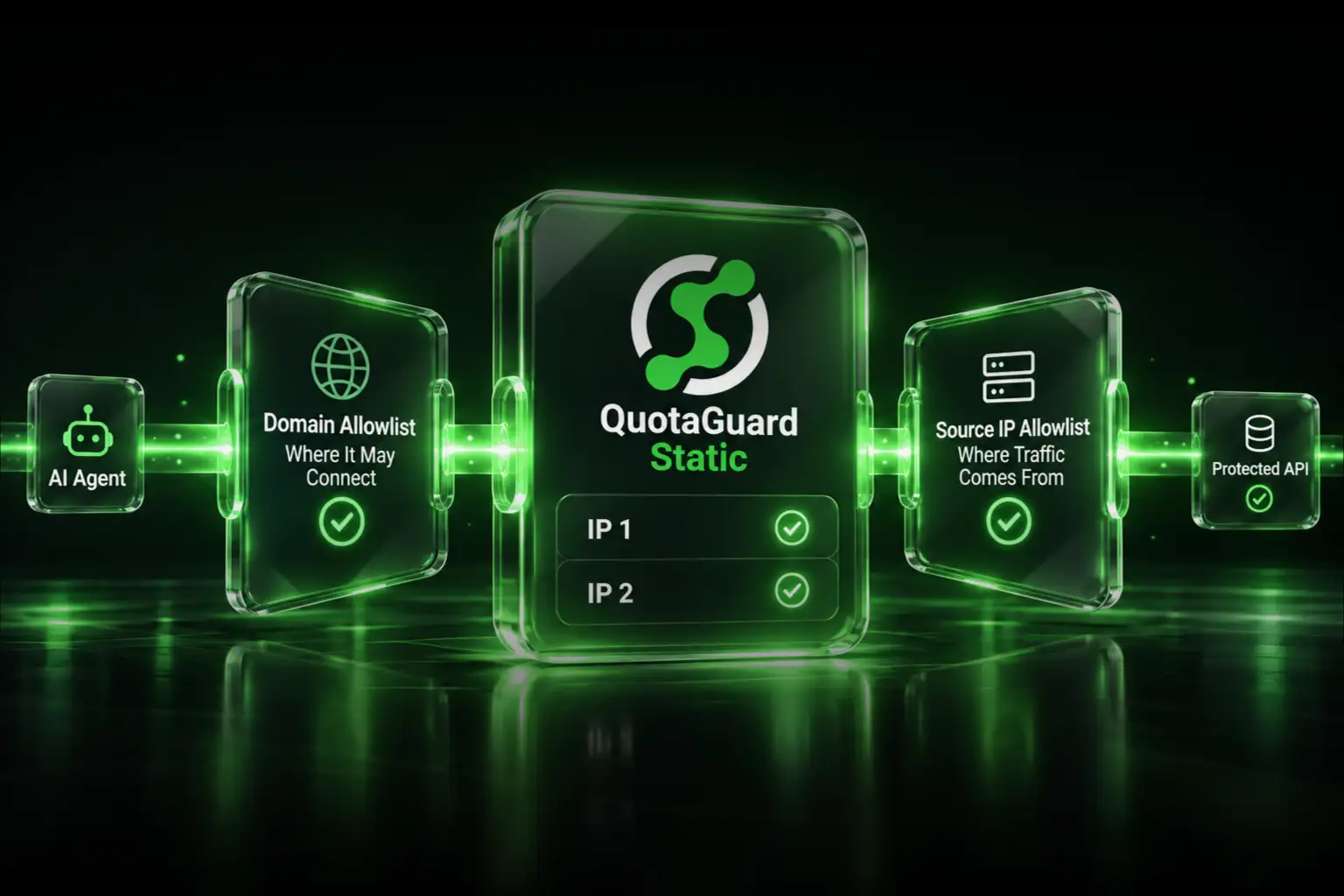
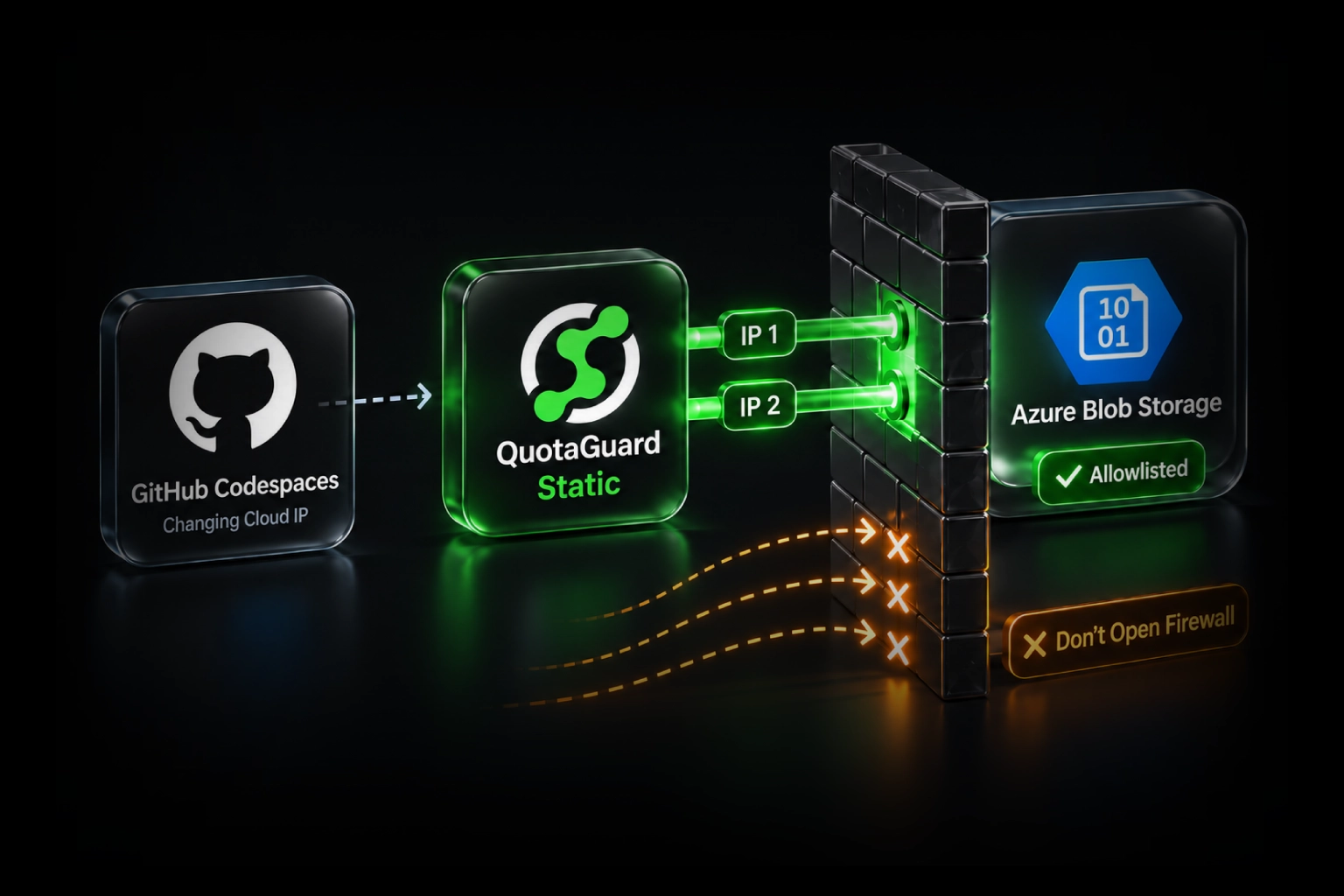
A static IP proxy sits between your application and the database. Your app opens the connection to the proxy, the proxy opens the connection to SQL Server, and the database sees one of two permanent addresses instead of whatever your platform assigned this morning. The IT team gets two host entries for their rule and never hears from you about it again.
Those two addresses are individual AWS Elastic IPs, always single /32 host addresses, never CIDR blocks. That distinction matters when you send them over, because a security team that has been burned by a vendor asking them to open a /16 will read a /32 pair very differently. One quirk to know in advance: a last octet of .0 is a valid host address on an Elastic IP, not a network address. If you get assigned something like 52.221.89.0, expect one round trip with whoever reviews the rule.
SQL Server Traffic Goes Over SOCKS5, Not the HTTP Proxy
This is where most people start in the wrong place. SQL Server speaks TDS over a raw TCP connection on port 1433. An HTTP proxy cannot carry it. QuotaGuard Static exposes SOCKS5 on port 1080 with the same credentials as the HTTP proxy, and SOCKS5 is the form to use for any non-HTTP TCP service.
socks5://username:password@us-east-static-01.quotaguard.com:1080The region in that hostname is set when you sign up. Pick the region closest to the database, not to your own laptop, because every query pays the network cost of that hop. You cannot change it later by editing the connection string, so if you need to move regions afterward, that goes through support. QuotaGuard runs in 12 AWS regions.
Second thing that trips people up: database drivers do not speak SOCKS5 natively. You never point tedious, node-mssql, pyodbc, or a JDBC URL at a socks5:// address and expect it to work. Something has to establish the SOCKS5 connection and hand the driver a socket. There are two supported ways to do that, and which one you use depends on whether your app is a long-running process.
QGTunnel Transparent Mode Leaves Your Connection String Alone
For long-lived compute, containers, EC2, ECS, a dyno, anything with a persistent process, run the QGTunnel client alongside your app. QGTunnel opens the SOCKS5 tunnel to QuotaGuard and exposes a local TCP port. Your driver connects to that port.
In transparent mode it goes further. QGTunnel overrides DNS for the database hostname so it resolves to 127.0.0.1, where QGTunnel's local listener is waiting, and carries the connection through the proxy from there. Your connection string stays exactly as it is. Nobody edits config, nobody redeploys with a new hostname, and the change is reversible by not running the wrapper.
You configure the tunnel in the QuotaGuard dashboard, download the config as .qgtunnel into your project root, and wrap your start command. Committing the config file matters more than it sounds: without it, QGTunnel fetches its configuration from the QuotaGuard API at startup, so a maintenance window on our side during your app restart means the tunnel doesn't configure. The full setup, including the MSSQL specifics, is in the MSSQL tunnel guide and the QGTunnel walkthrough.
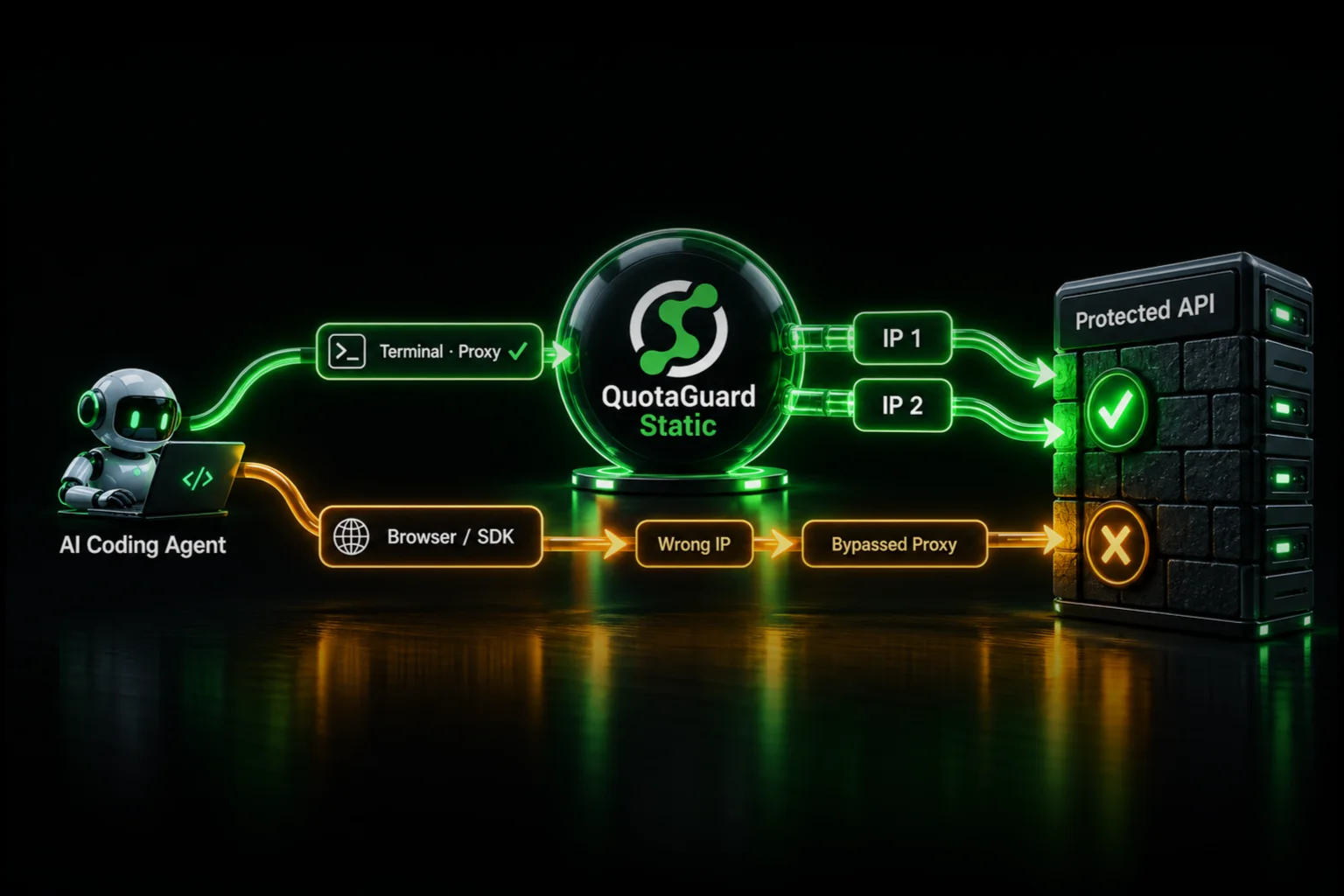
Transparent mode has one failure signature worth learning before you meet it in production, because it fails silently. The DNS override comes from a preloaded library bundled with QGTunnel at vendor/nss_wrapper/libnss_wrapper.so. Your process has to run from the directory holding bin/qgtunnel and that vendor/ folder. If it doesn't, the library isn't found, the application falls back to ordinary DNS, connects directly to the database, and reports no error at all. It just quietly stops using the tunnel, and your connection starts failing the allowlist again. Some standalone Python installs ignore the preload even when the file is present and produce the same result.
Three Diagnostics Tell You Exactly Which Part Broke
When a tunneled connection fails, resolve the database hostname from inside your running app's environment and read the answer.
If the hostname resolves to its real address, the override is not taking effect and you are bypassing the tunnel entirely. That's the preload problem above. If it resolves to 127.0.0.1 but a connection to that port is refused, the override is working and QGTunnel's local listener did not come up, which is a deeper failure such as a stale binary or a host blocking the port. Setting QGTUNNEL_DEBUG=true emits [QGTUNNEL]-prefixed lines showing the config load, the DNS override, and the listener start, which separates the two cases in a few seconds. The line Dynamic tunneling feature not enabled in that output is normal and is not an error.
Two host-side causes look identical to a QuotaGuard failure and are not one. If your host swapped its system image underneath a stale QGTunnel install, the bundled files no longer match the host, and re-downloading the current package fixes it. And a host that blocks outbound 1433 or 3306 produces the same symptom of the tunnel not connecting, which is worth ruling out before you open a ticket.
Serverless Runtimes Open a SOCKS5 Socket Per Invocation
QGTunnel needs a persistent local process, which makes it a poor fit for Lambda and similar stateless runtimes. The pattern there is to open the SOCKS5 connection yourself on each invocation and hand the resulting socket to the driver.
In Node, the socks package gives you a connected socket, and tedious accepts a pre-connected socket through its connector option. node-mssql uses tedious underneath, so it works through either. This needs a current version of node-mssql or tedious, because the connector hook is not in older releases. If you'd like a worked example for your runtime, ask our engineering team and you'll get one from the person who wrote the tunnel.
Do not reach for QGTunnel on Lambda and do not point the driver at a SOCKS5 URL. Those are the two ways this goes wrong.
Two Pool Settings Keep Long-Running Connections Healthy
There's no concurrent-connection limit per subscription or per IP, and the practical ceiling on a dedicated pair runs into the tens of thousands of concurrent connections. Sizing a pooled SQL Server workload is about throughput, not connection count. You will not hit a cap.
Two behaviors do need designing around. Idle connections are closed after roughly five minutes without traffic, so keep TCP keepalive enabled in the driver and have the pool validate or refresh idle connections rather than handing out a dead one. And if you route through the HTTP proxy's CONNECT tunnel rather than SOCKS5, sessions carry a hard ten-minute lifetime, so set the pool's maximum connection lifetime under ten minutes and let it recycle. Over SOCKS5 there's no fixed lifetime cap, though the five-minute idle closure still applies.
No lifetime cap doesn't make a connection drop-proof. A deploy or a failover event can still sever a long-lived socket, so keep reconnect logic regardless of which port you're on. Switching between the HTTP proxy and SOCKS5 doesn't change your egress IP pair, so the firewall rule your client already approved stays valid either way.
Both IPs Go in the Rule, and Failover Never Adds a Third
Your subscription gets a load-balanced pair, and each instance egresses from its own address, so normal traffic uses both. Send both. A rule with one of the two in it will work most of the time, which is worse than not working at all.
If one instance fails, new connections continue through its partner and egress from the other allowlisted address. Detection and rerouting take about 90 seconds, and open connections drop and reconnect through the healthy side, so the visible effect is a brief reconnect rather than an address change. The addresses are reserved to the pair for the life of the subscription. A rebuilt or replaced instance comes back on the same IPs. That is the sentence to put in the change request, because the question underneath "send us your IP" is always "how often will you be back asking me to change this."
Two smaller answers for the same reviewer. There's no custom reverse DNS on the addresses, they carry standard AWS reverse DNS, and allowlisting operates on the addresses themselves so PTR isn't needed. And the addresses are IPv4 in both directions.
Whether the Address Is Exclusively Yours Decides the Plan
On Starter, Production, and Business, your two static addresses are shared with other QuotaGuard customers. Every session is authenticated and segregated by your subscription's own proxy credentials, so no traffic commingles and nobody else's queries ride your connection. But the address itself is shared, and that has a consequence a good security reviewer will find: allowlisting a shared address at the network layer is not a single-tenant control. The database's own authentication still governs access, which is the point, but the network rule is broader than it looks.
Plenty of clients accept that. Some won't, and the ones who won't tend to say so during the review rather than after. If the requirement is that the allowlisted address carries only your traffic, that's a dedicated pair, which is an Enterprise feature at $219/month on QuotaGuard Static. Worth knowing which conversation you're in before you send the addresses, because moving afterward means a second change request.
One related trap. QuotaGuard Static and QuotaGuard Shield run on separate IP pools, so switching products after the fact gives you different addresses and a re-allowlist with your client. Pick the product before you submit anything.
What to Send the IT Team
The technical work is the easy half. The firewall change request is where these stall, and the two situations differ more in politics than in mechanics.
If you're in-house, you're asking your own security team, and the useful framing is that this narrows the rule rather than widening it. Whatever exists today is either a broad platform range or a wide-open allowance, and you're replacing it with two host addresses that do not rotate.
If you're an agency or a contractor, you're asking a client's IT team to open their database to an address controlled by a third party, which is a legitimately harder ask. Give them everything in one message so it doesn't turn into a three-day thread: the two /32 addresses, the destination port, the statement that the addresses are permanently reserved and won't change, and the note that the connection is a raw TCP tunnel that isn't decrypted in transit. If the client already requires mutual TLS on the database connection, that works through the tunnel unchanged. Client certificates and keys are presented directly to SQL Server end to end and are never seen, terminated, or stored by QuotaGuard.
Then verify before you tell them it's done. Confirm what the database actually sees rather than what you think it should see, and if the address doesn't match one of your two, you're bypassing the tunnel and the diagnostics above will tell you where.
SELECT client_net_address
FROM sys.dm_exec_connections
WHERE session_id = @@SPID;
QuotaGuard Static Pricing Starts at $19/Month
Bandwidth is bundled. No per-GB overage fees. Database traffic is usually modest unless you're moving result sets in bulk, so a single client integration generally sits comfortably inside the entry tier. Dedicated IPs are available on Enterprise and above. On lower tiers, your two assigned IPs are still static, but shared with other customers.
QuotaGuard Shield Pricing Starts at $29/Month
Shield costs slightly more than Static at each tier because SSL passthrough adds routing overhead. The compliance coverage it provides like HIPAA, PCI-DSS, and SOC 2 is worth the difference if your data requires it. For a client SQL Server holding patient records, payment data, or regulated PII, start with QuotaGuard Shield. Note the ports differ: Shield uses 9294 for HTTPS and Secure SOCKS on 1081, not the Static ports, and Shield's Secure SOCKS needs QGTunnel to unwrap the TLS layer. That makes Shield a clean fit for the long-lived compute pattern and a poor fit for the per-invocation serverless one, where QuotaGuard Static on 1080 is the right call.
All plans include a 3-day trial. Enterprise plans include a 7-day trial. Credit card required.
See the full pricing table at quotaguard.com/products/pricing.
The reason this problem keeps showing up is that IP allowlisting is a network-layer control and cloud platforms deliberately gave up stable network identity to get elasticity. Neither side is going to move. A static IP proxy is how you get the second one without giving up the first, and once the rule is approved it stays approved.
QuotaGuard Static IP Blog
Practical notes on routing cloud and AI traffic through Static IPs.