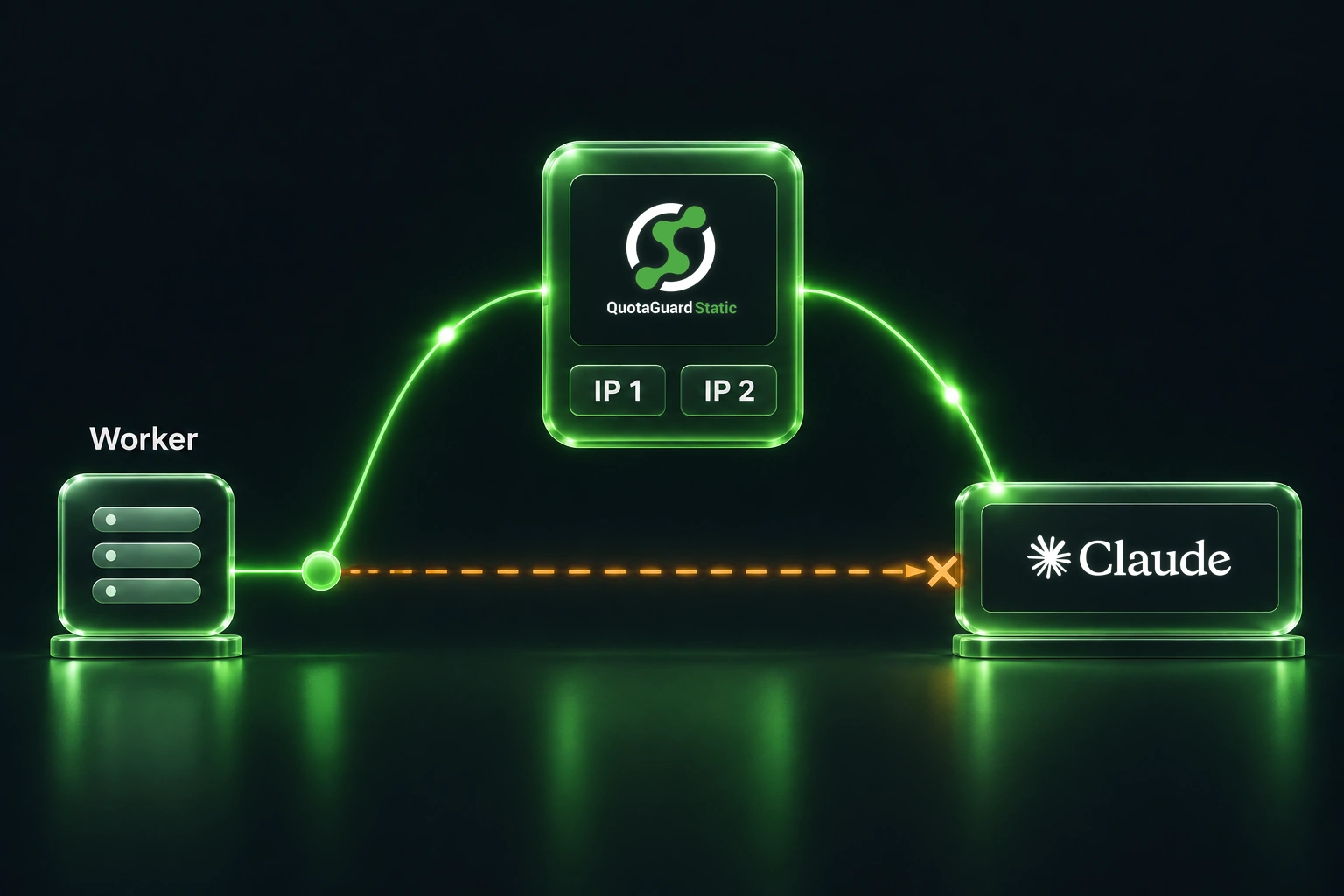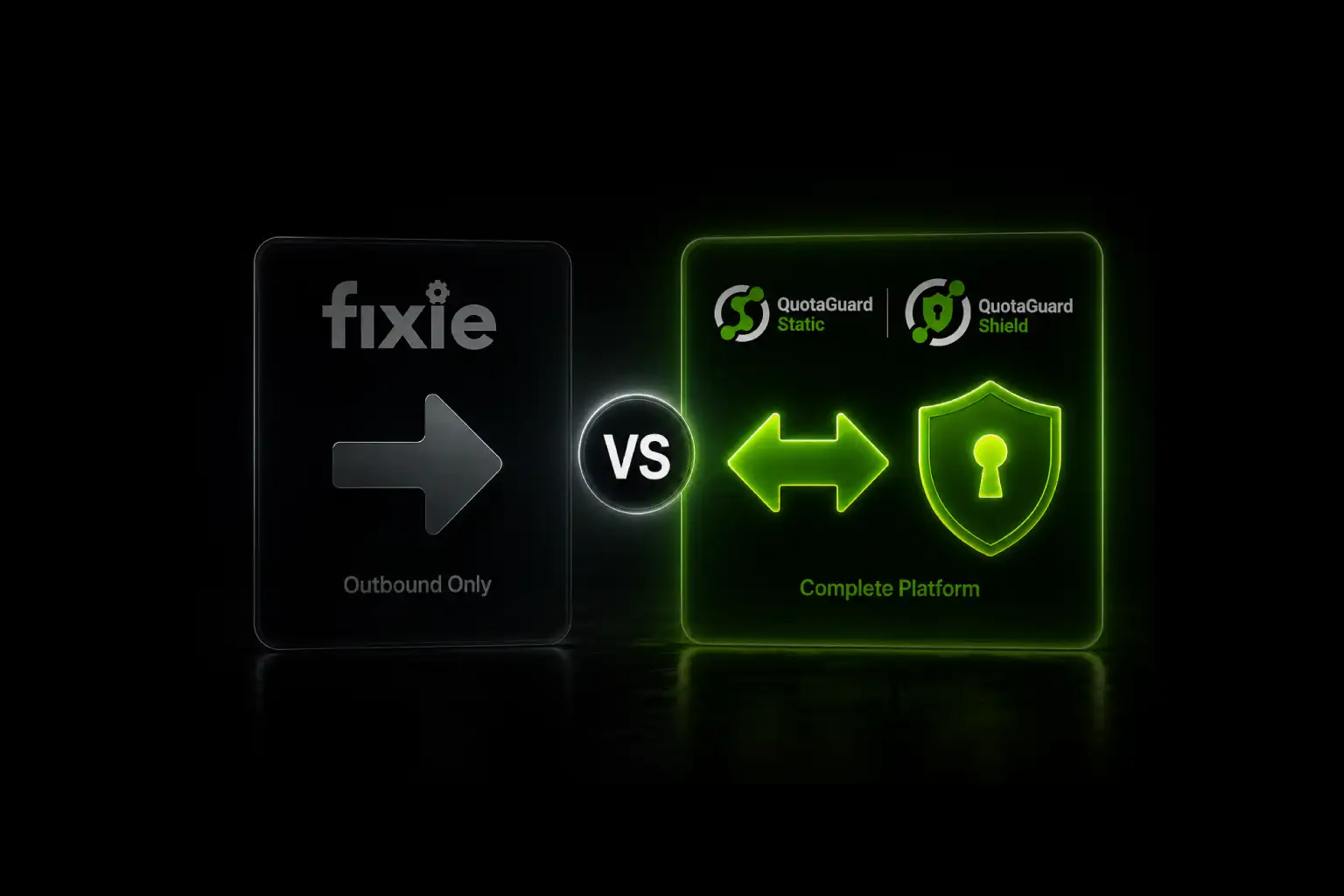


Railway's Static Outbound IPs give a Pro service three IPv4 addresses for traffic leaving that service. Railway says they may be shared with other customers and can't receive inbound traffic. That's enough for many allowlists. If a partner wants addresses only you use, a fixed address for reaching your app, or a list that stays put when you move regions, that's where QuotaGuard fits.
Railway's native static egress has changed this year, and it's worth a fresh look if a partner firewall is in your path. Since May 2026, a service that turns on Static Outbound IPs gets three addresses instead of one, with outbound traffic balanced across them. Services still on the old single address were due to move by July 13, 2026.
None of that is bad news. It's more resilient than one gateway. But it changes what you hand to the team that manages the allowlist, and Railway is upfront about the limits. This post walks through what Railway documents, what each limit means for the person reading your allowlist request, and when you'd reach for QuotaGuard instead.
What Railway documents
From Railway's Static Outbound IPs docs and its May 22, 2026 changelog:
- Pro plan. "Static Outbound IPs let customers on the Pro plan assign permanent outbound IPv4 addresses to a service."
- Three addresses, balanced. "Services are assigned three IPs with outbound traffic load balanced over them." The changelog adds that they sit across three gateways with automatic failover.
- Maybe shared. "There is no guarantee that the IPv4 addresses assigned to your service are dedicated. They may be shared with other customers."
- Outbound only. "The IP addresses cannot be used for inbound traffic."
- Tied to the region. "If you wish to move your service to a different region, the IP addresses will change."
- Service-wide. The addresses are used for outbound traffic "from any replicas running within the service." You turn it on per service and redeploy.
Two smaller notes from the same page: the feature can stop App Sleep from putting an idle service to sleep, and since July 2026 you can manage it from the CLI with railway outbound-network static-ip.
What each limit means for your allowlist
Three entries, not one
Every destination that allowlists your service needs all three addresses. Railway balances traffic across them, so listing one or two means some requests fail and others don't, which is a confusing thing to debug. If you upgraded from a single legacy address, Railway's changelog says the new set of three replaces it, and every third-party allowlist "pointing at your old static IP" needs the new ones. Most allowlists take three entries without trouble. Some forms cap the count, so check the destination's limit before you promise anything.
Shared means the allowlist trusts more than you
An IP allowlist answers one question: did this connection come from an address I expect? If the address may be shared with other Railway customers, the honest answer is "it came from someone on that address." That's still a big improvement over 0.0.0.0/0, and your authentication still has to do the real work. But some partners and security reviews ask for addresses used only by your organization. Railway's docs don't describe a dedicated option, so a shared set won't pass that review.
To be fair, the same logic applies to us. QuotaGuard's Starter, Production and Business plans also use a shared static pair. The difference is that QuotaGuard Enterprise plans include dedicated IPs and proxy resources reserved for your account, so there's a path when a reviewer says "exclusive."
No inbound
Railway's static addresses only cover connections leaving your service. If a customer's firewall needs a fixed destination IP to reach your app, a Railway domain gives them a hostname, not a short list of addresses they can approve. That's the opposite direction, and it needs a different tool. We cover it in detail in Railway inbound static IP for enterprise firewalls.
The list moves with the region
If you move the service to another Railway region, the three addresses change, and every allowlist needs updating again. Plan that with the partner before you migrate, not after.
When Railway's native IPs are enough
Use the built-in feature when all of these are true:
- You're already on Railway Pro.
- The destination accepts three addresses and doesn't require exclusive ones.
- You only need outbound.
- You're happy for every outbound connection from that service to use them.
- You aren't planning a region move, or the partner can handle a list change.
That covers a lot of database and API allowlists. Railway itself names MongoDB Atlas as a use case. There's no reason to add another moving part if this fits.
When QuotaGuard is the better fit
QuotaGuard is a managed proxy that gives your subscription a load-balanced pair of static IPs. You point the specific client that needs a fixed address at it, and everything else keeps its normal path. It's a good fit when:
- The partner wants dedicated addresses. Enterprise plans include dedicated IPs. Standard plans are a shared pair, so say so in your security questionnaire.
- Someone needs to reach you. Both QuotaGuard products include an inbound proxy, so a customer can allowlist two fixed IPs to reach your Railway app. Our static inbound IP guide for Railway walks through the setup.
- You want two entries that don't follow Railway's region. The pair belongs to your QuotaGuard subscription, not to a Railway region or service. Move the service, and the destination keeps the same two addresses.
- You only want one client routed. A payment SDK or partner API client can use the proxy while internal calls, telemetry and public APIs go direct.
- You aren't on Pro. A Hobby service can still get fixed egress through QuotaGuard.
Why we'd start with Shield
For most Railway apps calling a partner API, we recommend QuotaGuard Shield. Shield encrypts the hop from your app to the proxy, including the proxy credentials, and then tunnels your TLS session to the destination without decrypting it (how Shield works). Inbound, Shield uses SNI passthrough, so requests reach your Railway app still encrypted.
Store the connection URL from your QuotaGuard dashboard as a Railway variable named QUOTAGUARDSHIELD_URL. It has the form https://username:password@<your-quotaguard-shield-host>:9294 (Shield setup docs). Then check the address from inside the service:
# Illustrative; not tested.
curl -x "$QUOTAGUARDSHIELD_URL" https://ip.quotaguard.com
That should print one of your two Shield IPs. It proves the route for that one command, not for your app, so check the real client too. Our Railway static IP setup guide has client examples for Node, Python and raw TCP databases, and the Railway integration docs cover the details. Add both addresses to the destination's allowlist, since traffic can use either one.
QuotaGuard Static is the alternative if your client can't use a proxy over TLS or you don't need the encrypted hop. It uses a plain HTTP proxy connection on port 9293 as QUOTAGUARDSTATIC_URL, and your HTTPS traffic to the destination is still end to end. Static and Shield use different IPs, so register the pair for the product you actually run.
A quick decision table
| Requirement | Railway Static Outbound IPs | QuotaGuard |
|---|---|---|
| Fixed outbound IPs | Three per service, Pro plan | Two per subscription, all plans |
| Addresses only you use | Not guaranteed; may be shared | Enterprise plans (standard plans are shared) |
| Fixed IP for inbound traffic | No | Yes, inbound proxy |
| Survives a Railway region move | No, addresses change | Yes, the pair belongs to the subscription |
| Route only one client | No, service-wide | Yes, per client |
| Extra moving part | None | A proxy URL in your client |
What to do next
Look at what the destination actually asks for. If it's three addresses, outbound only, with no exclusivity requirement, turn on Railway's feature and move on. If it asks for dedicated addresses, a fixed inbound IP, or a list that won't change when you move, start a QuotaGuard Shield trial, confirm the route from your service, and send both IPs to the partner. If you're not sure which side of the line you're on, write to QuotaGuard Support with what the partner requested and we'll help you read it.
QuotaGuard Static IP Blog
Practical notes on routing cloud and AI traffic through Static IPs.