How to Change or Cancel Your AWS Plan - QuotaGuard
Table of contents
Note on AWS Plan Changes
AWS Marketplace makes it pretty easy to upgrade plans or cancel your QuotaGuard plan contract.
However, the AWS contract system enforces all upgrade choices immediately and all cancel changes after the end of your current plan.
This can be frustrating for businesses like ours, where customers might change plans every month due to changing business conditions. To try and help, we only sell QG on AWS as monthly plans so you are never locked into a long term annual plan that you later need to change in the near term.
It’s the best we can do to work with AWS’ contracting system. That said, there is nothing we can do to refund current plans if you choose to cancel or downgrade.
How to Upgrade your QuotaGuard AWS Plan
Step 1. Sign into the AWS Marketplace.
Step 2. Click on Manage Subscriptions (or Manage Your Software Subscriptions).
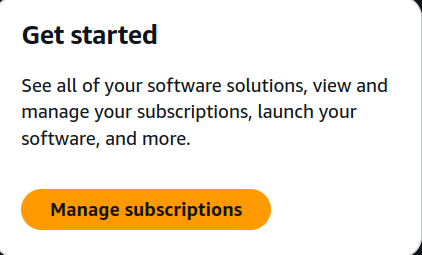
Step 3. Click Set up product under the correct software subscription (either QuotaGuard Static IP’s or QuotaGuard Shield Static IP’s).

Step 4. Click Edit Agreement.
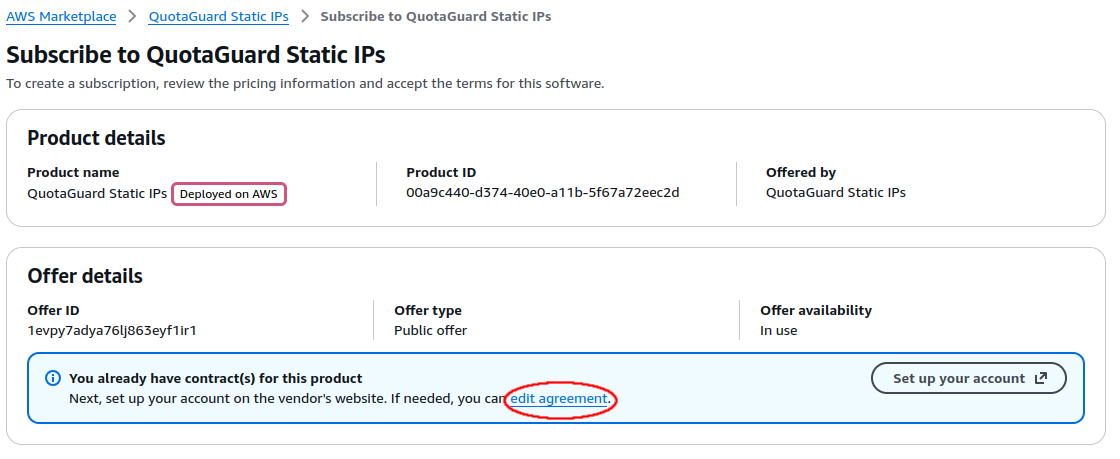
Step 5. The next screen will show you your current contract. Select the radio button for the new plan you want to upgrade to. Note that AWS only allows upgrades to higher-tier plans.
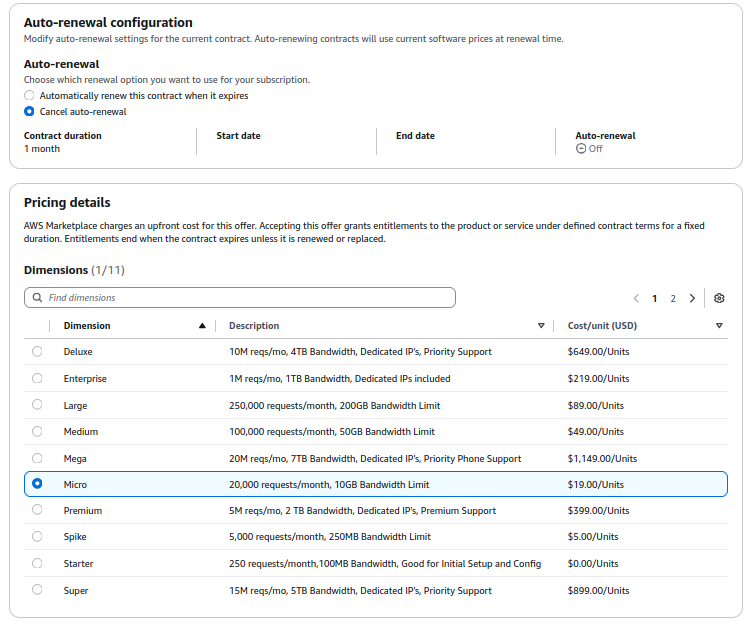
Step 6. Click Save Changes at the bottom of the page to complete the upgrade process.
How to Cancel your QuotaGuard AWS Plan
Step 1. Do steps 1 - 4 from above.
Step 5. In the terms selection screen, select the radio button for “Do not automatically renew this contract” to cancel your subscription at the end of your current billing period.
Step 6. Click Save Changes at the bottom of the page to confirm the cancellation.
Important Note about Downgrades
AWS does not allow downgrading current terms. If you need to downgrade to a lower-tier plan, you will need to:
- Cancel your current plan using the steps above
- Wait for your current plan to expire at the end of your billing period
- Subscribe to the new lower-tier plan
If you need to maintain the same static IP addresses or require zero downtime during the downgrade process, please contact our Support team before canceling your current plan, and we’ll work with you to ensure IP continuity and seamless service transition.
That’s it! If you have any issues or questions with regard to AWS plans, please feel free to write to us at Support any time.