Azure NAT Gateway costs about $35 per month and requires VNet integration. QuotaGuard gives any Azure service a static outbound IP from $19 per month.

Both options solve the same problem. Your outbound Azure traffic needs a stable public IP so an external API or database will allowlist it. They get there very differently, and the right choice comes down to your hosting plan, your tolerance for VNet complexity, and whether you want to stay tied to one Azure region.

Azure NAT Gateway Requires VNet Integration and Starts at $35 per Month

NAT Gateway is Azure's native answer for static outbound IPs from resources inside a virtual network. It gives every resource in an attached subnet the same public IP for outbound traffic.

The price has two parts. Azure charges $0.045 per hour for the NAT Gateway resource, which works out to $32.40 per month assuming 720 hours. The public IP attached to the gateway is another $0.0036 per hour, about $2.60 per month. That's $35 before a single byte of traffic moves. Data processing is billed separately at $0.045 per GB.

The setup is where it gets heavier. To use NAT Gateway from an Azure service, you need:

  • A virtual network with a delegated subnet
  • A public IP resource
  • The NAT Gateway resource attached to the subnet and public IP
  • VNet integration enabled on your app
  • WEBSITE_VNET_ROUTE_ALL=1 set so all outbound traffic is actually routed through the VNet

Then there's the hosting plan constraint. Azure Functions on the original Consumption plan cannot use NAT Gateway at all, because VNet integration isn't supported on that plan. You need Premium, Flex Consumption, or a Dedicated App Service plan. That's a meaningful cost jump on top of NAT Gateway itself. Azure Static Web Apps and Container Apps each have their own networking rules to sort out.

The gateway is also regional. One NAT Gateway serves one Azure region. If you run in East US and West Europe, that's two gateways, two public IPs, and two sets of network wiring to maintain.

QuotaGuard Static Gives Any Azure Service a Fixed Outbound IP in 2 Minutes

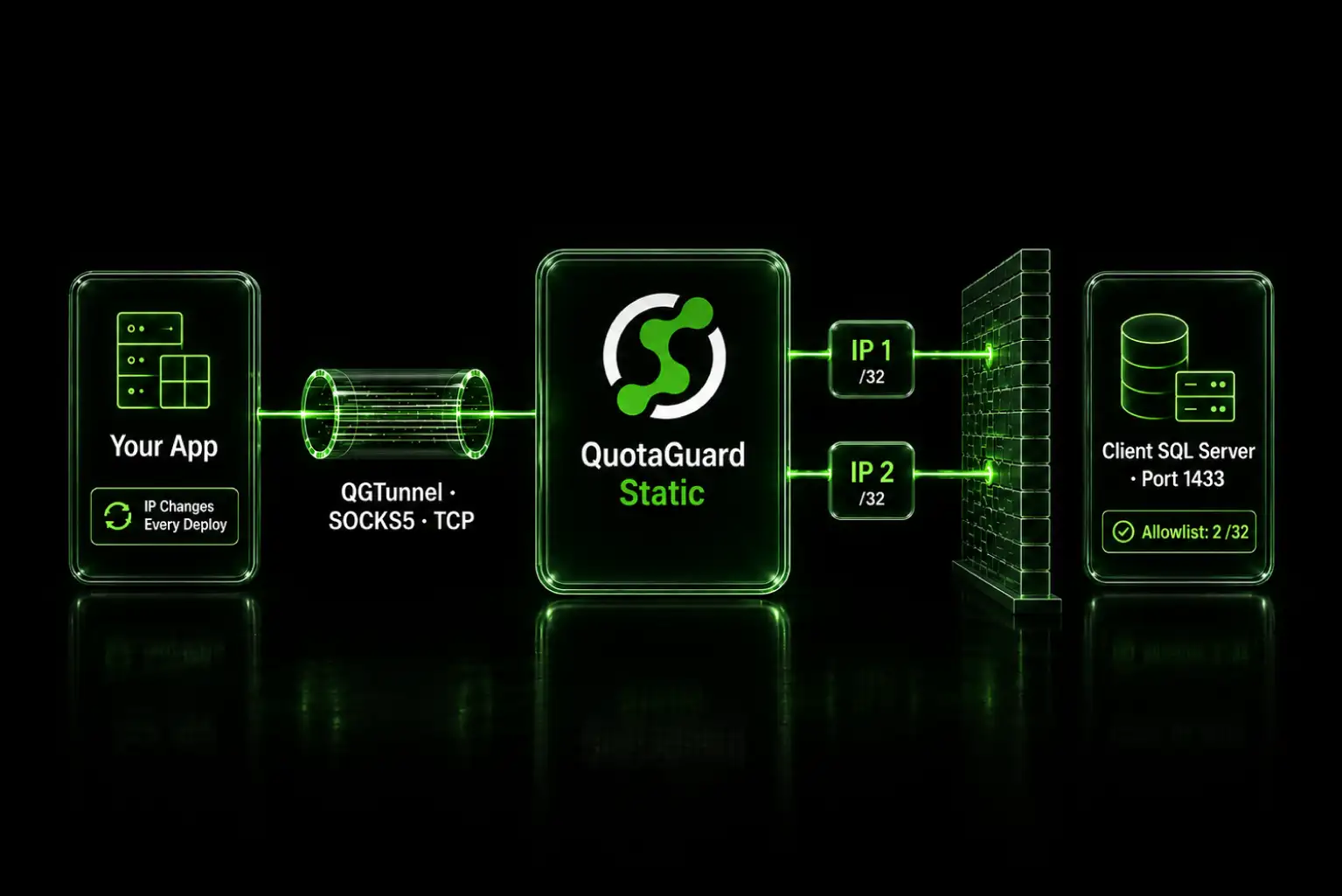
QuotaGuard runs outside your Azure subscription on AWS infrastructure. You don't change your Azure networking. You don't create a VNet. You don't upgrade your hosting plan. You point your HTTP client at a proxy URL and the traffic leaves from a static IP.

The setup is one environment variable and one HTTP client change. QuotaGuard provides a URL in this format:

QUOTAGUARDSTATIC_URL=http://username:password@us-east-static-01.quotaguard.com:9293

The us-east-static-01 portion is the region. QuotaGuard runs on 10 AWS regions. Pick the one closest to the destination API or database you're trying to reach.

It works on every Azure hosting option. Consumption plan Functions, Flex Consumption, Premium, App Service, Container Apps, Static Web Apps, Virtual Machines. If your code can set a proxy on its HTTP client, QuotaGuard works.

Pick NAT Gateway for VNet Apps. Pick QuotaGuard for Everything Else

This isn't a "QuotaGuard wins every scenario" post. There are cases where NAT Gateway is the right call:

  • You already run on Premium or App Service plan with a VNet set up for other reasons (private endpoints, SQL MI, ExpressRoute). You're already paying for the VNet complexity.
  • You have high outbound data volumes where per-GB proxy pricing would exceed NAT Gateway's $0.045/GB.
  • You need all traffic from many apps in the subnet to share one IP without configuring each app individually.

QuotaGuard wins in most other scenarios:

  • Azure Functions Consumption plan. NAT Gateway won't work here. You'd have to upgrade to Premium first, and Premium starts at around $150/month before NAT Gateway costs.
  • Multi-cloud or multi-region. One QuotaGuard account covers your Azure, AWS, and on-prem apps. NAT Gateway is Azure-only and region-locked.
  • Teams that don't want to manage networking. VNet integration, subnet delegation, route tables, and NSGs are real operational burden. A proxy URL in an environment variable isn't.
  • Fast-moving teams. Setup is minutes, not a ticket to the network team.

QuotaGuard tip: based on what we see in support tickets, most customers who switched from NAT Gateway to a proxy did it for one of two reasons. Either they were on Consumption plan Functions and couldn't use NAT Gateway at all, or their team owned the app but not the VNet and didn't want to keep filing tickets against another team.

QuotaGuard Setup on Azure Is One Environment Variable

Set the environment variable on your Azure resource. In the Azure Portal, go to your App Service or Function App, open Configuration, and add QUOTAGUARDSTATIC_URL as an application setting with the value QuotaGuard provides at signup.

In .NET, configure the HttpClient to use it:

using System.Net;
using System.Net.Http;

var proxyUrl = Environment.GetEnvironmentVariable("QUOTAGUARDSTATIC_URL");
var uri = new Uri(proxyUrl);
var userInfo = uri.UserInfo.Split(':');

var handler = new HttpClientHandler
{
    Proxy = new WebProxy
    {
        Address = new Uri($"http://{uri.Host}:{uri.Port}"),
        Credentials = new NetworkCredential(userInfo[0], userInfo[1])
    },
    UseProxy = true
};

var client = new HttpClient(handler);
var response = await client.GetAsync("https://api.example.com/endpoint");

In Node.js, use https-proxy-agent:

const { HttpsProxyAgent } = require('https-proxy-agent');
const axios = require('axios');

const agent = new HttpsProxyAgent(process.env.QUOTAGUARDSTATIC_URL);
const response = await axios.get('https://api.example.com/endpoint', {
  httpsAgent: agent
});

In Python, requests reads proxies from a dict:

import os
import requests

proxies = {
    'http': os.environ['QUOTAGUARDSTATIC_URL'],
    'https': os.environ['QUOTAGUARDSTATIC_URL']
}
response = requests.get('https://api.example.com/endpoint', proxies=proxies)

Deploy, make a request, and your outbound IP is whatever QuotaGuard assigned to your account. Send that IP to the API provider's allowlist and you're done.

If you handle sensitive data, healthcare records, payment information, or need to meet compliance standards like HIPAA or PCI-DSS, use QuotaGuard Shield instead. Shield uses SSL passthrough so QuotaGuard never decrypts your data. The code is the same except the environment variable becomes QUOTAGUARDSHIELD_URL and the URL format uses https:// on port 9294.

QuotaGuard Static Pricing Starts at $19 per Month. Shield Starts at $29

QuotaGuard Static direct plans

Static plans priced at quotaguard.com: Starter at $19/month, Production at $49/month, Business at $89/month, Enterprise at $219/month. Dedicated IPs are Enterprise-only.

QuotaGuard Shield direct plans

Shield plans priced at quotaguard.com: Starter at $29/month, Production at $59/month, Business at $109/month, Enterprise at $259/month. Same structure as Static with a $10/month premium for SSL passthrough. Dedicated IPs are also Enterprise-only here.

Trials are 3 days standard, 7 days for Enterprise. A credit card is required to start the trial.

Compare that against NAT Gateway at $35/month baseline plus data processing plus the hosting plan upgrade NAT Gateway often forces on Functions apps. For most Azure workloads that need a single static outbound IP, a proxy lands cheaper and ships faster.

Pricing and signup: quotaguard.com/products/pricing

QuotaGuard Static IP Blog

Practical notes on routing cloud and AI traffic through Static IPs.

Reliability Engineered for the Modern Cloud

For over a decade, QuotaGuard has provided reliable, high-performance static IP and proxy solutions for cloud environments like Heroku, Kubernetes, and AWS.

Get the fixed identity and security your application needs today.